Content Calendar Planner
Content calendar for creators. Customize it in the Low Content Book Maker and export a print-ready business interior for Amazon KDP.
- 200,000+Authors Worldwide
- 300+Printable Templates
- KDP ReadyExport Formats
- ZeroDesign Skills Needed
Live preview: see the quality
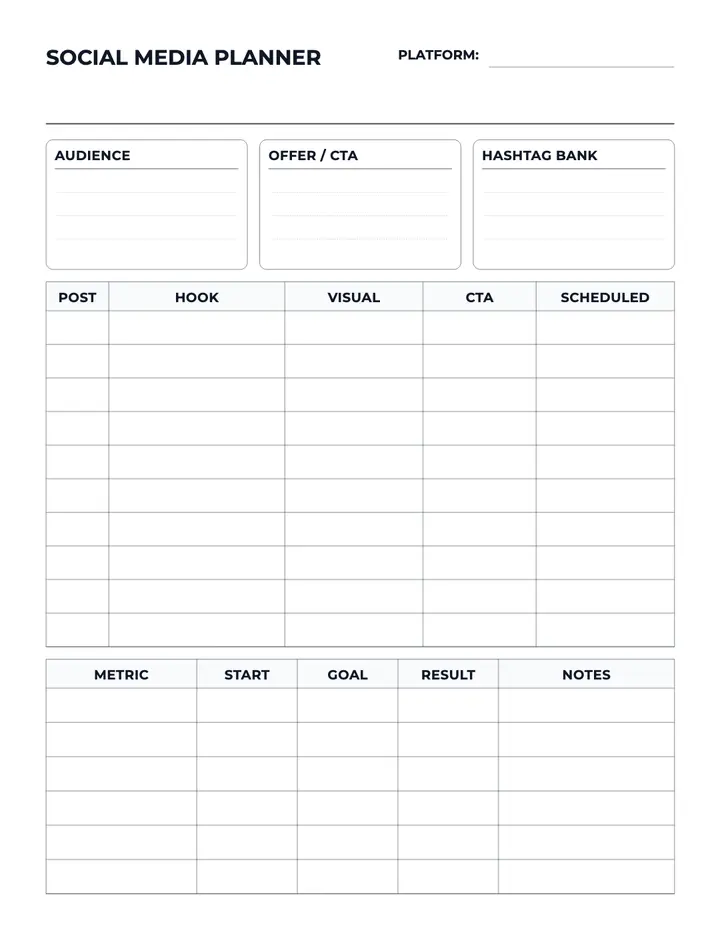
This is a real page exported from the editor — clean vector lines, print-safe margins, no blur.
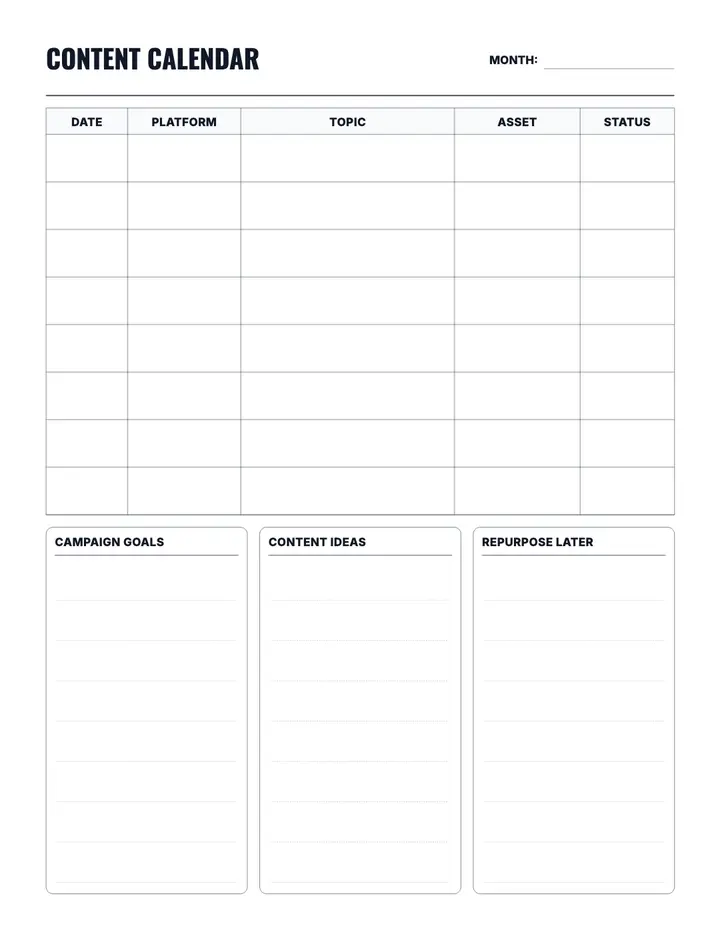
Low Content Template • 8.5" × 11"
Content Calendar Planner
Content calendar for creators. Customize it in the Low Content Book Maker and export a print-ready business interior for Amazon KDP.
- 100% fully customizable
- Edit and export print-ready PDFs
- Commercial-use license included
- Apply the layout to every page in one click
What the Content Calendar Planner template does
The Content Calendar Planner template gives you a ready-made business page layout you can drop into any book project. Set your trim size and page count, adjust the design, then export the whole interior as a KDP-ready PDF.
Perfect for
- Amazon KDP publishers building low-content books
- Creators who want business interiors without design software
- Sellers growing a passive income catalog
- Beginners publishing their first paperback
The Content Calendar Planner is a printable business interior template built for Amazon KDP low-content books. Customize Content Calendar Planner in Low Content Pro — adjust layout, typography, and page settings — then export a print-ready PDF for your paperback. Popular uses include: content calendar, creator, blog, planner, productivity, organize.
Example pages from this collection
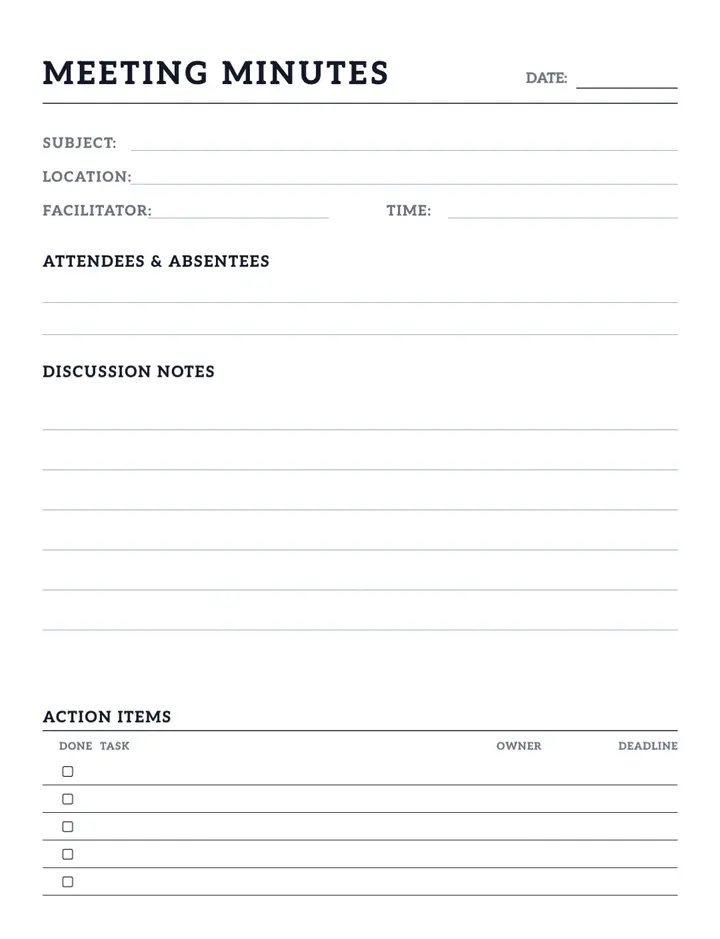
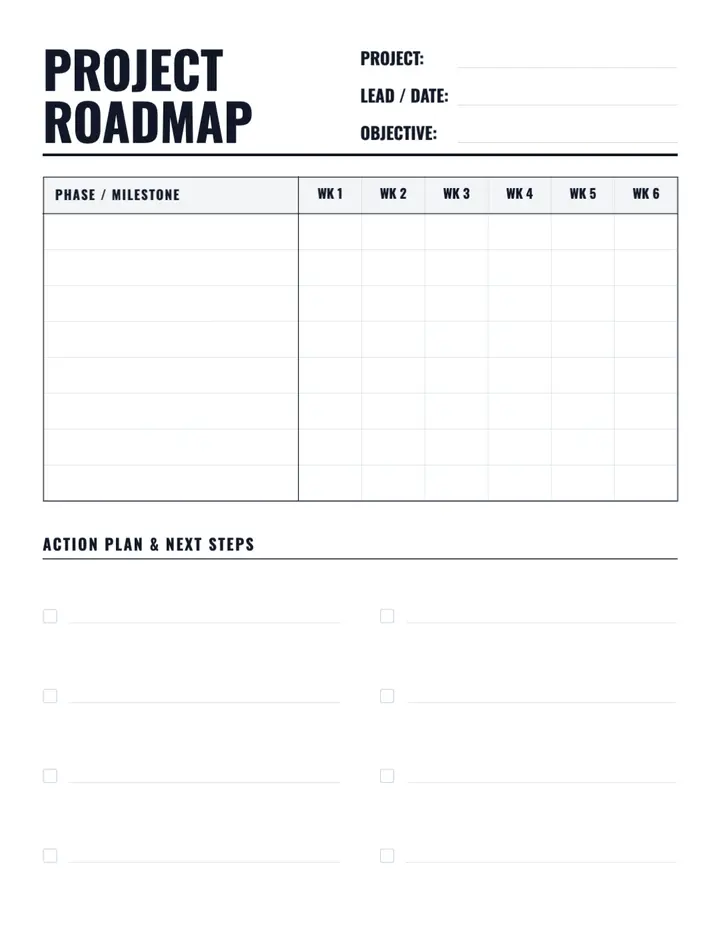
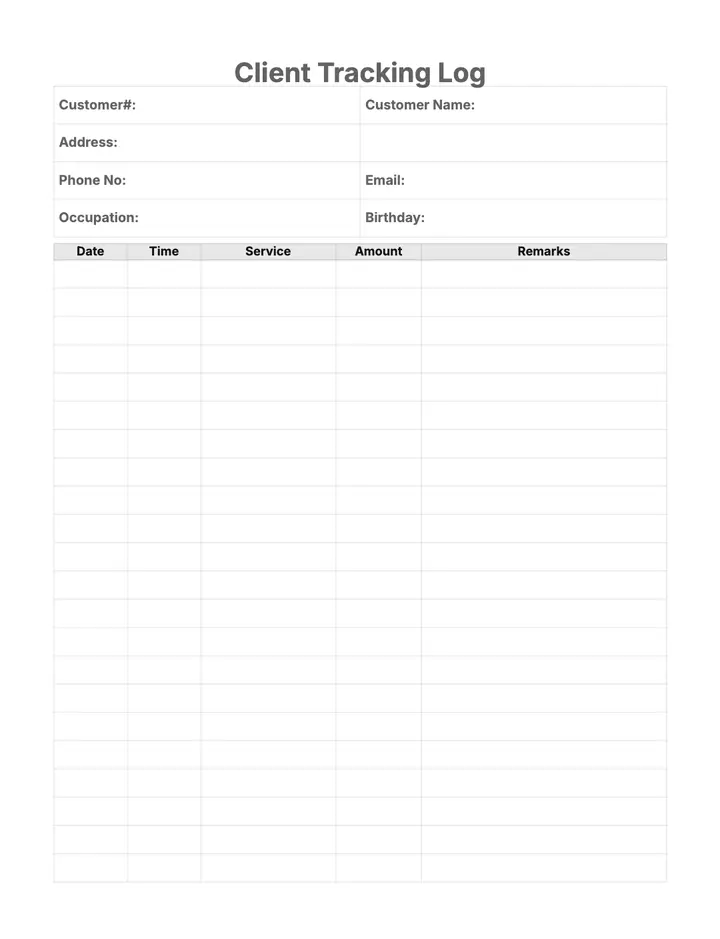
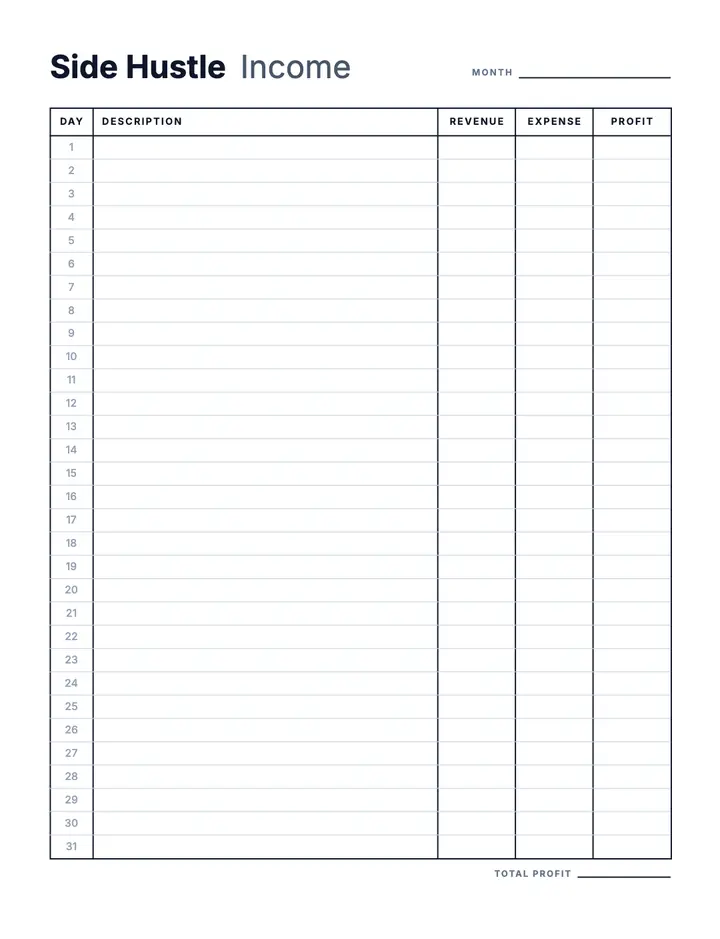
See how business interiors look before you start. Every preview below is a real page exported from the editor.
How to make a Content Calendar Planner book
Four steps from template to published paperback.
- 1
Open the Content Calendar Planner template
Click the button above to start a new book project with this layout already applied.
- 2
Choose your size and page count
Pick a KDP trim size such as 6×9 or 8.5×11 and set how many pages your book needs.
- 3
Customize the layout
Adjust spacing, typography, labels, and section settings until the page matches your brand.
- 4
Export and publish
Download a print-ready PDF with correct margins and bleed, then upload it to Amazon KDP.
What you get
Everything below ships with the template — no extra setup.
- 100% fully customizable
- Edit and export print-ready PDFs
- Commercial-use license included
- Apply the layout to every page in one click
- KDP trim sizes with automatic margins and bleed
- Editable text, spacing, and line settings
What you can use it for
- Sell Content Calendar Planner books on Amazon KDP
- Publish content calendar books for a specific niche
- Publish creator books for a specific niche
- Publish blog books for a specific niche
- Build a branded business series
- Create printables to sell on Etsy or your own site
Start your Content Calendar Planner book now
Customize this templateWhy not build Content Calendar Planner pages by hand?
| What matters | Doing it manually | With this tool |
|---|---|---|
| Time to a finished interior | Hours or days of hand layout | Minutes of setup |
| Design skills | Word, Illustrator, or InDesign | None — pick and customize |
| Print-safe margins | Checked manually, easy to get wrong | Handled by the editor |
| Scaling to more books | Start from scratch each time | Reuse and re-export |
Variations you can create
Use the Content Calendar Planner template as the base for any of these book ideas.
- Printable Content Calendar Planner template
- Content Calendar Planner template for Amazon KDP
- Content Calendar Planner PDF download
- Large print Content Calendar Planner pages
- Content Calendar Planner 6x9 interior
- Content Calendar Planner 8.5x11 interior
- Blank Content Calendar Planner pages
- Content Calendar Template
- Creator Template
- Blog Template
- Planner Template
- Productivity Template
Frequently asked questions
What is the Content Calendar Planner template?
Content calendar for creators.
Can I publish Content Calendar Planner books on Amazon KDP?
Yes. Exports are print-ready PDFs with the margins, bleed, and resolution Amazon KDP expects for paperback interiors.
Can I customize the Content Calendar Planner layout?
Yes. You can change text, spacing, line styles, and section options, then apply your version to every page in the book.
What book size should I use?
This template is set up for Low Content Template • 8.5" × 11", and you can switch to any other KDP trim size before you export.
Do I need design experience?
No. The template handles the layout — you only pick your size, page count, and any styling tweaks you want.
How many pages can I create at once?
You can apply the template across the whole book, from a short 20-page interior up to hundreds of pages.
More business templates
Mix these into the same book, or start a second title in the same niche.
Keep exploring
Browse templates
Create your book
More KDP tools
Ready to create your Content Calendar Planner book?
Open the template in Low Content Pro, customize it to your niche, and export a KDP-ready interior.
Customize this templateNo design experience required · Print-ready PDF export