Low Content Book Templates for Amazon KDP
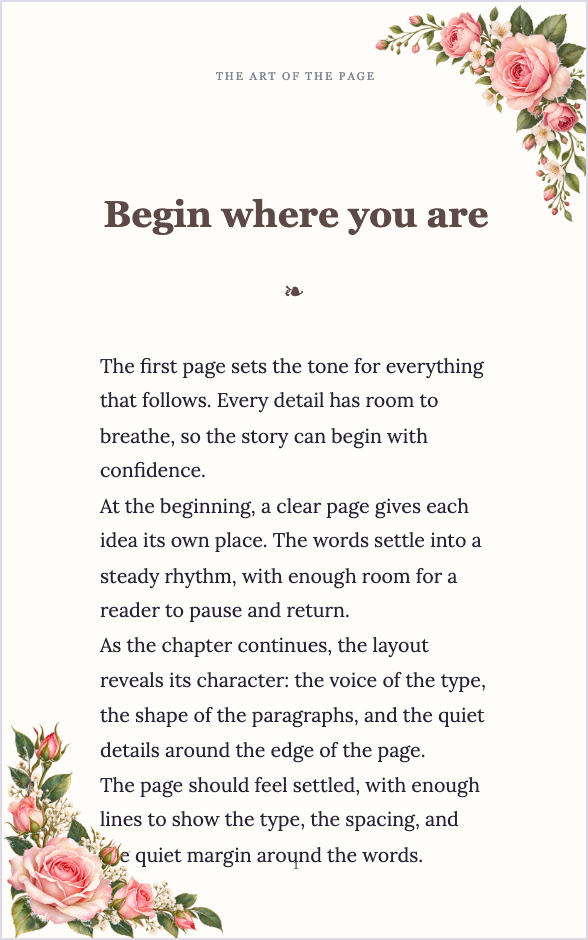
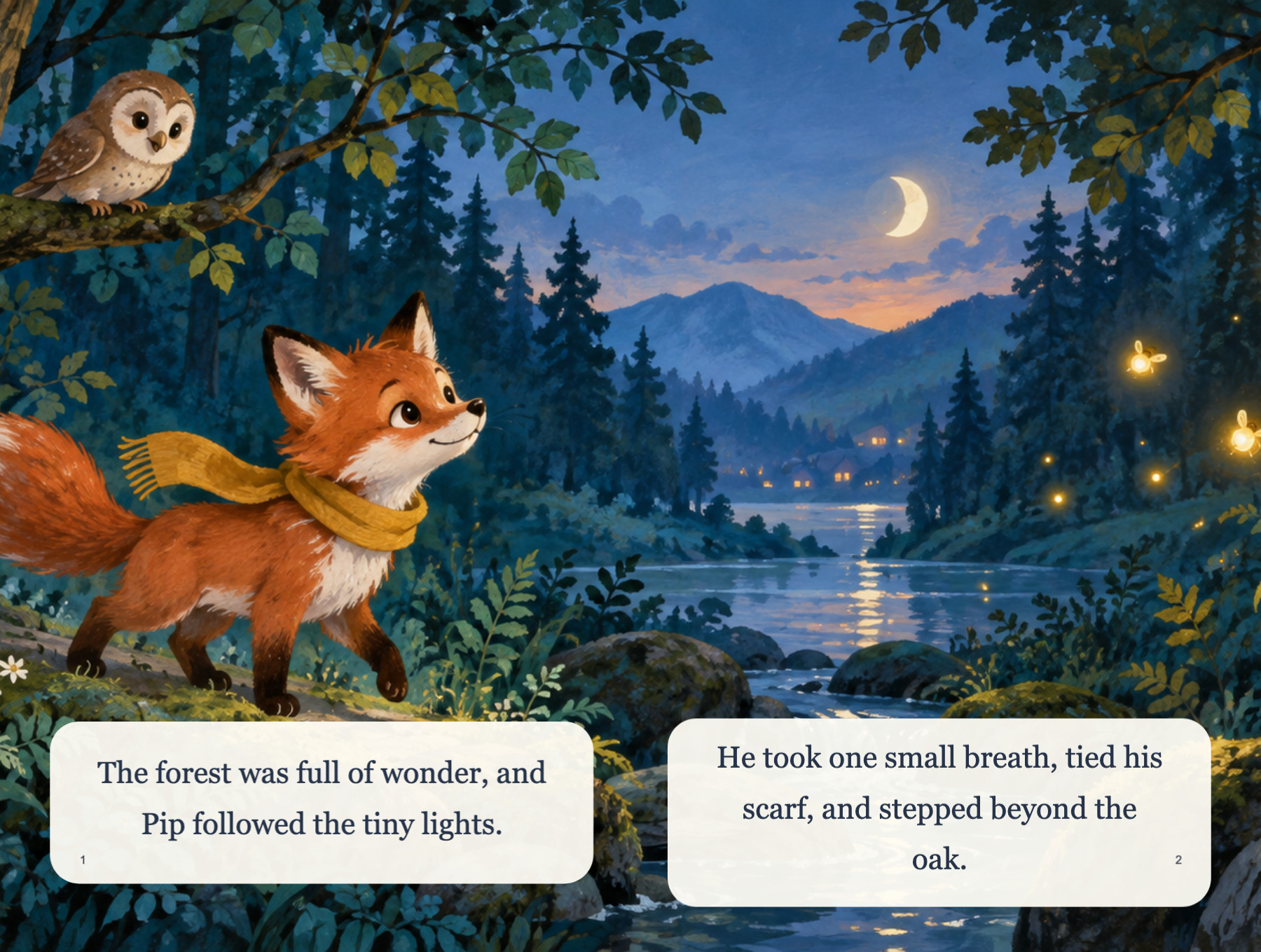
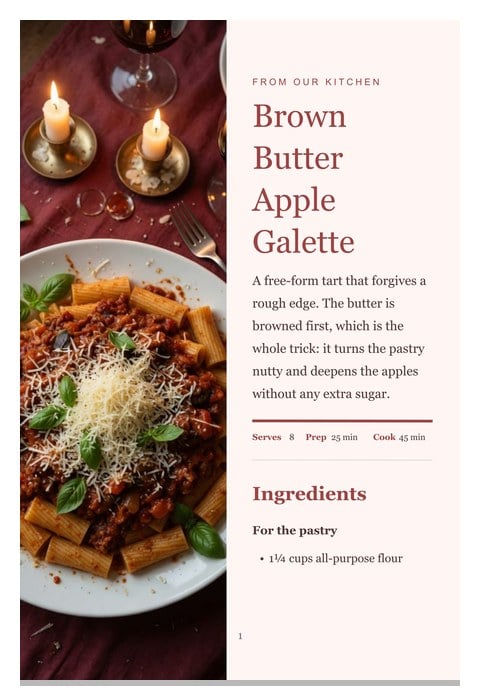
Browse printable low-content book templates — planners, notebooks, trackers, journals, logbooks, and more. Pick a layout, customize it in the Low Content Book Maker, and export a print-ready Amazon KDP interior.
- 200,000+Authors Worldwide
- 300+Printable Templates
- KDP ReadyExport Formats
- ZeroDesign Skills Needed
Choose your template
Pick a category, then open any template to customize it and export a print-ready interior.
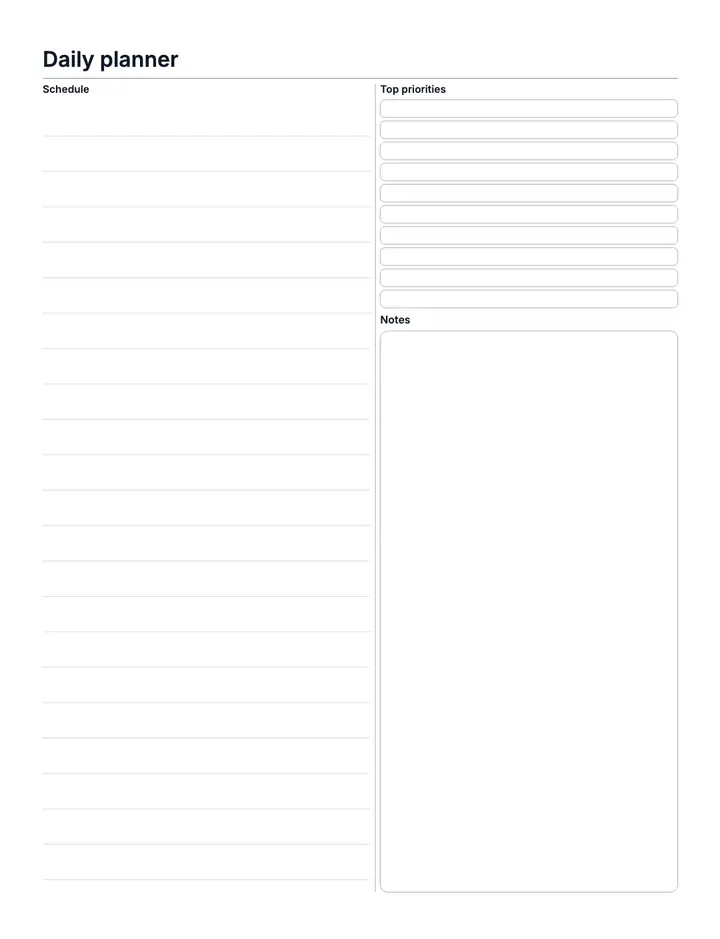
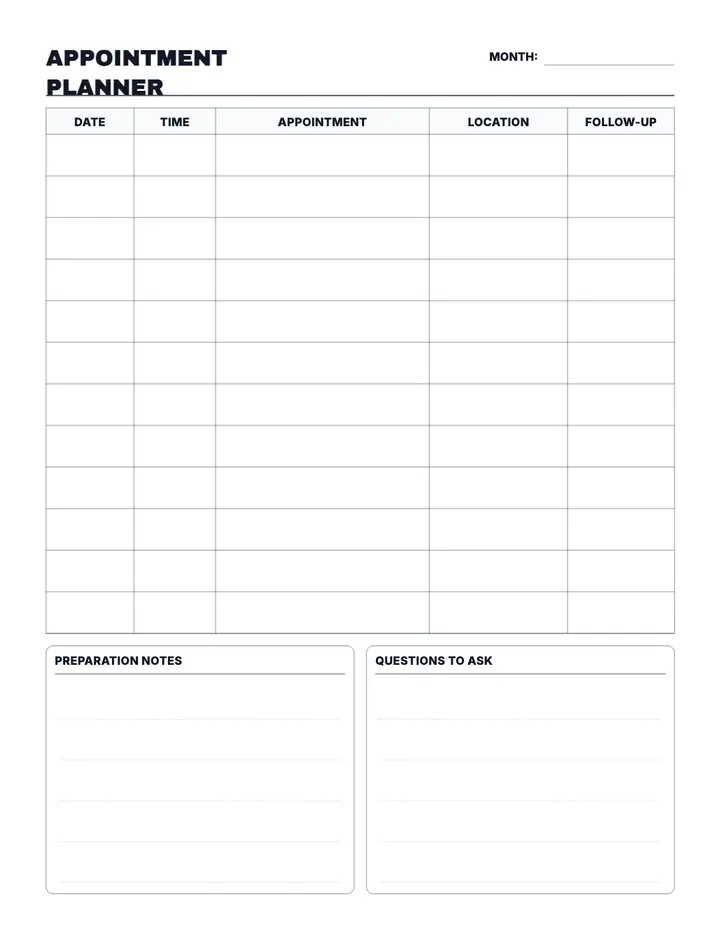
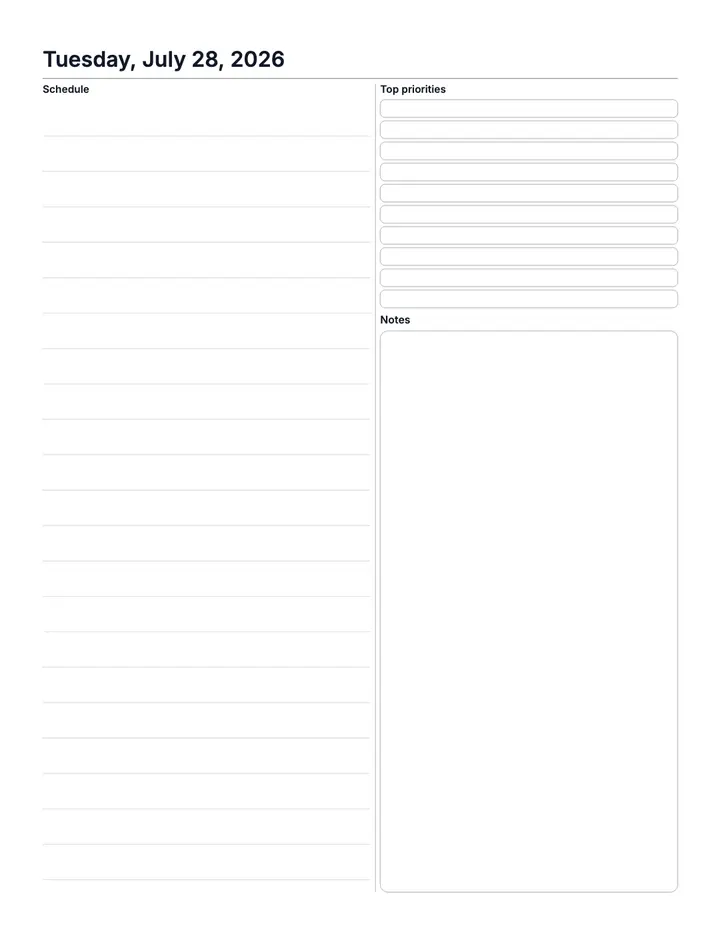
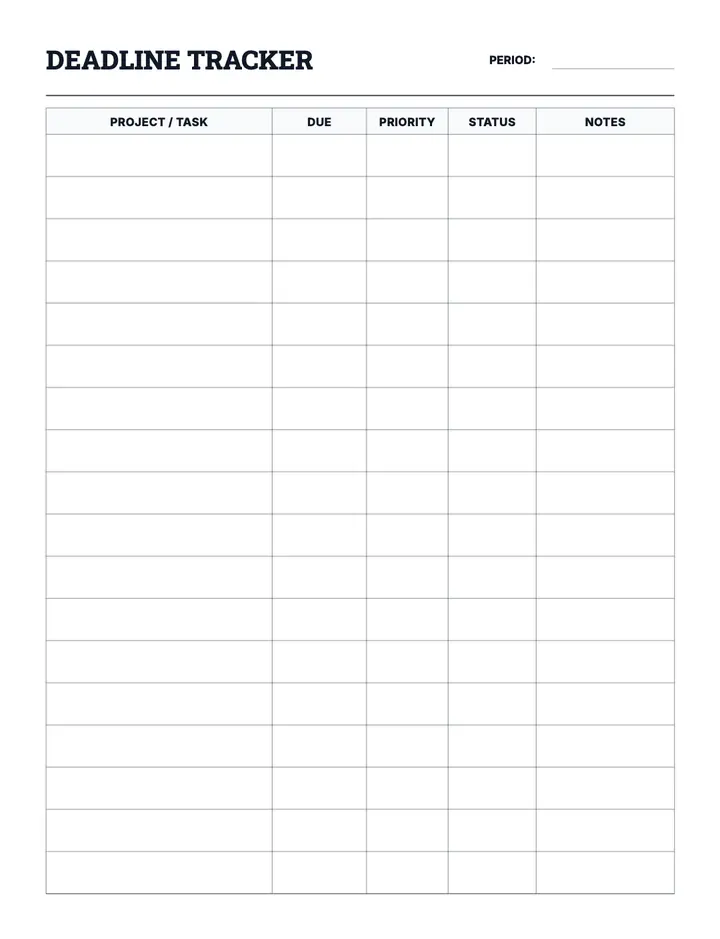
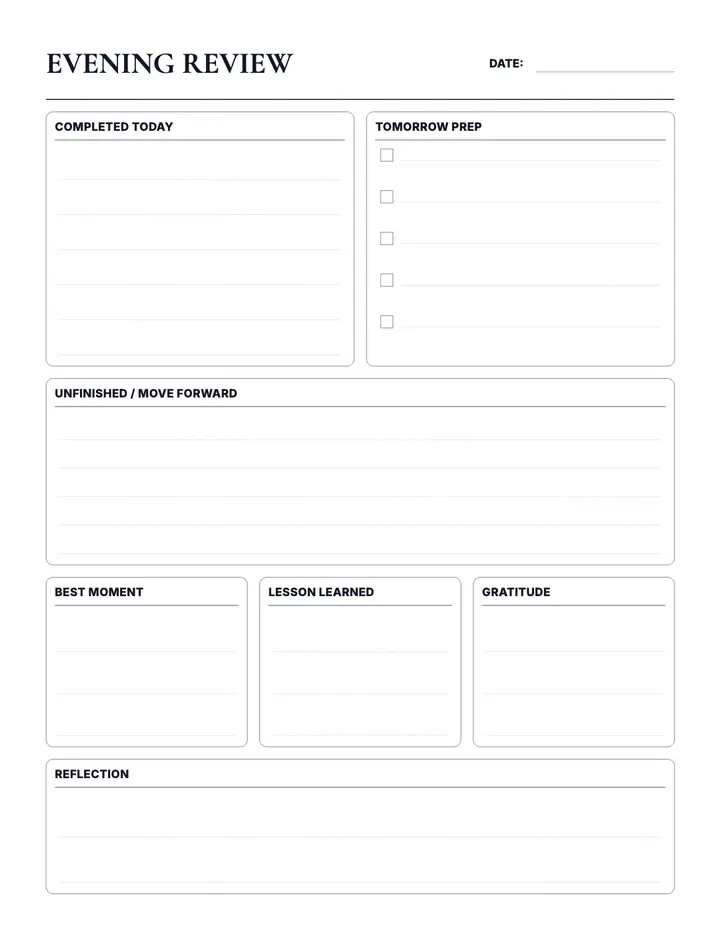
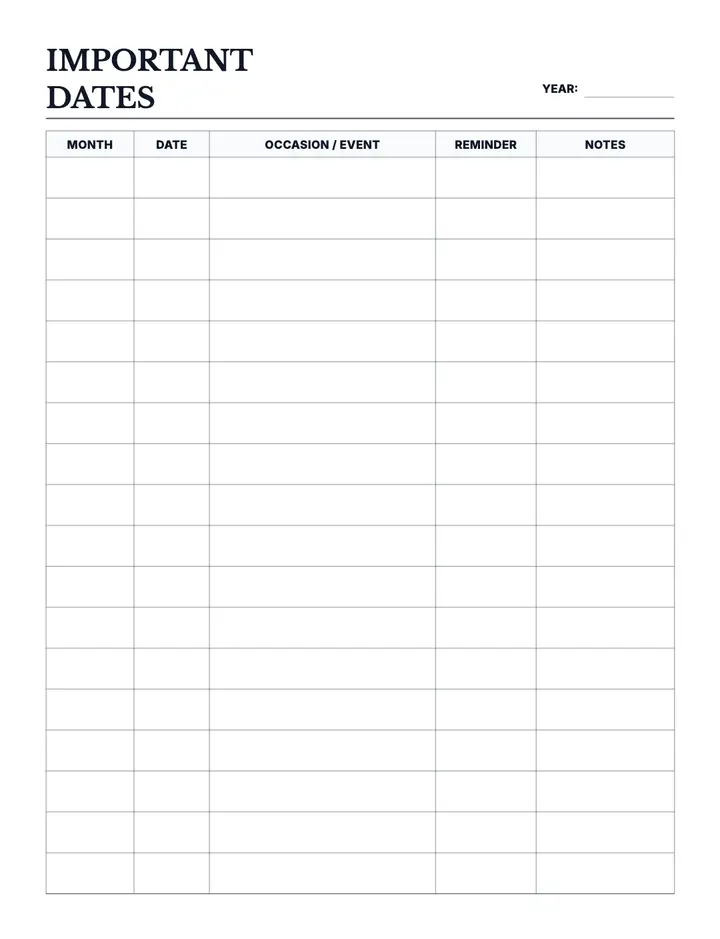
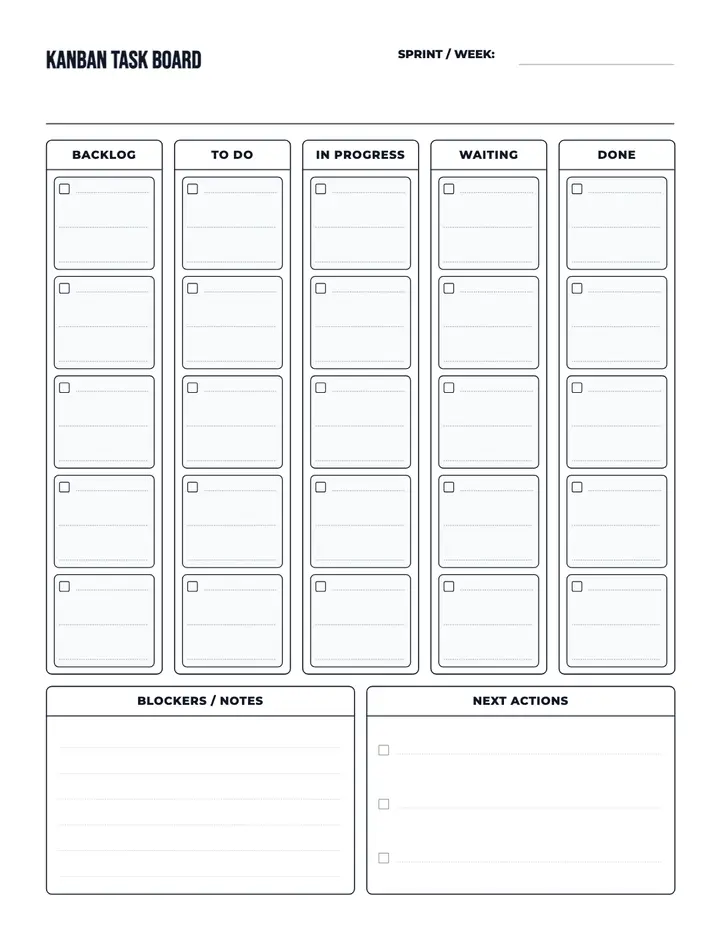
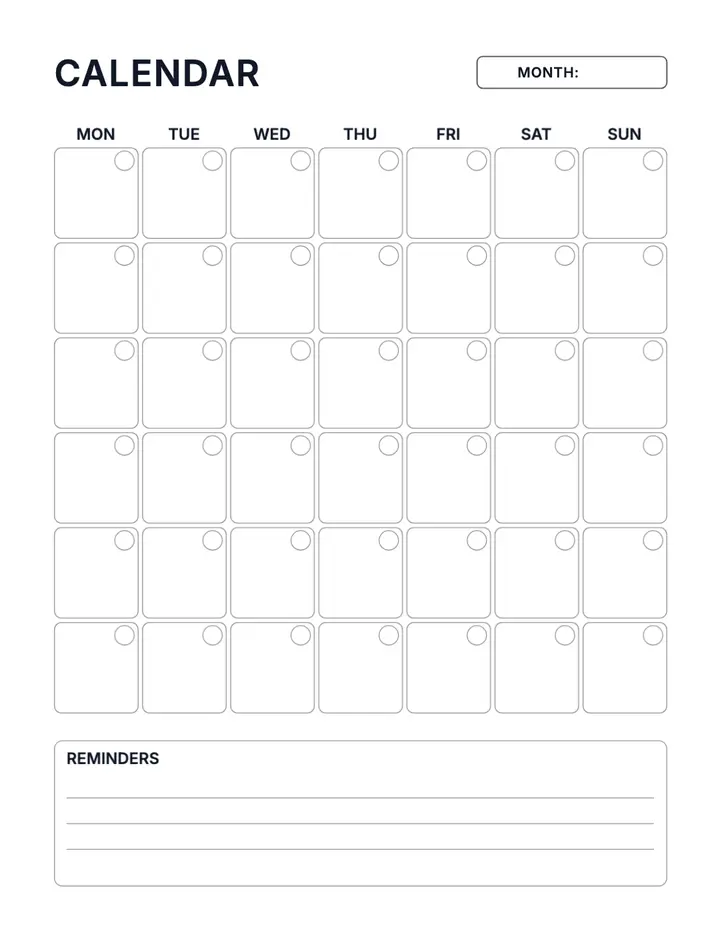
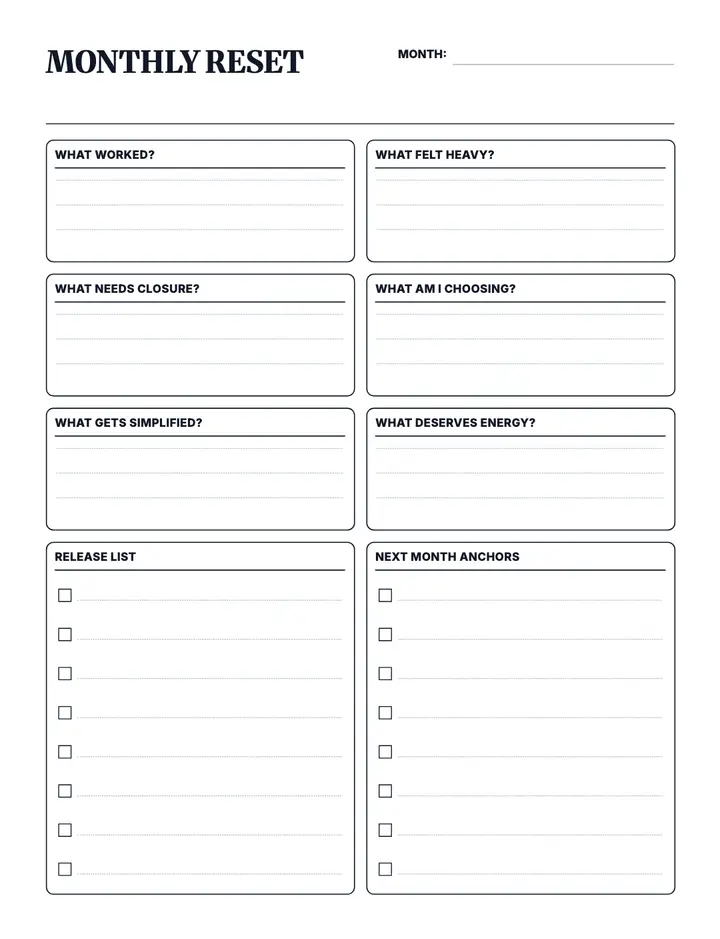
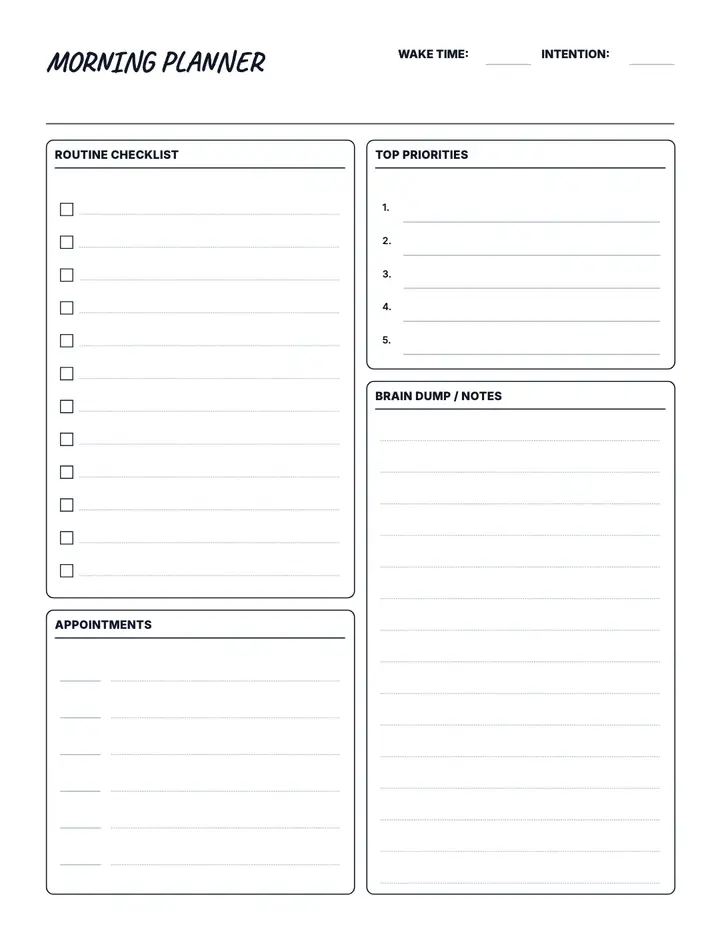
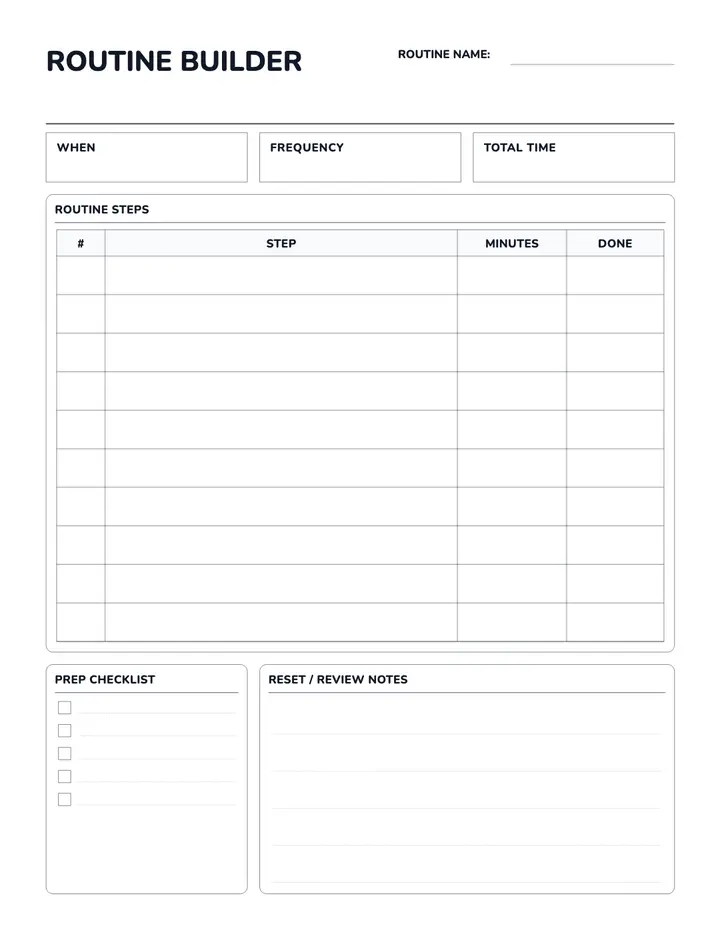
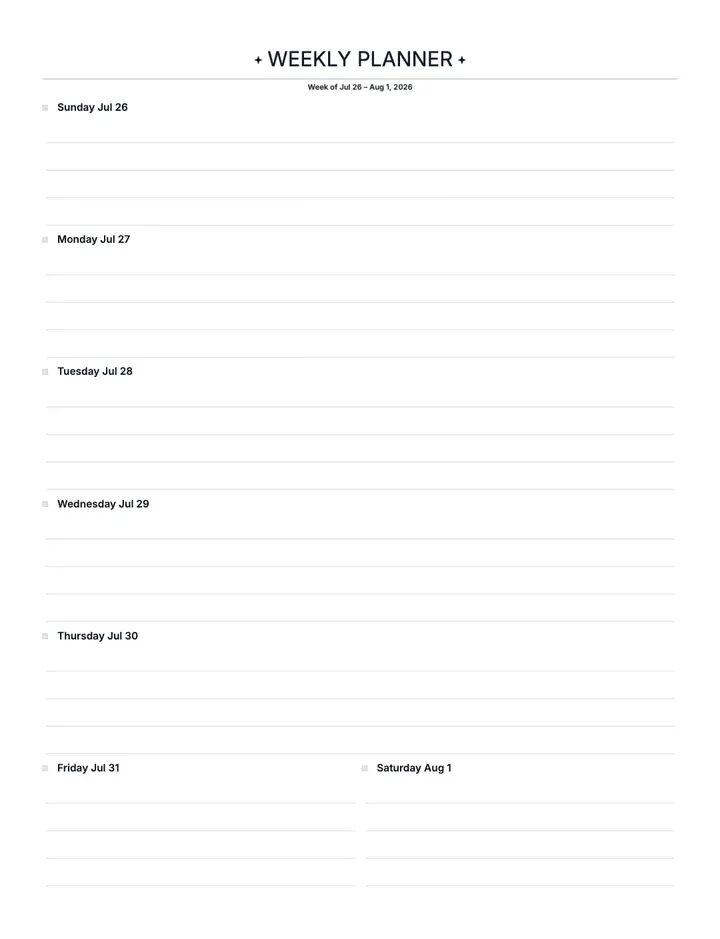
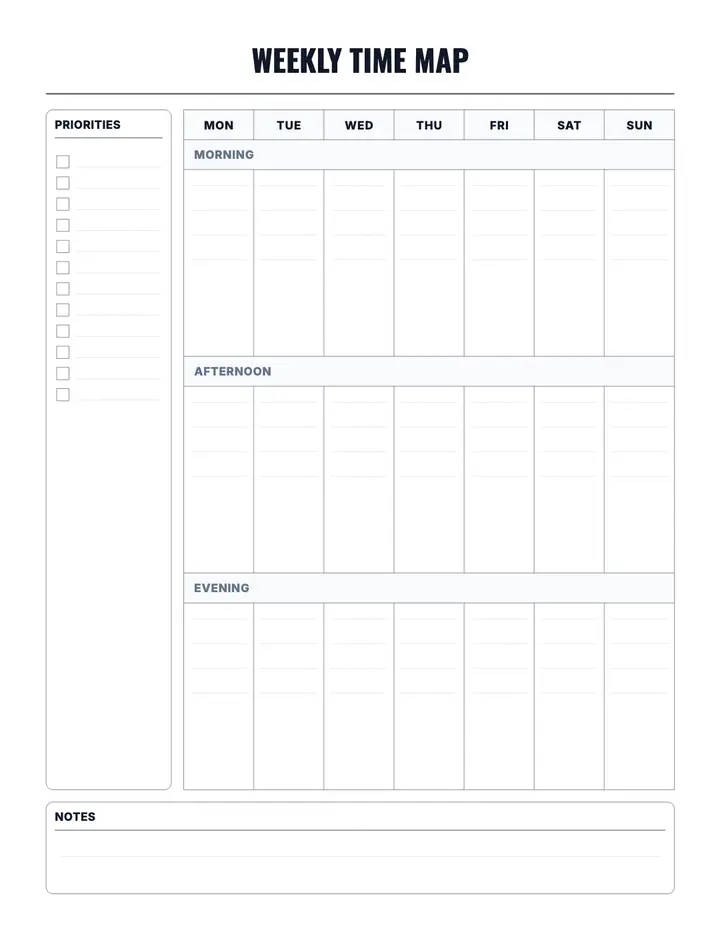
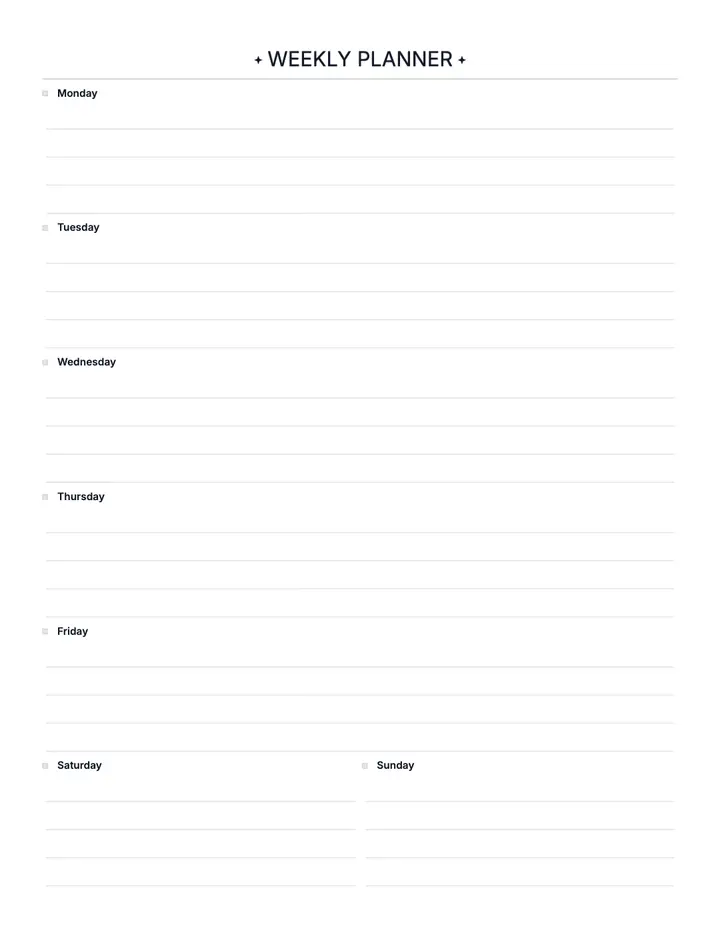
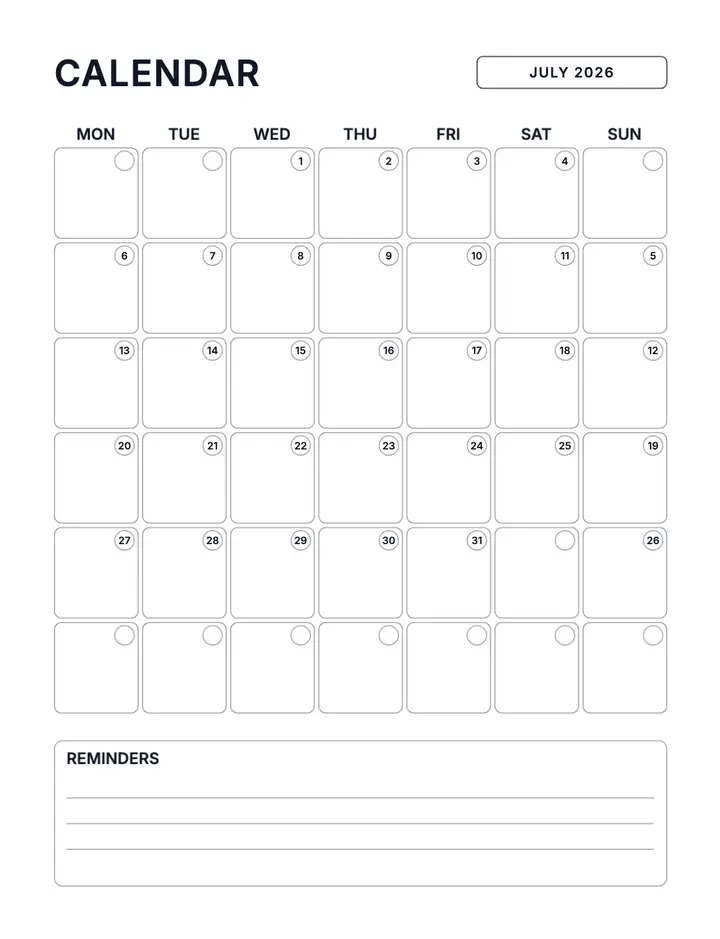
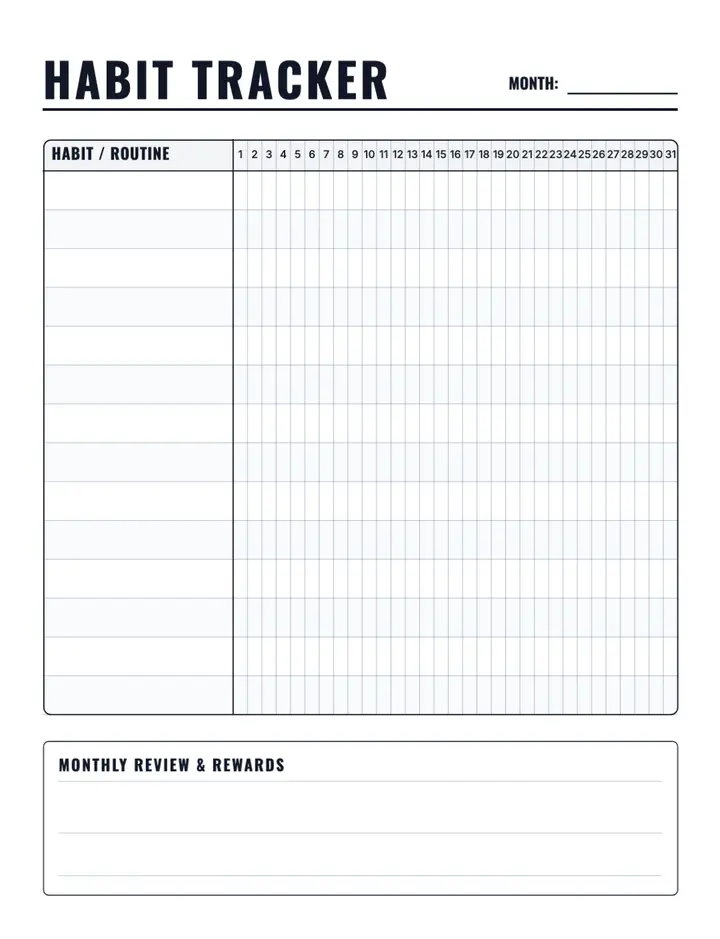
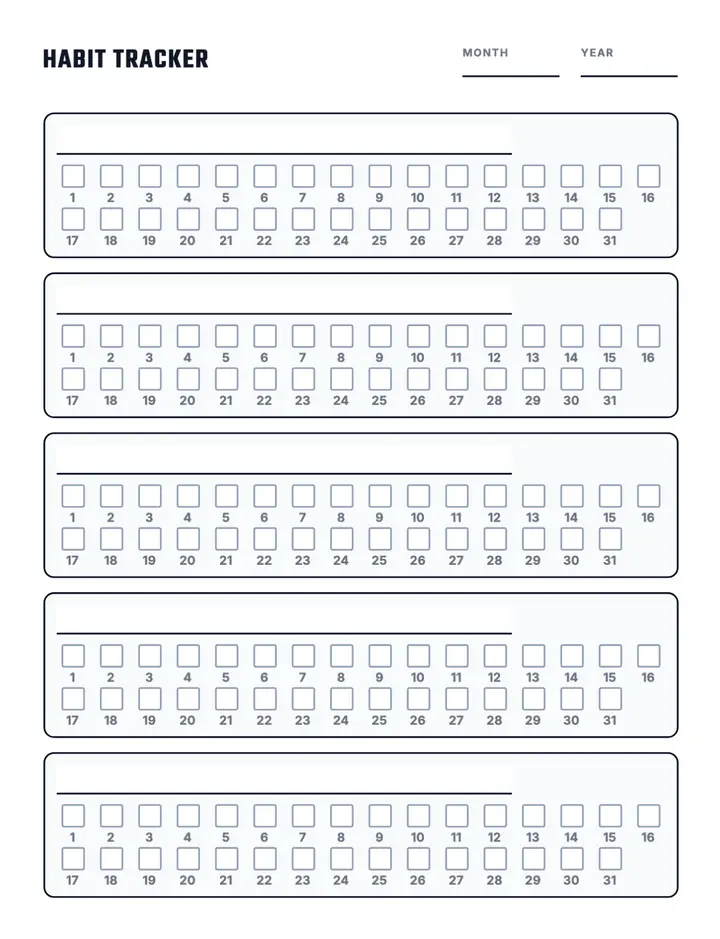
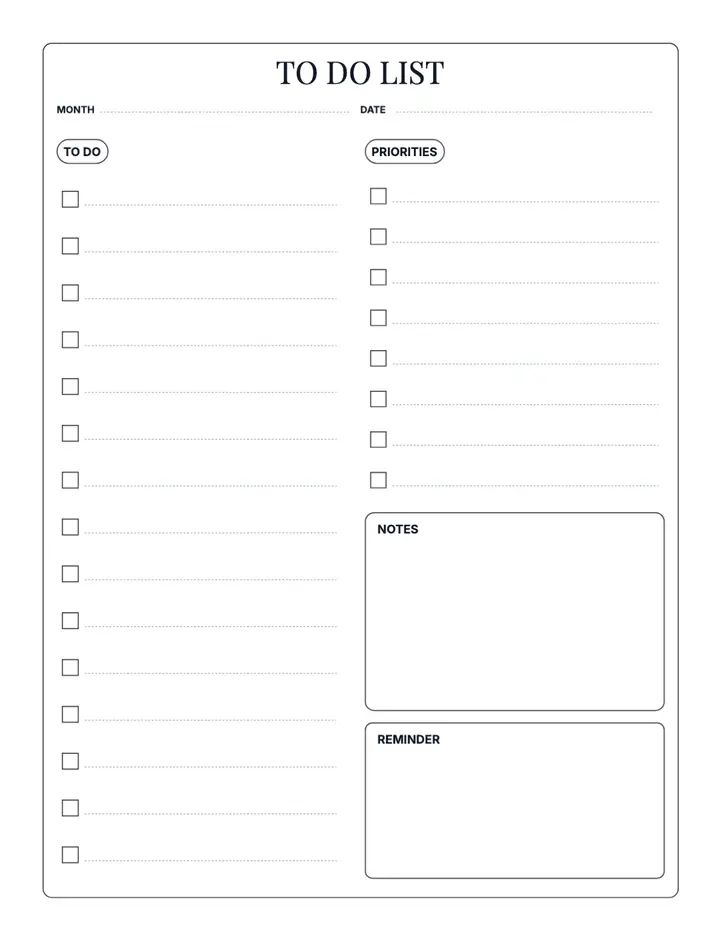
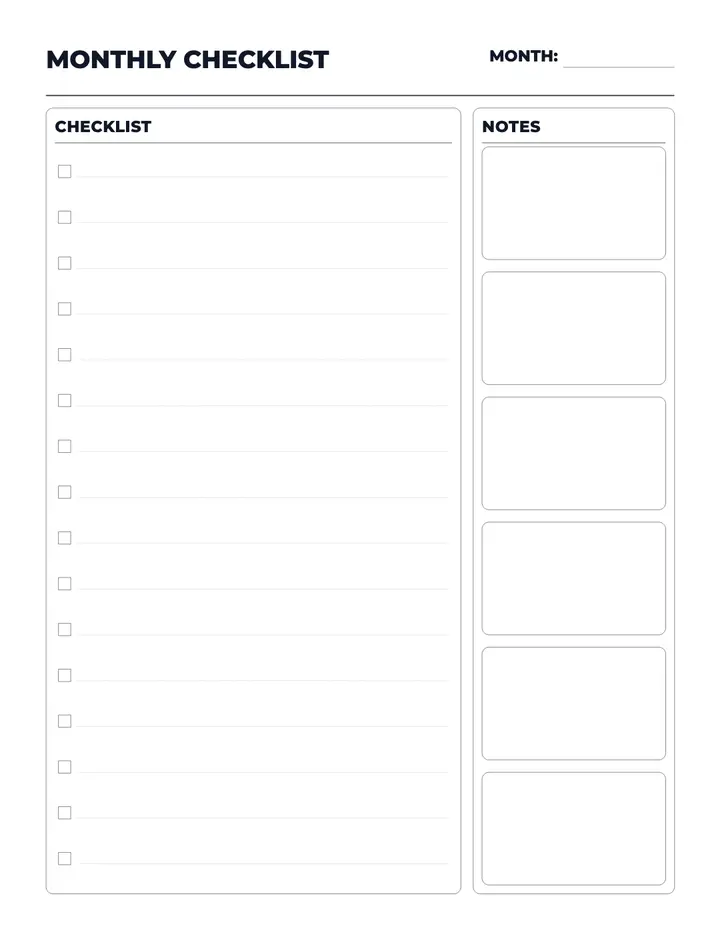
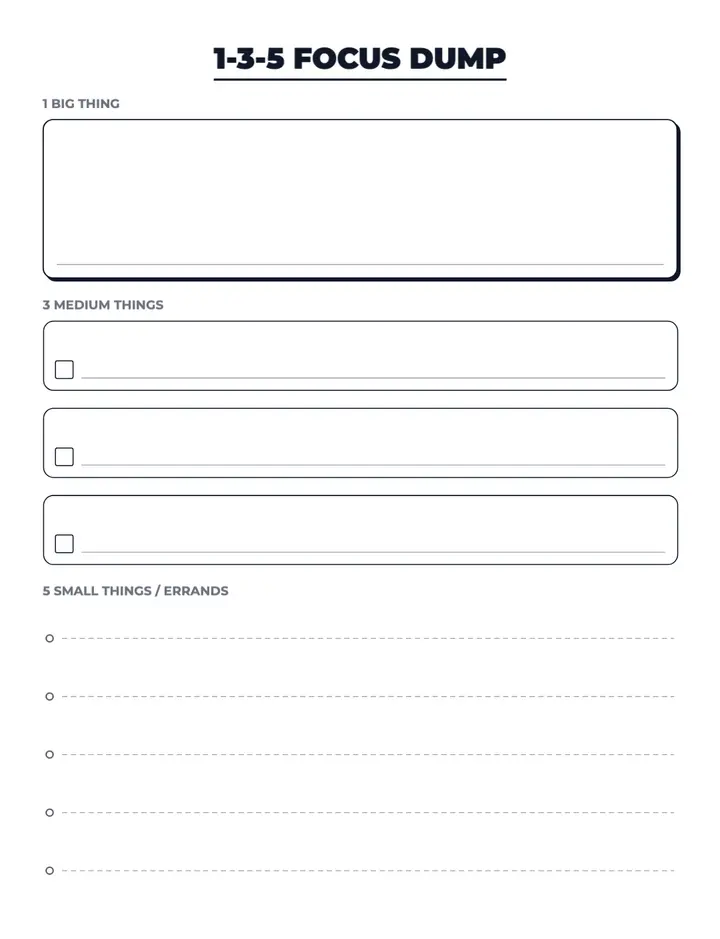
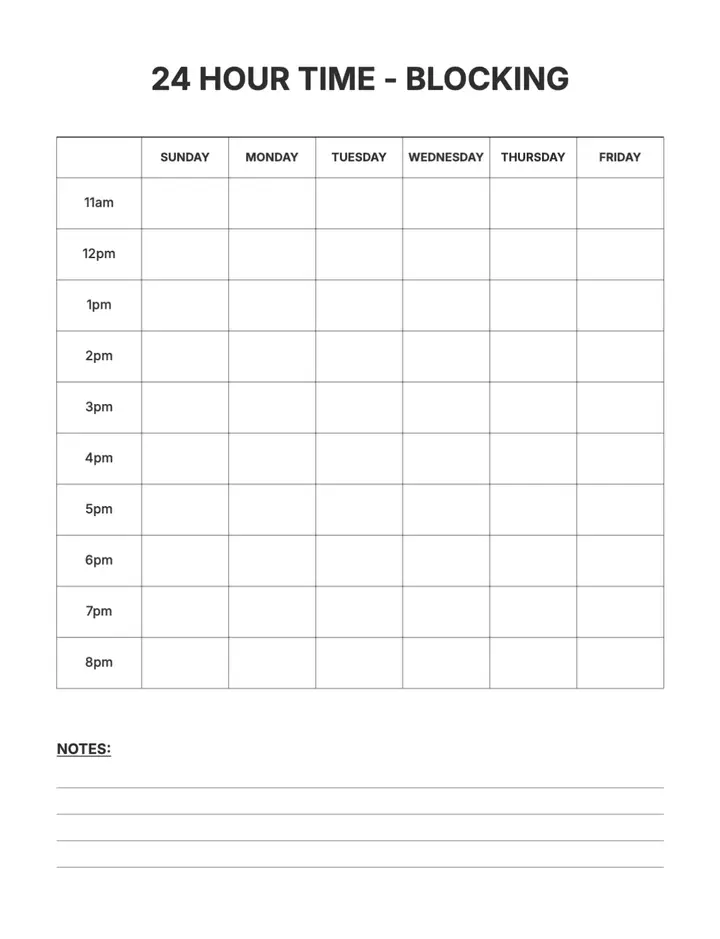
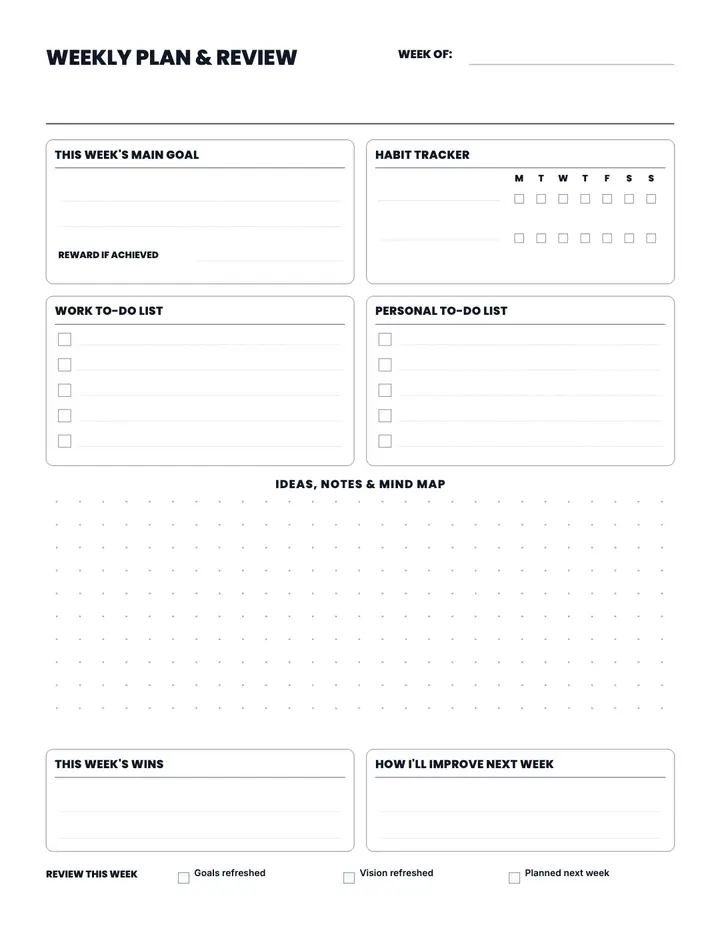
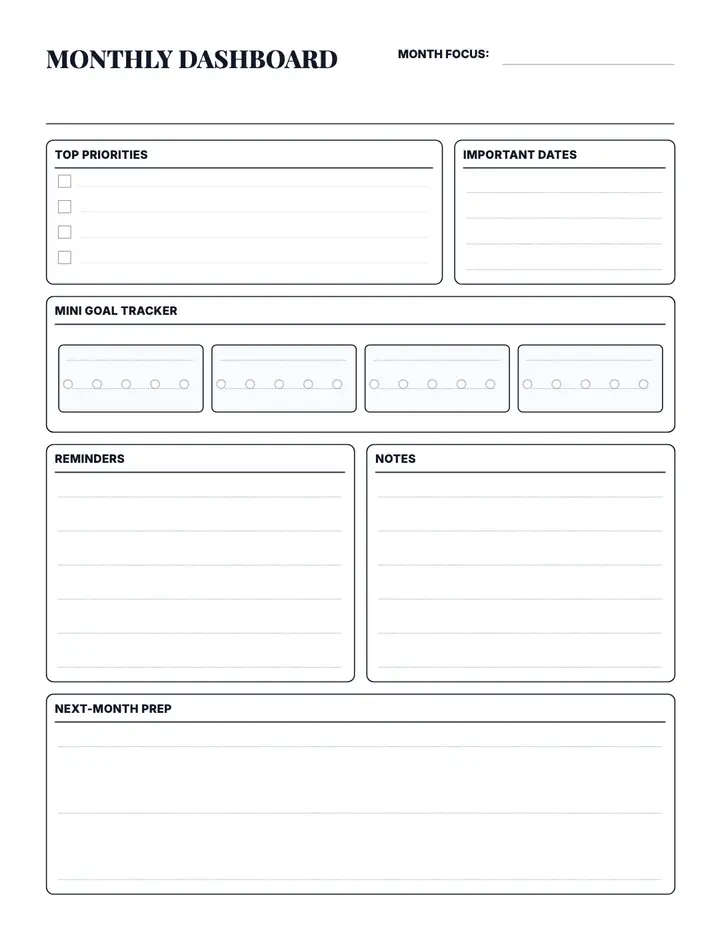
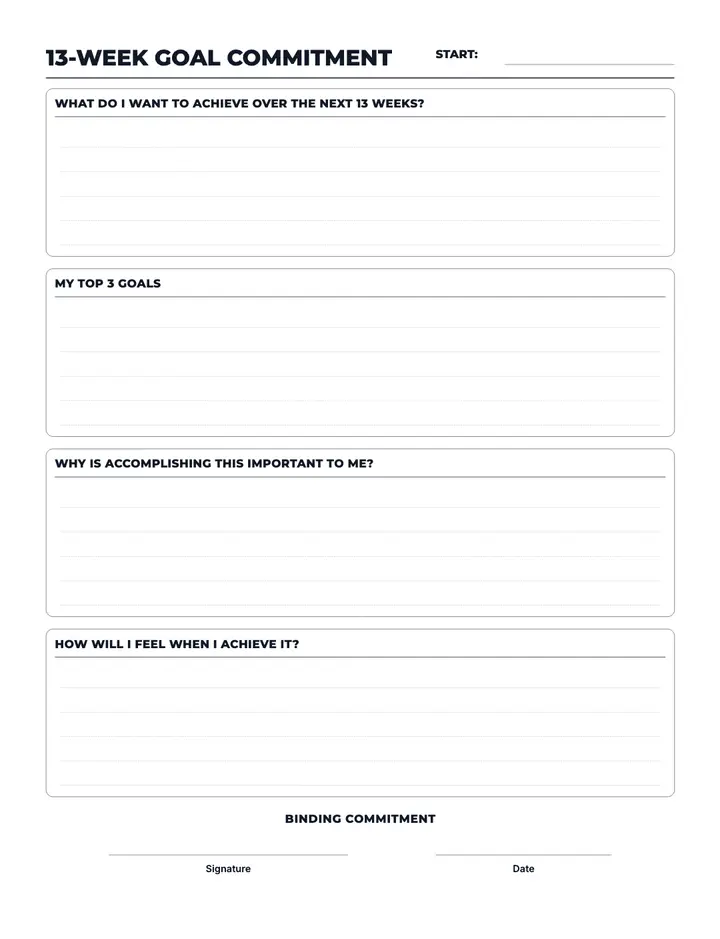
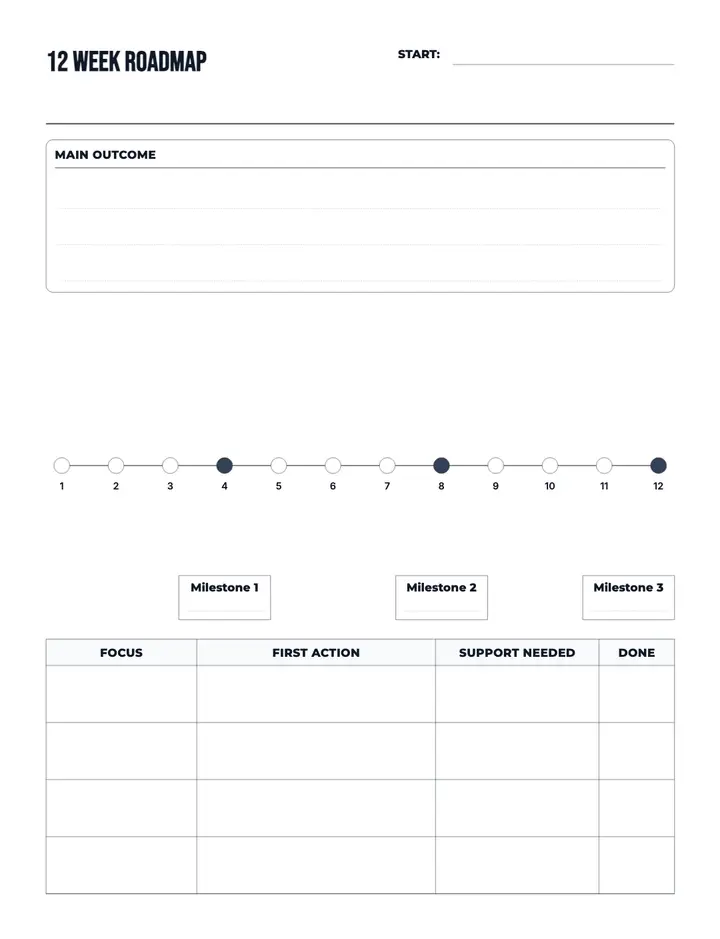
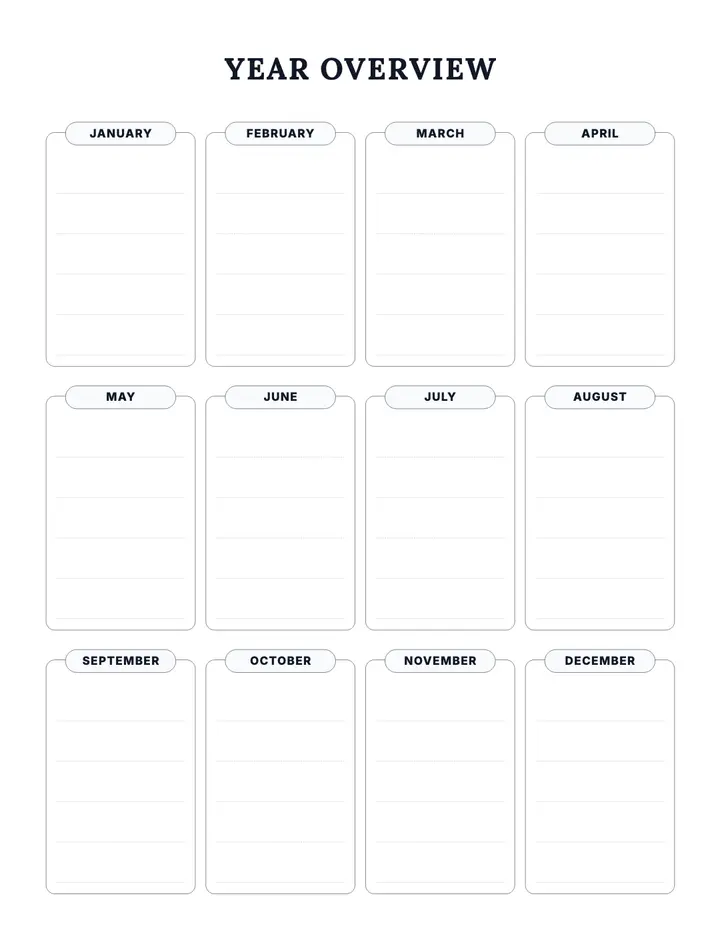
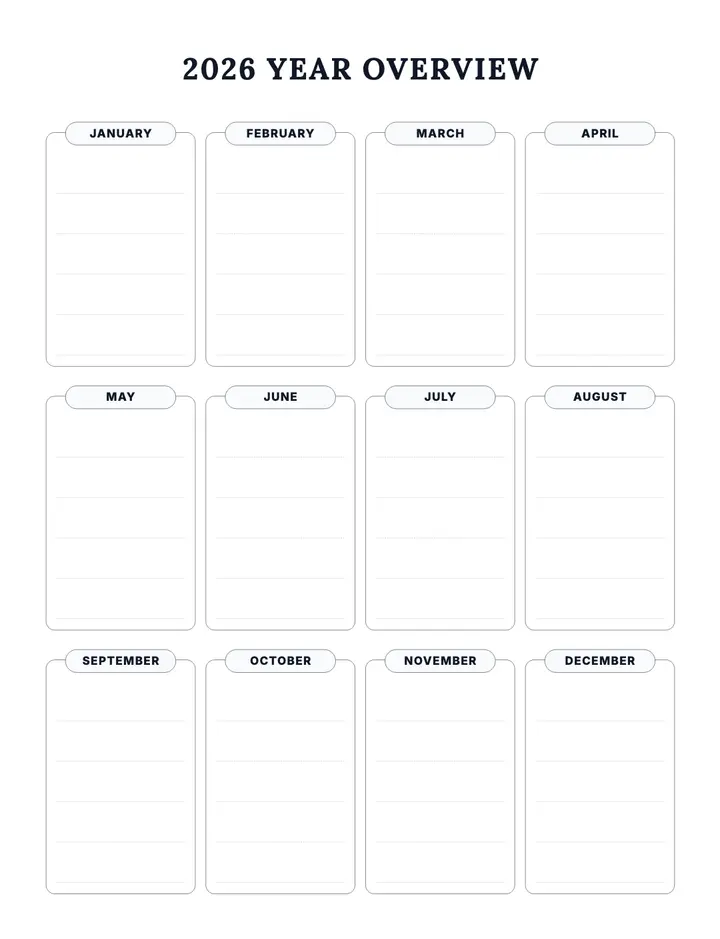
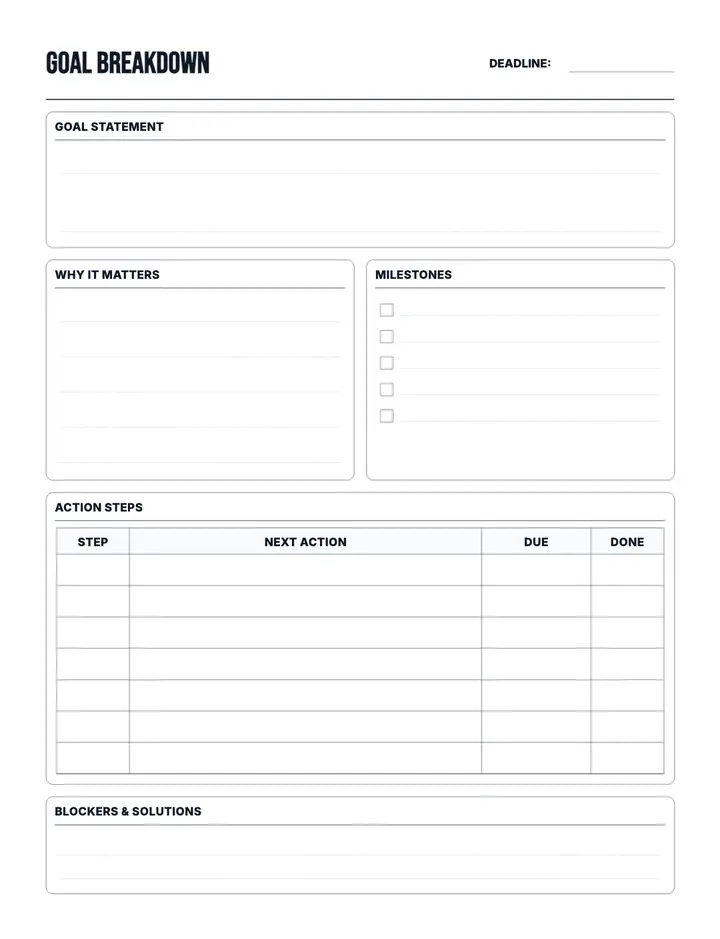
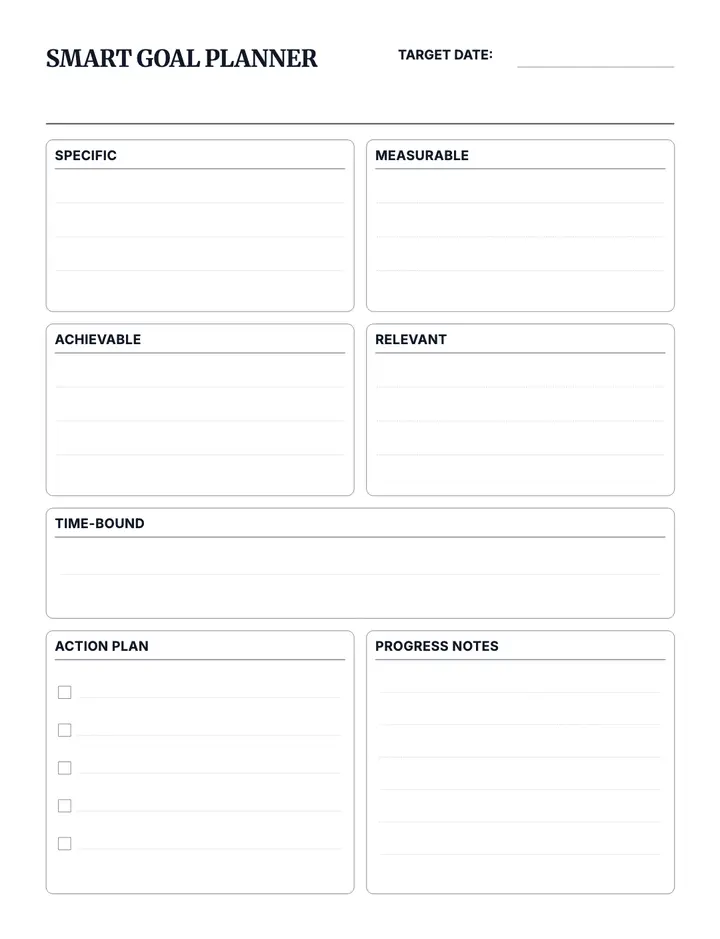
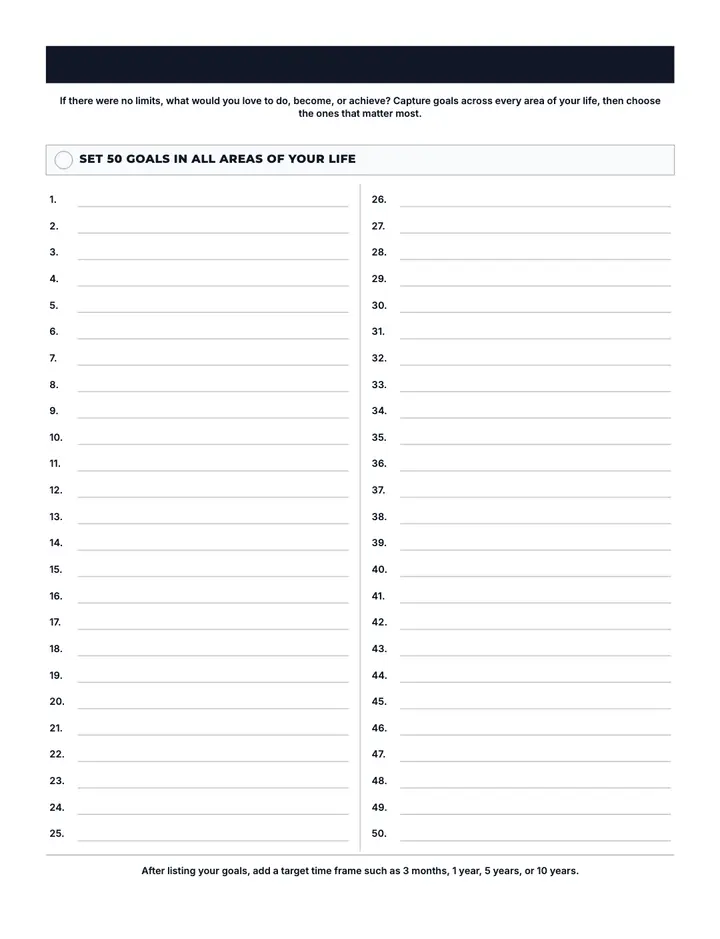
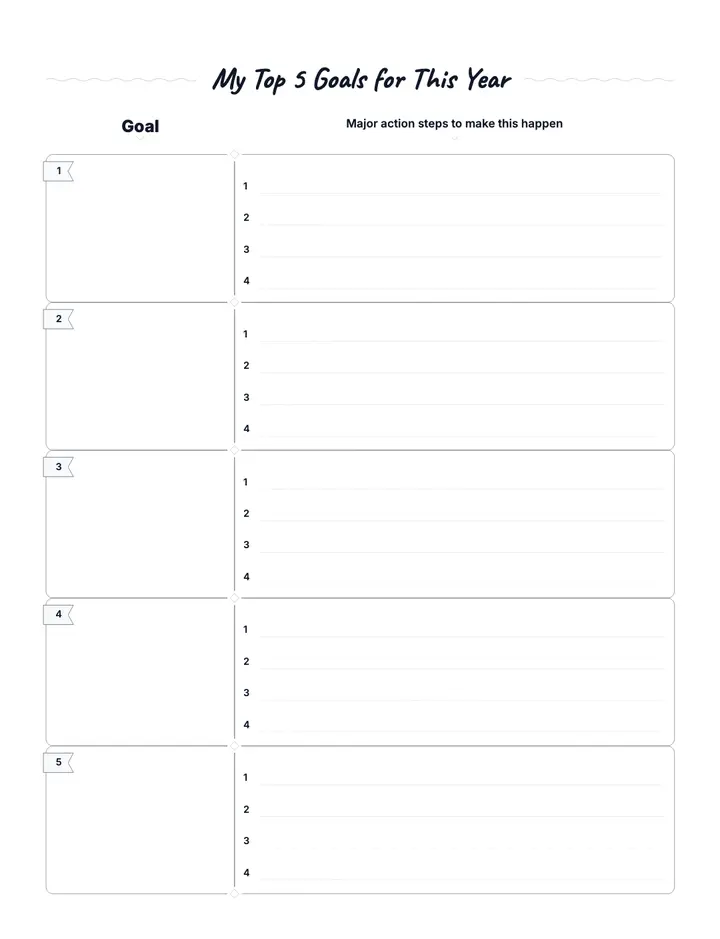
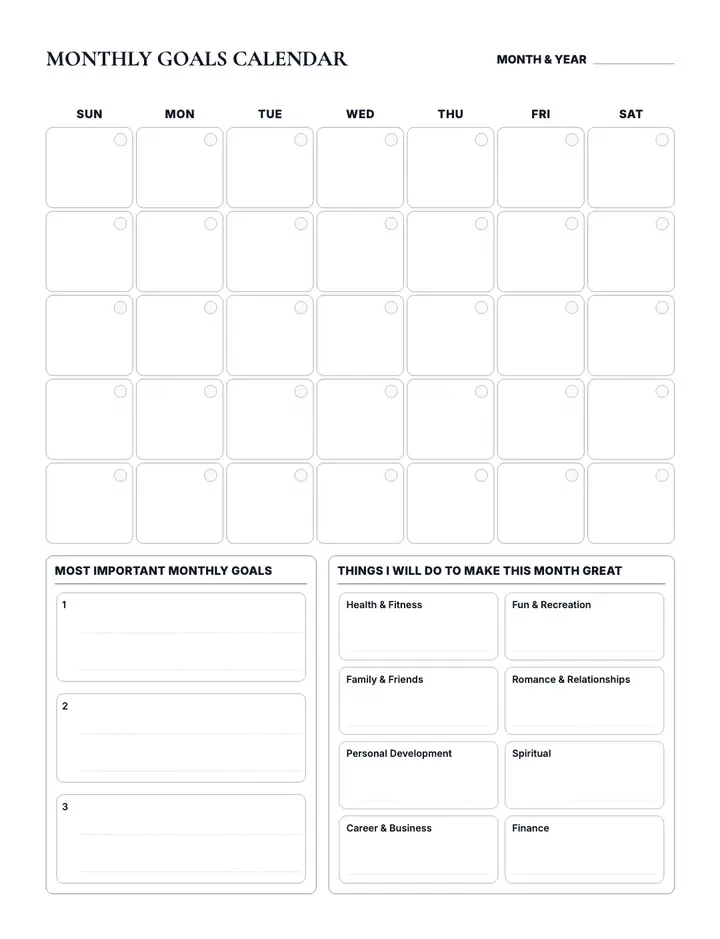
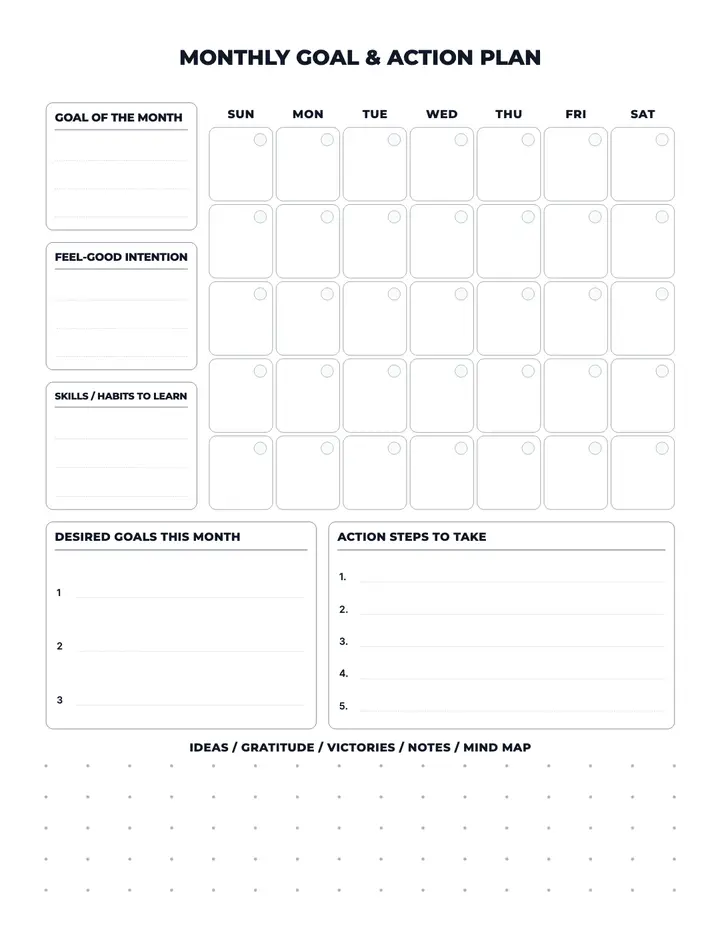
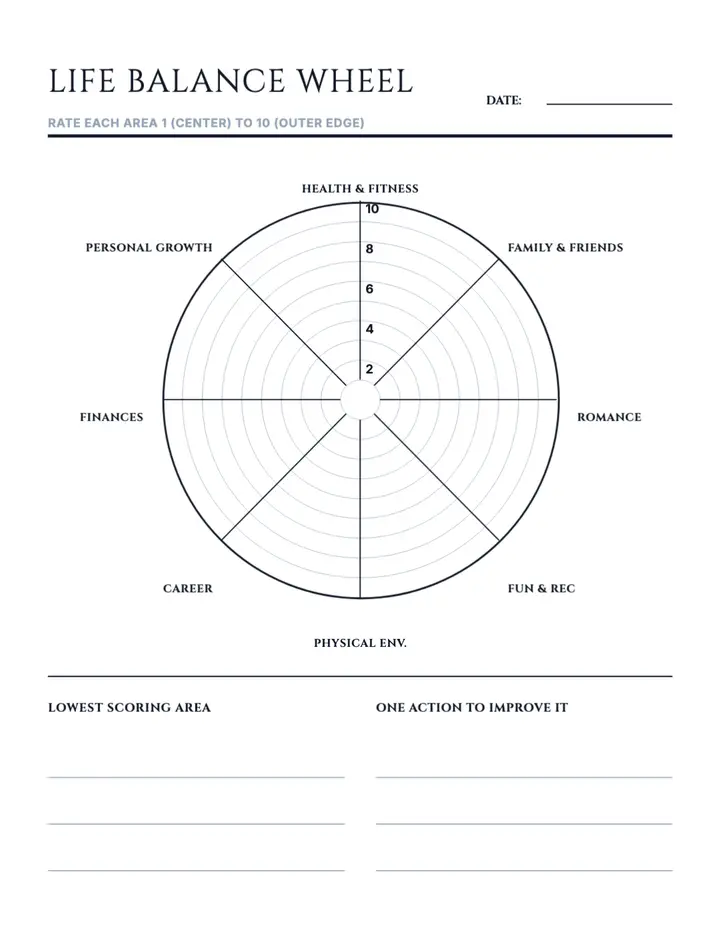
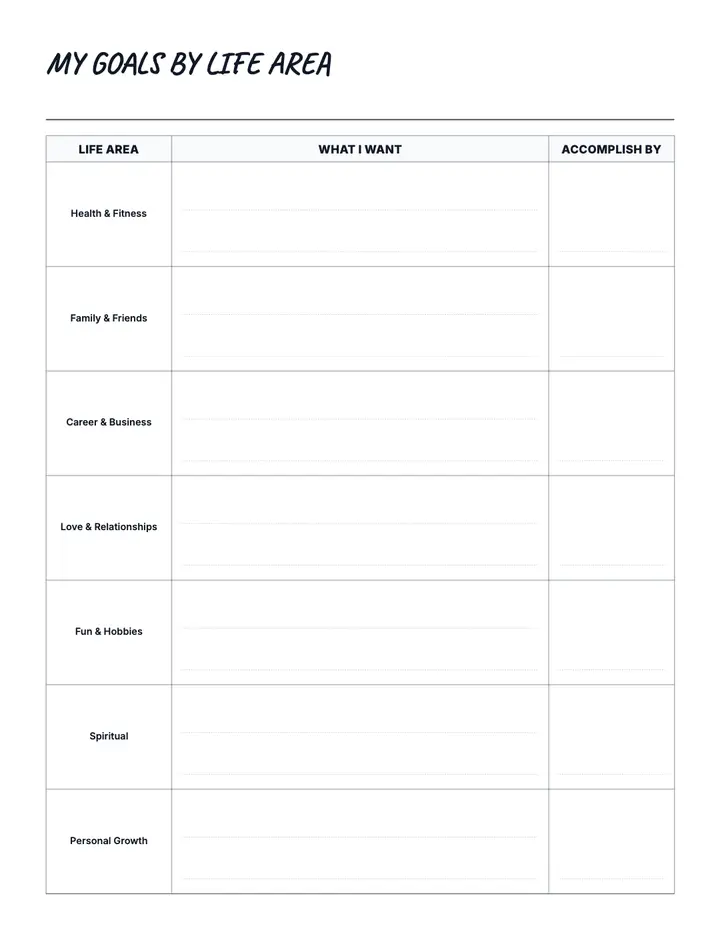
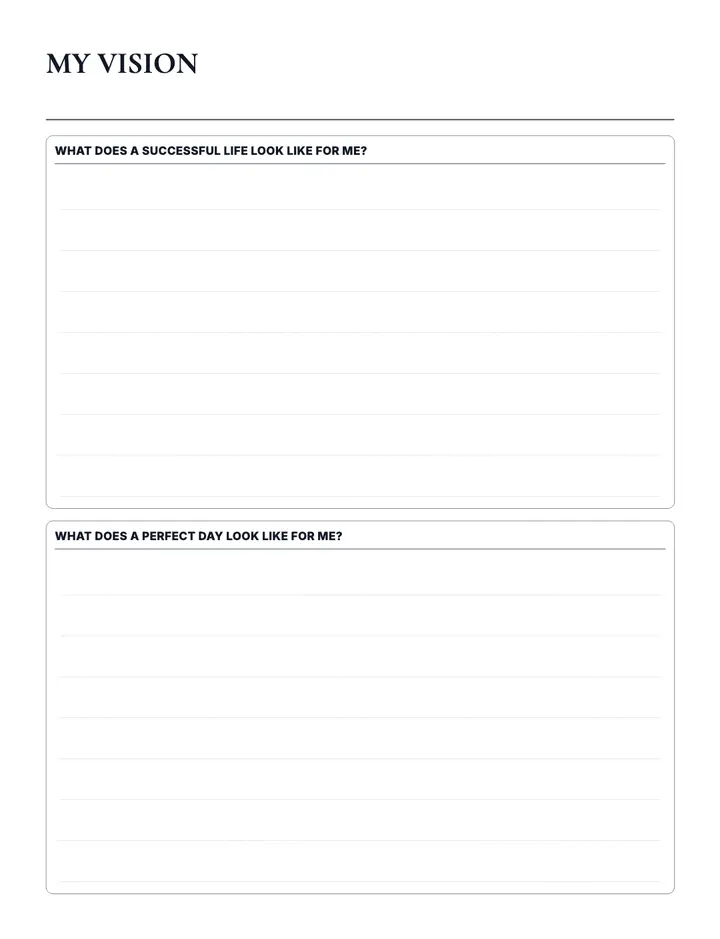
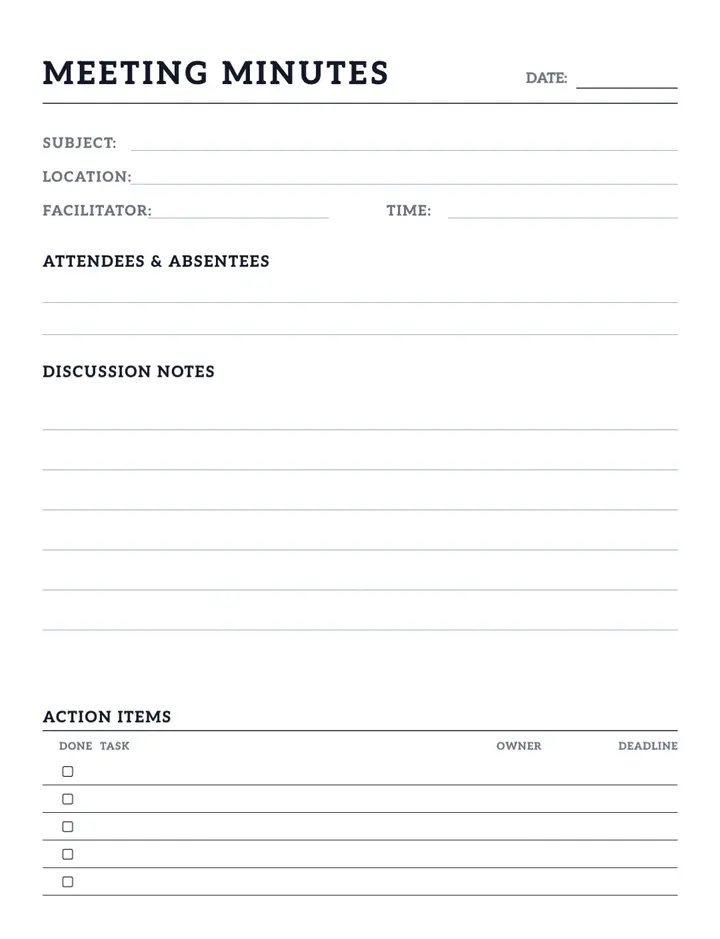
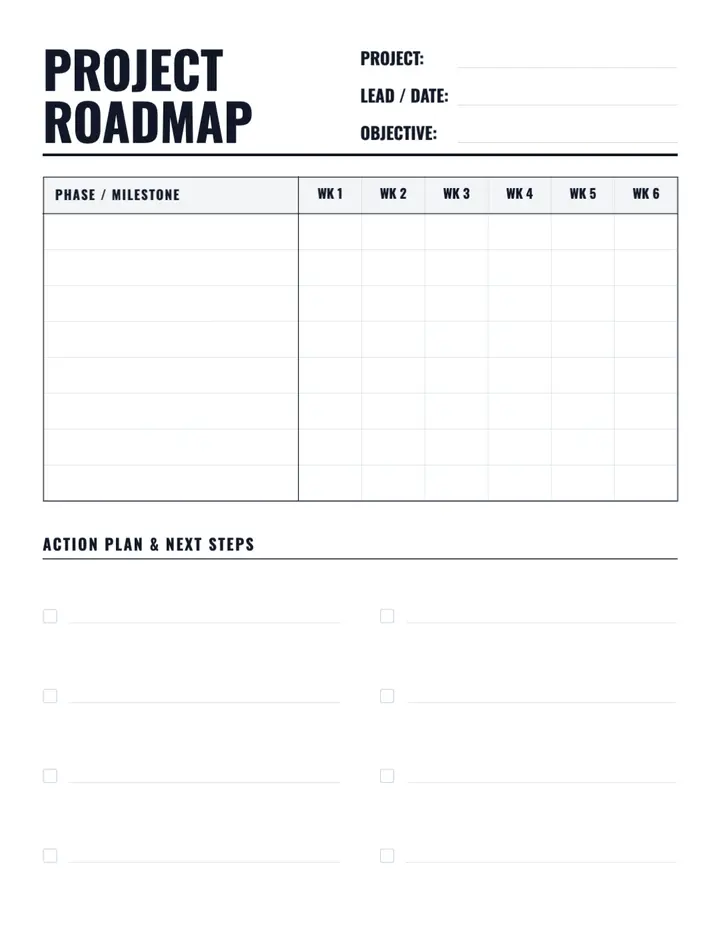
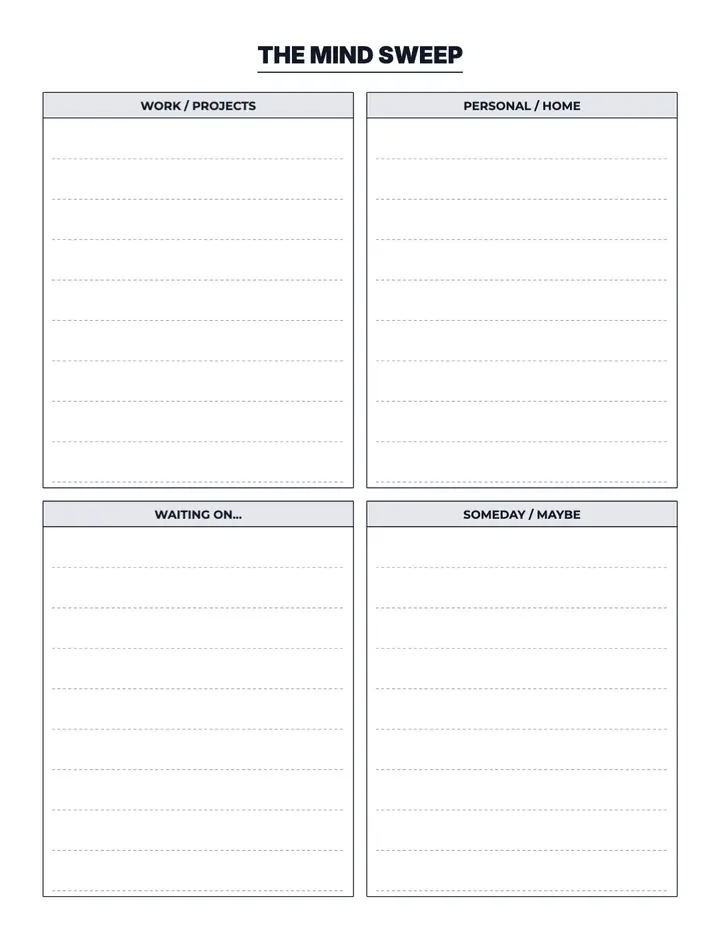
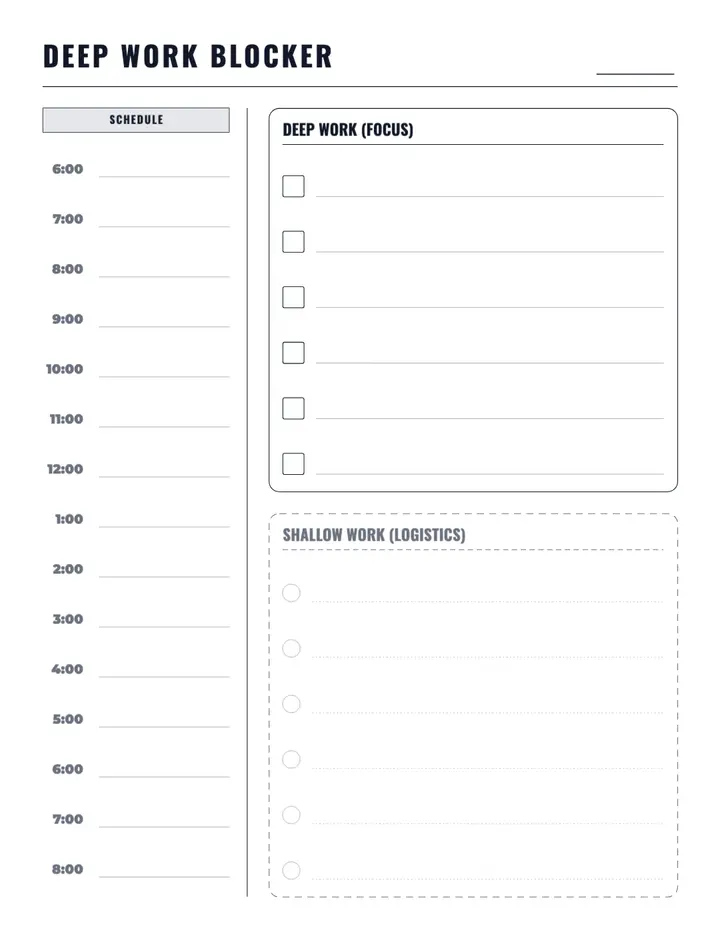
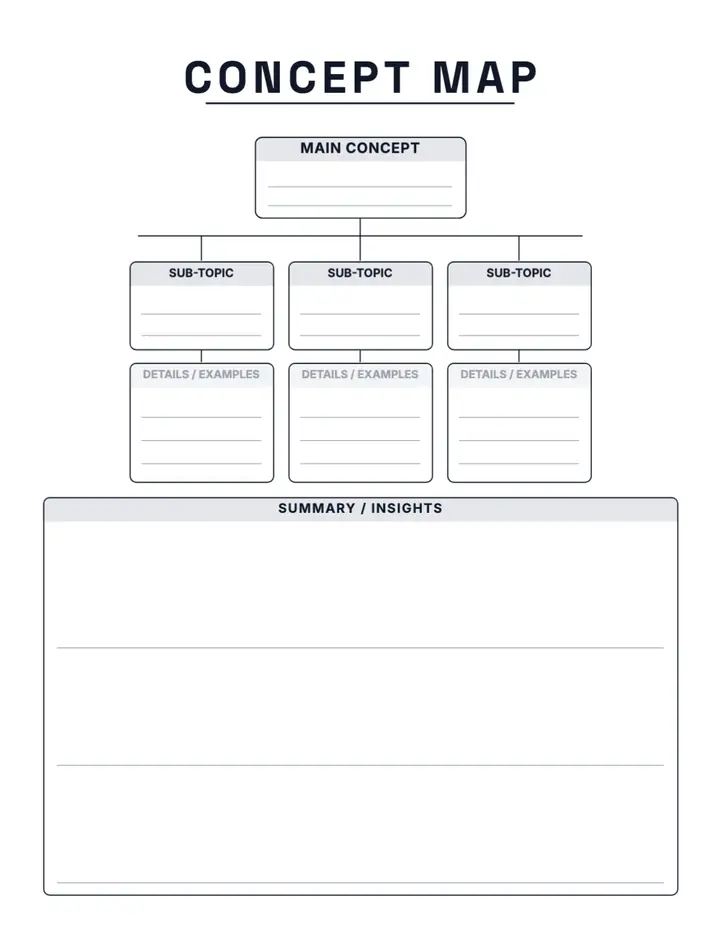
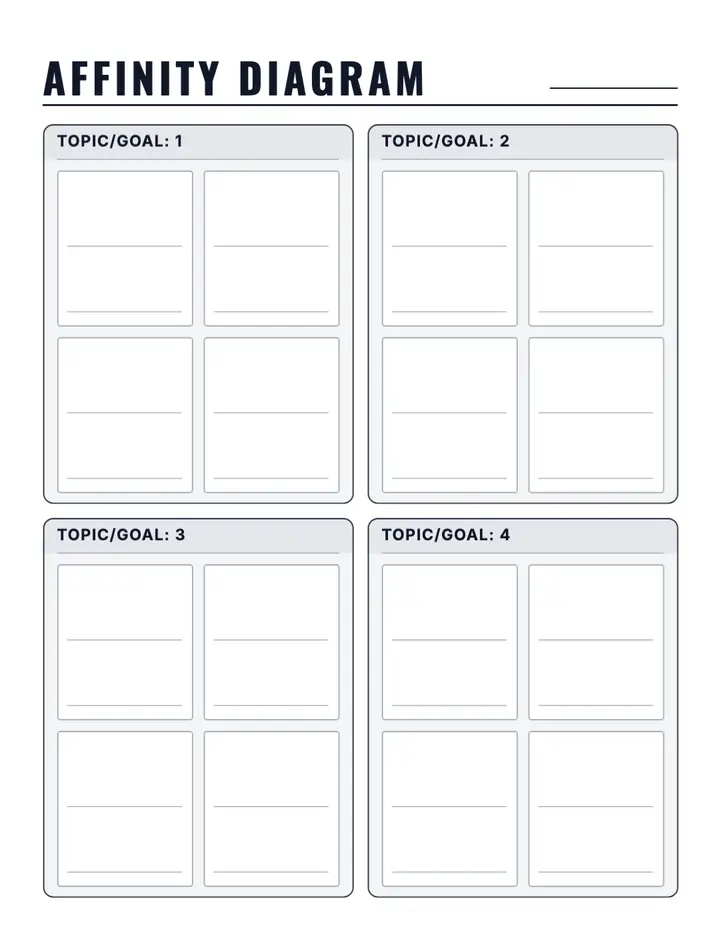
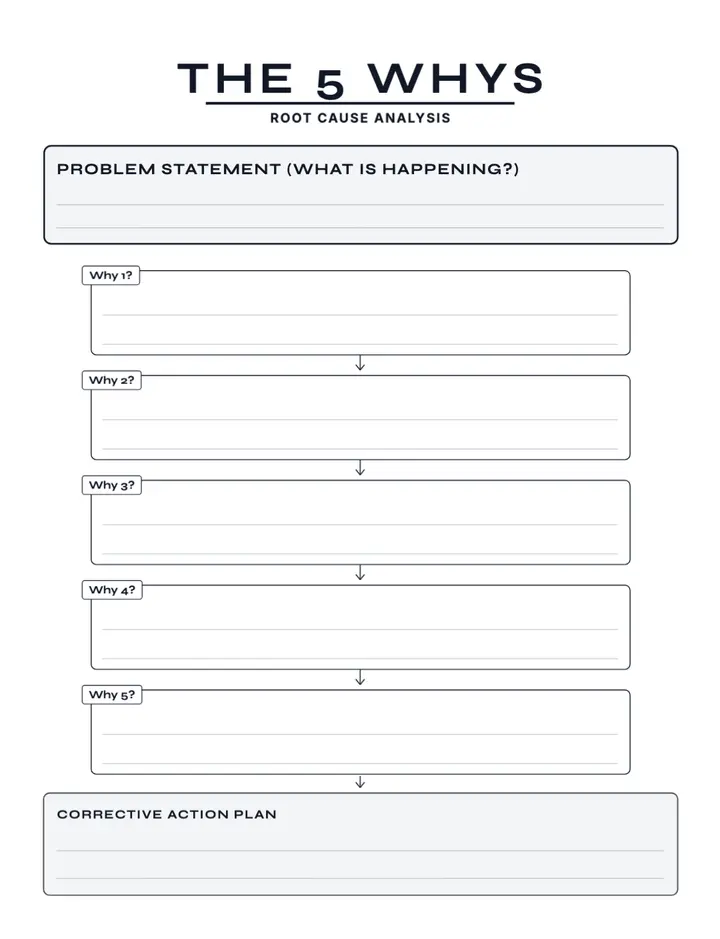
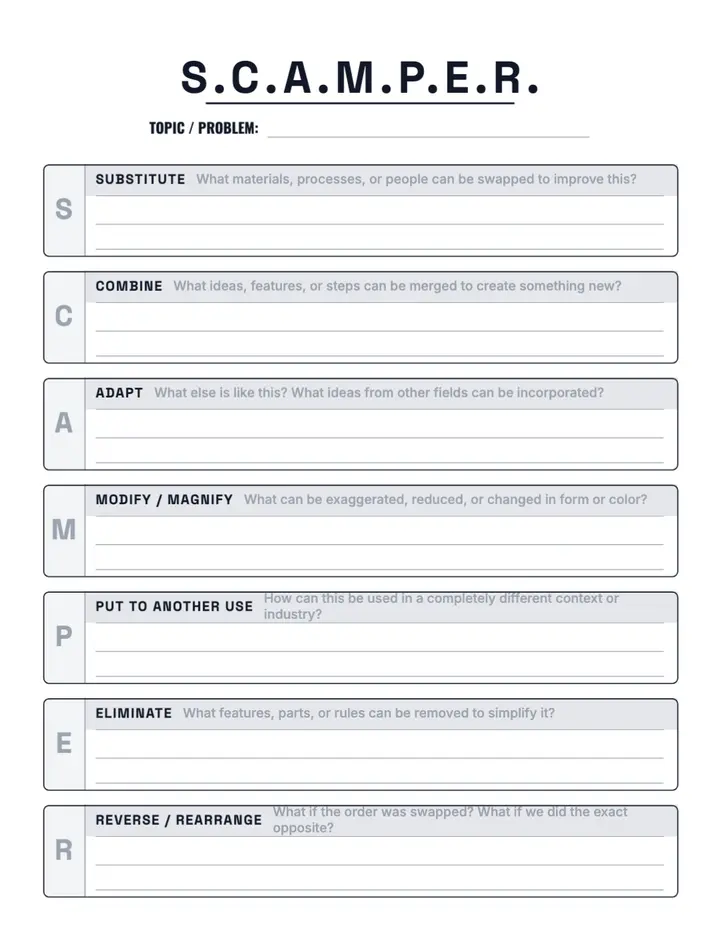
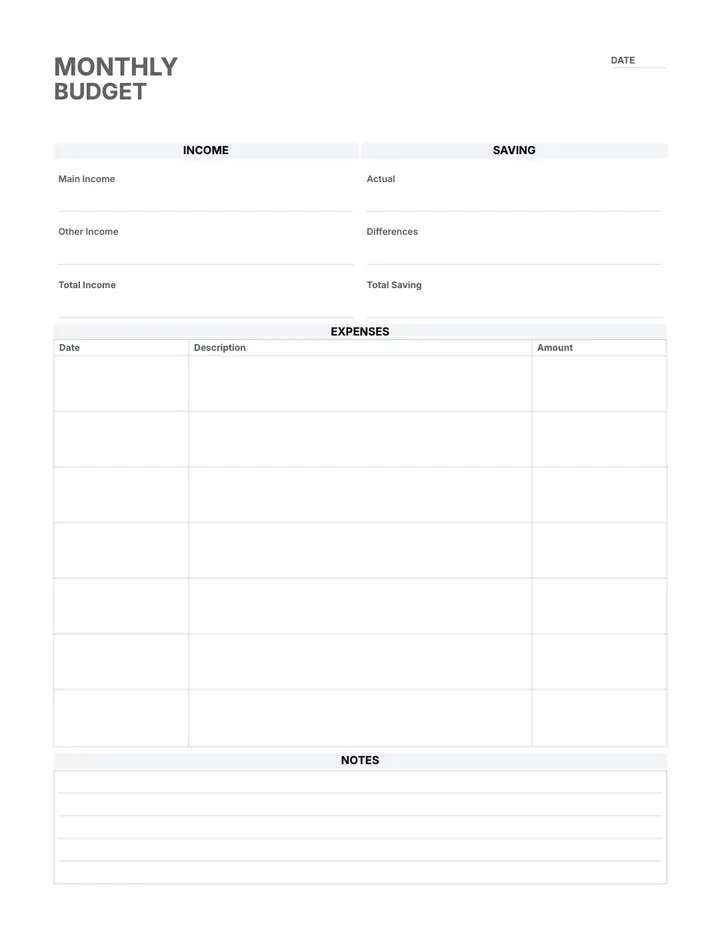
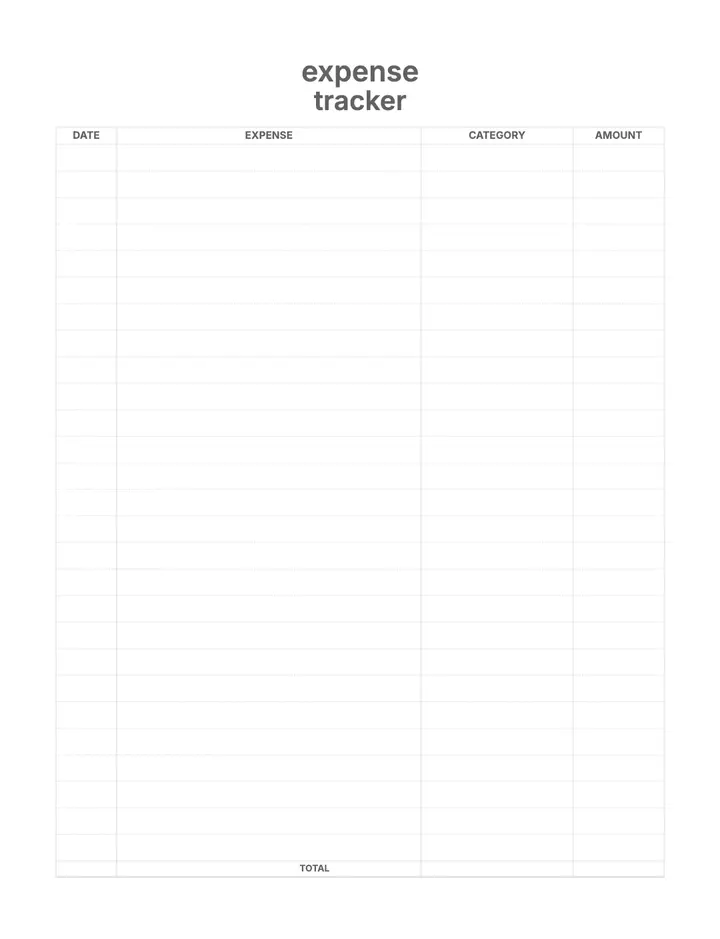
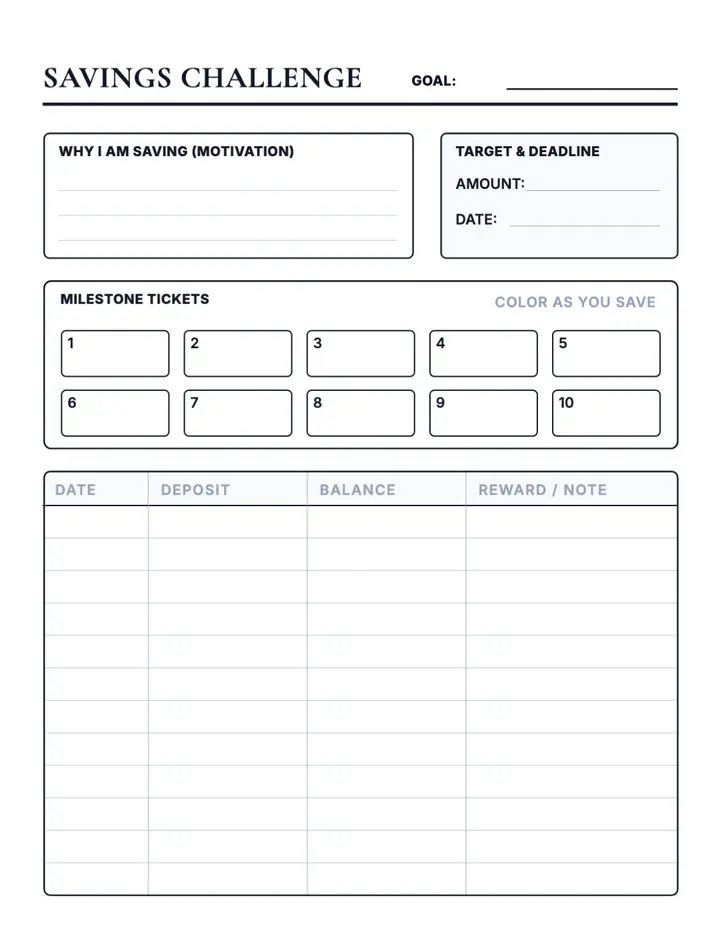
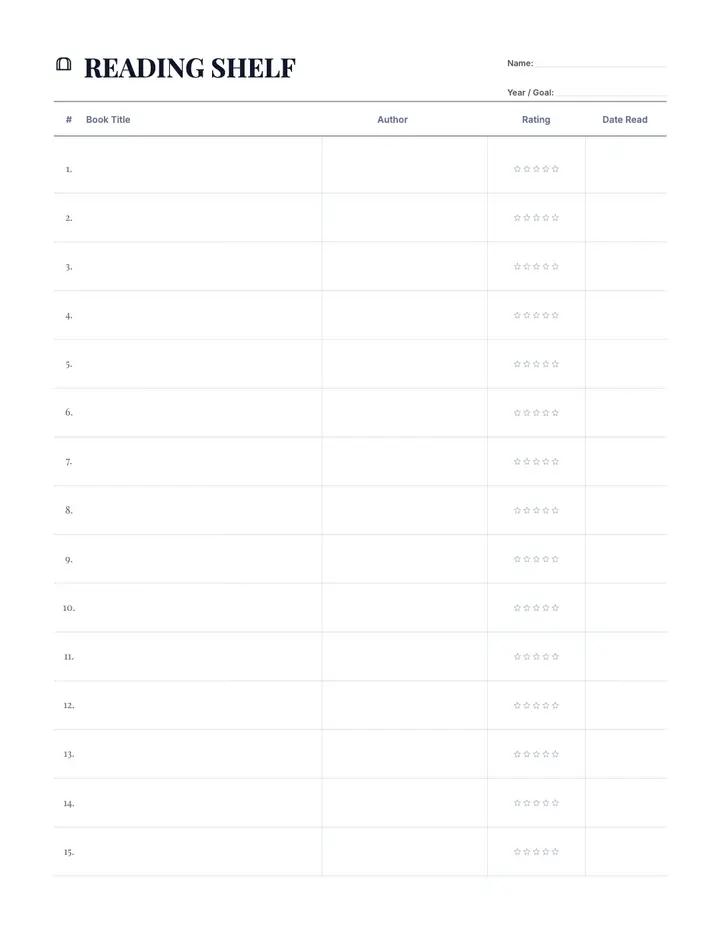
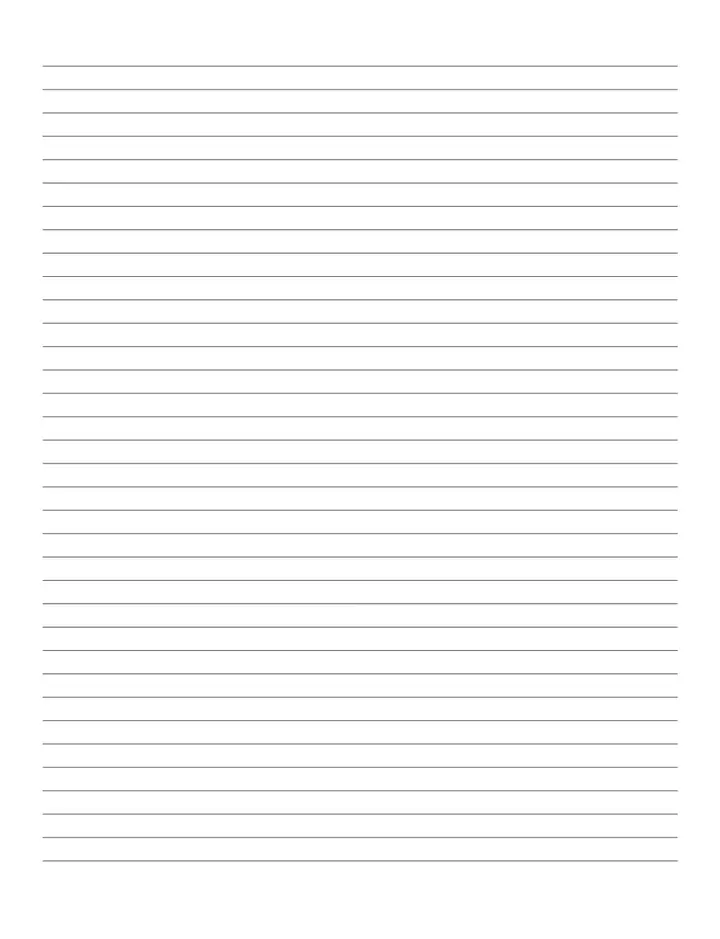

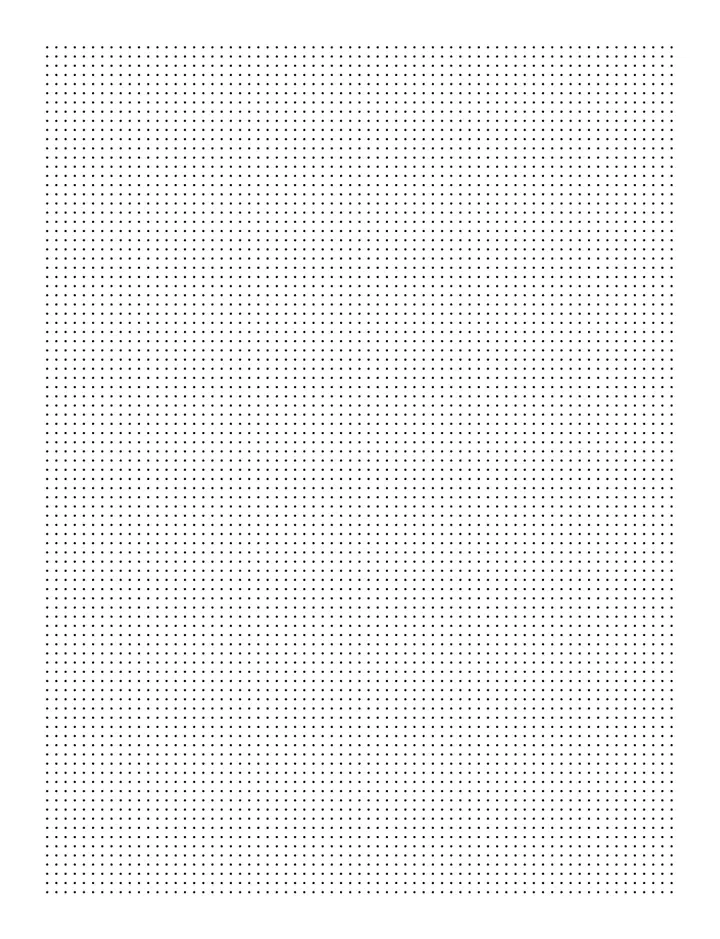
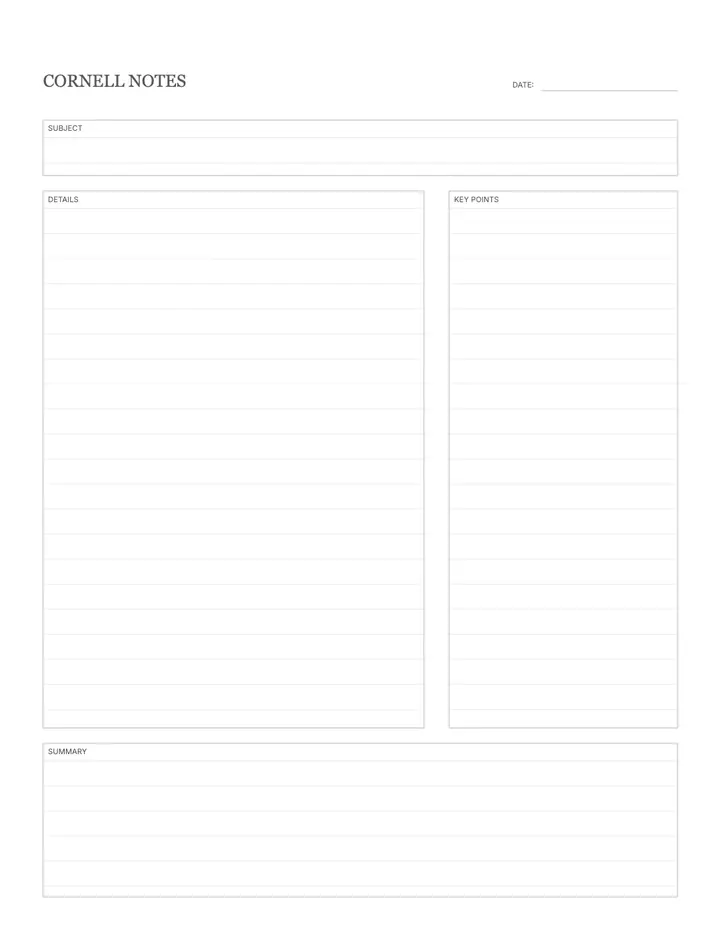
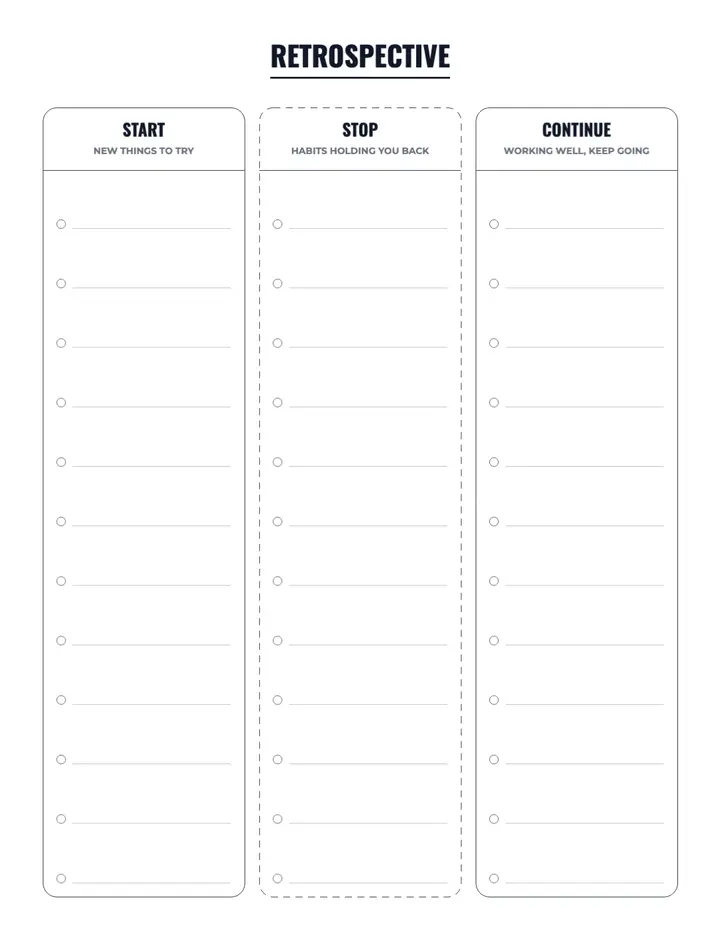
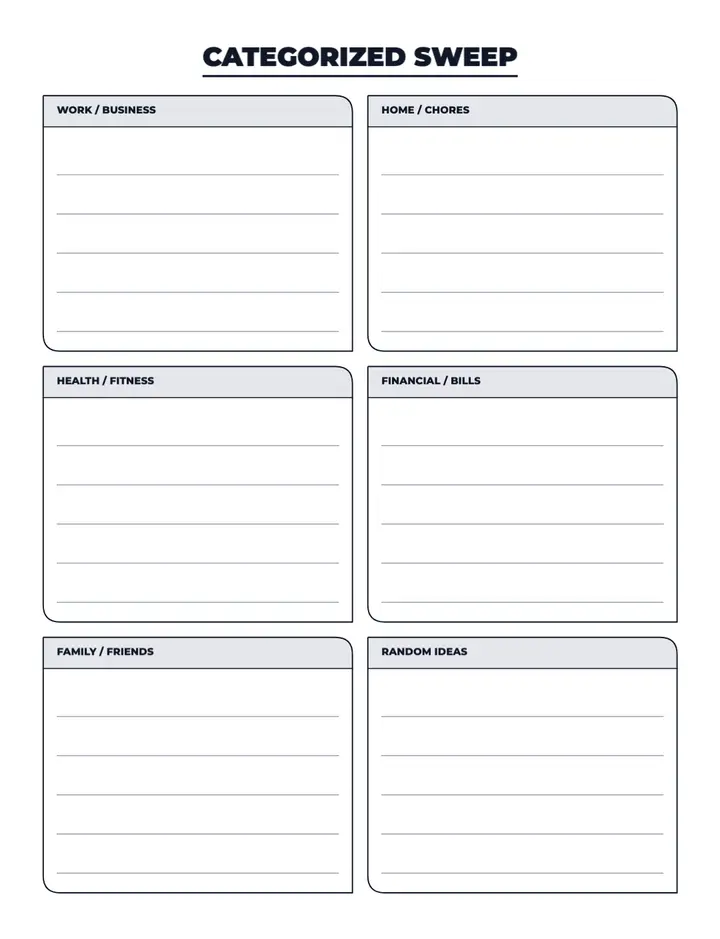
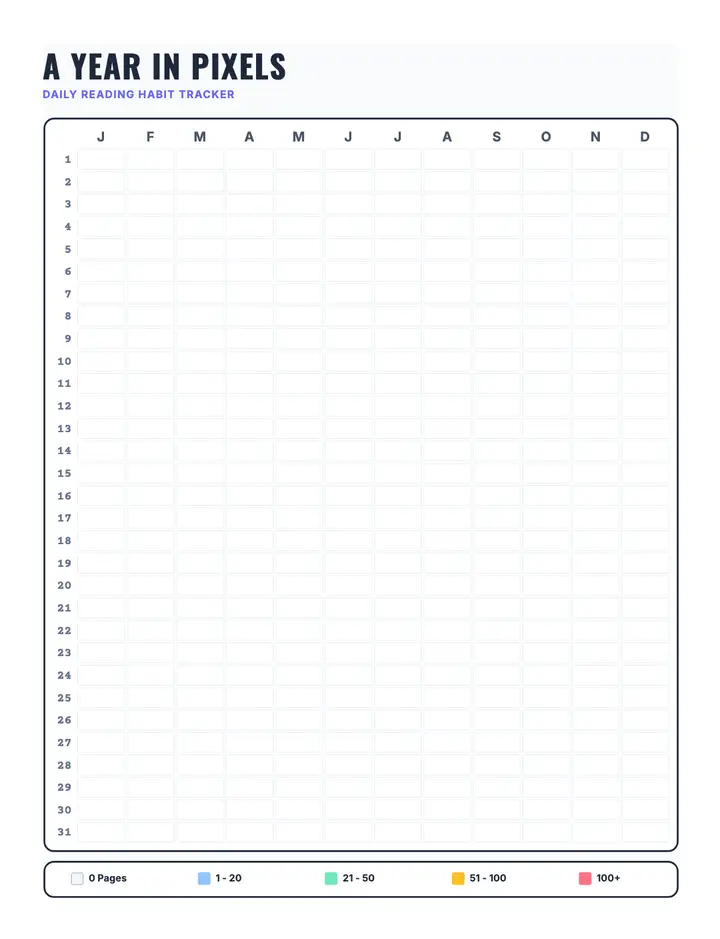
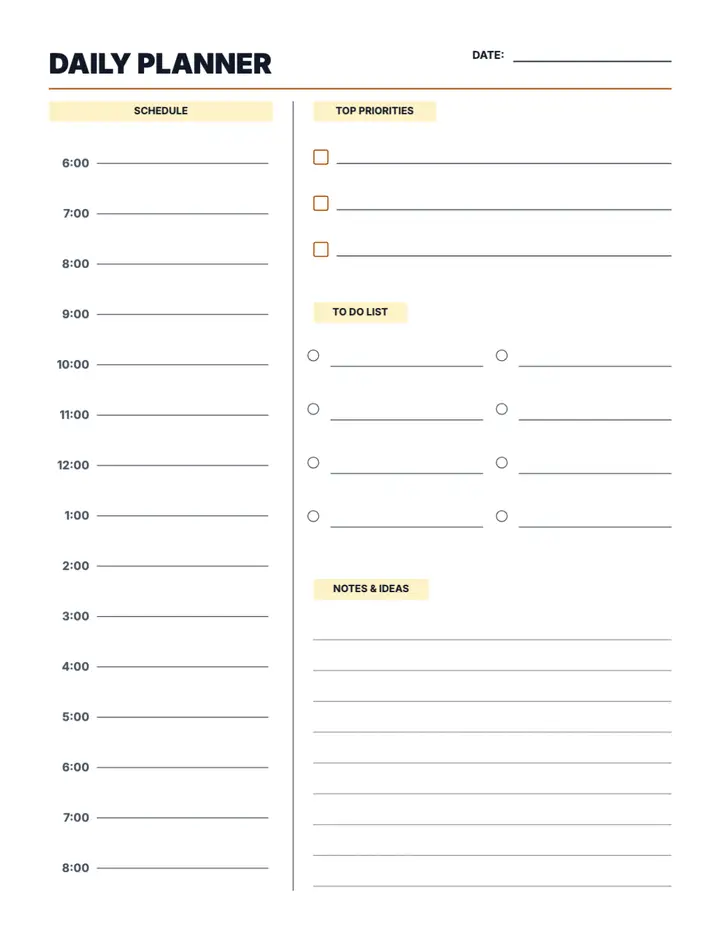
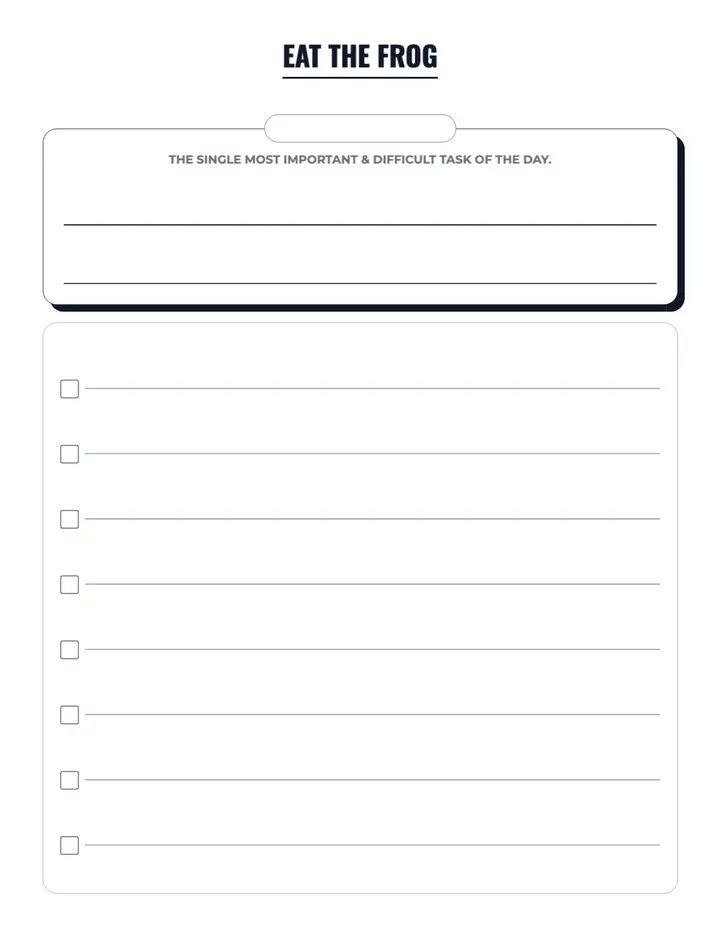
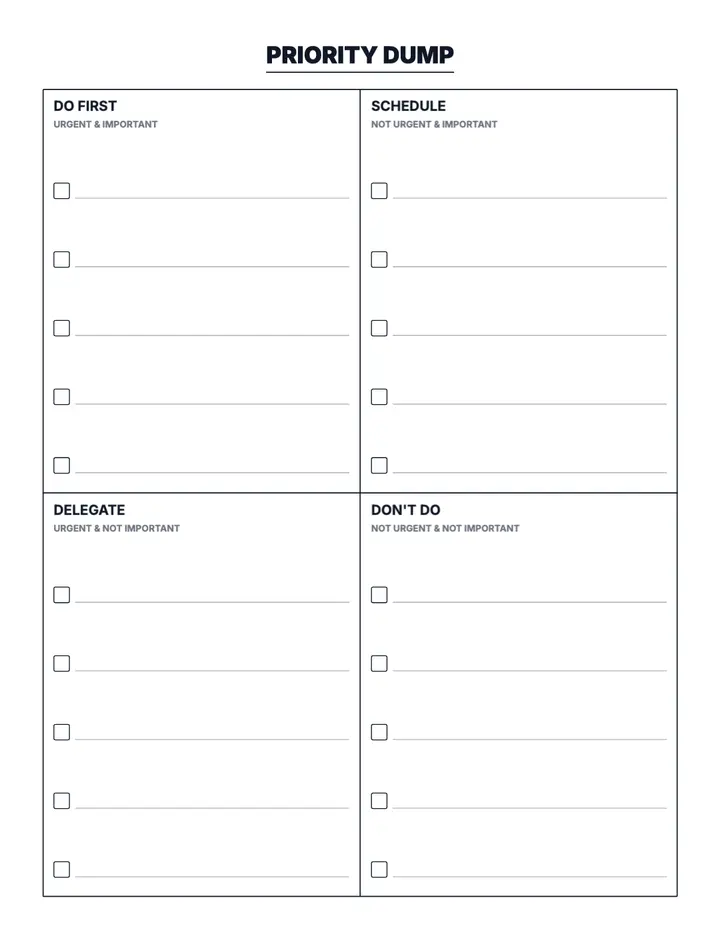
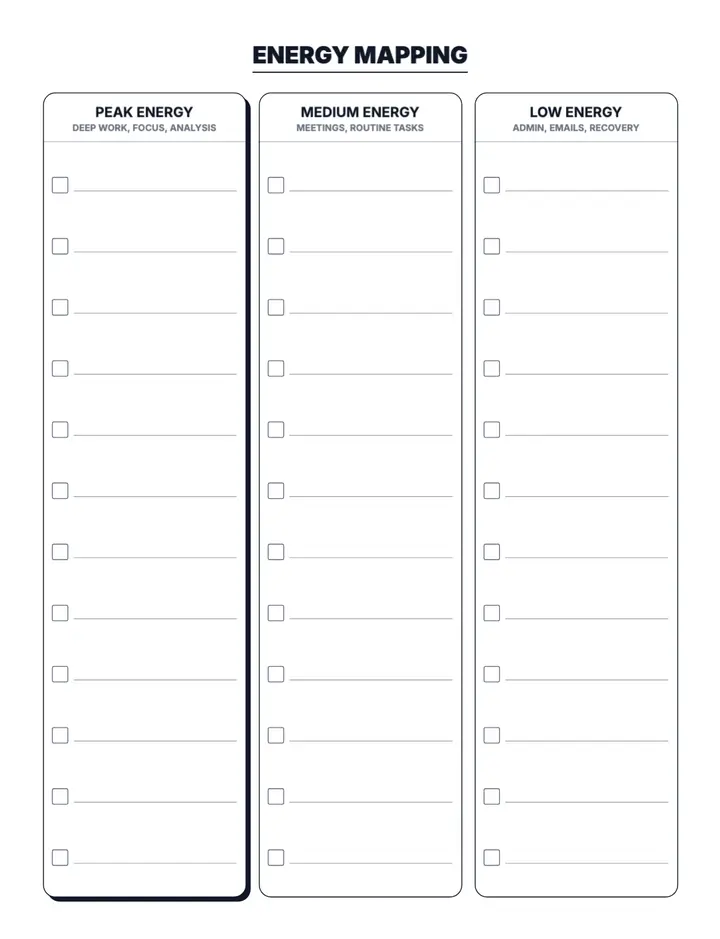
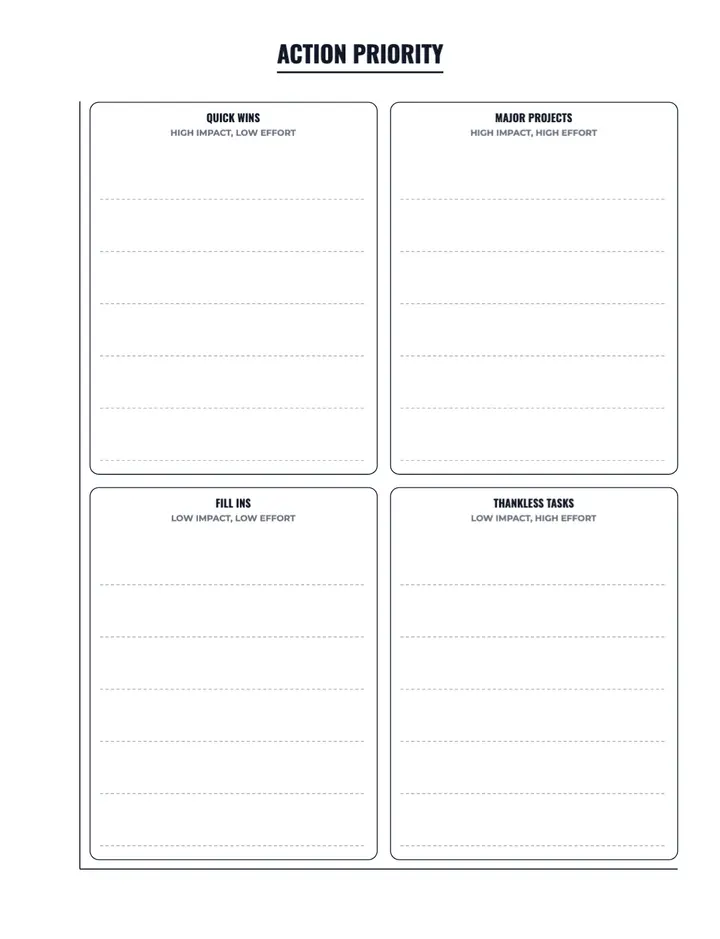
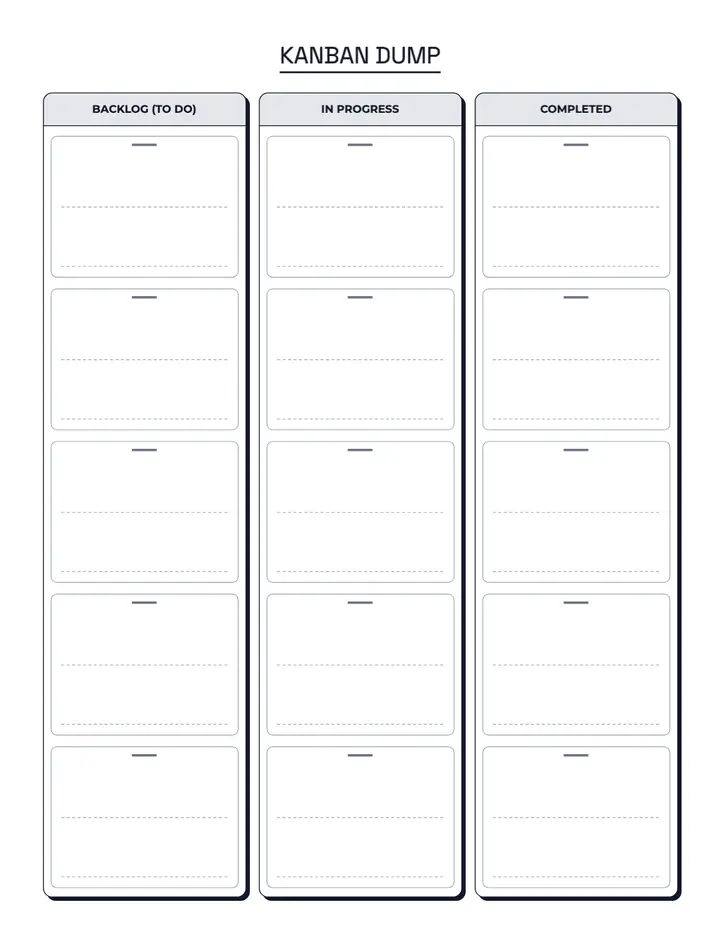
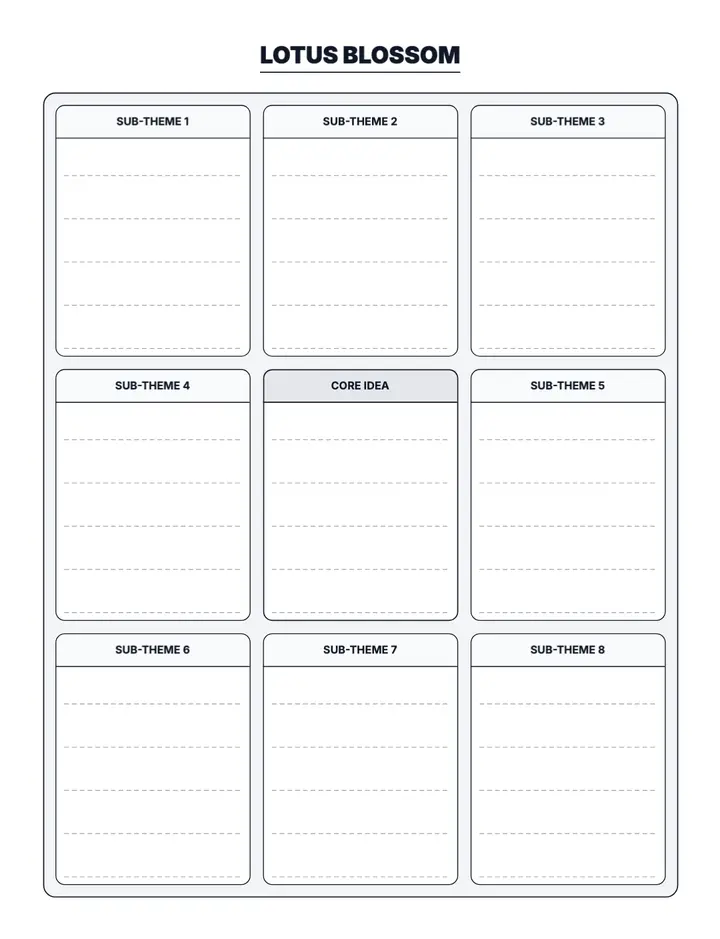
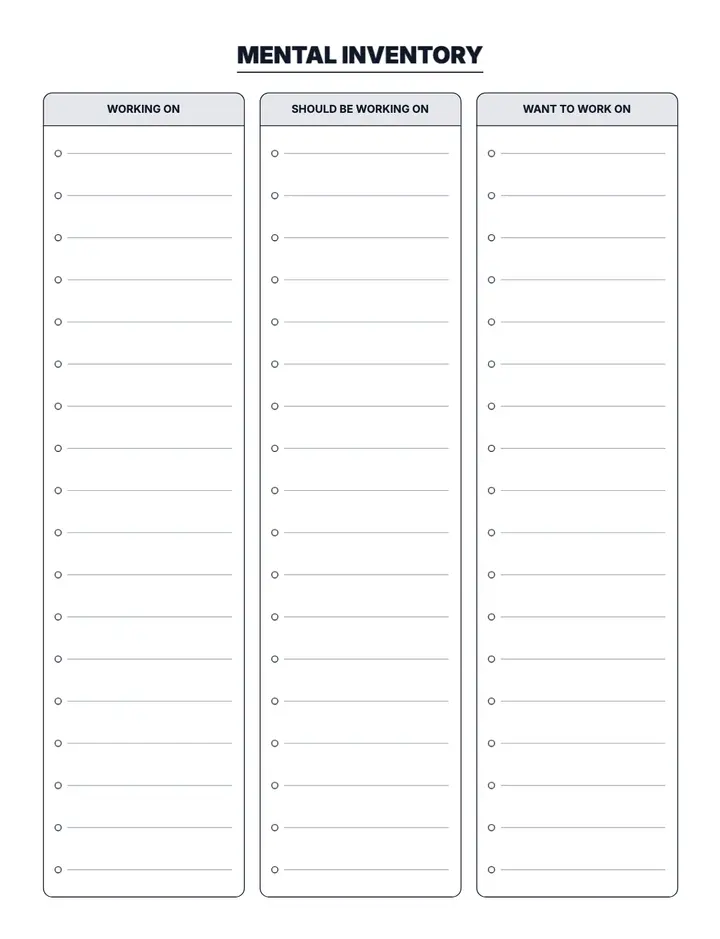
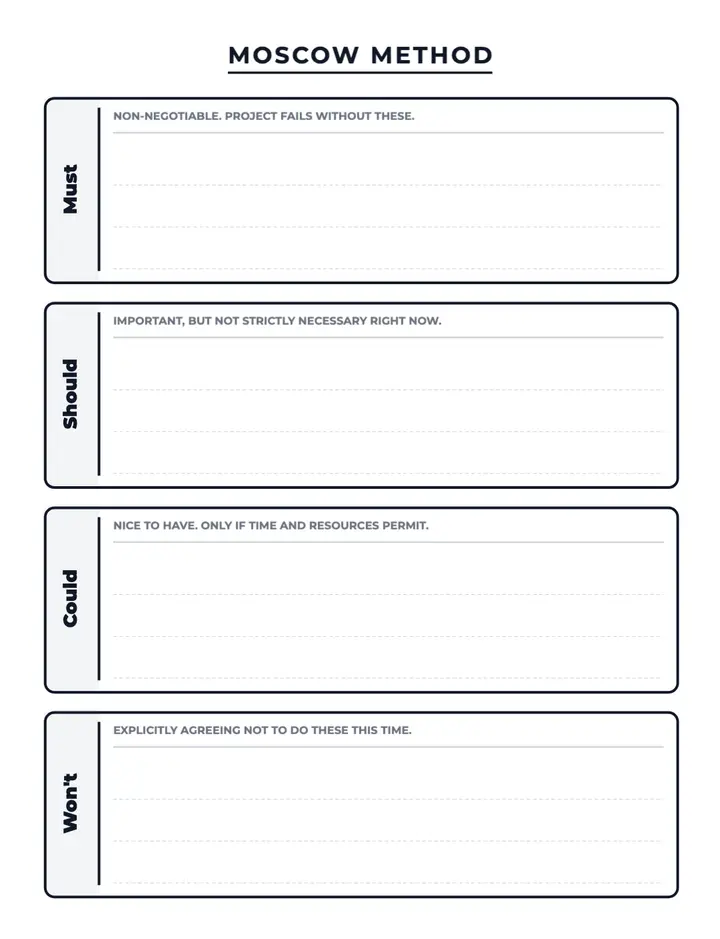
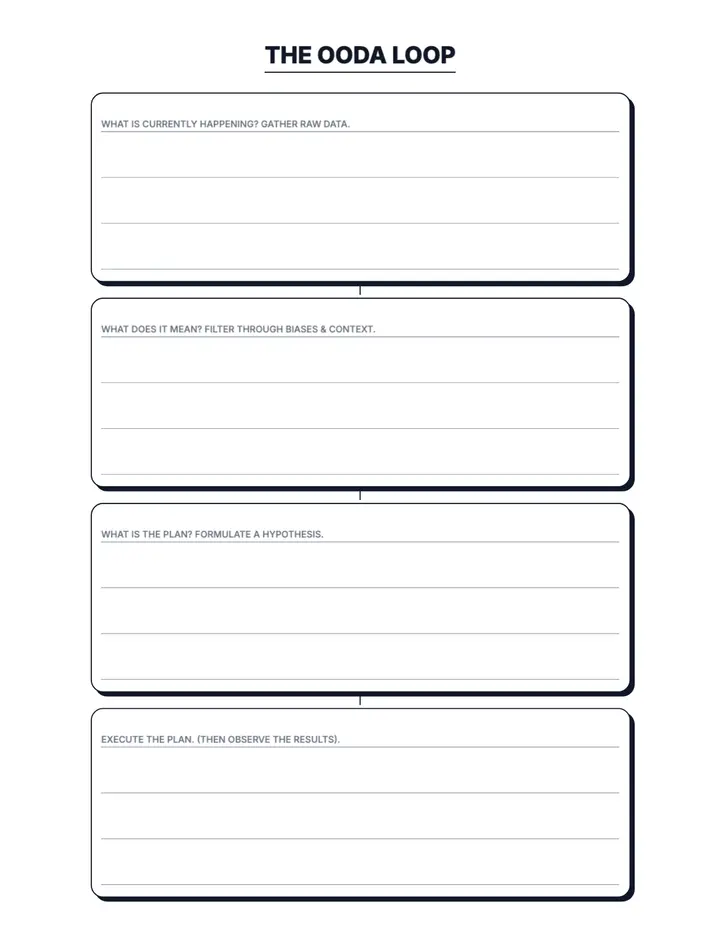
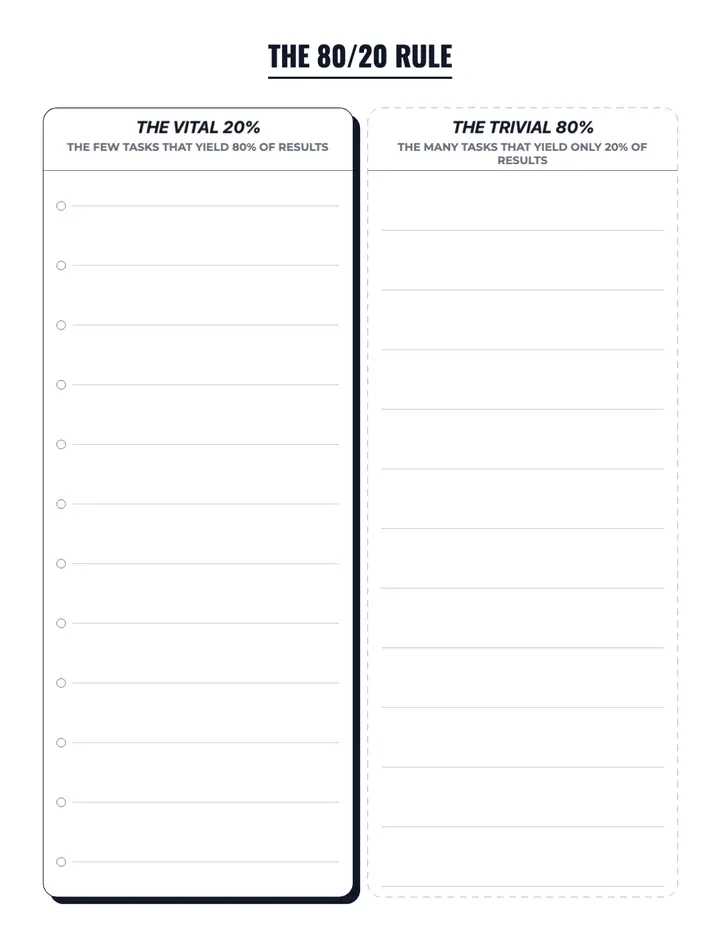
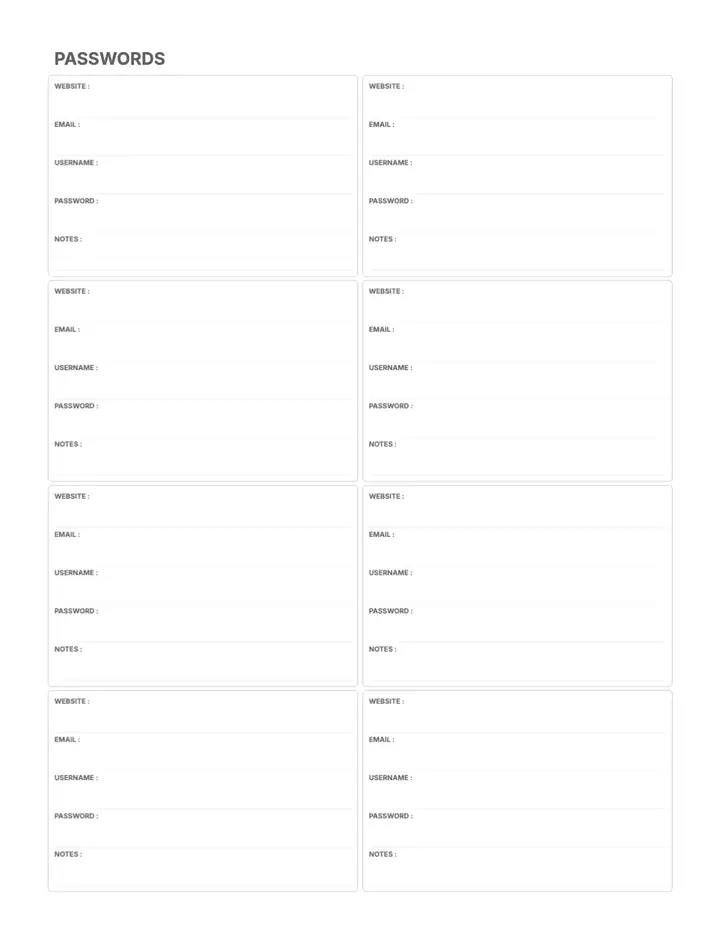
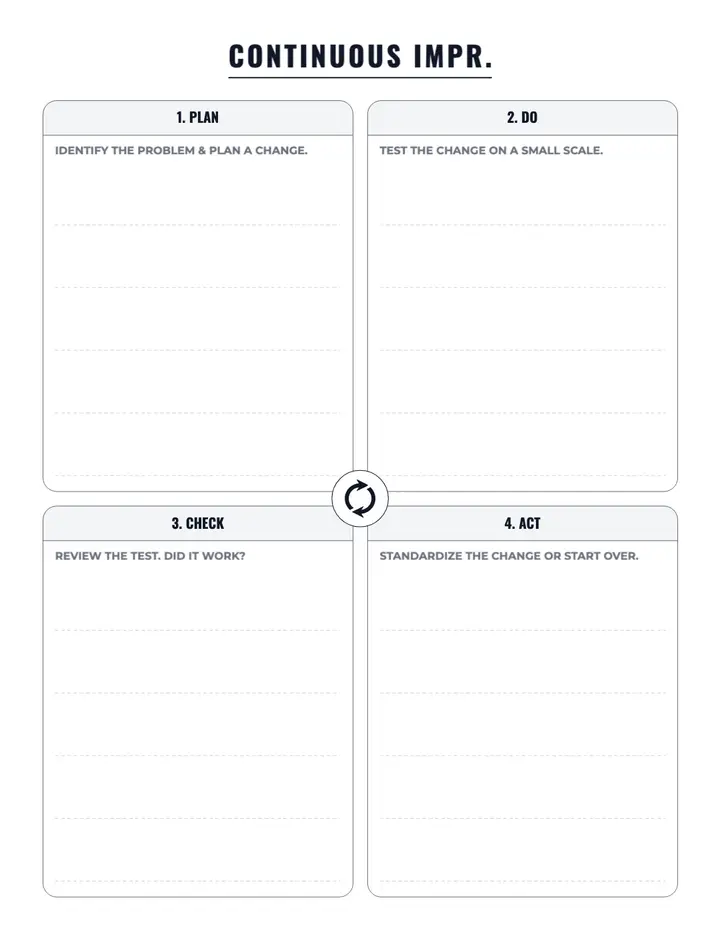
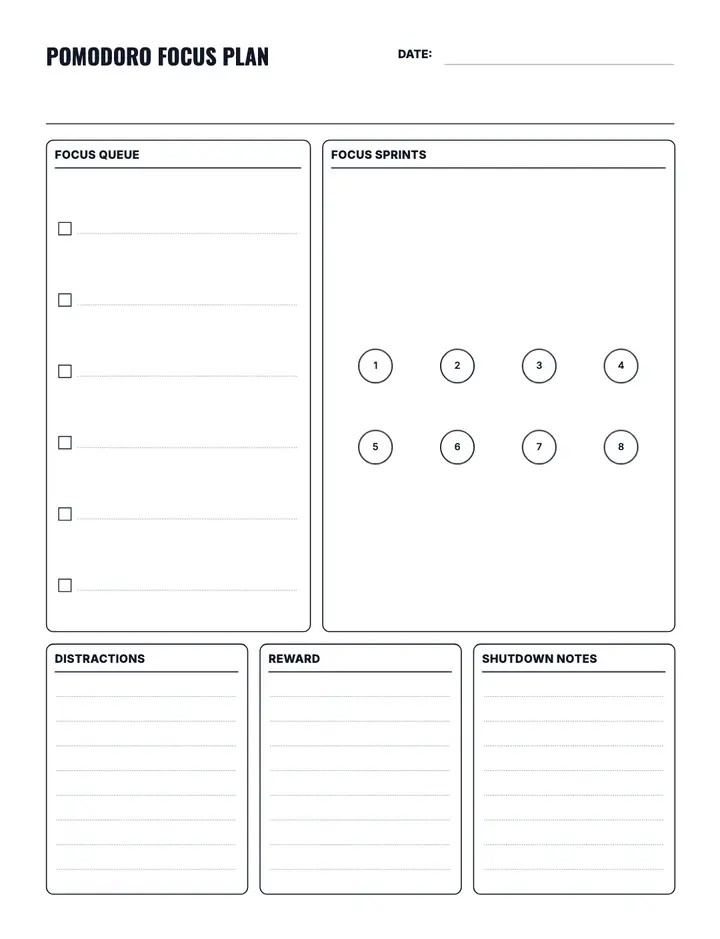
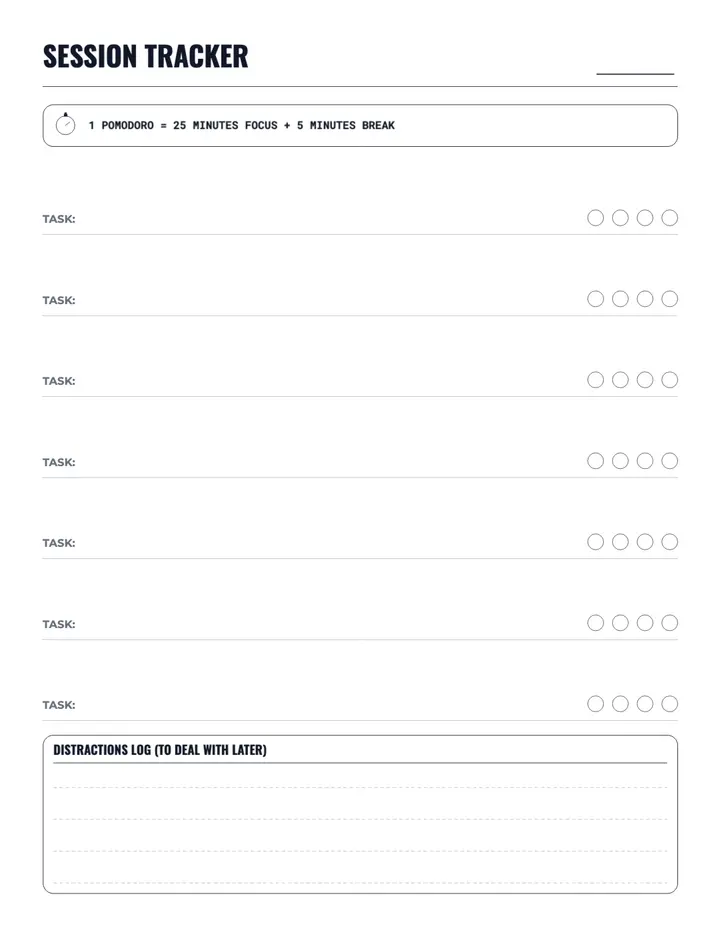
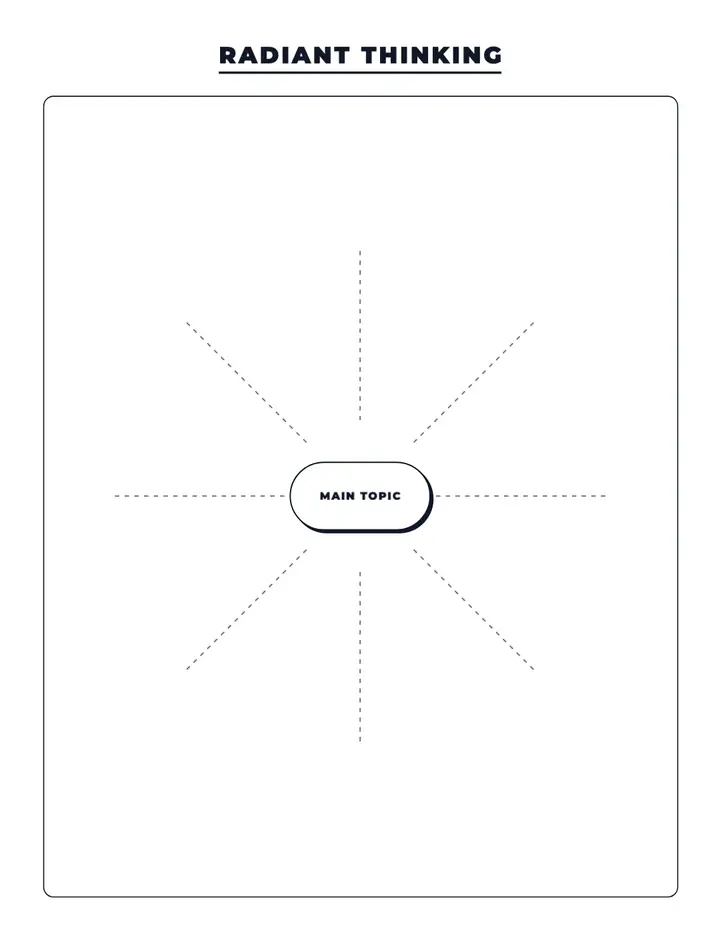
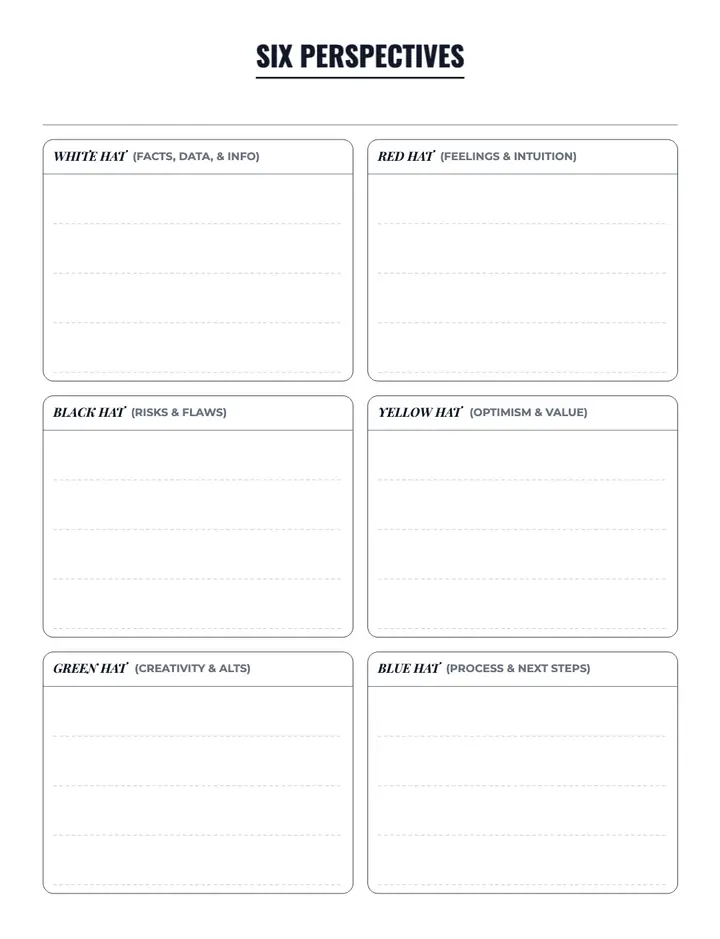
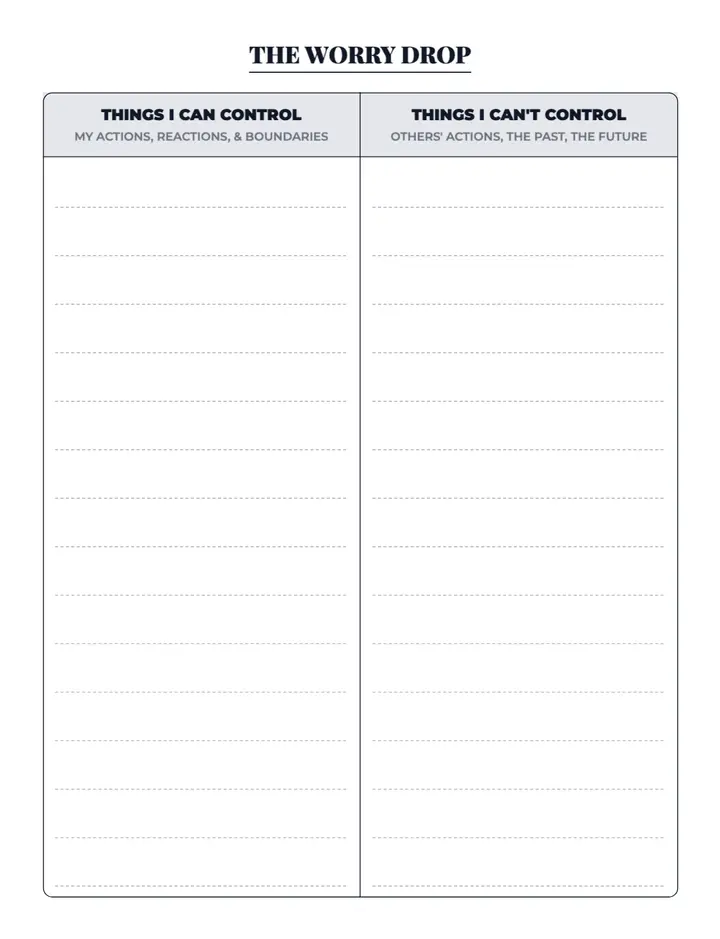
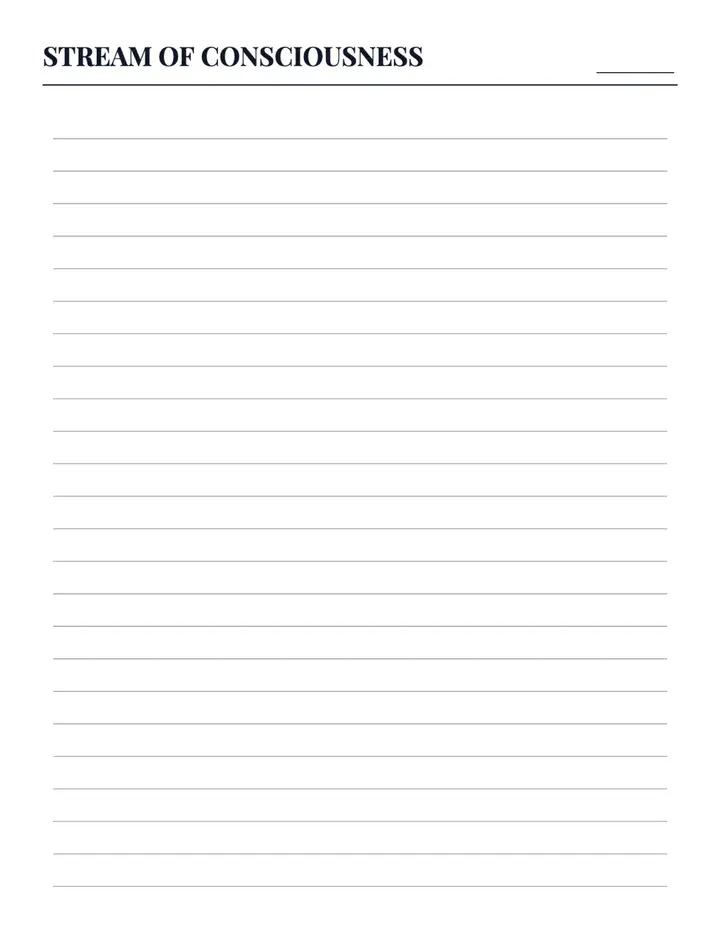
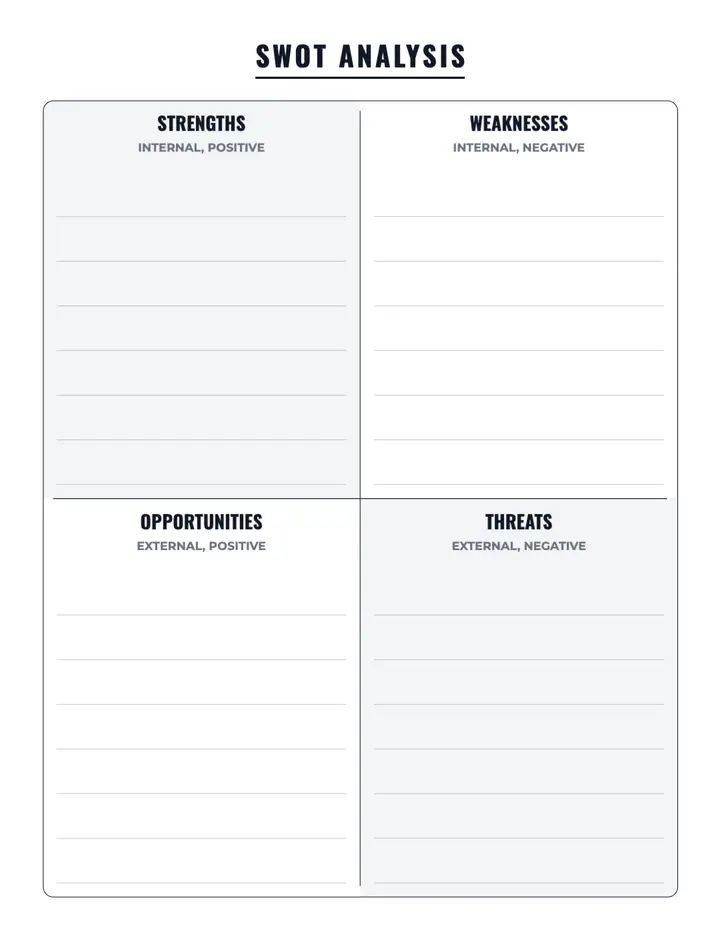
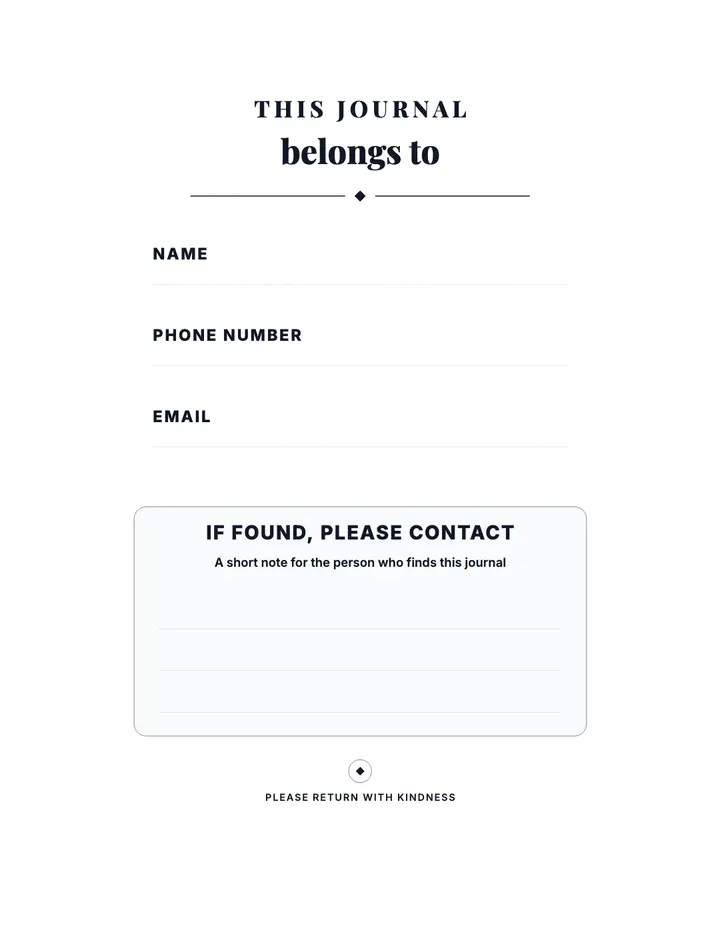
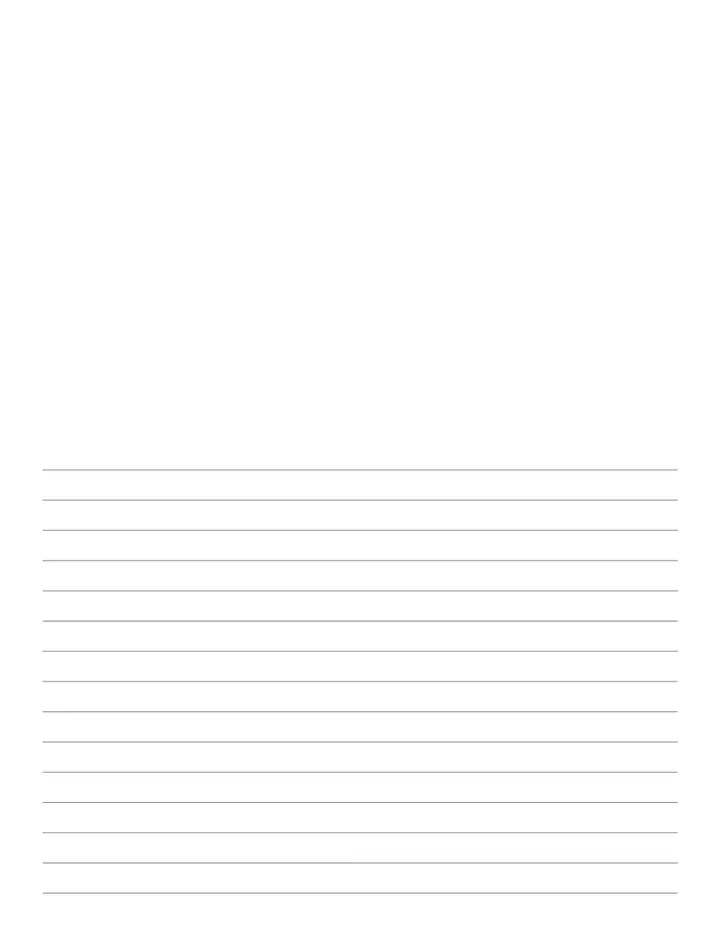
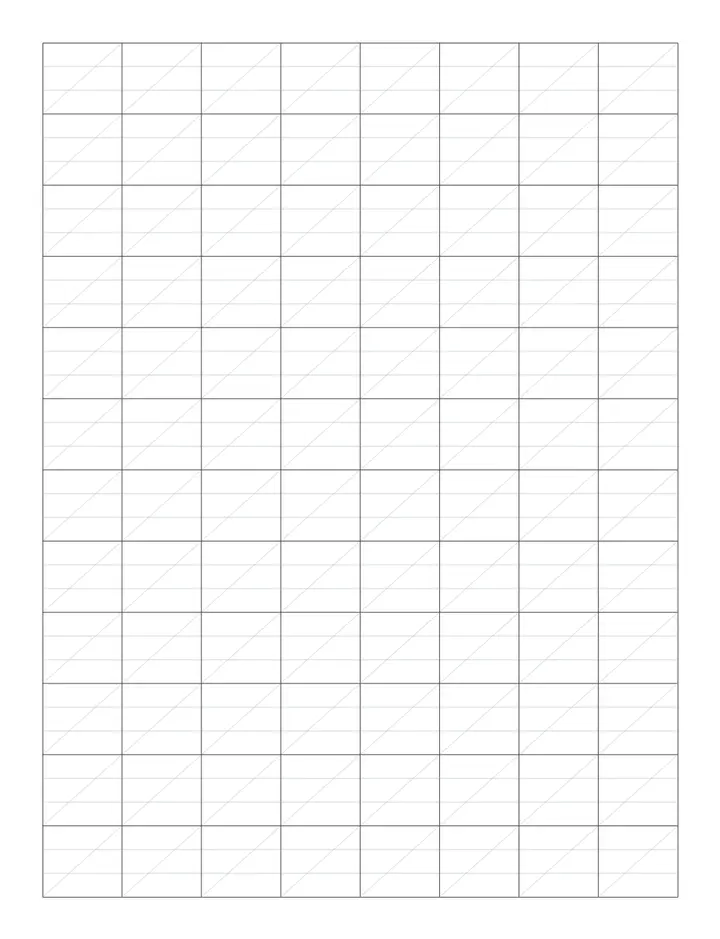
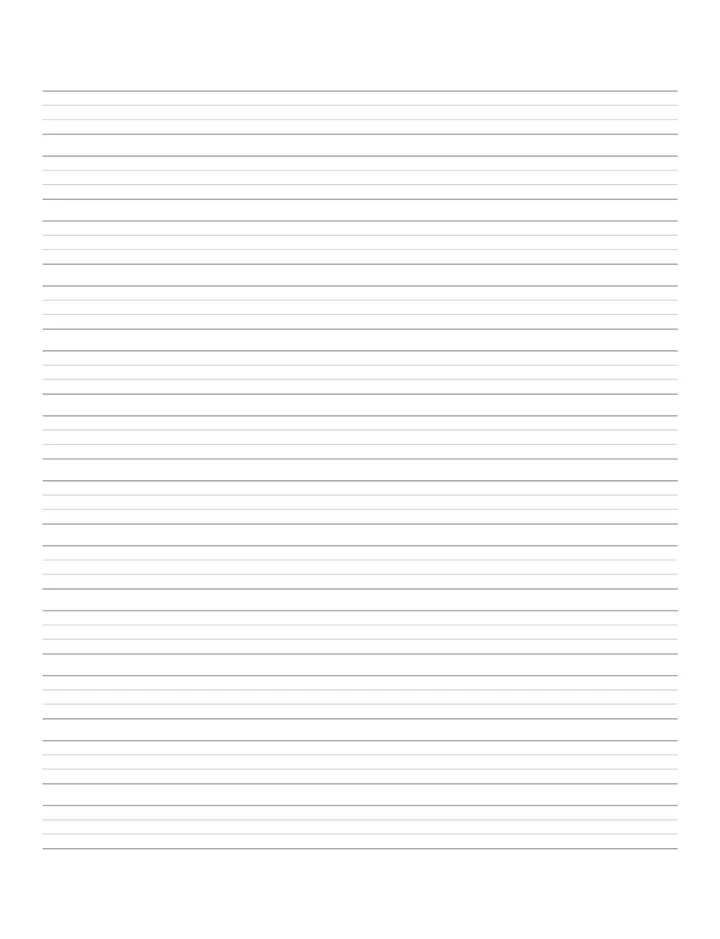
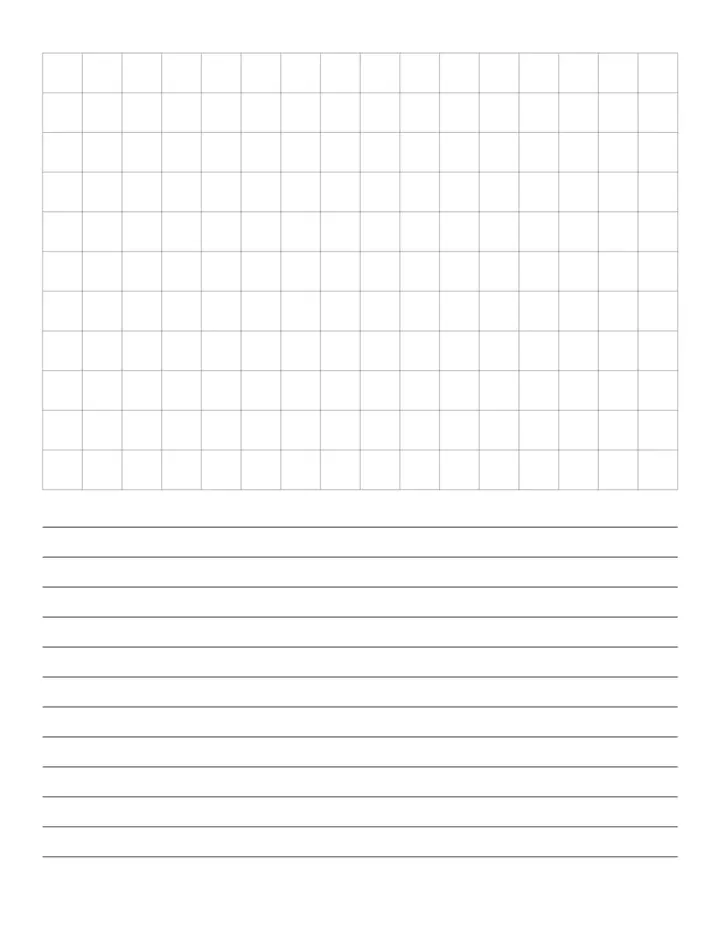
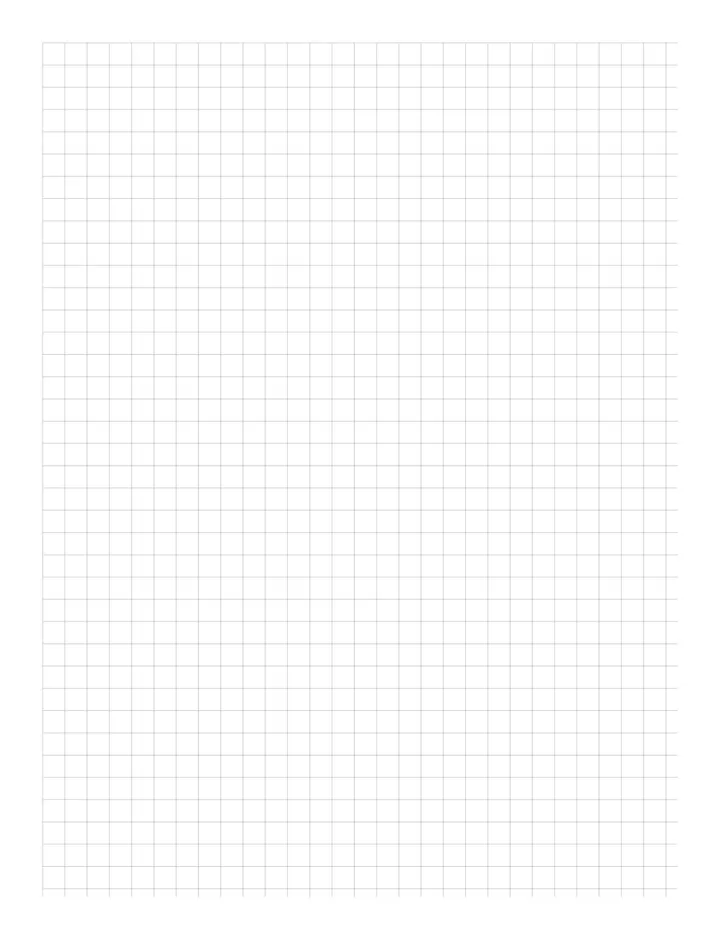
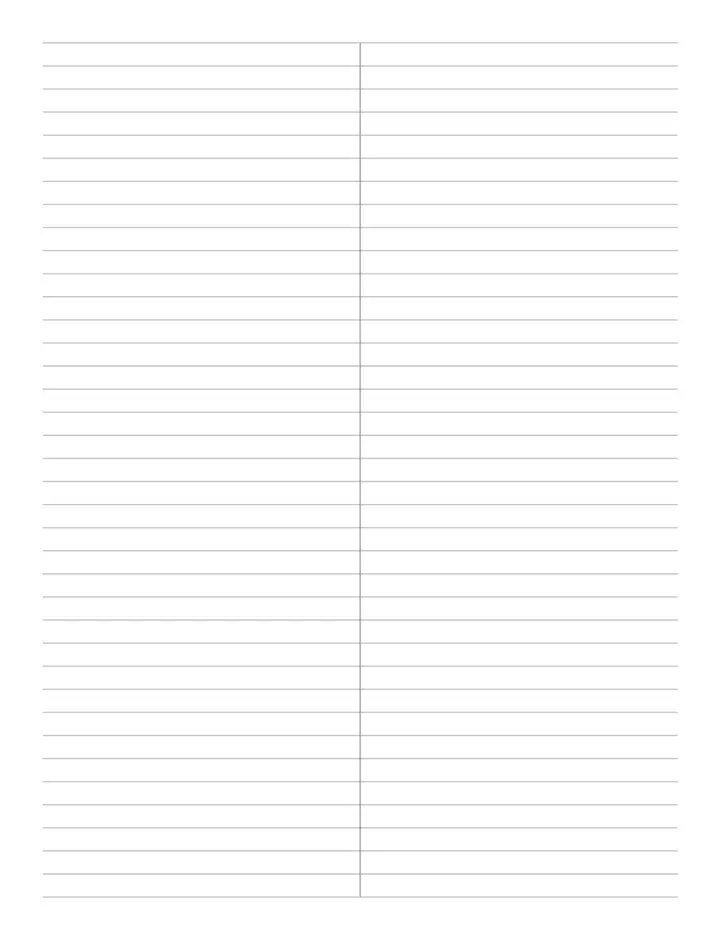
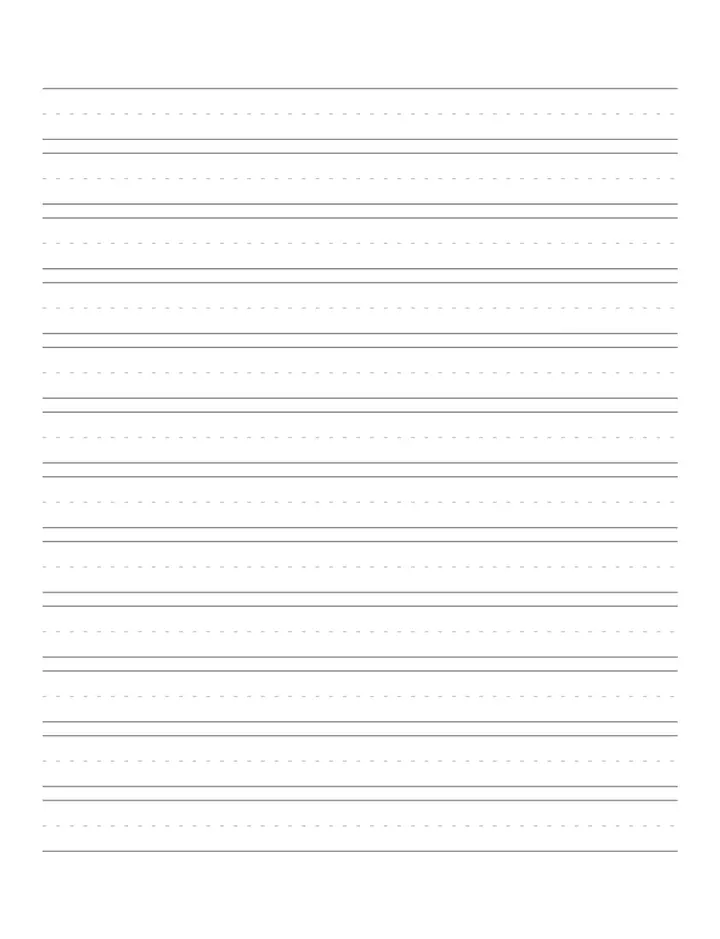
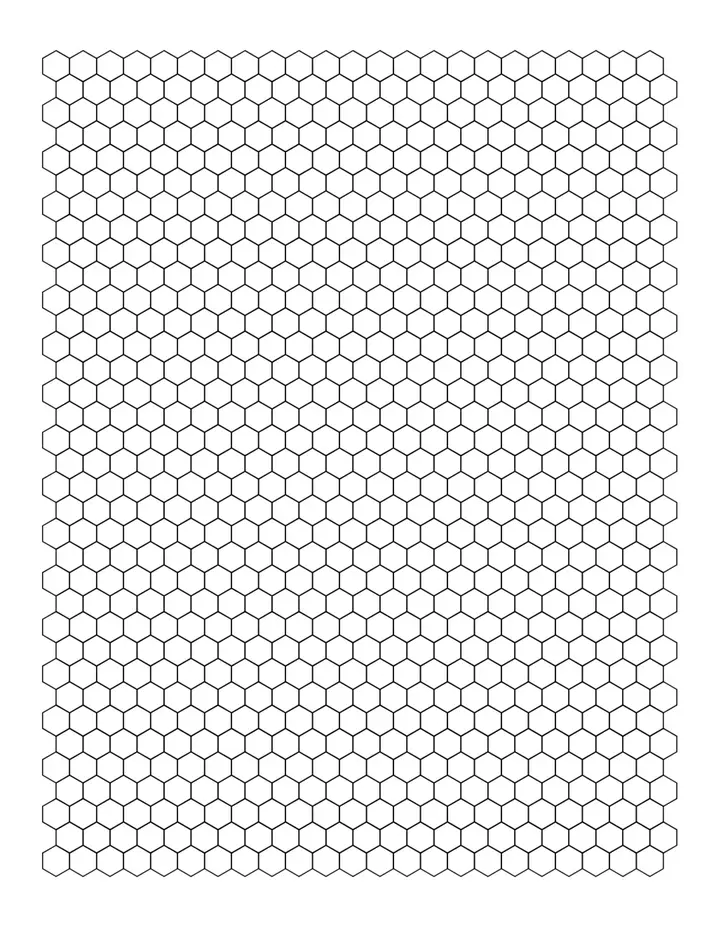
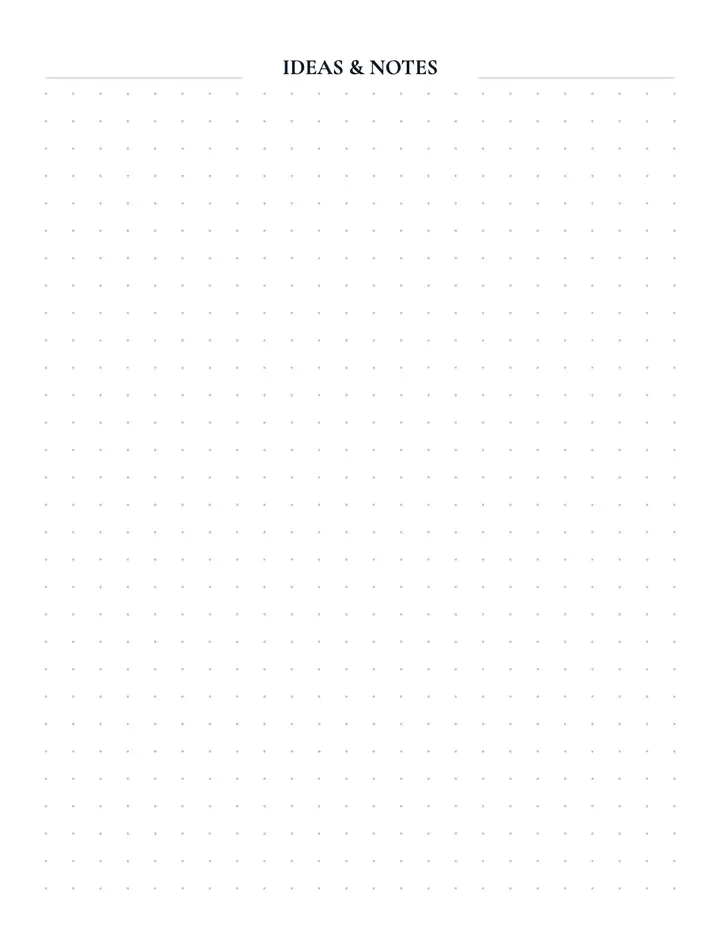

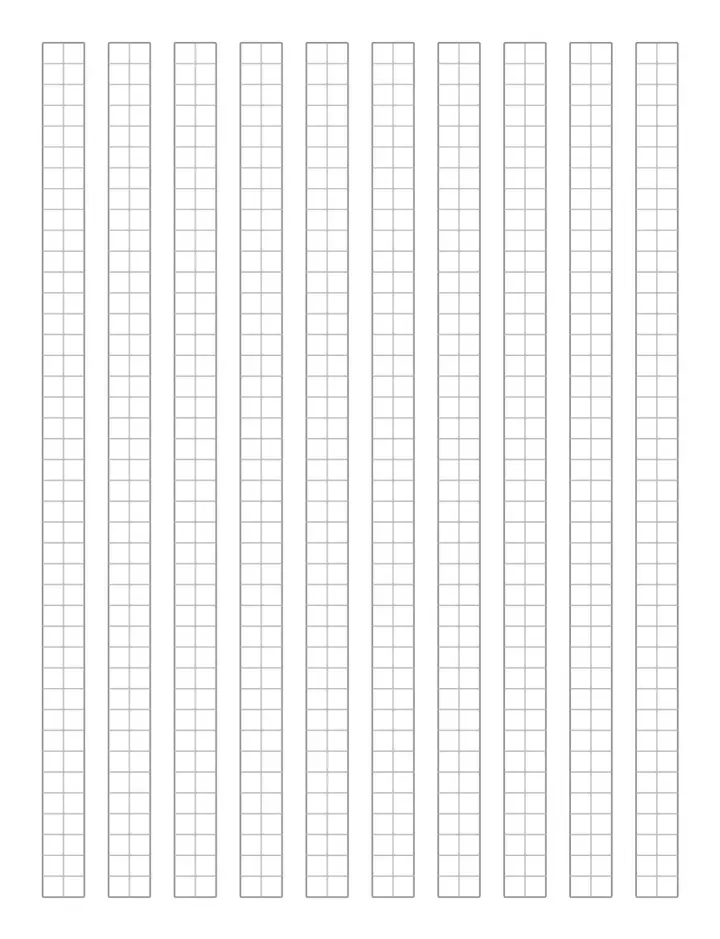
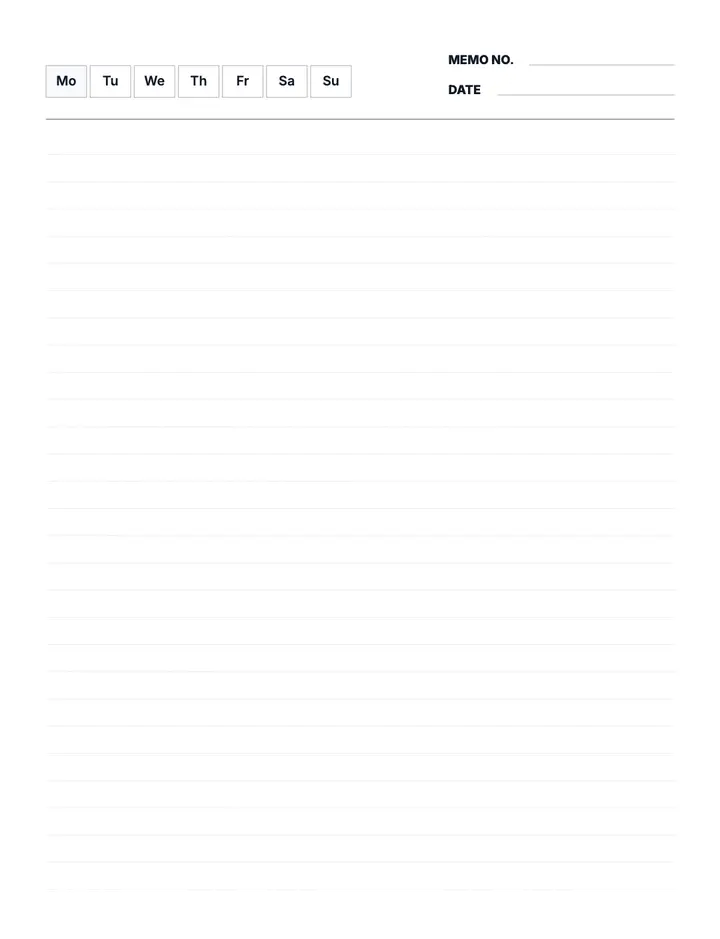
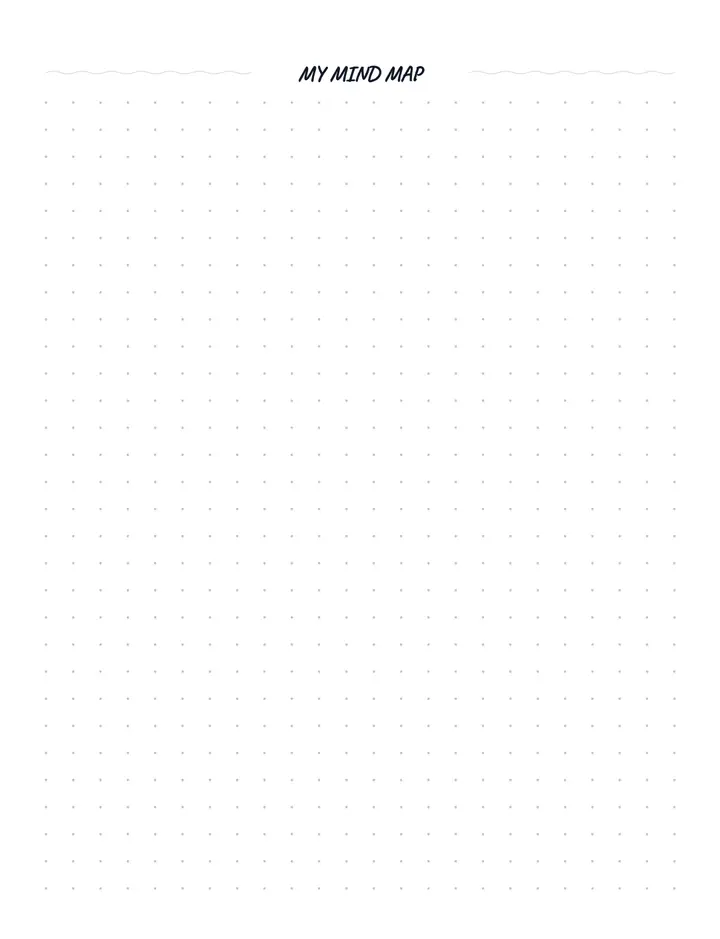

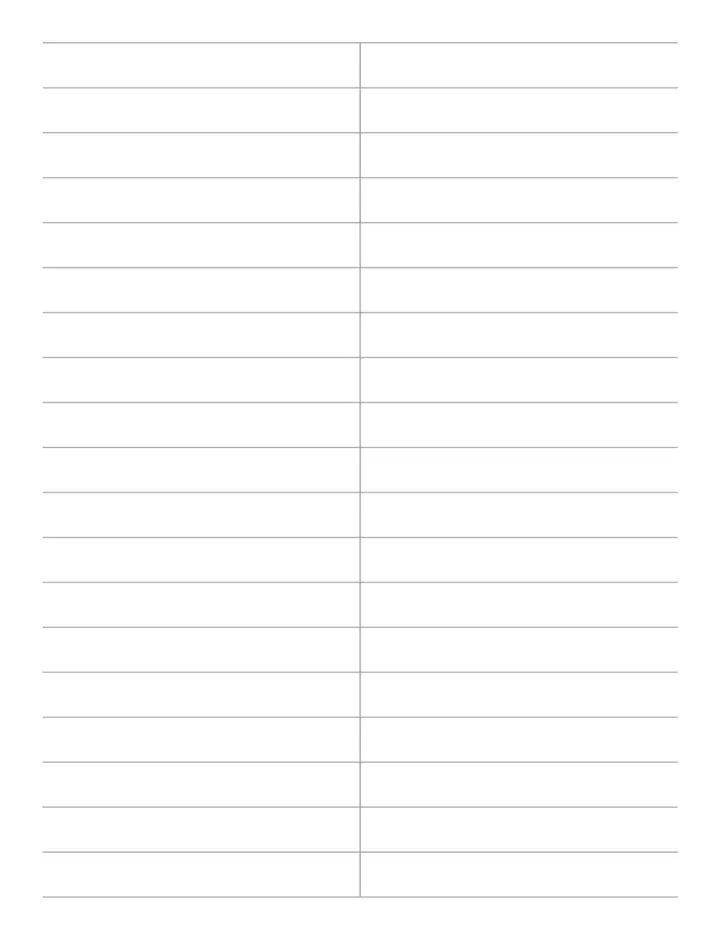
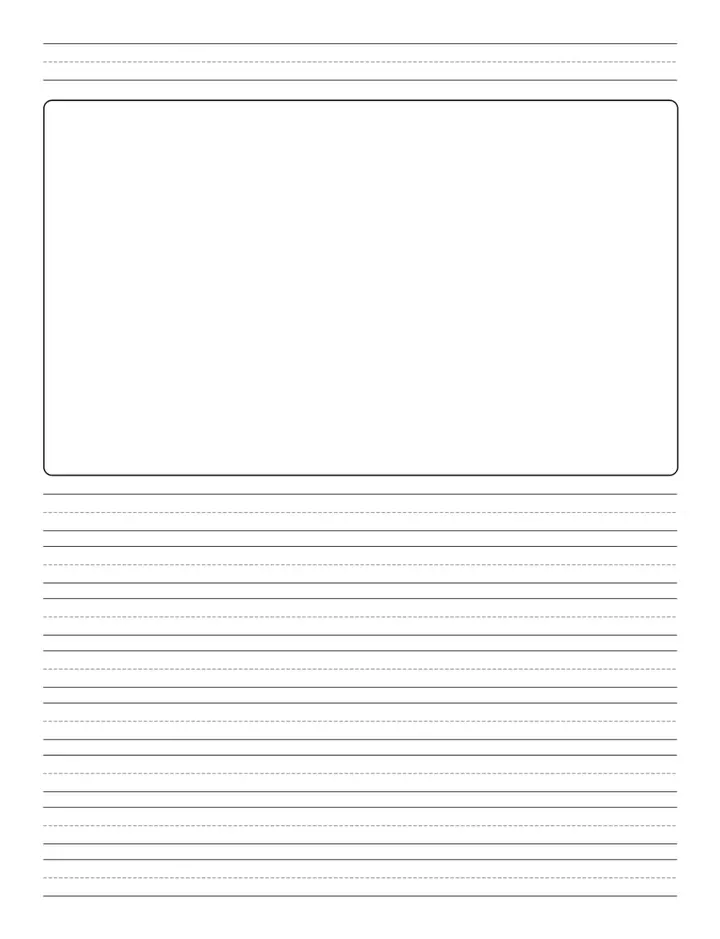
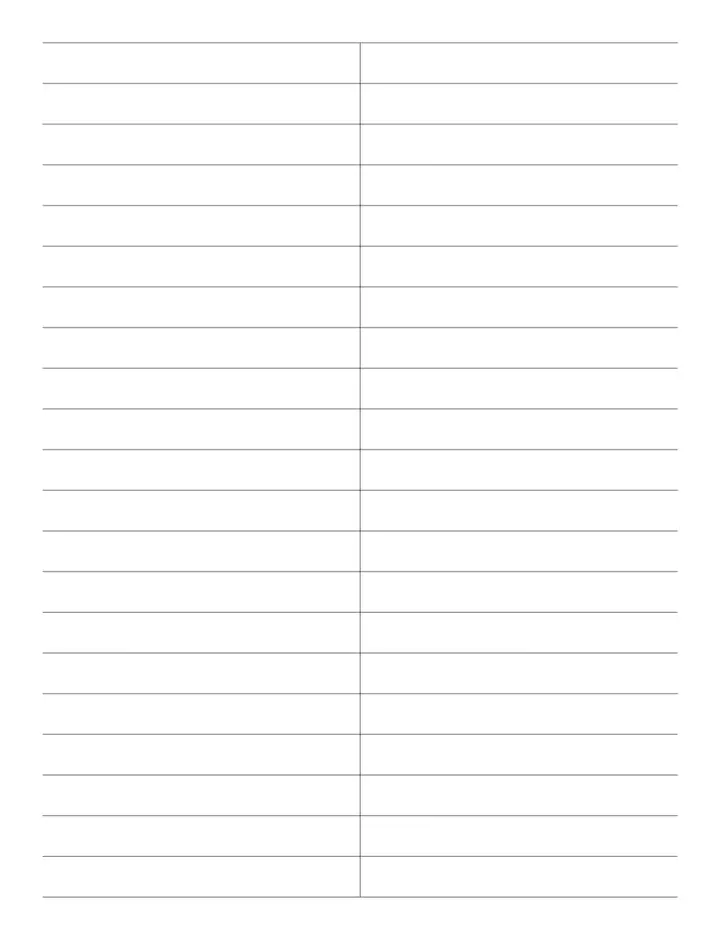
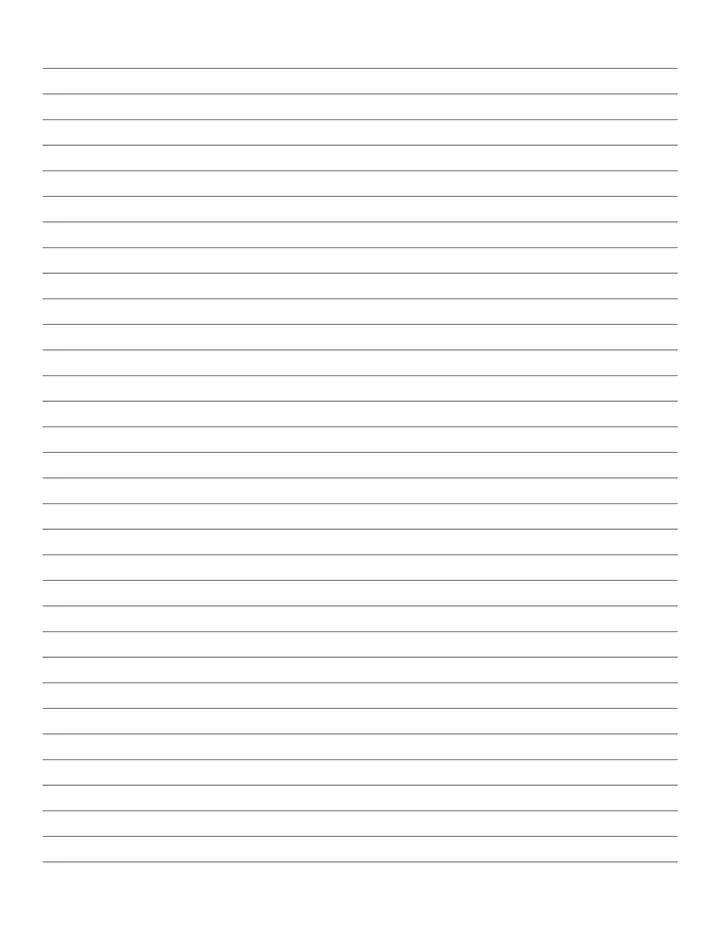
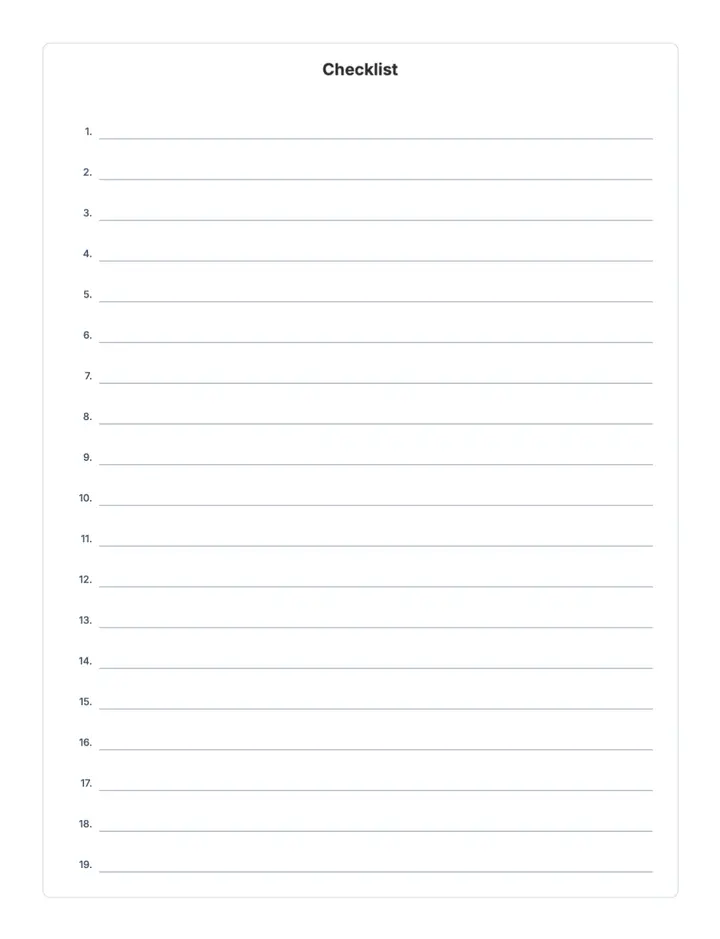
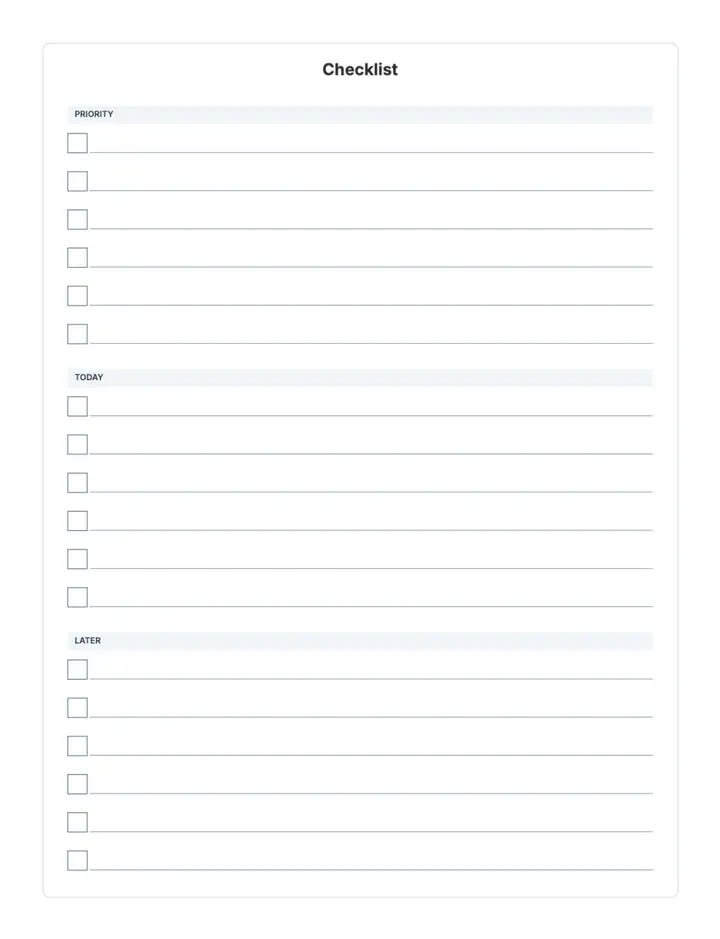
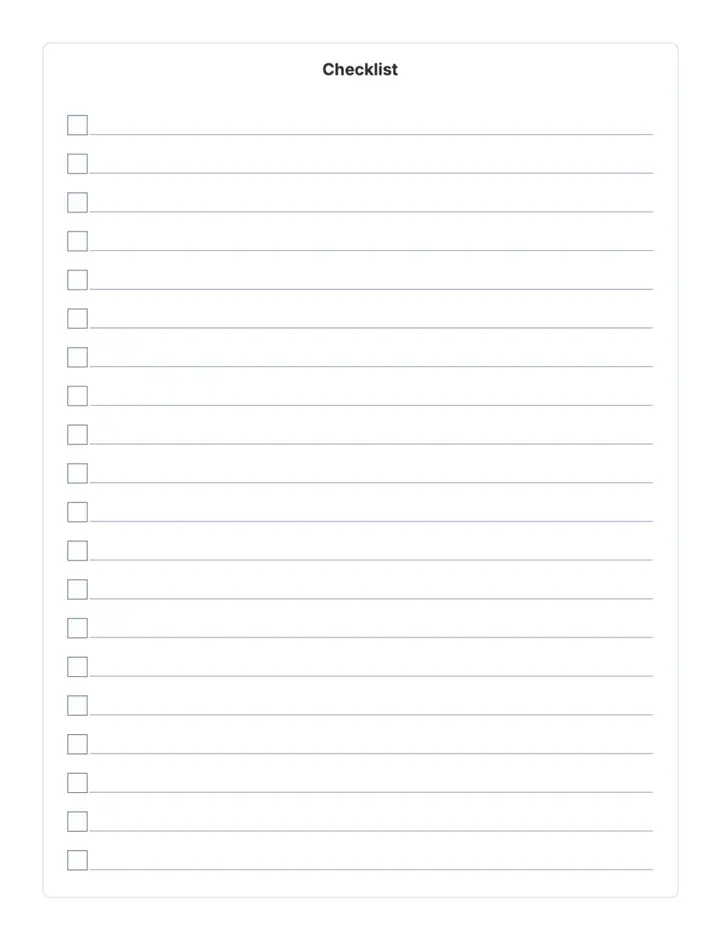
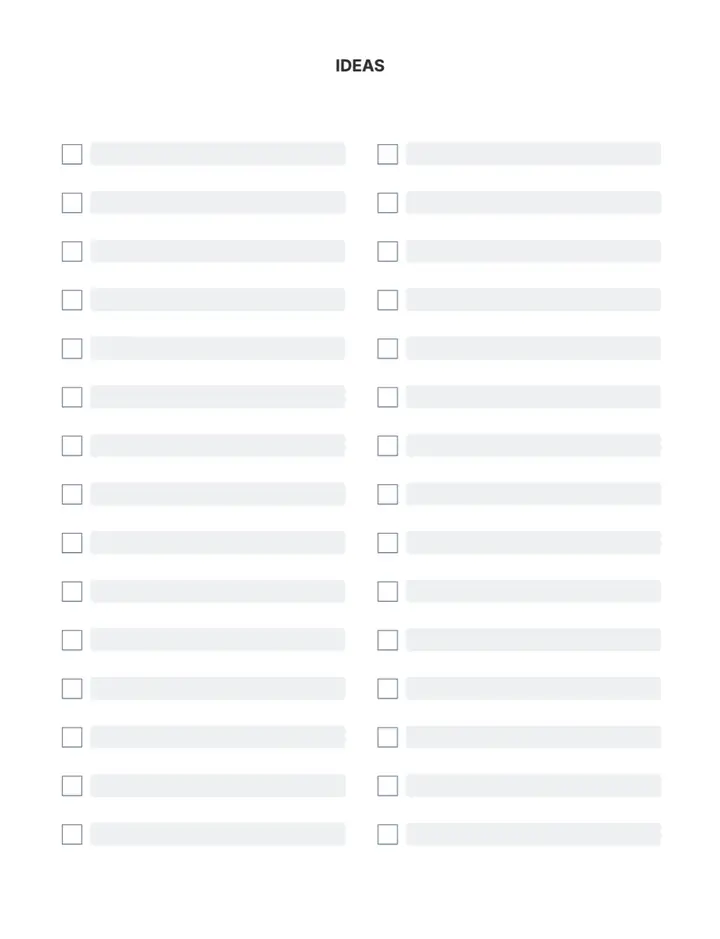
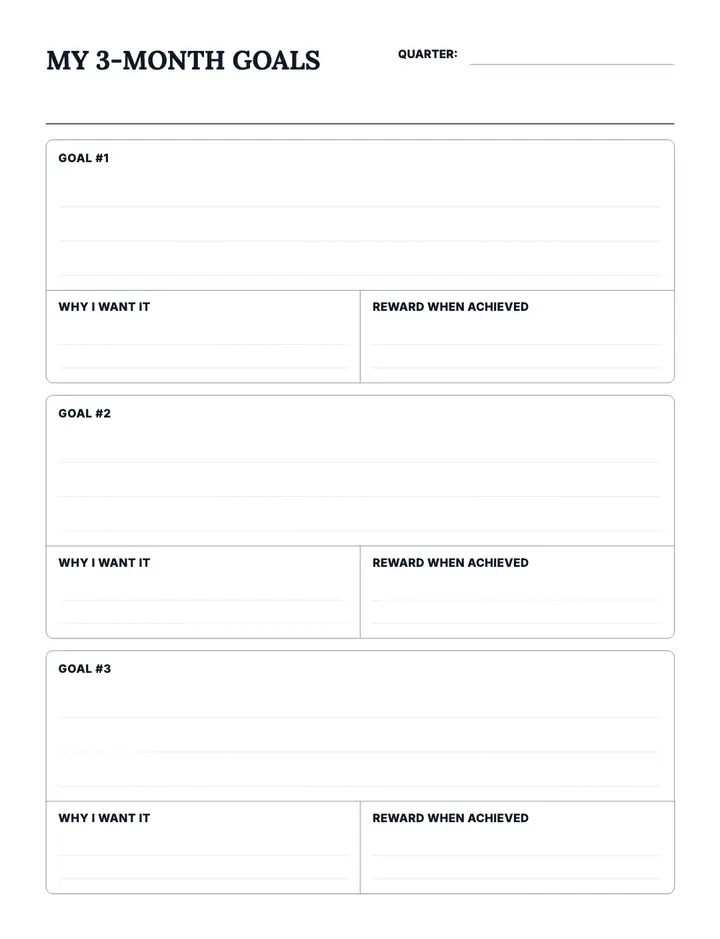
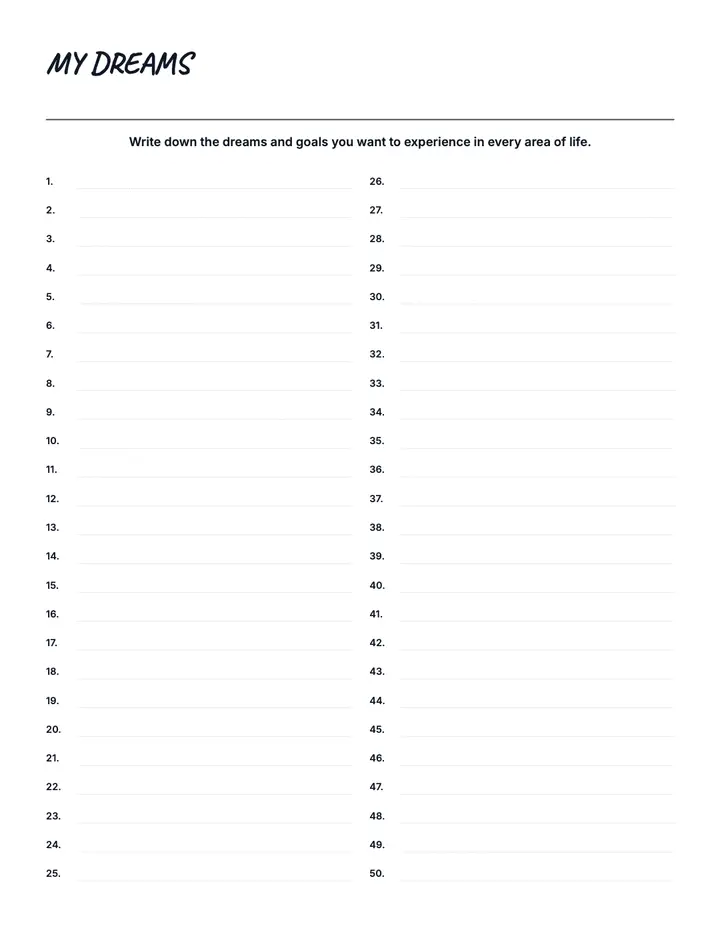
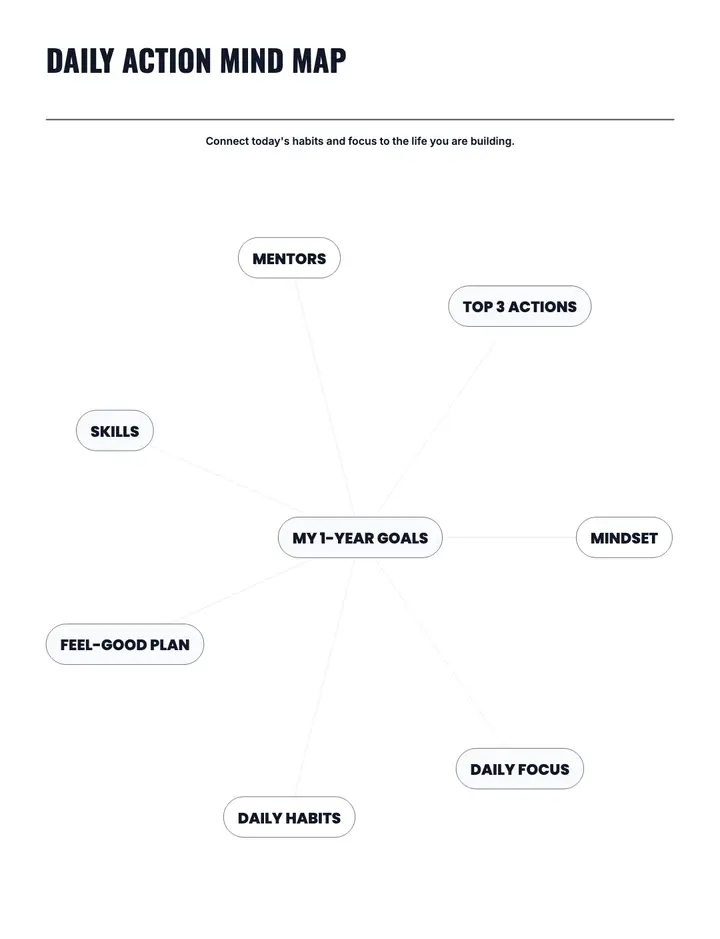
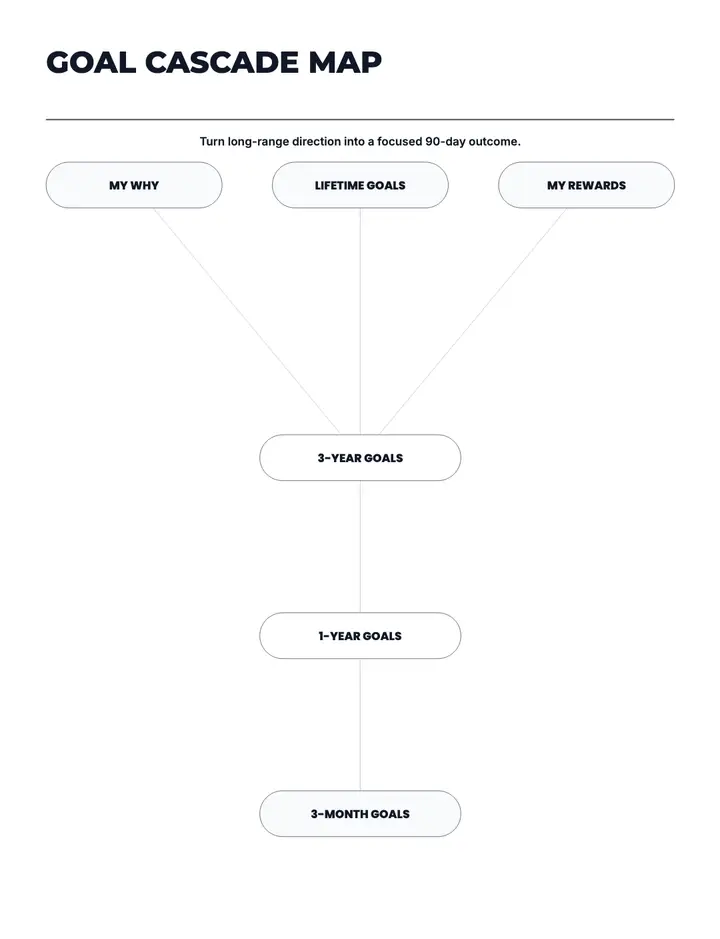
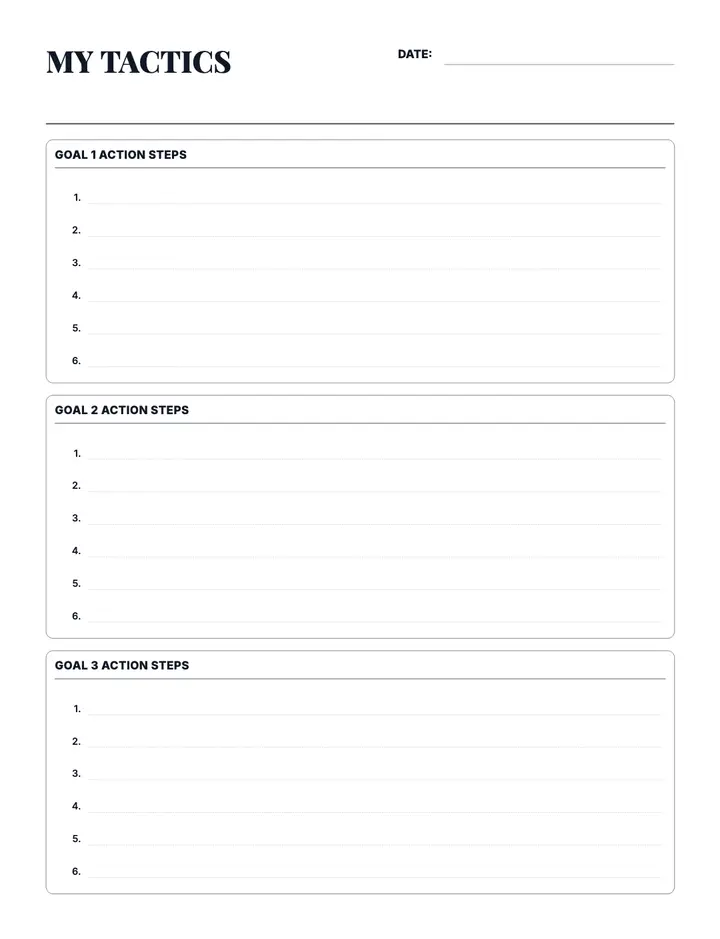
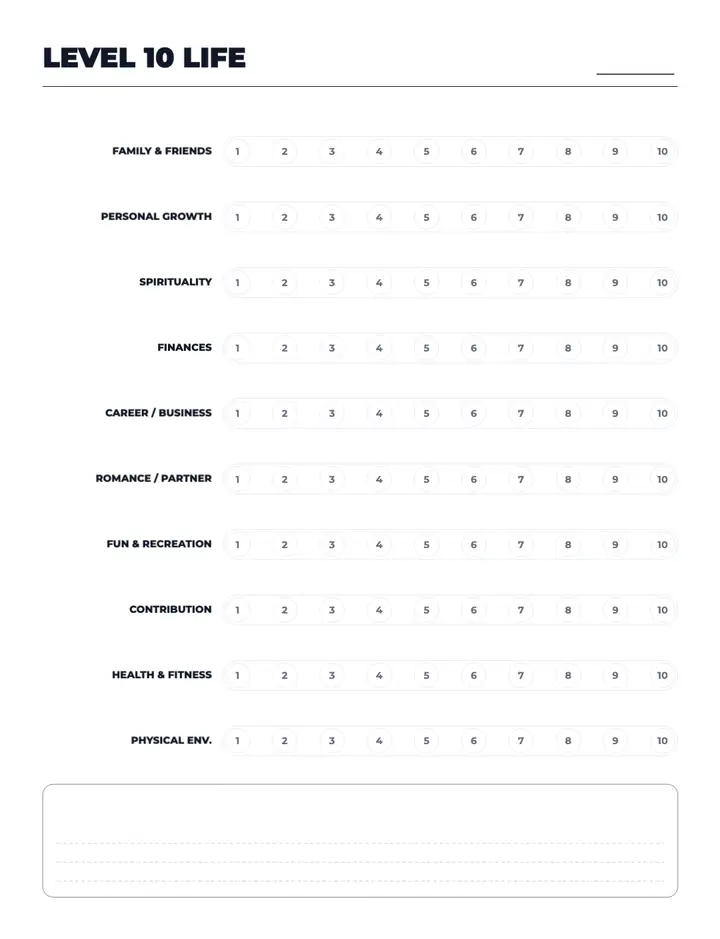
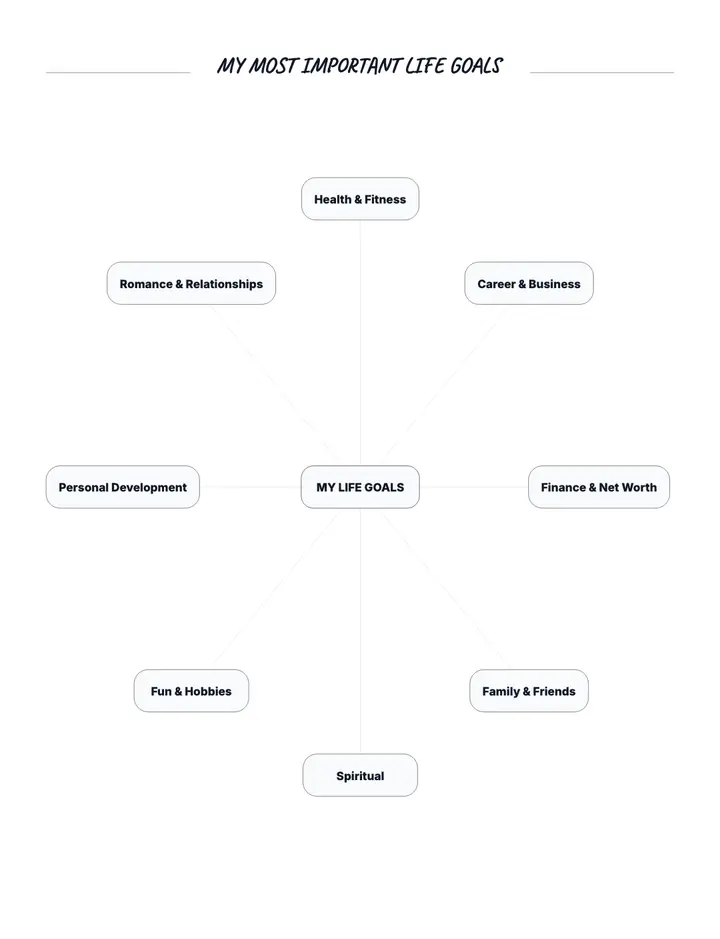
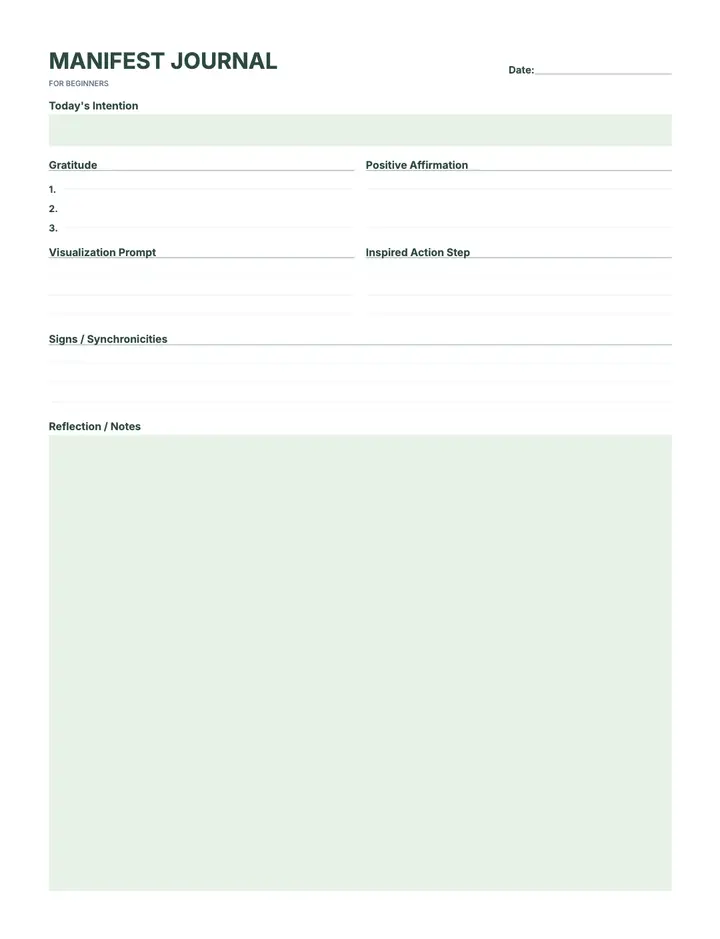
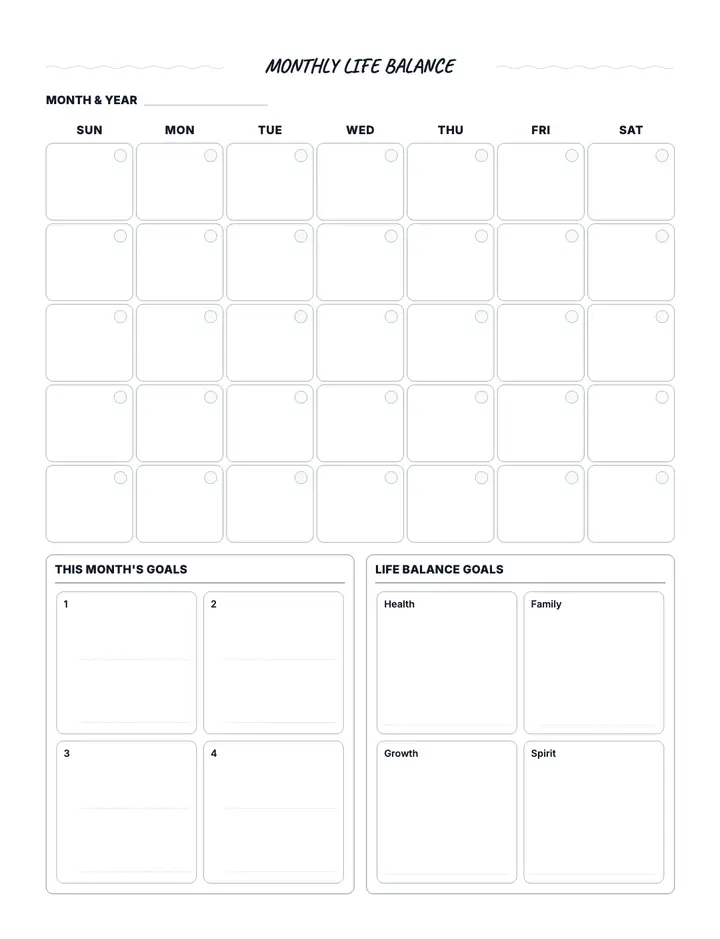


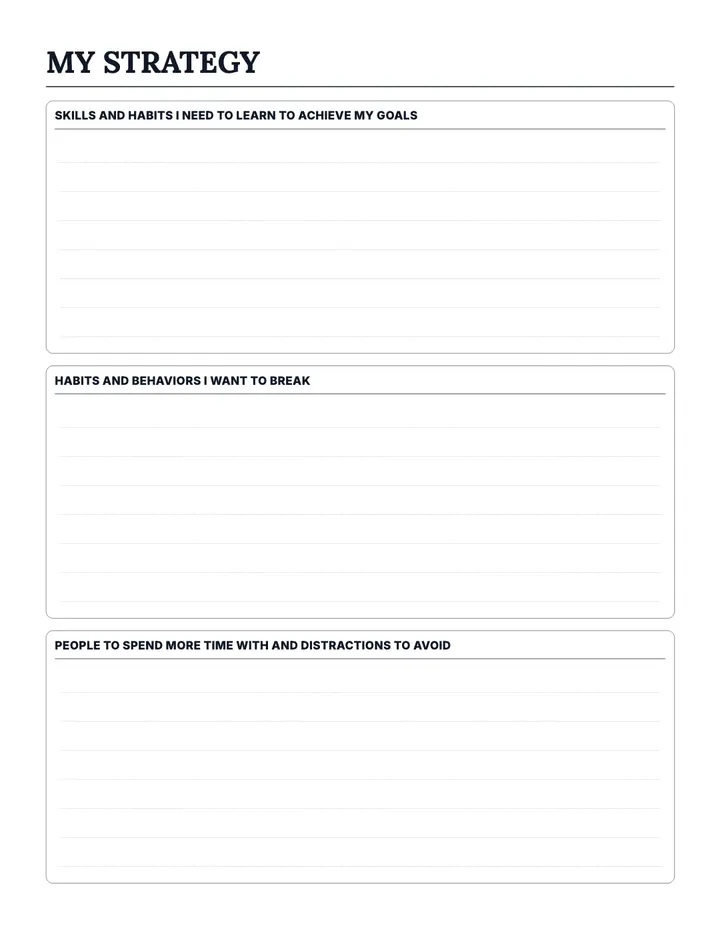
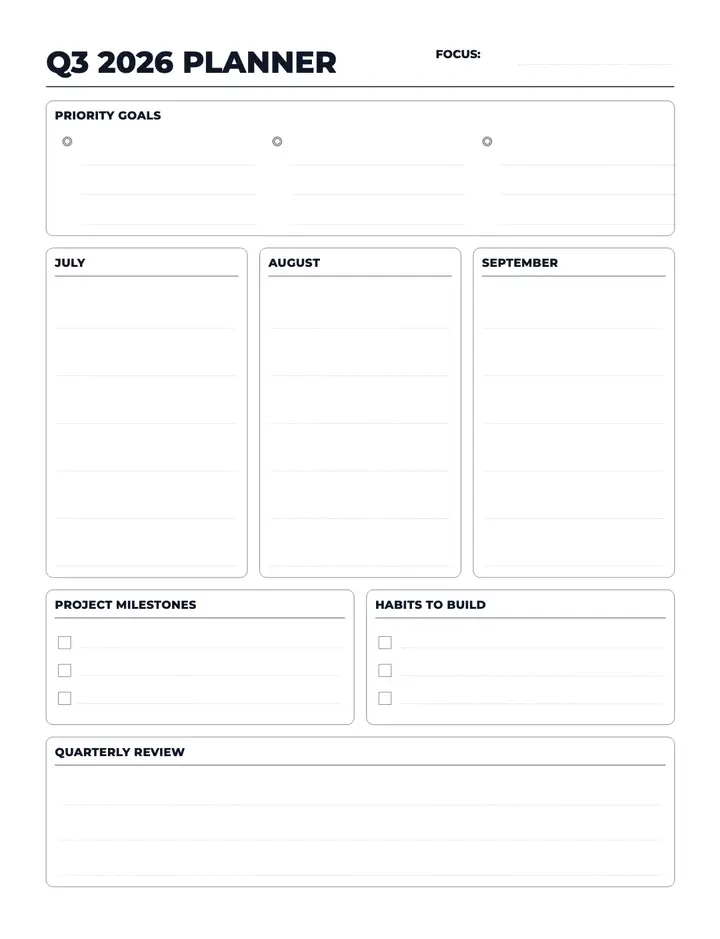
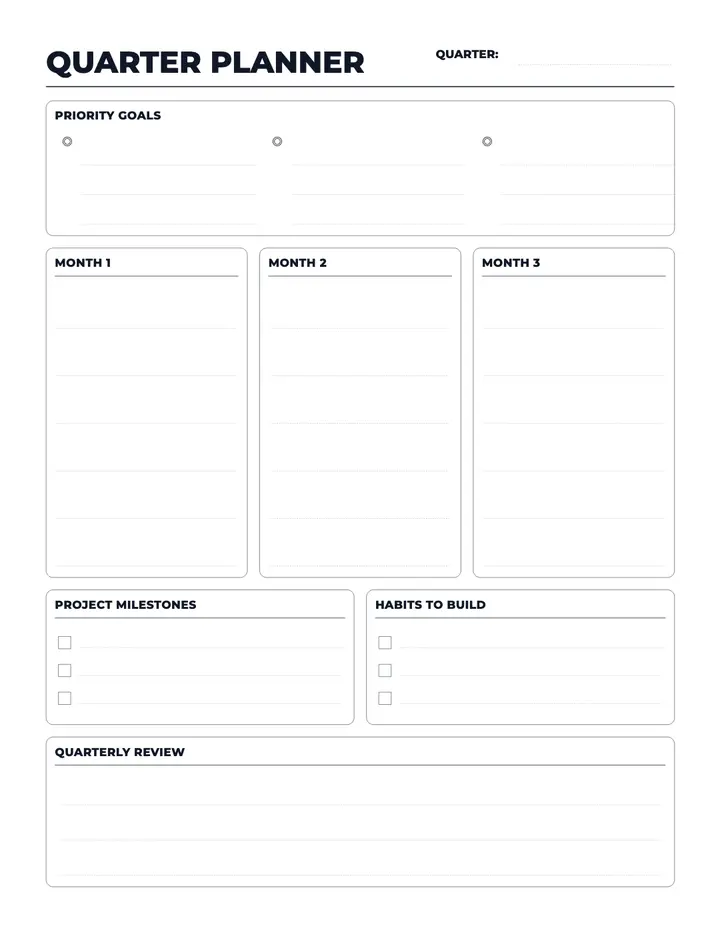
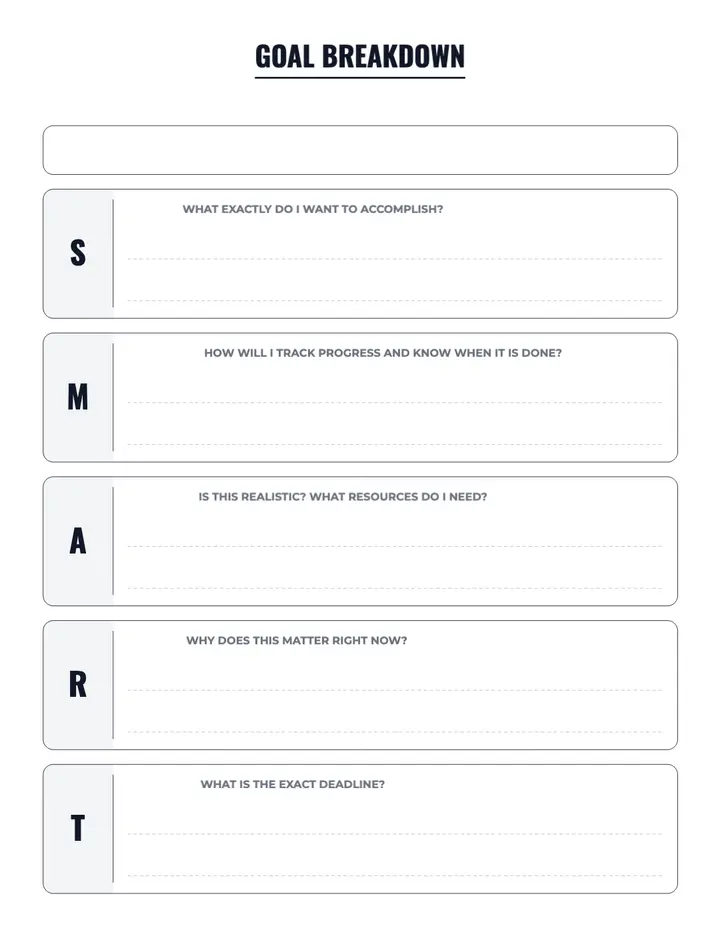
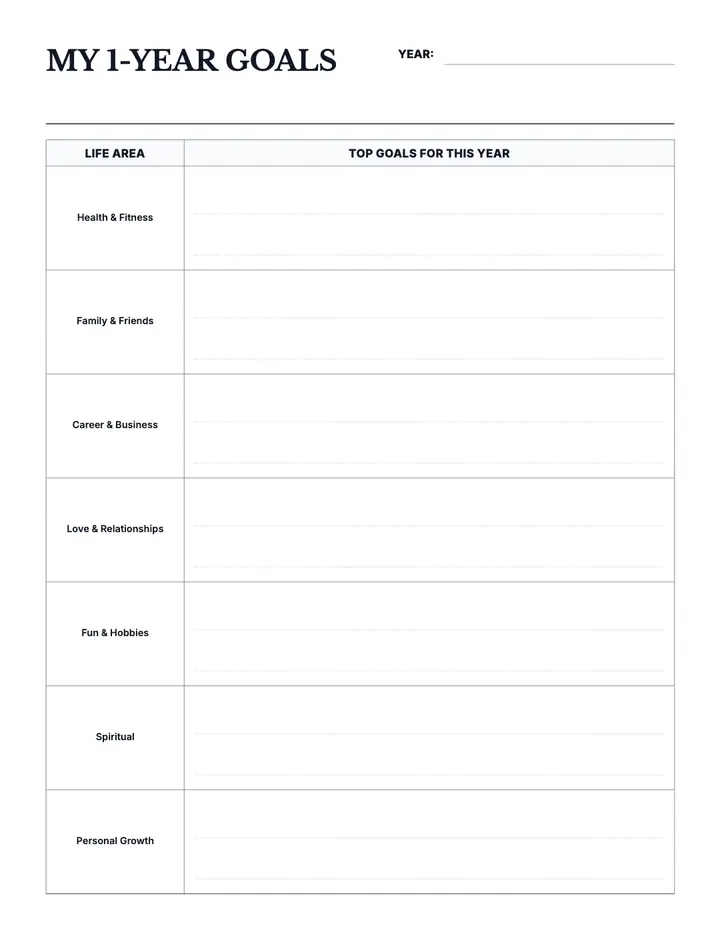
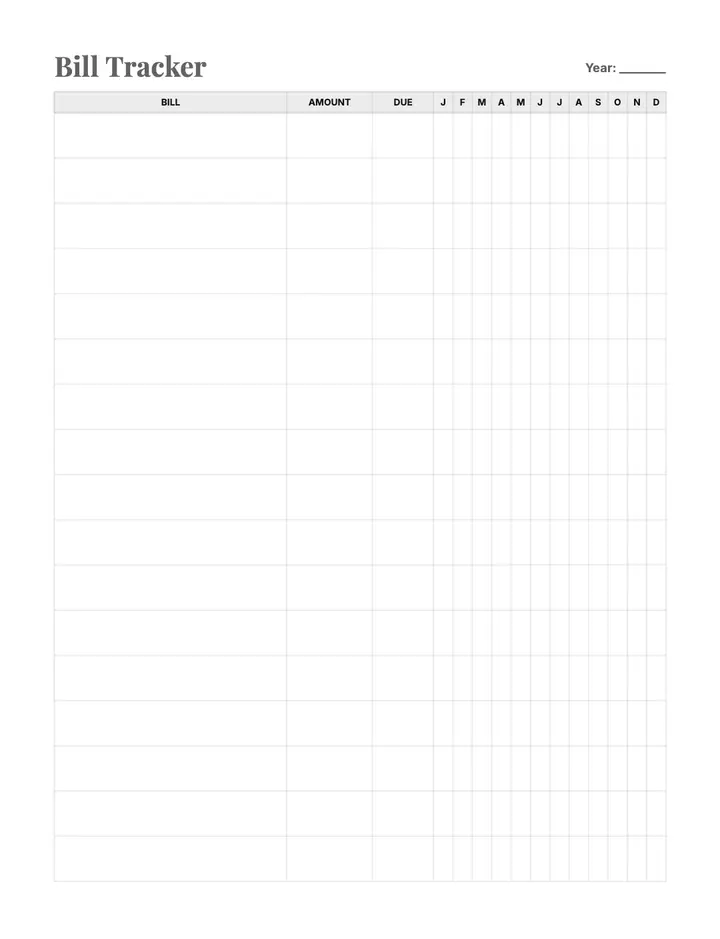
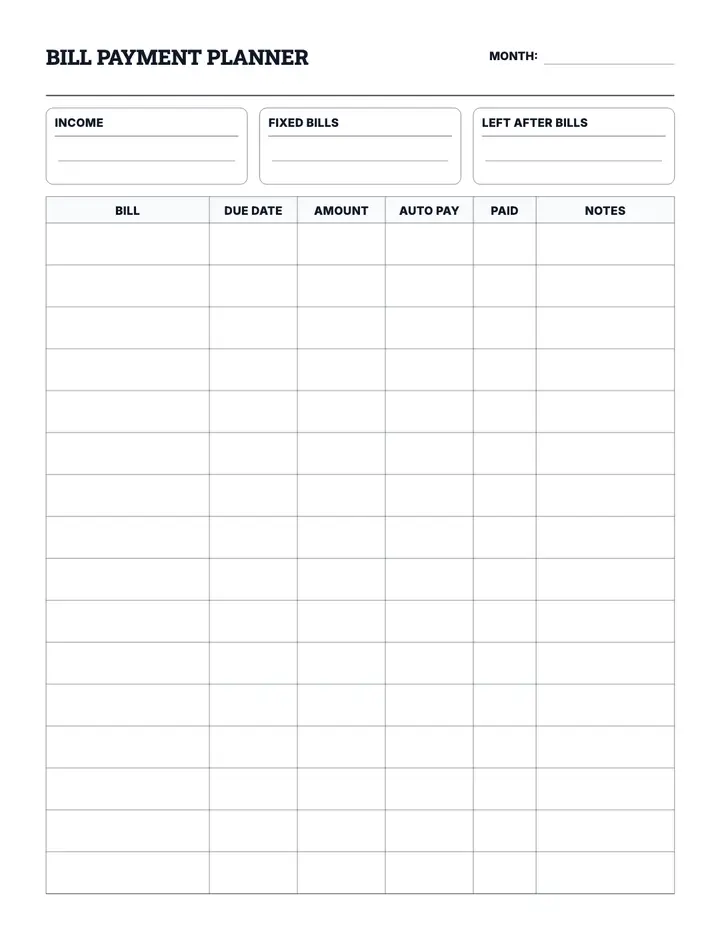
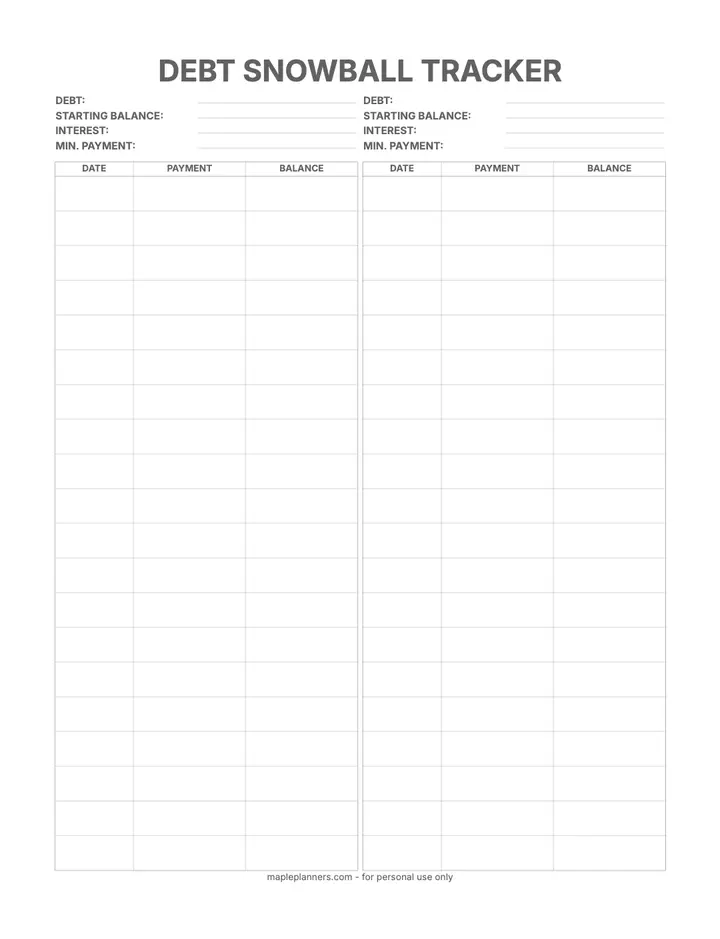
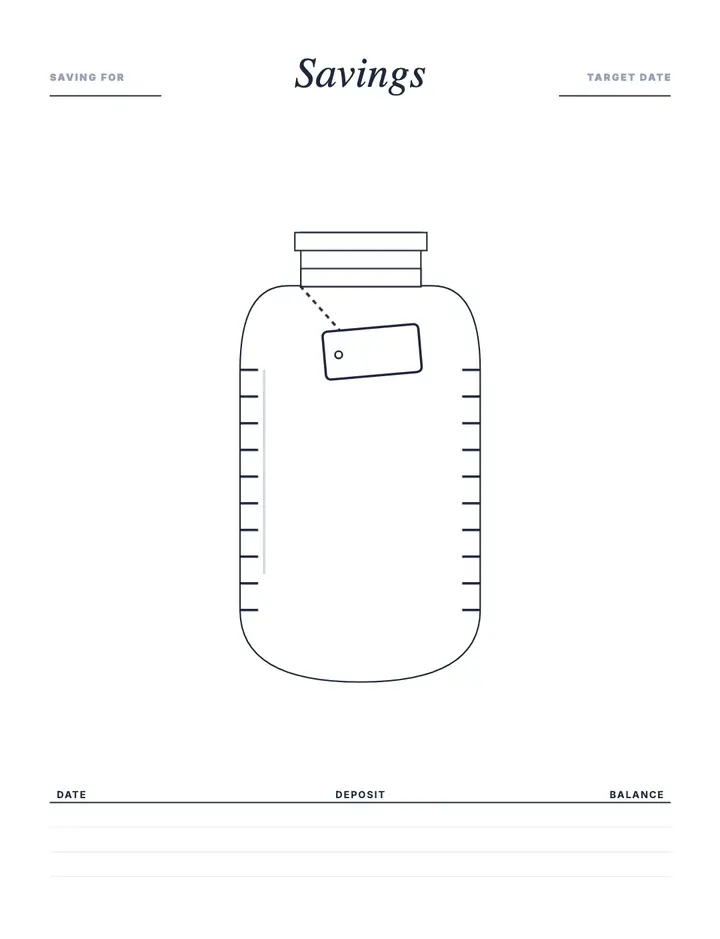
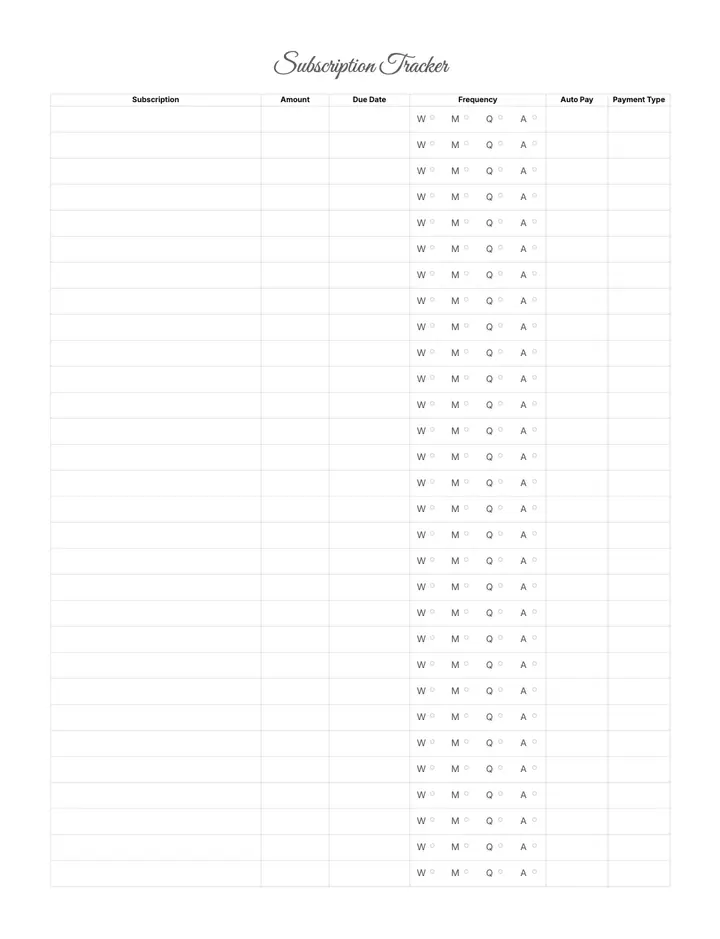
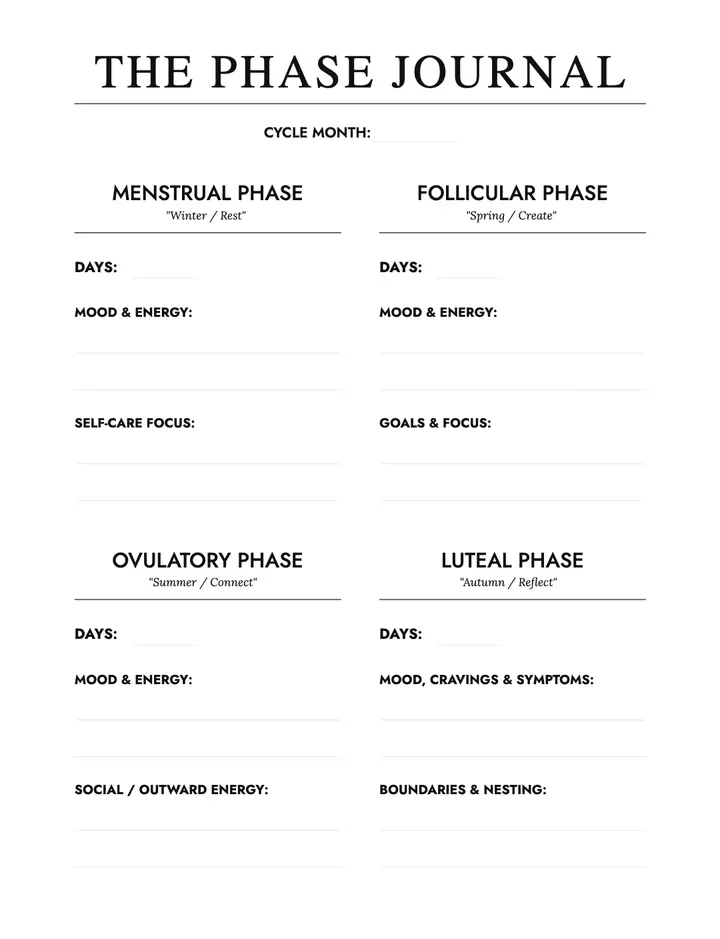
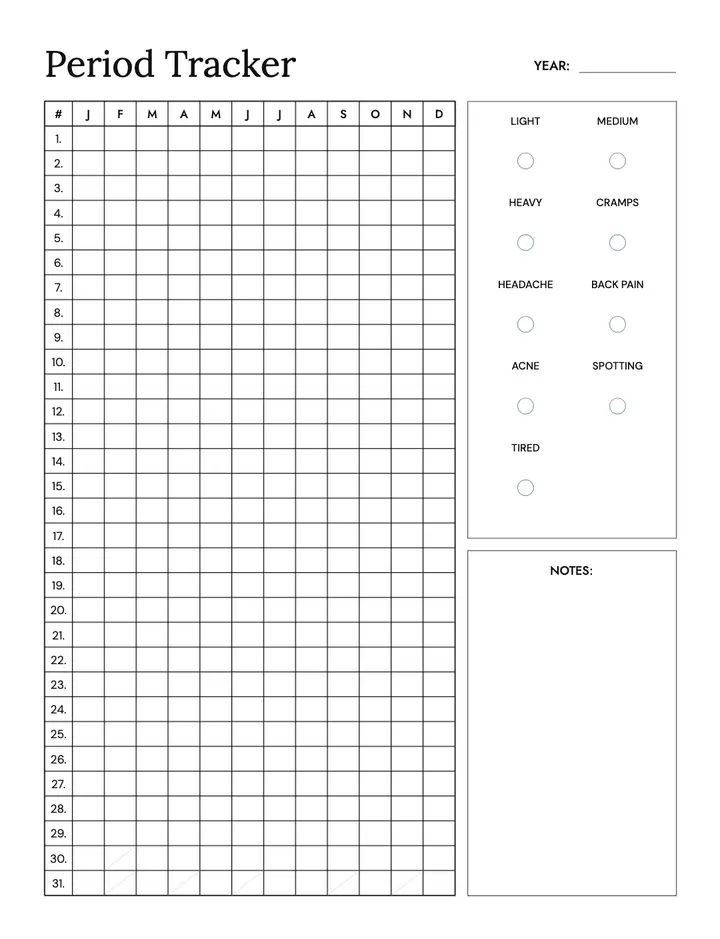
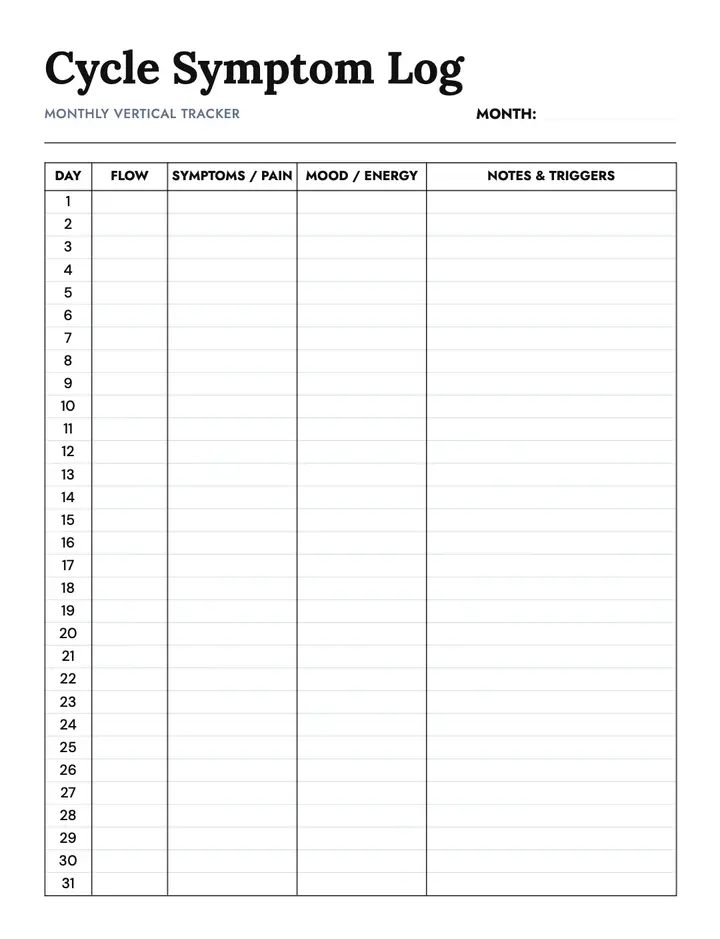
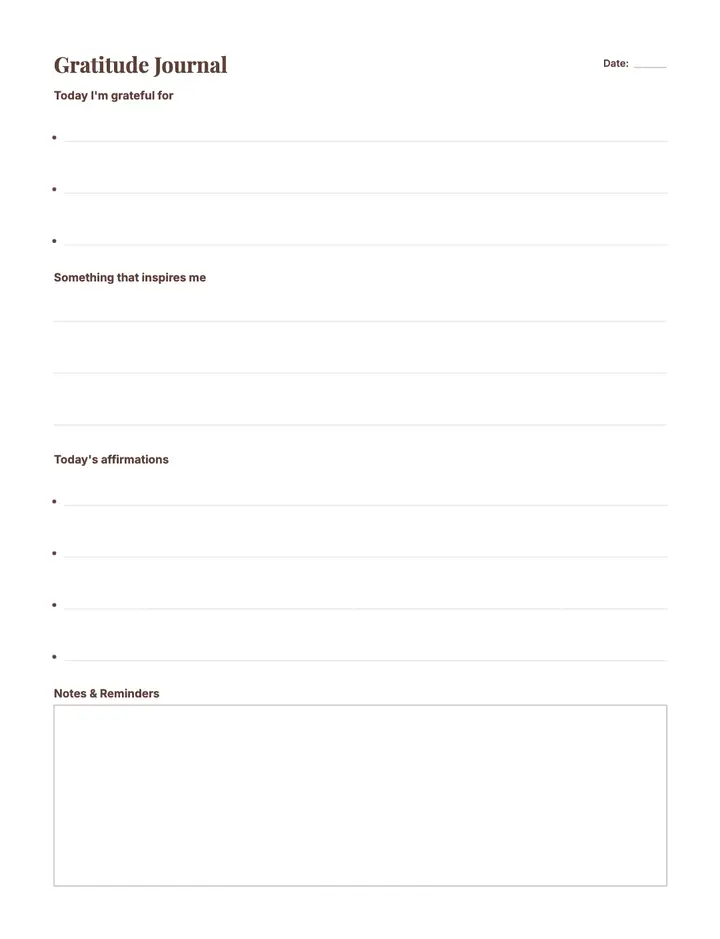
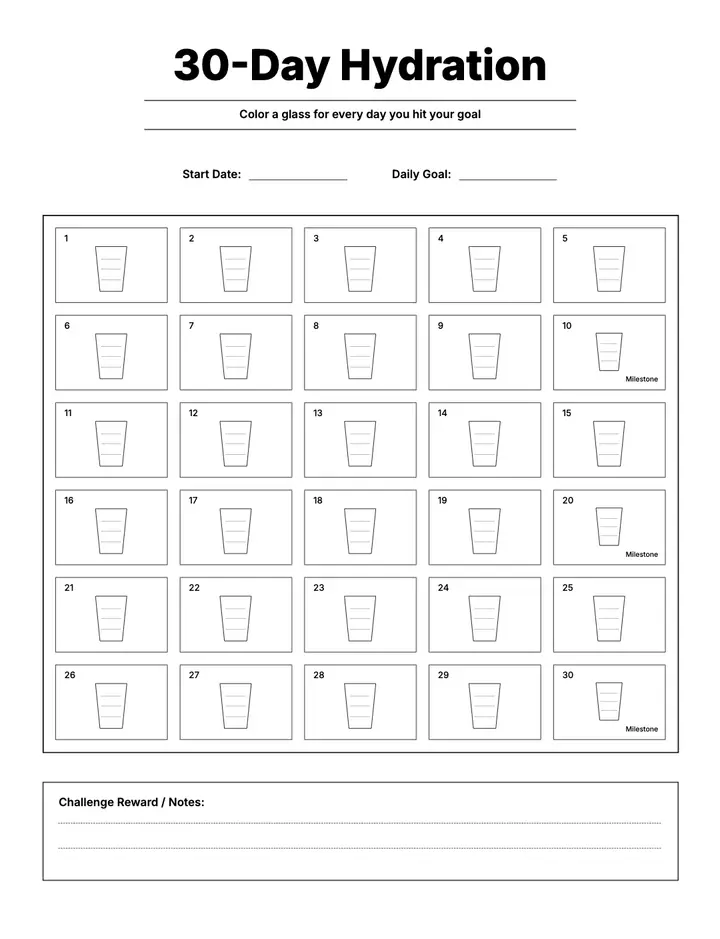
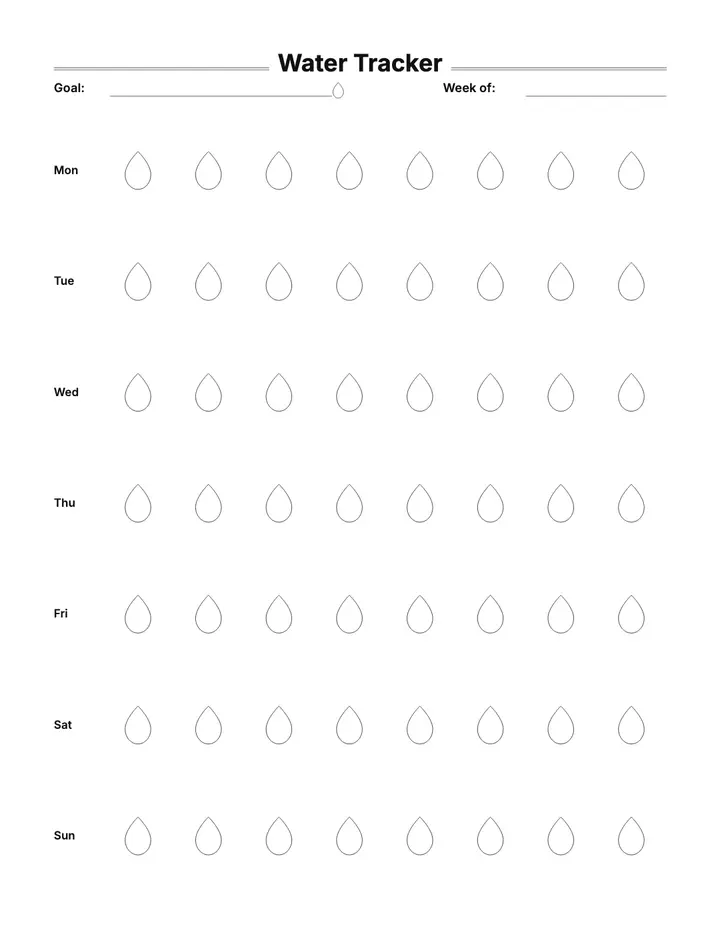
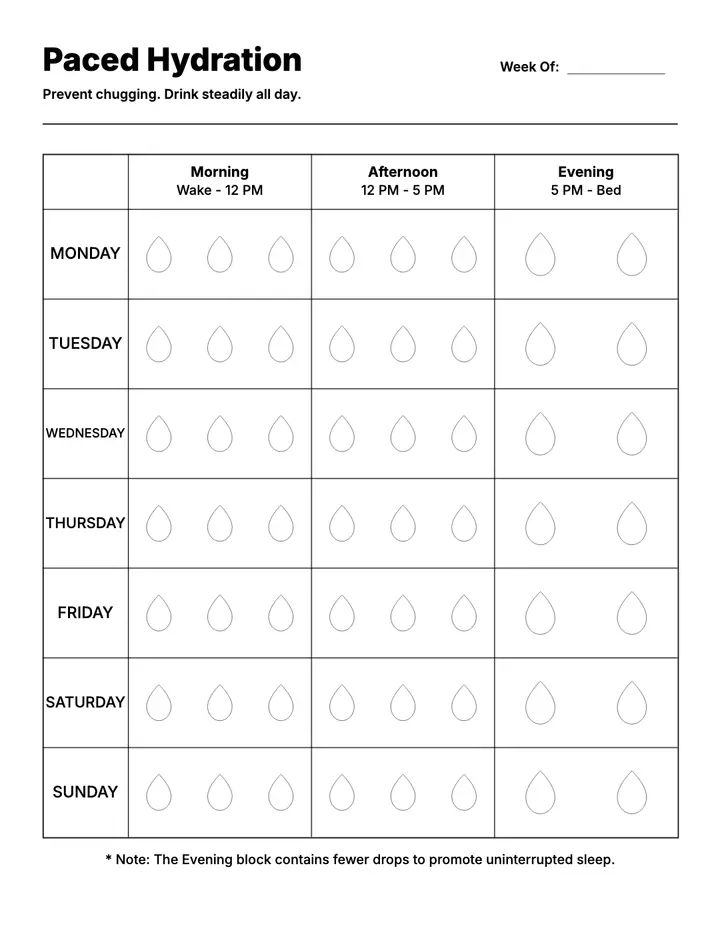
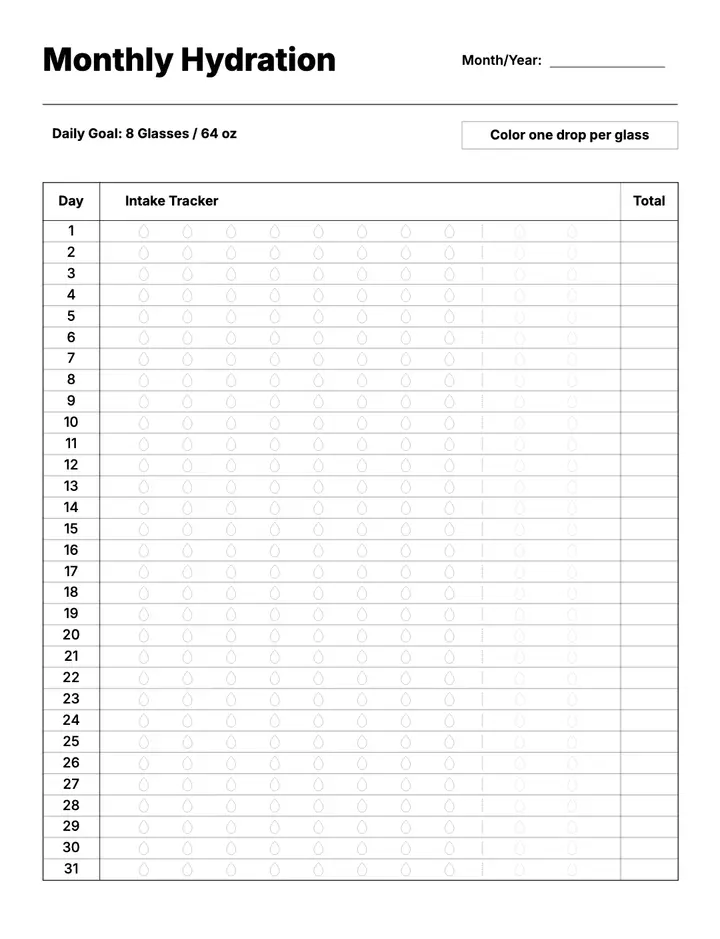
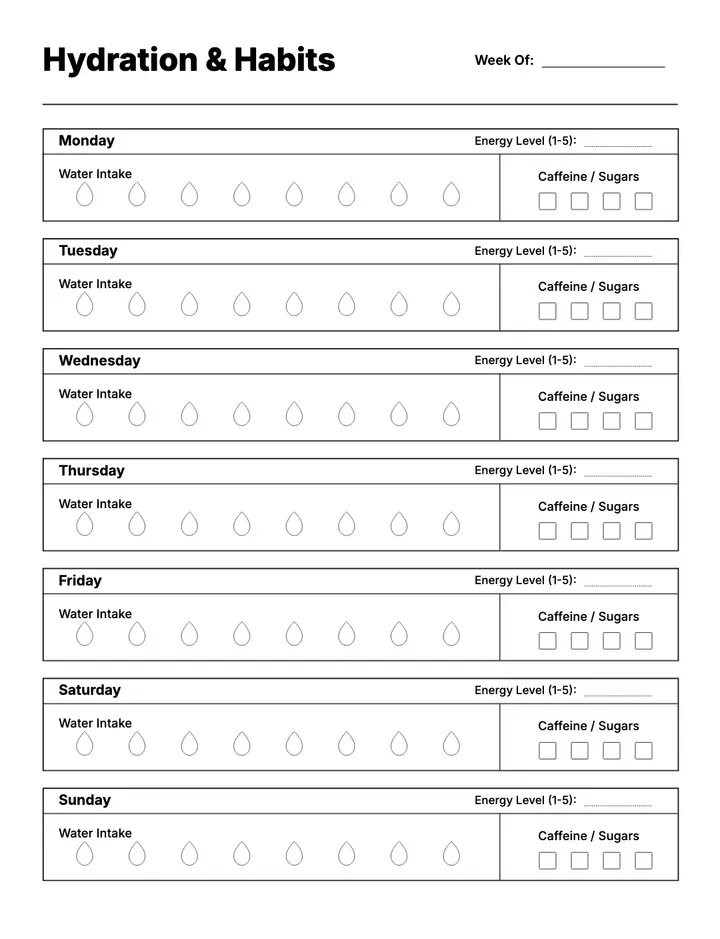
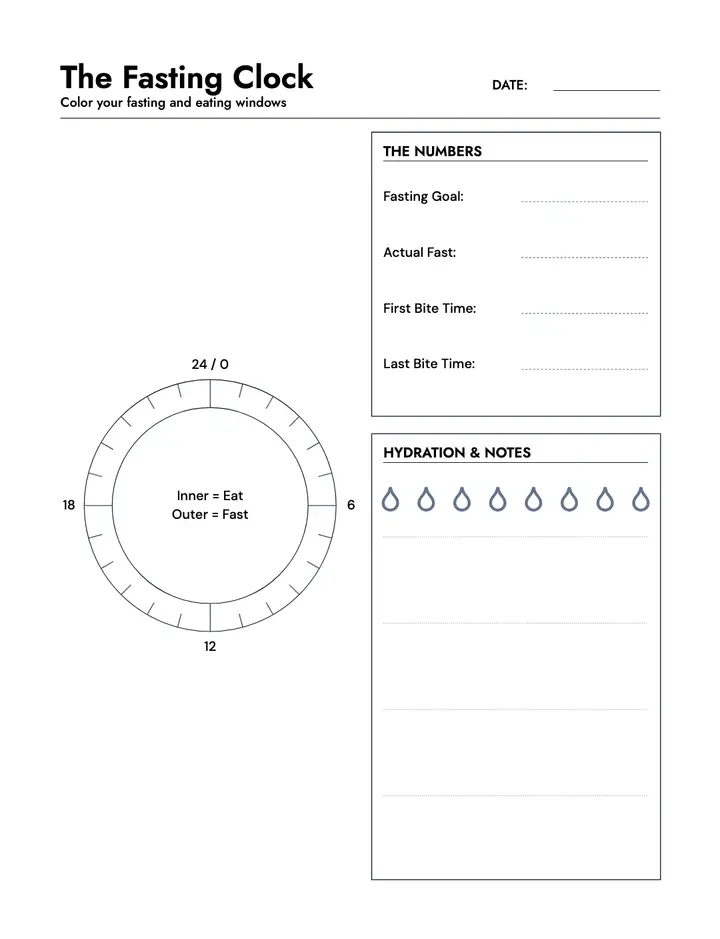
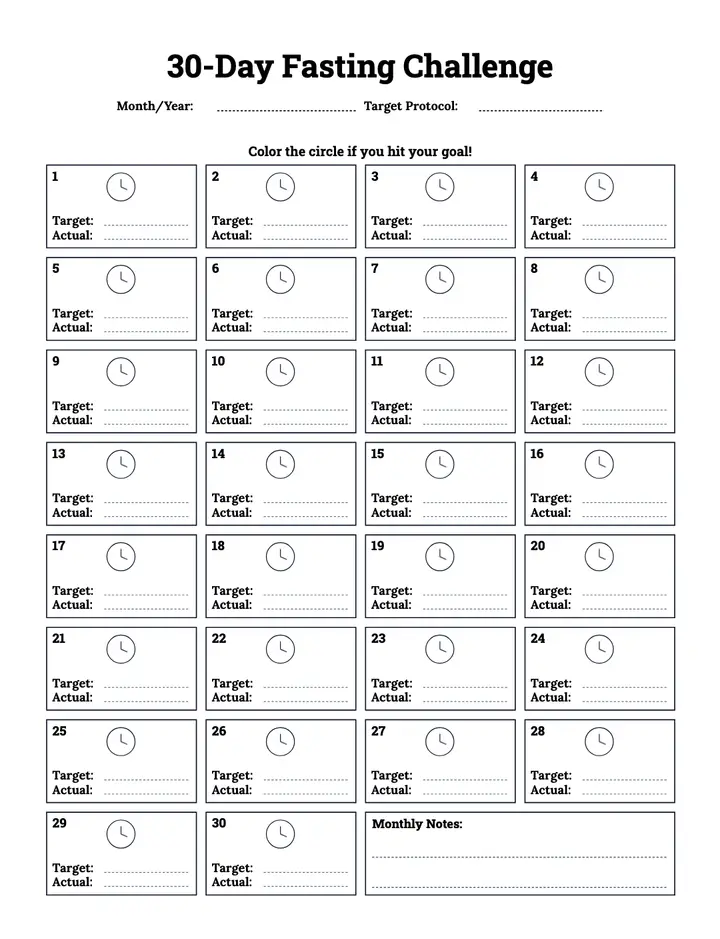
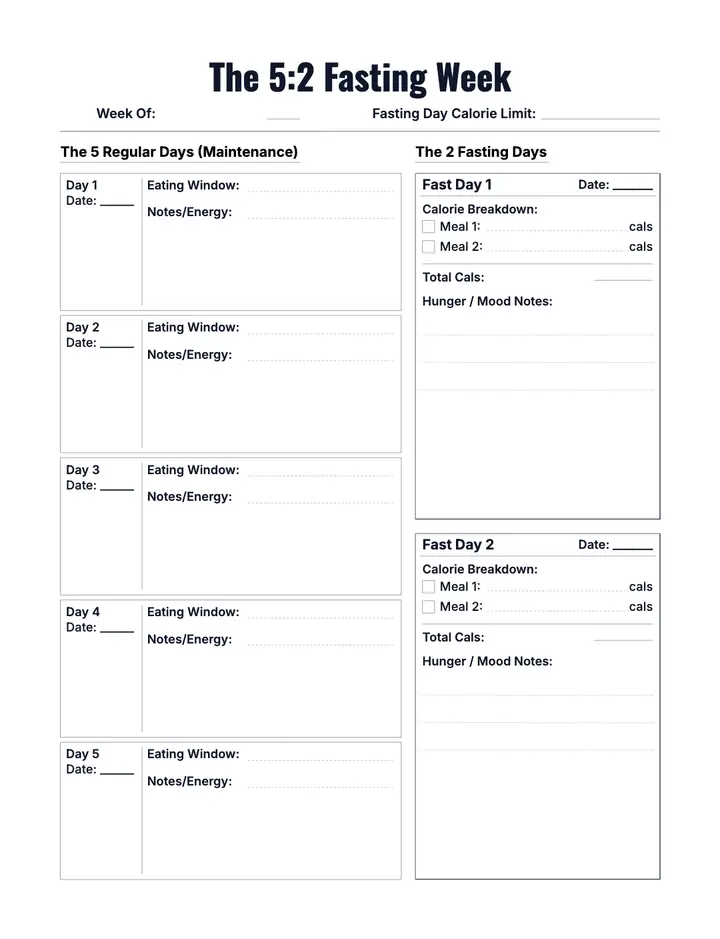
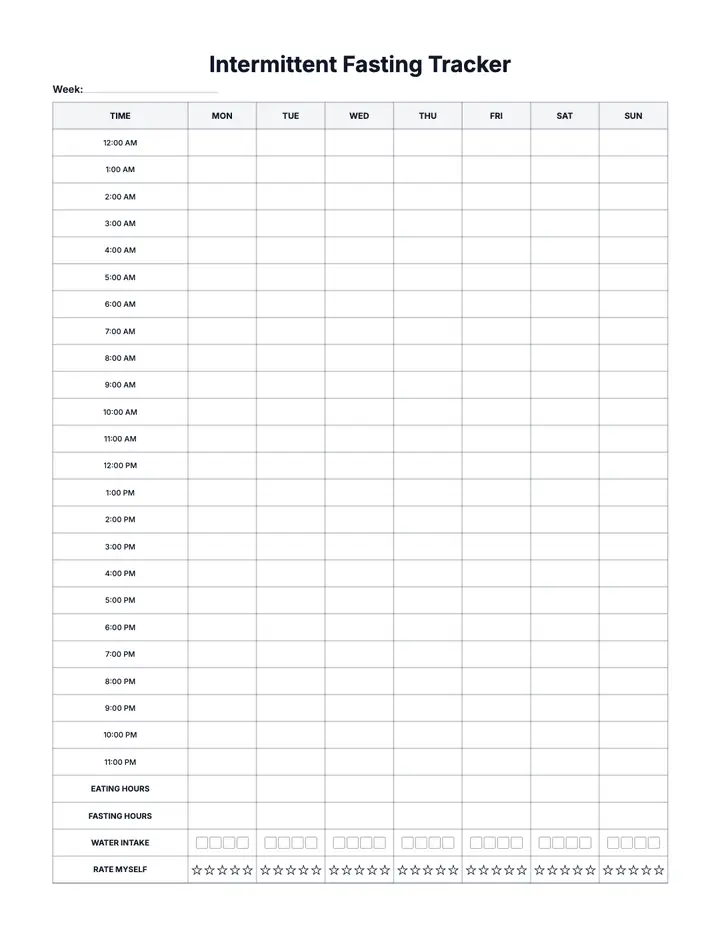
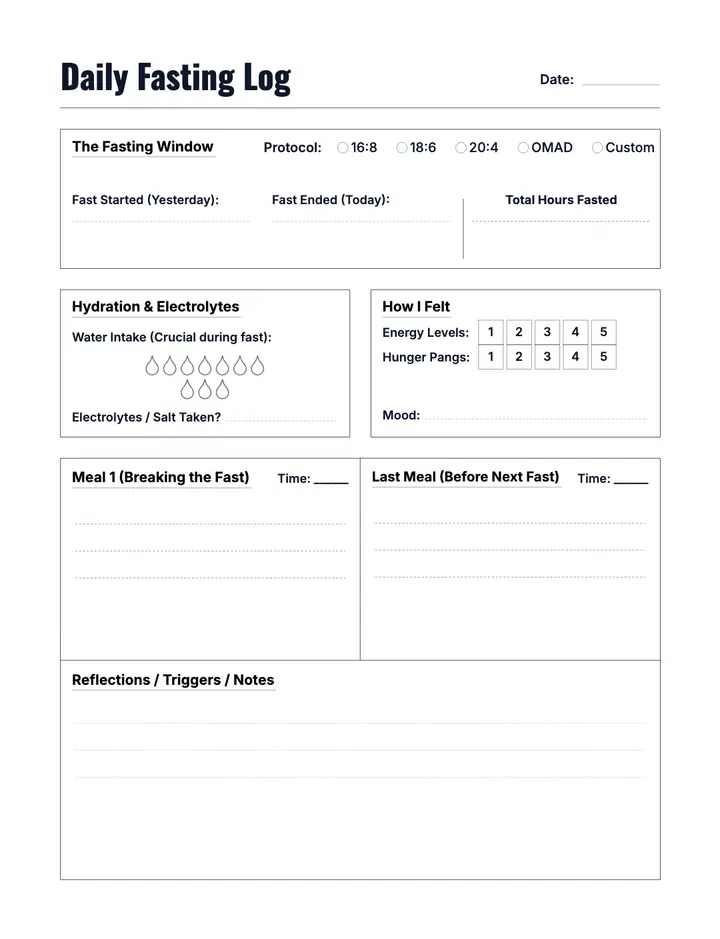
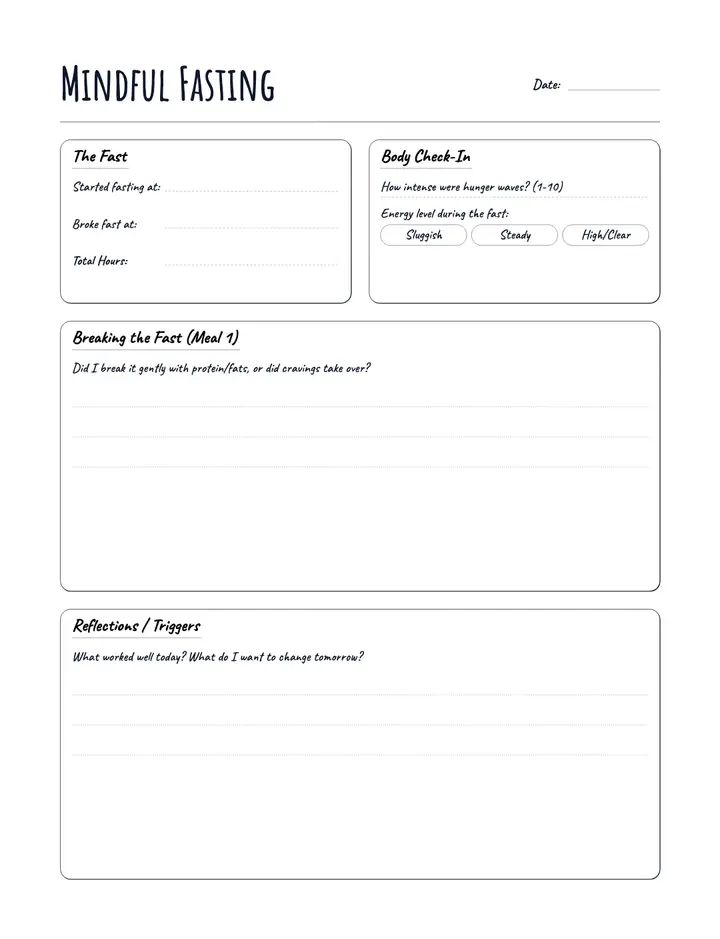
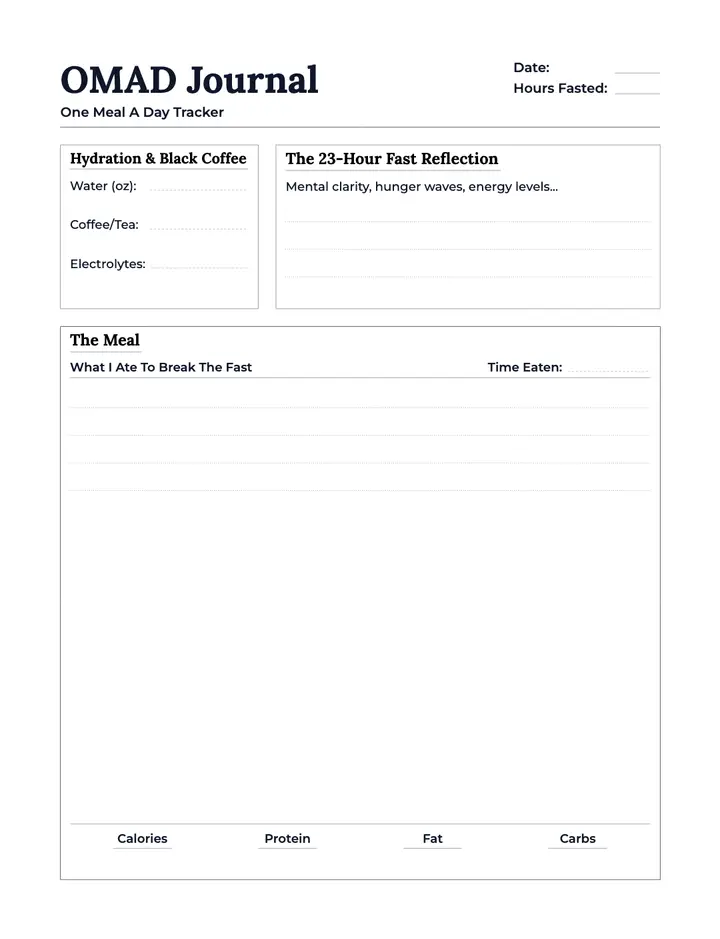
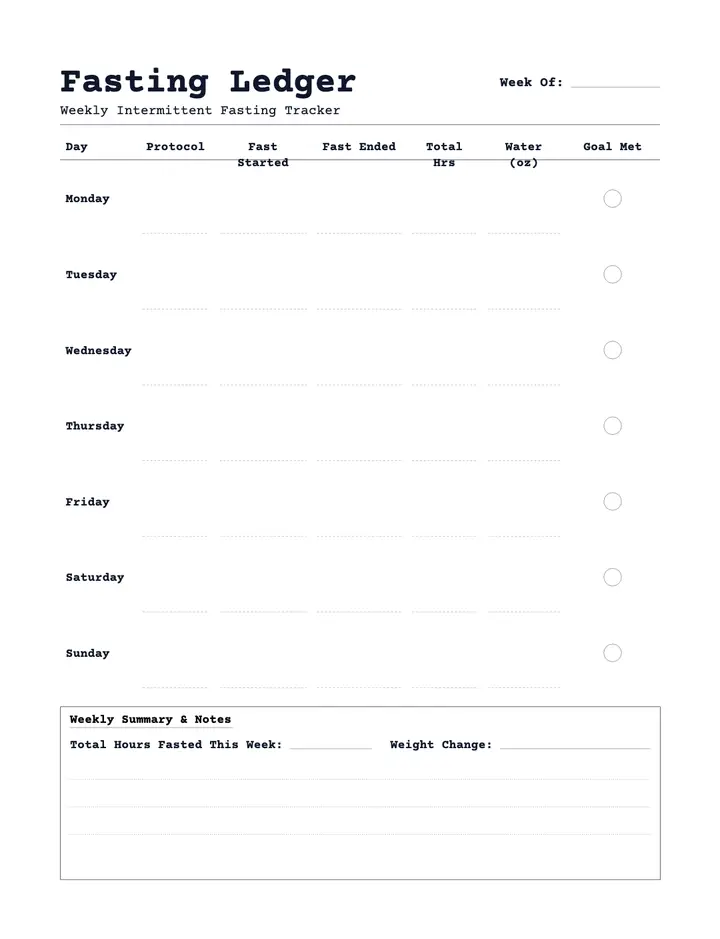
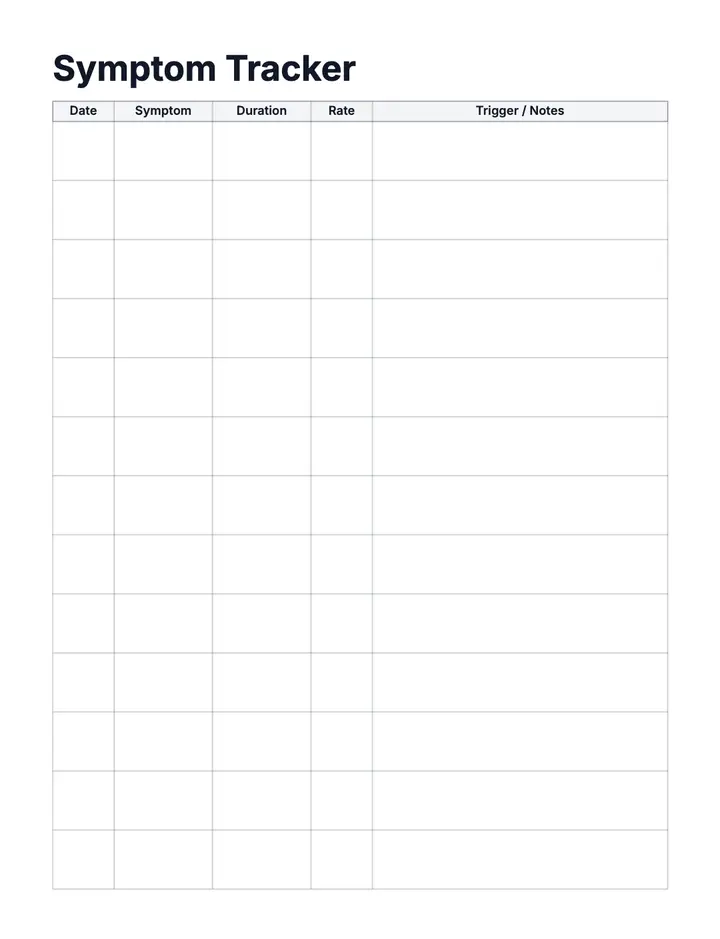
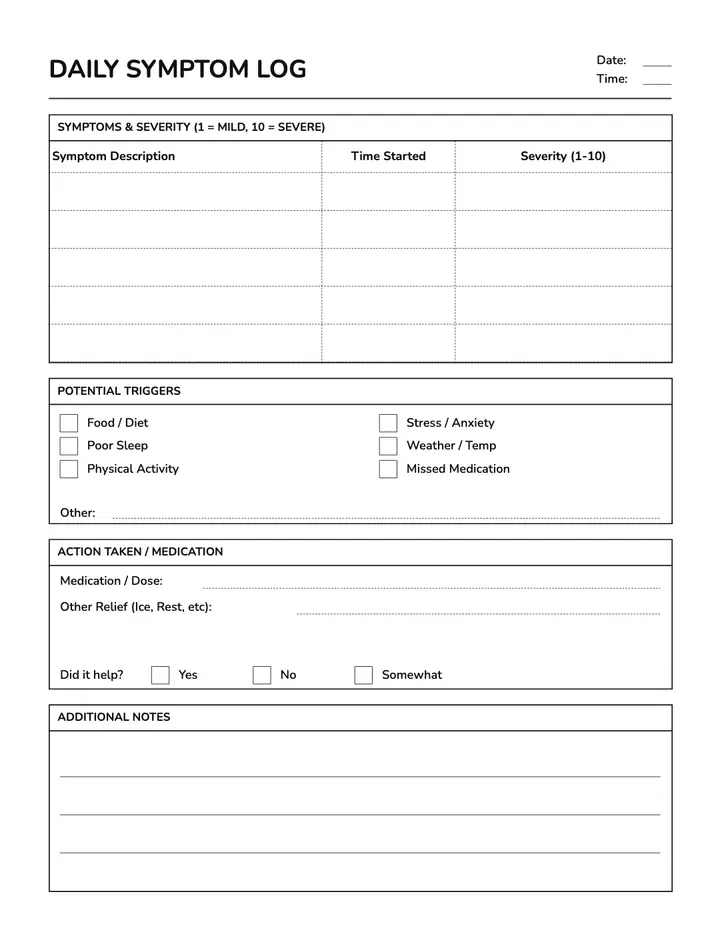
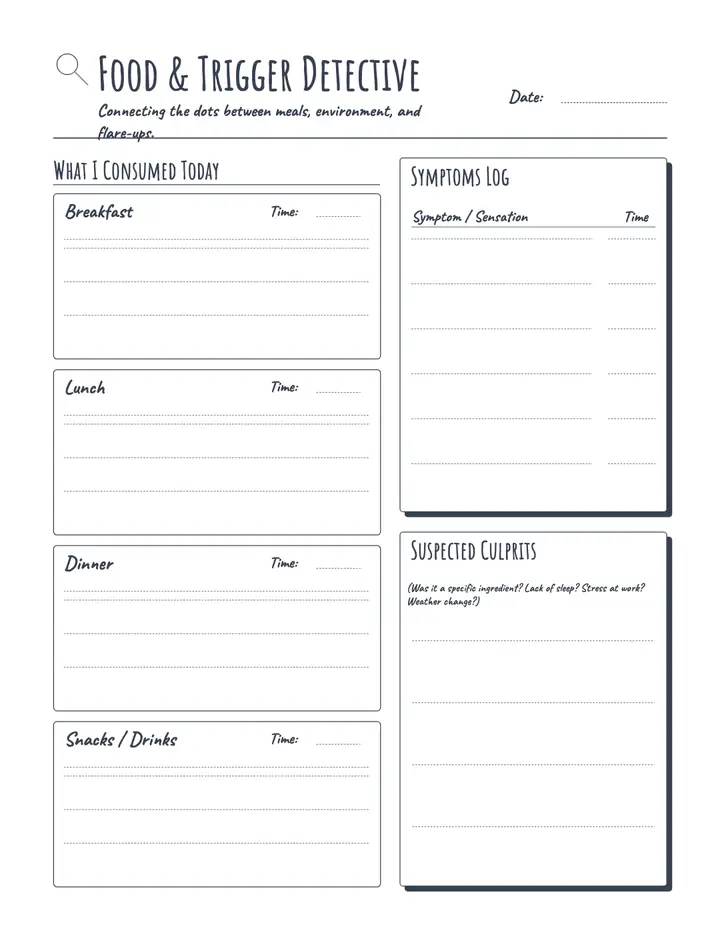
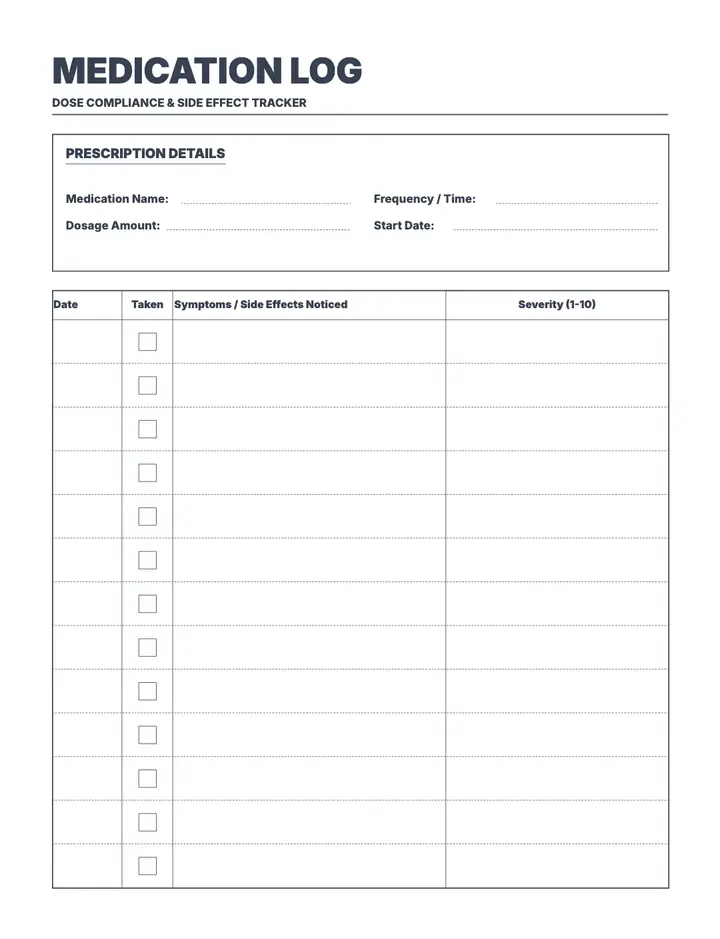
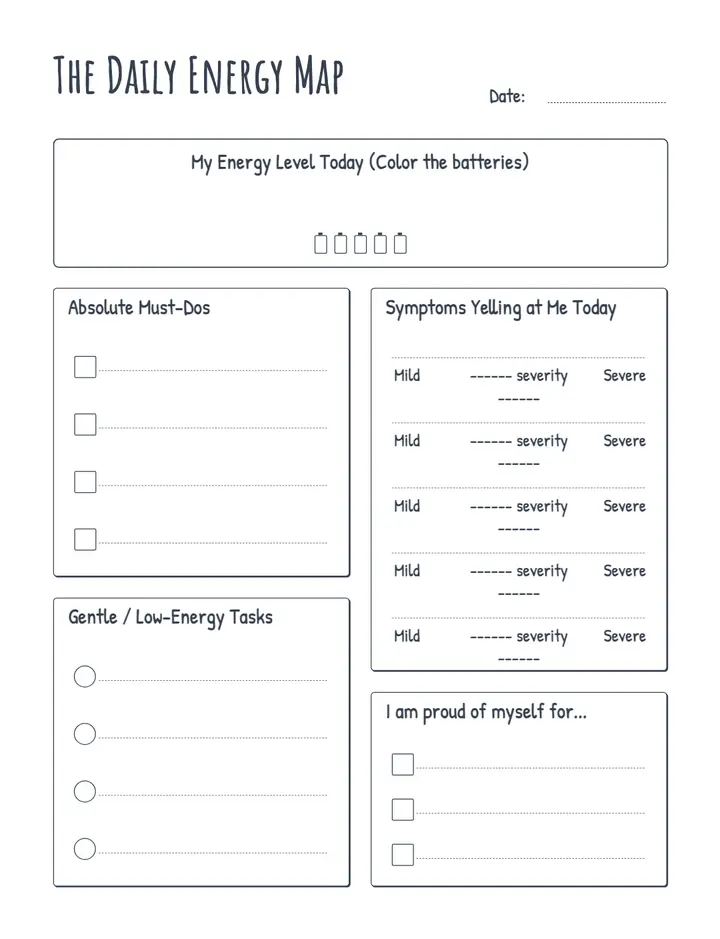
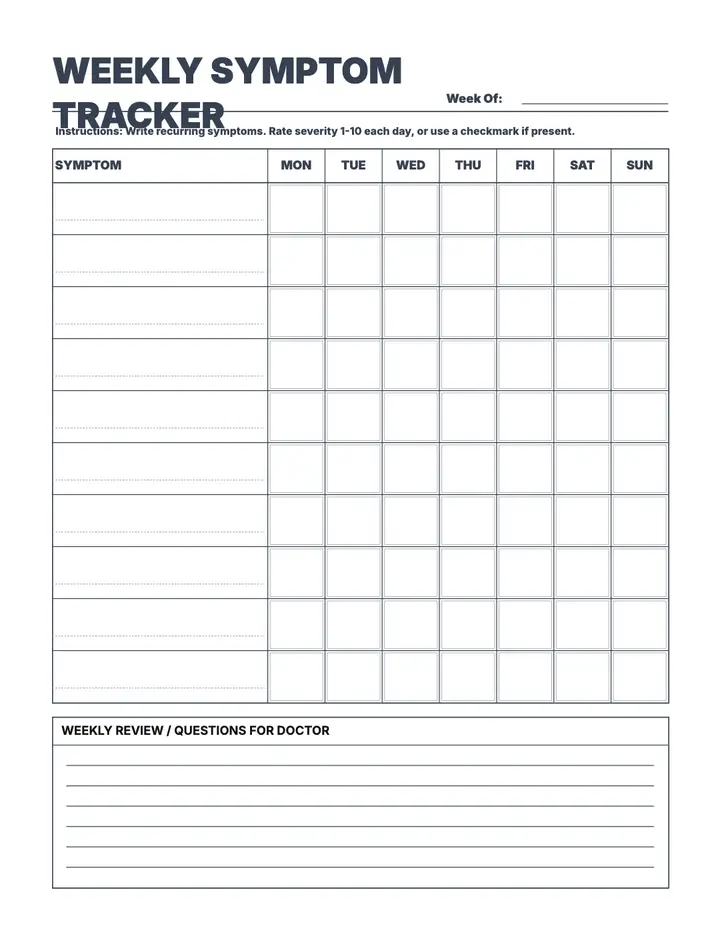
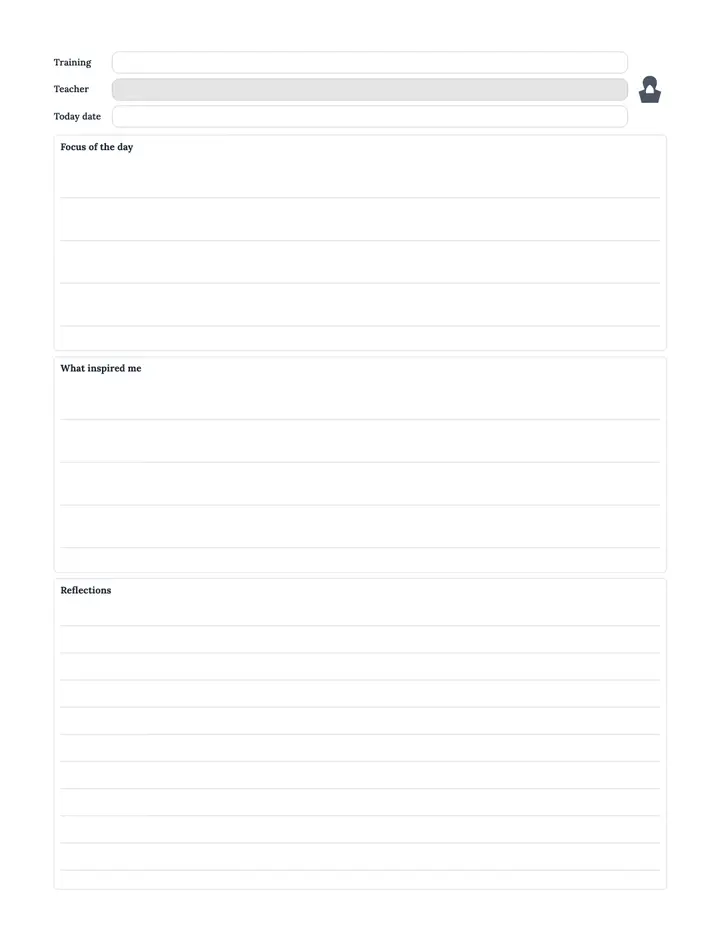
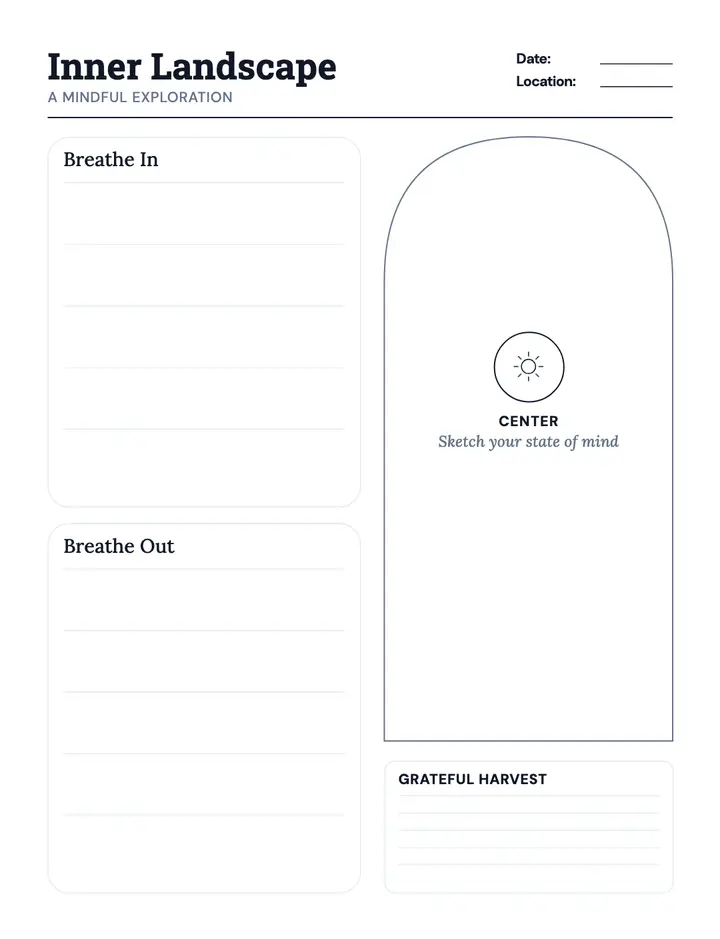
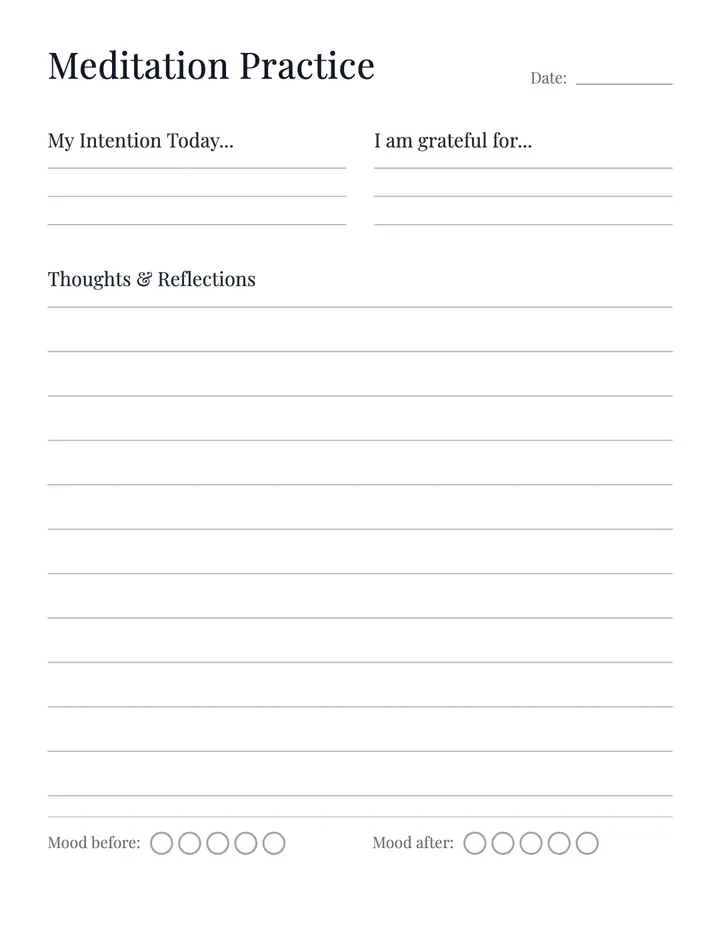
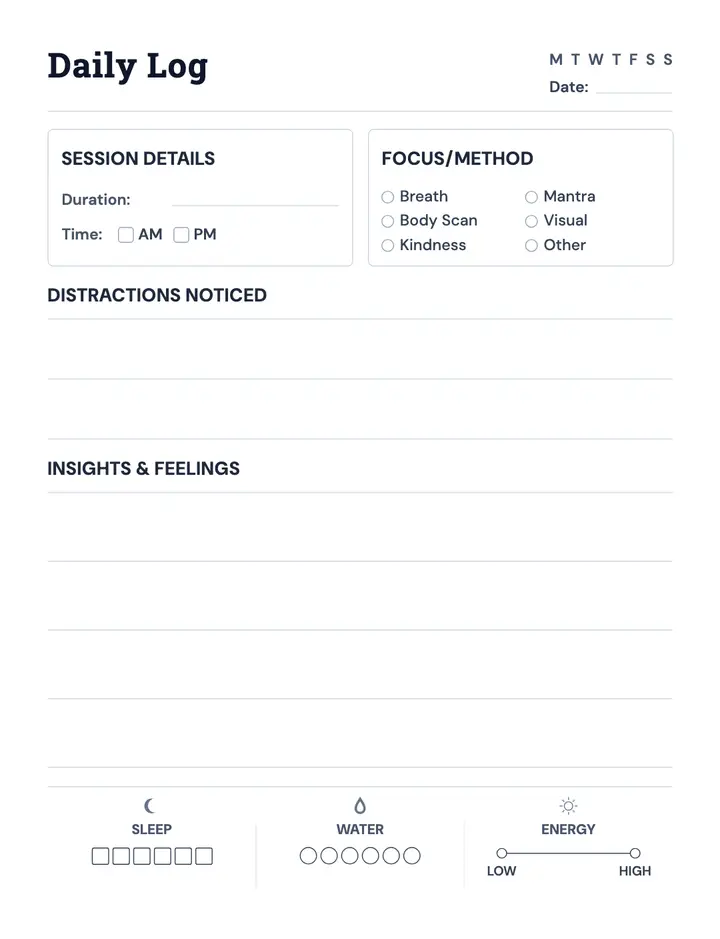
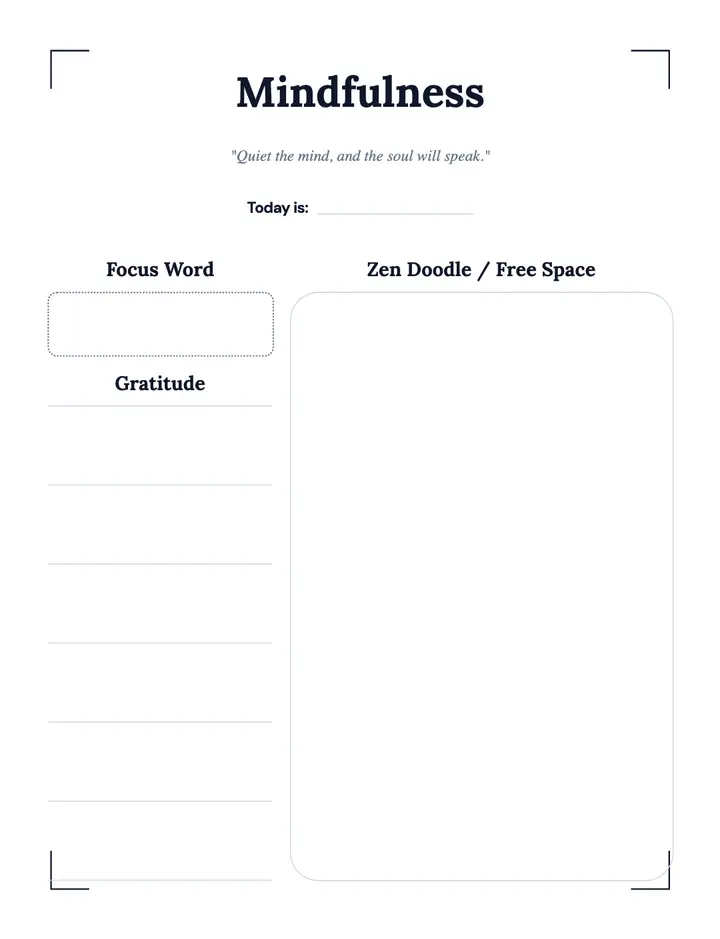
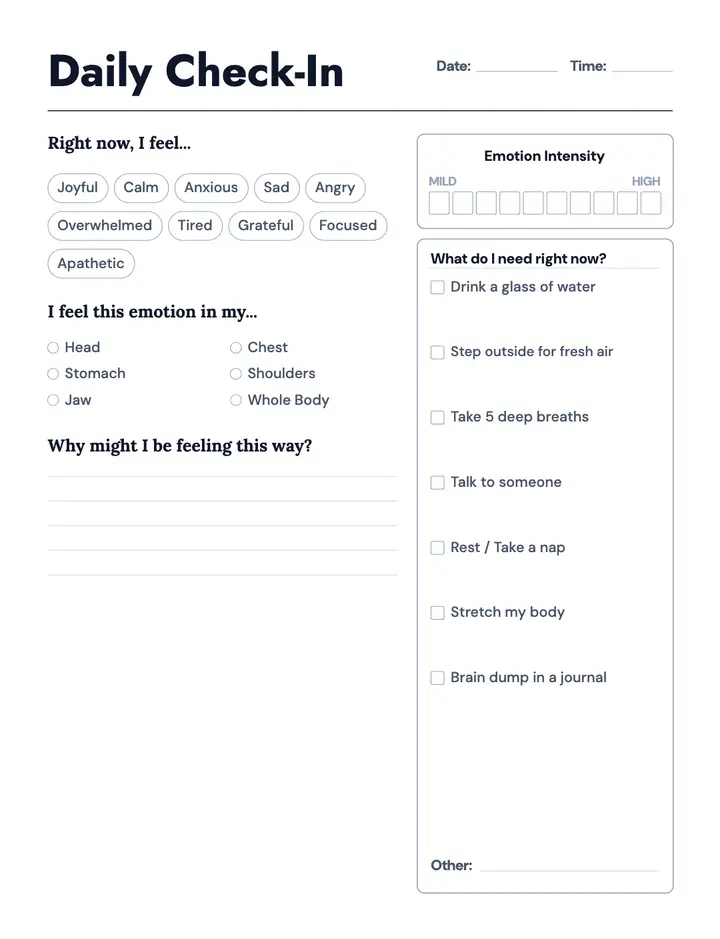
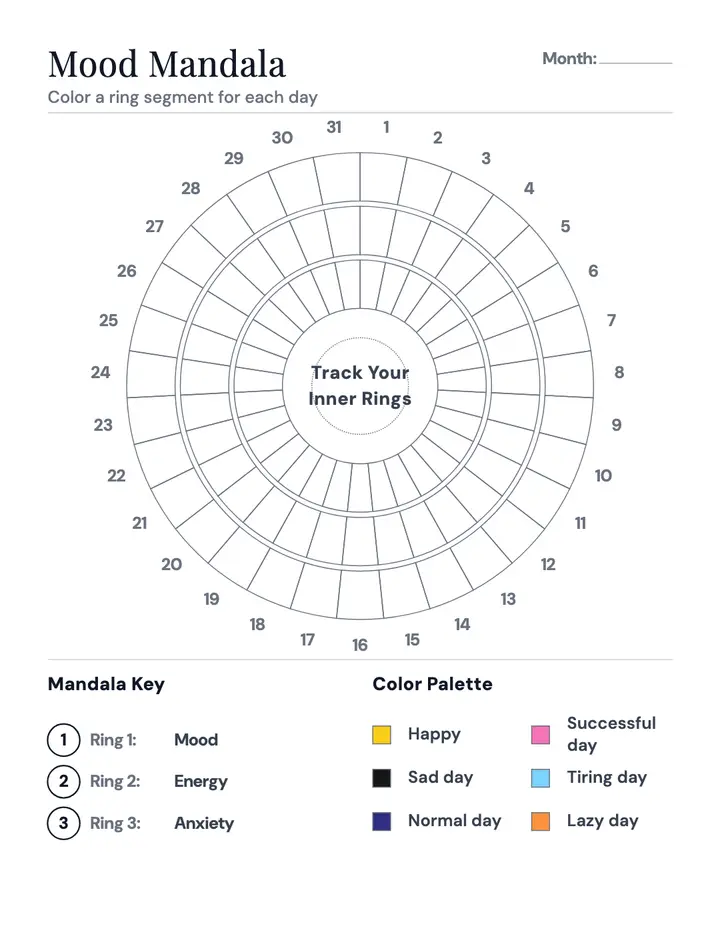
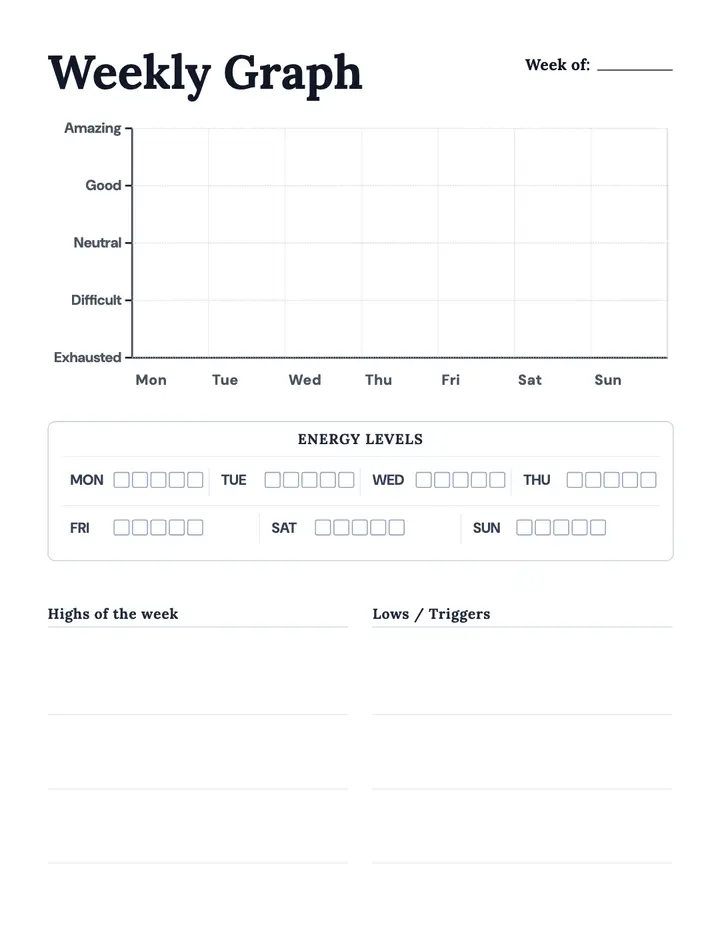
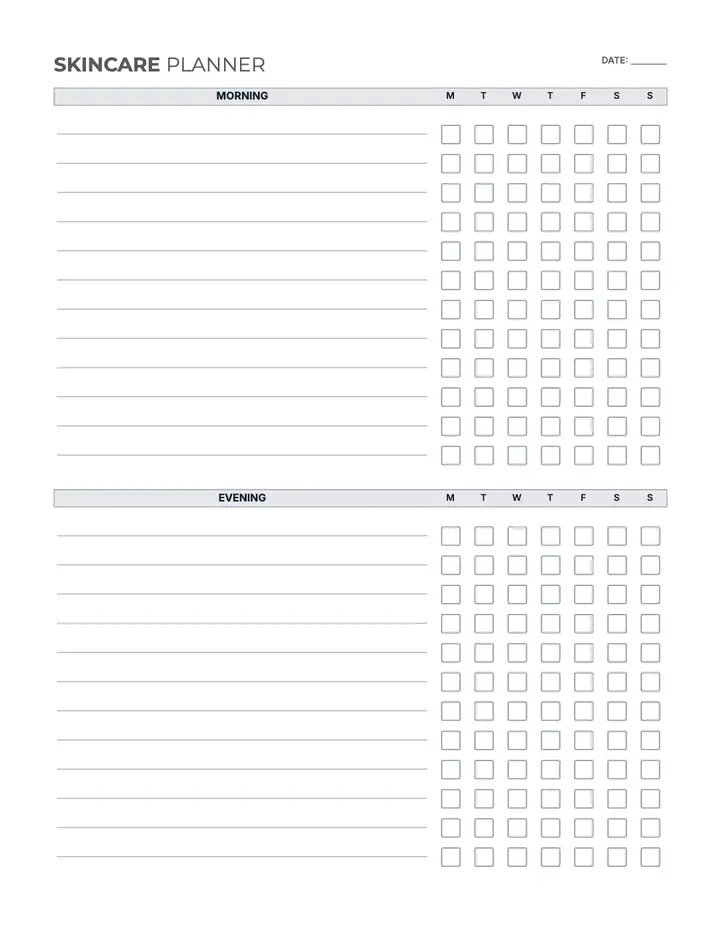
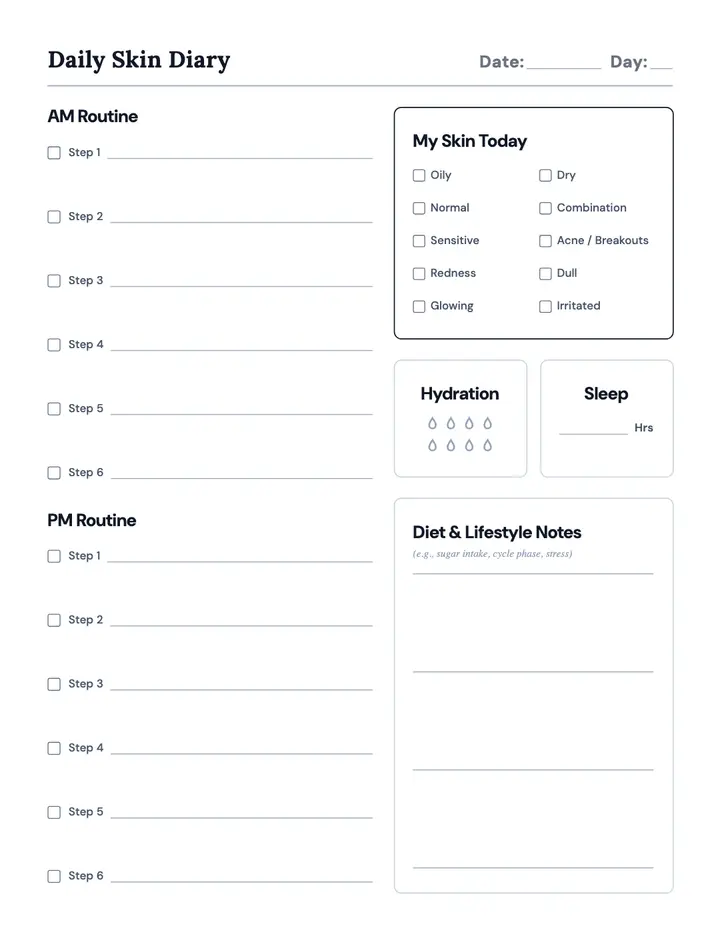
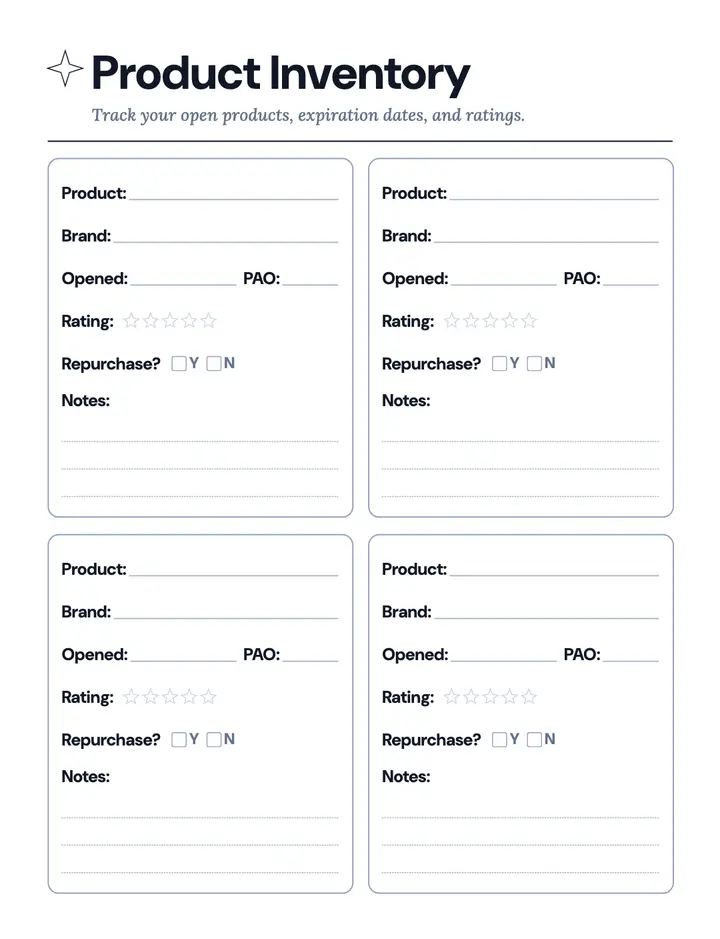
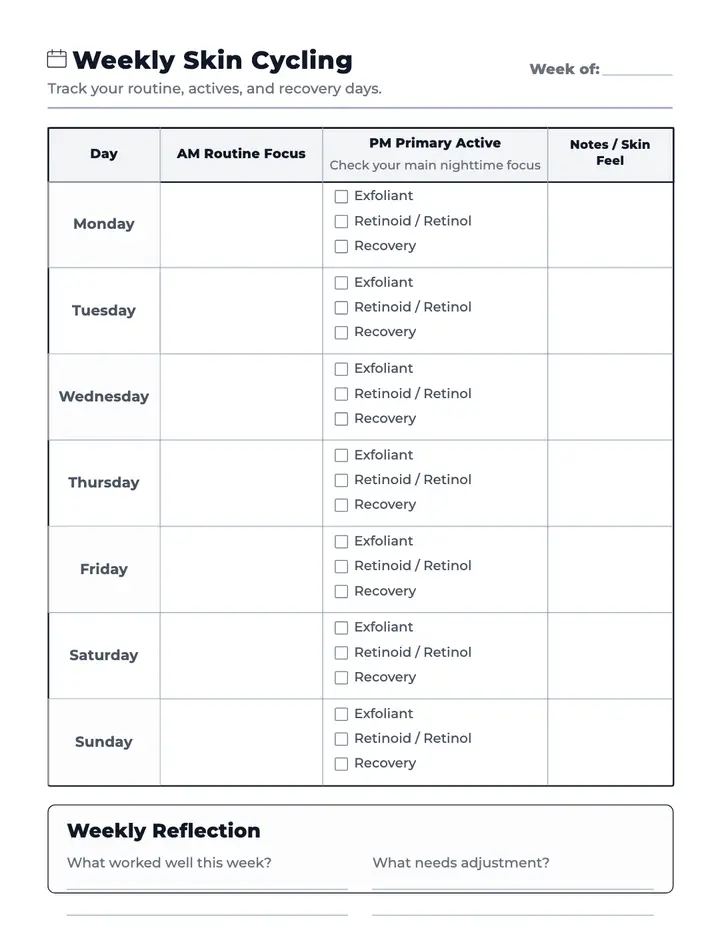
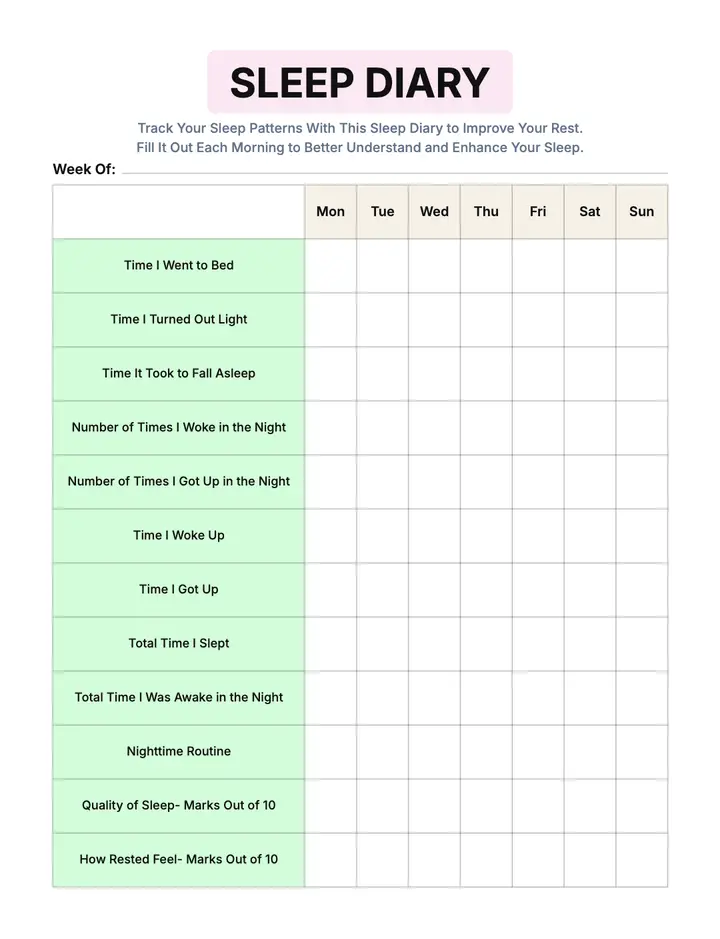
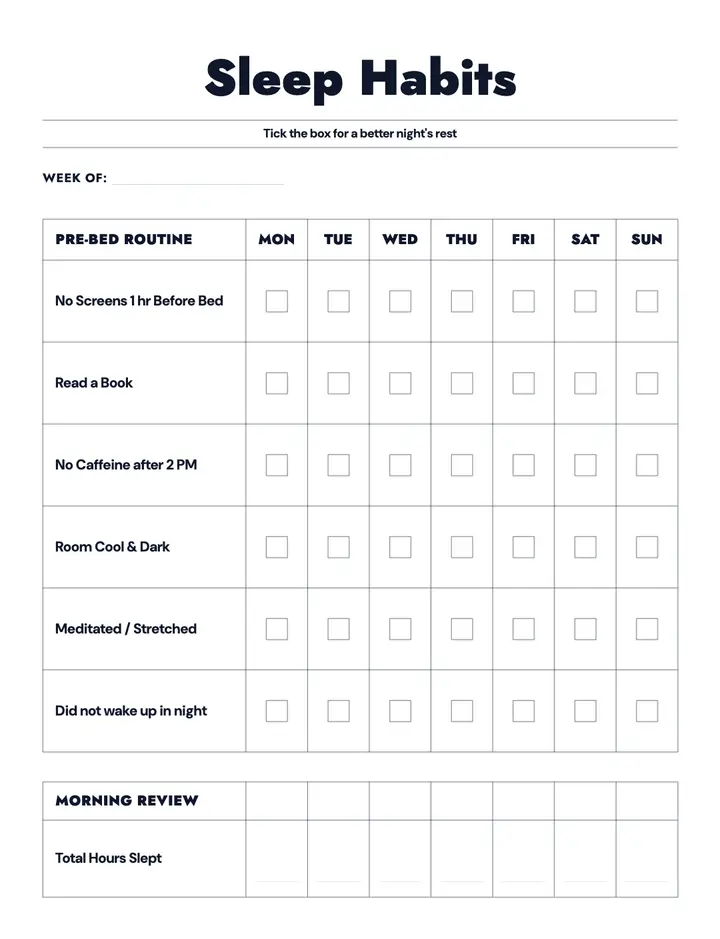
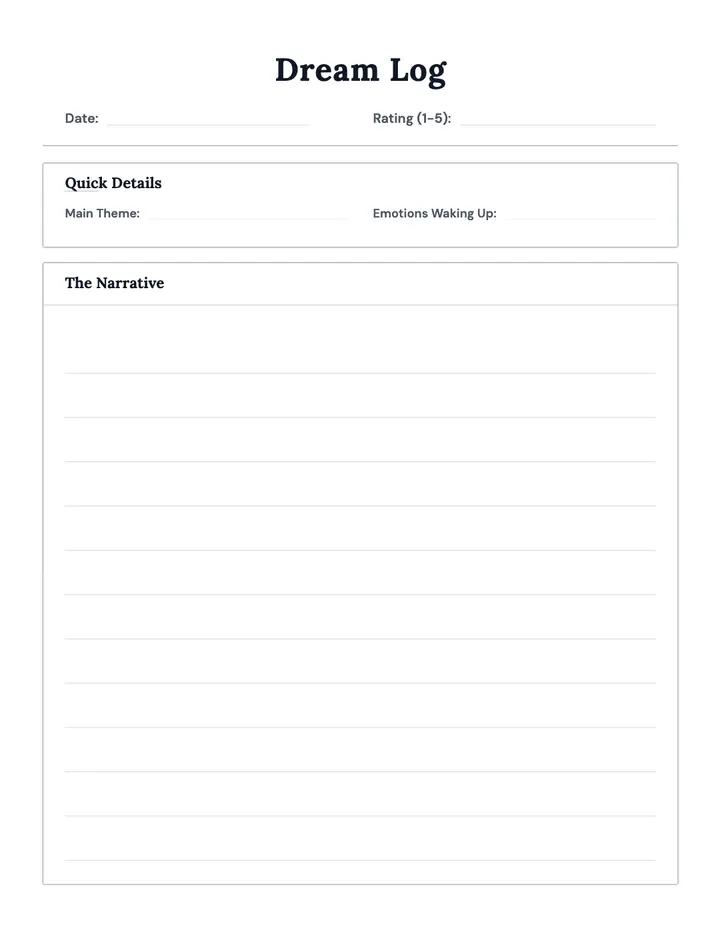
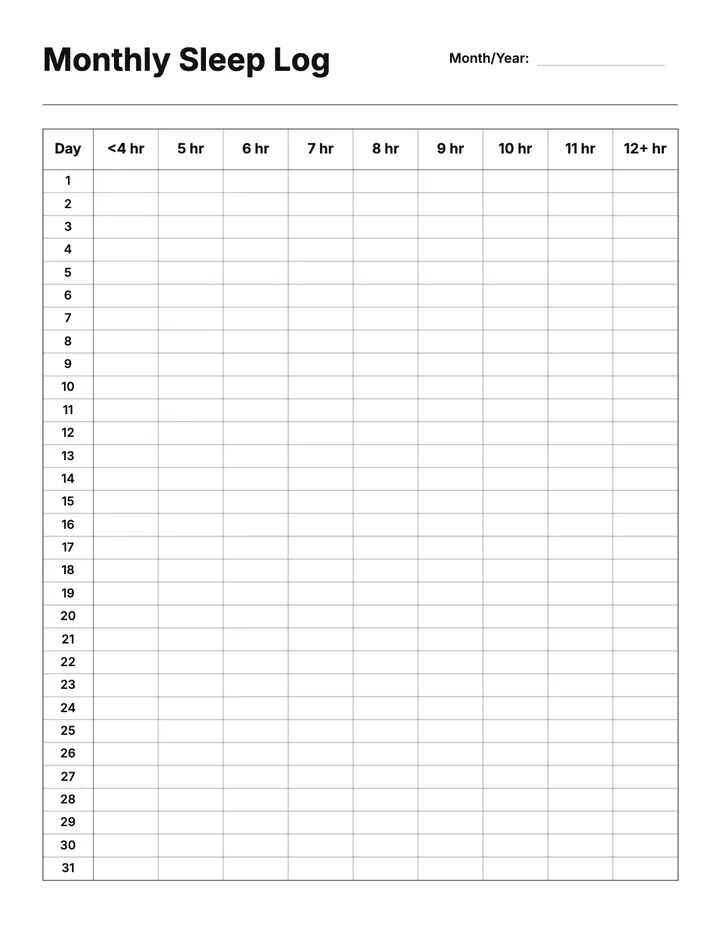
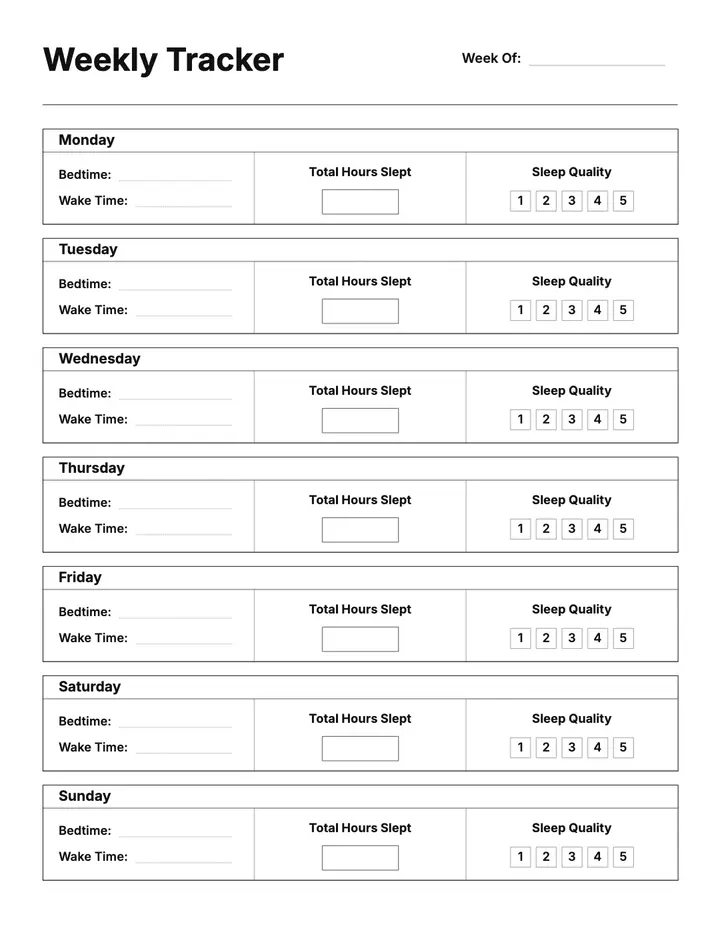
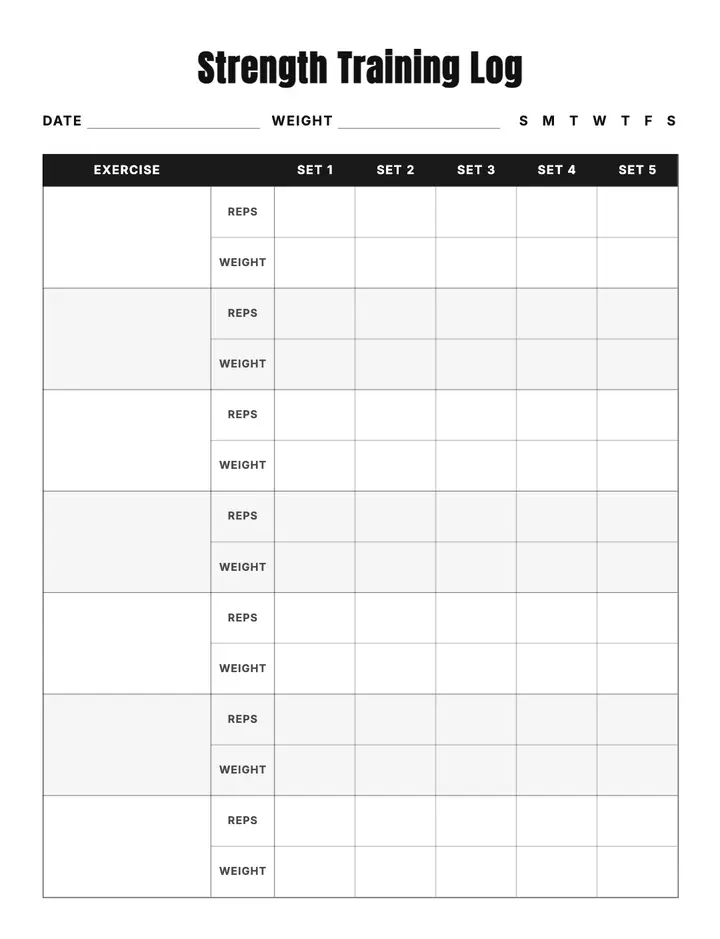
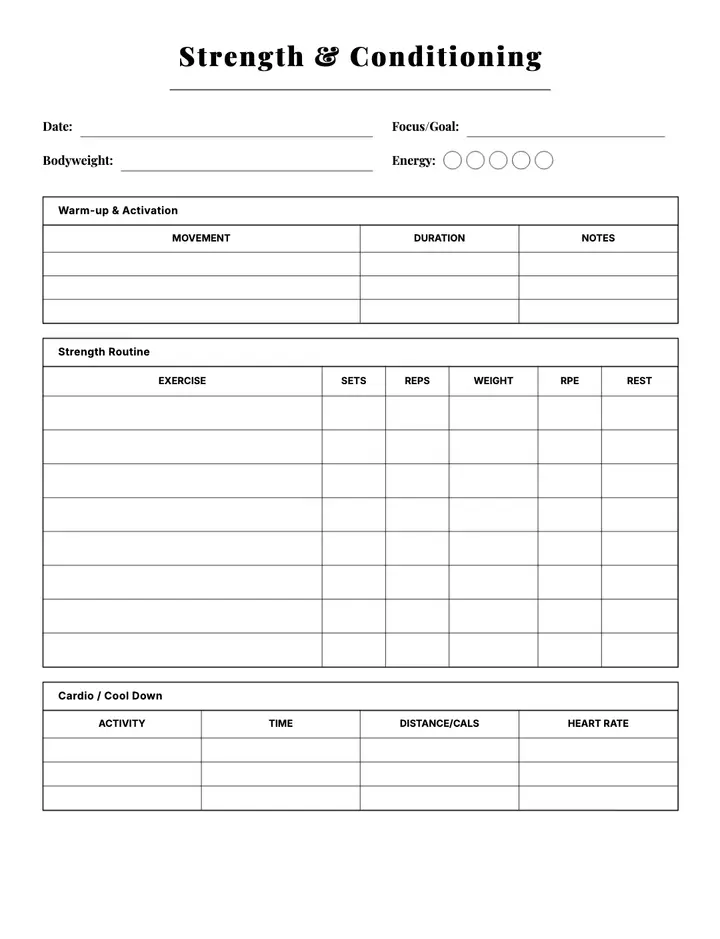
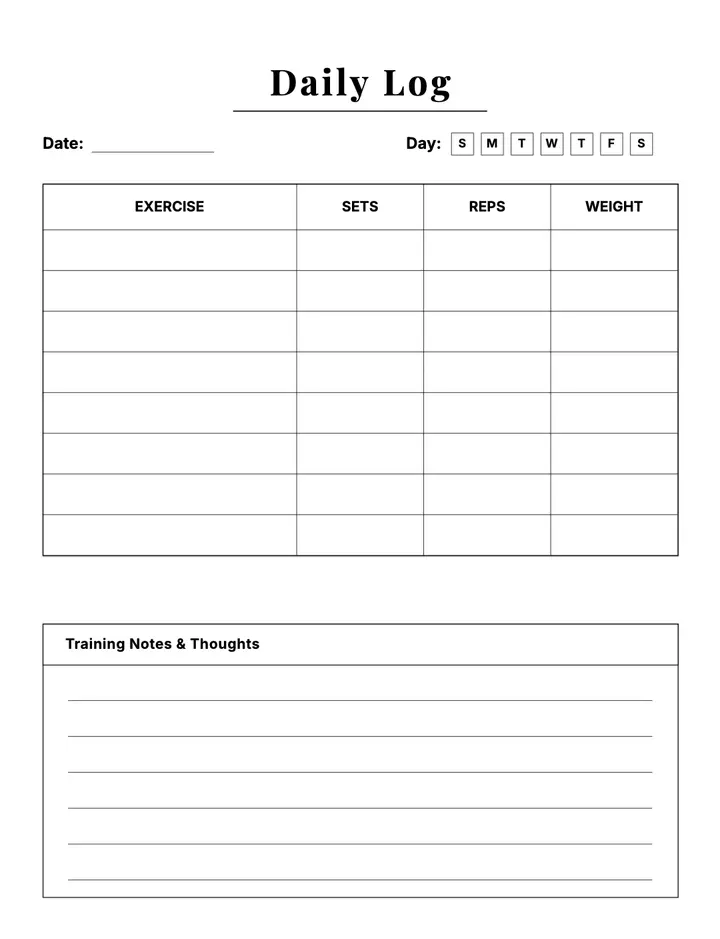
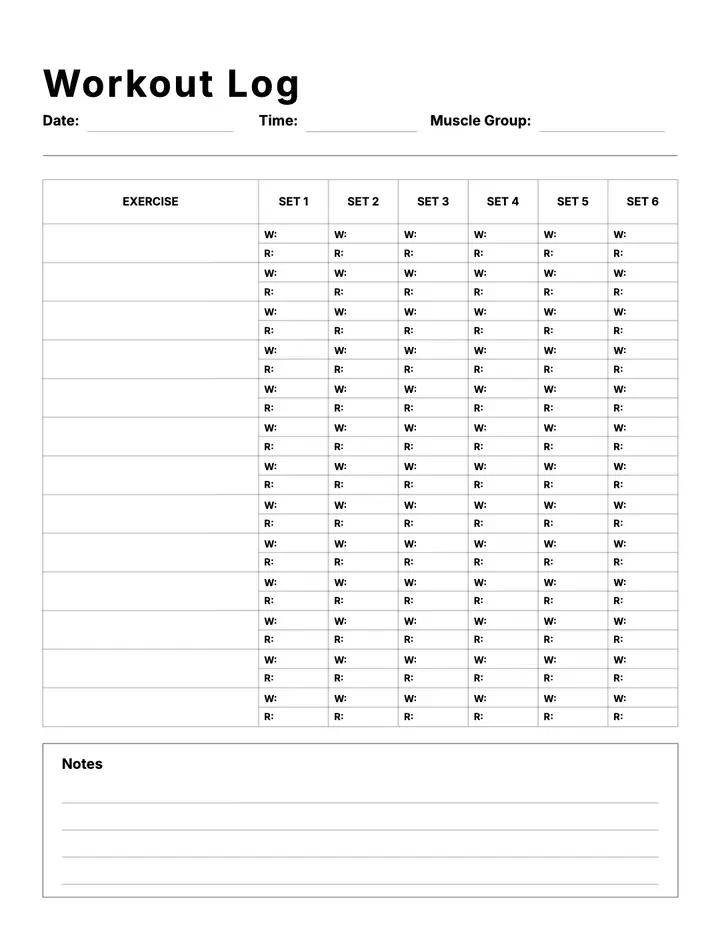
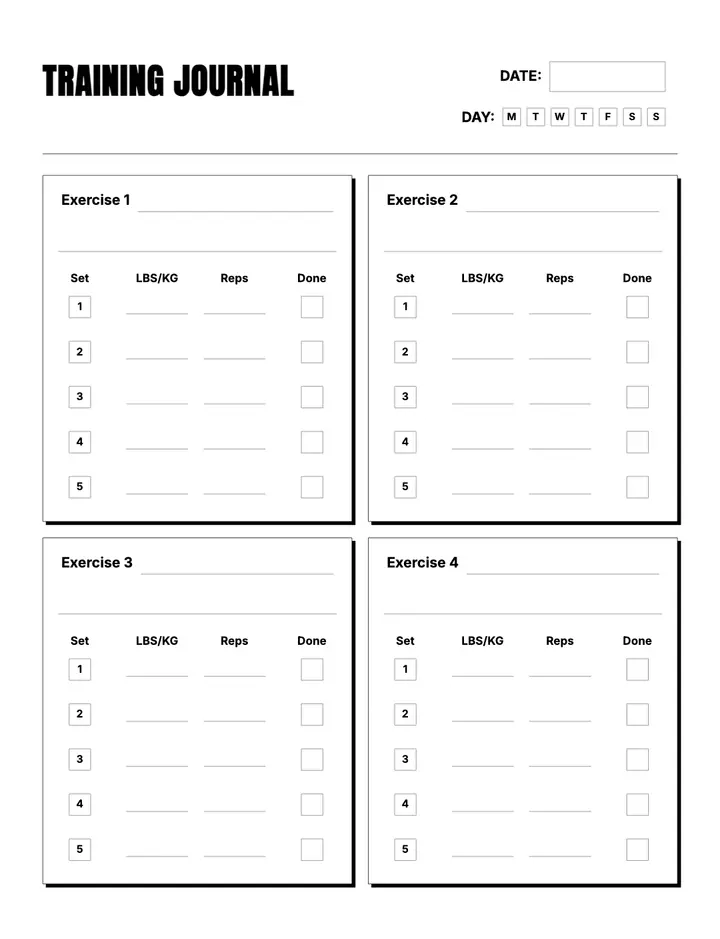
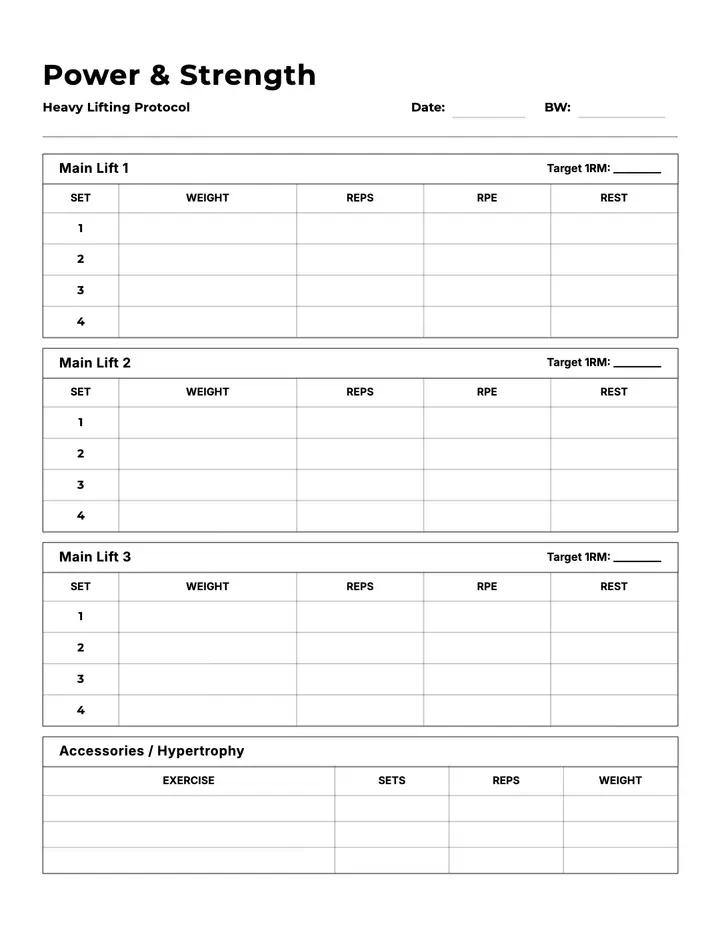
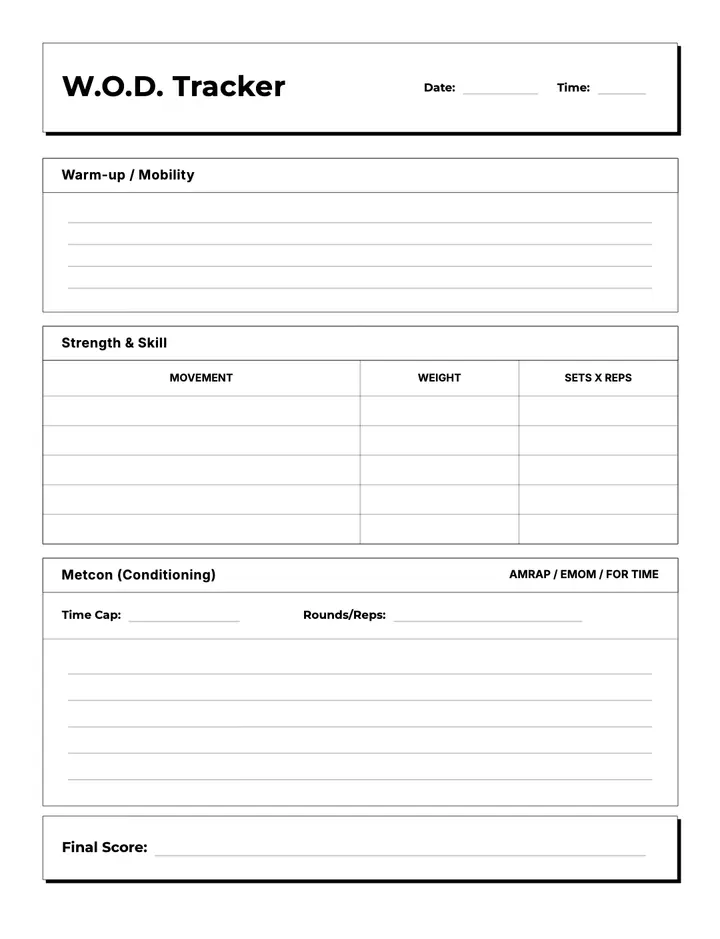
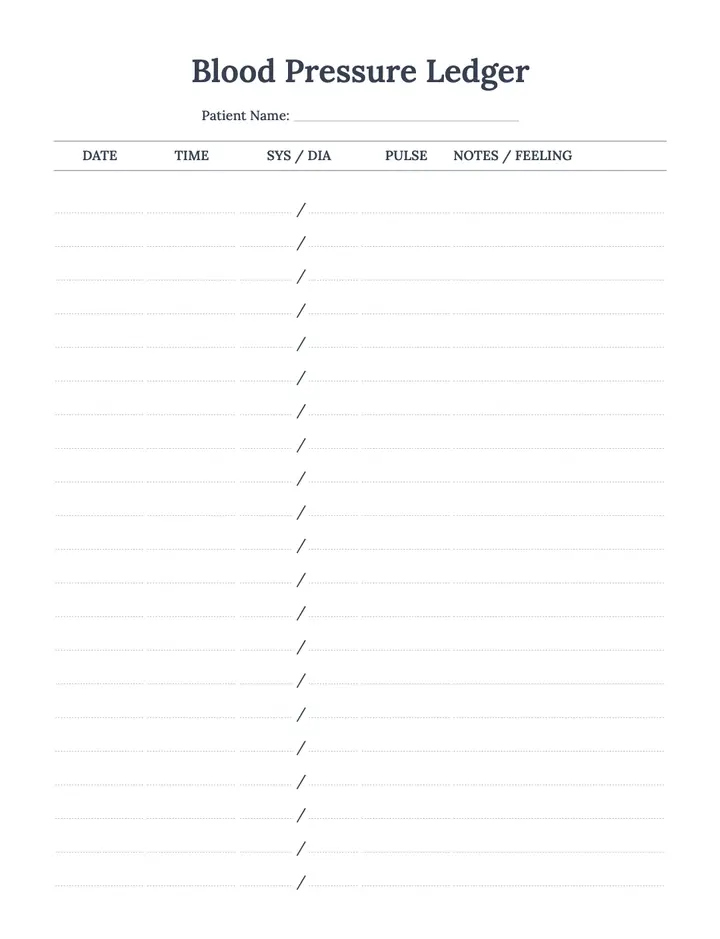
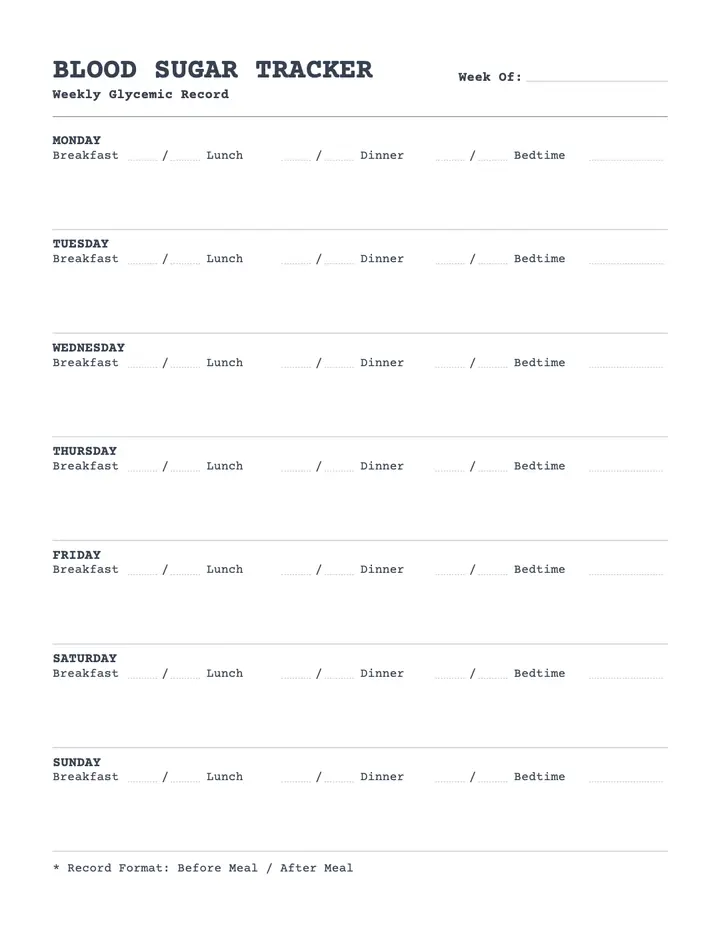
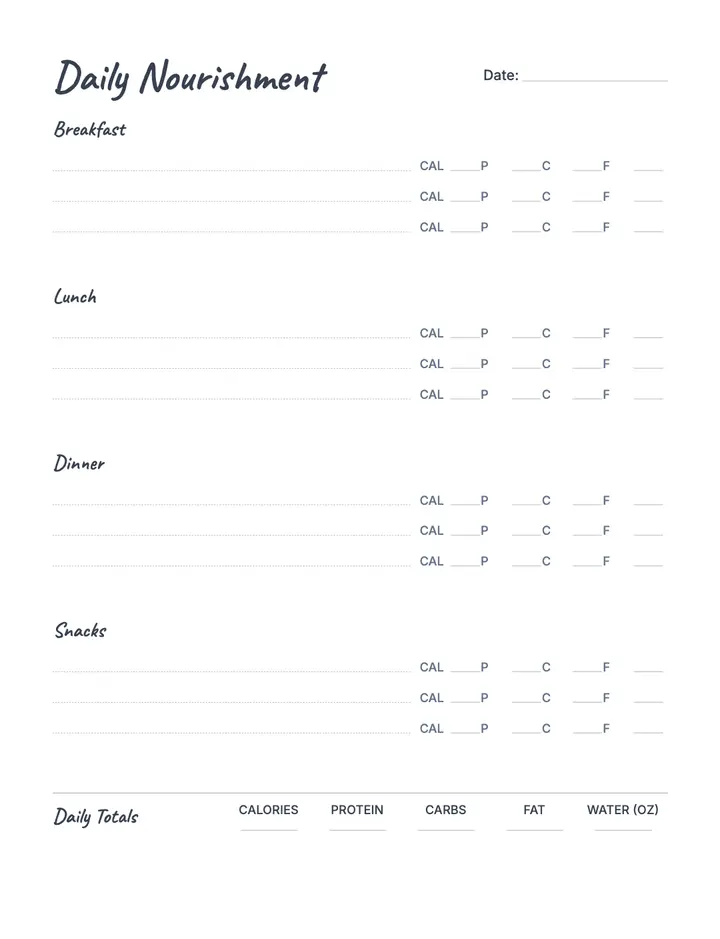
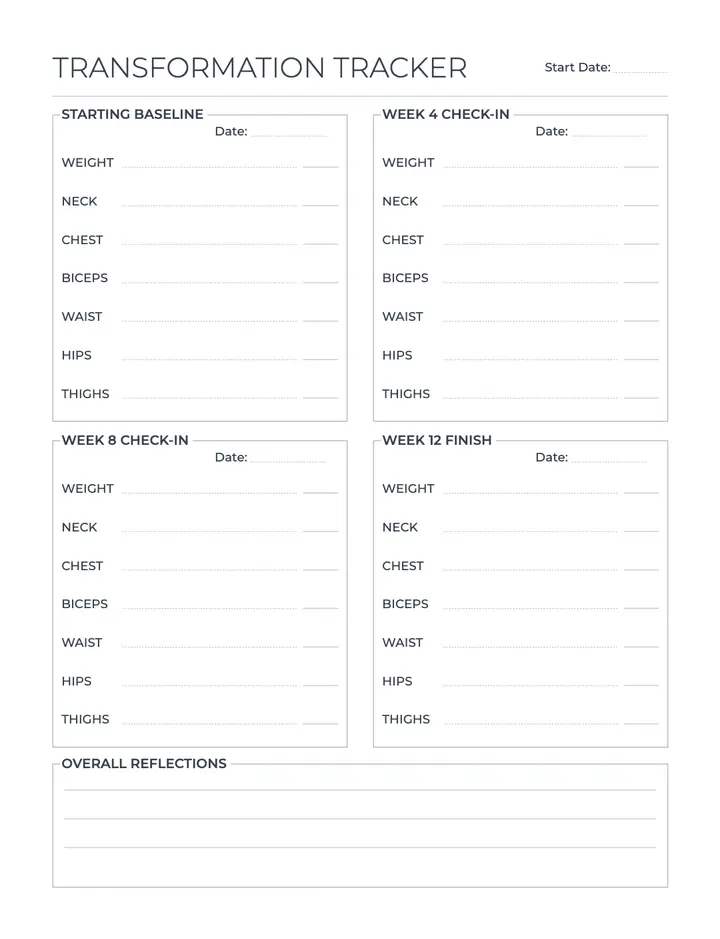
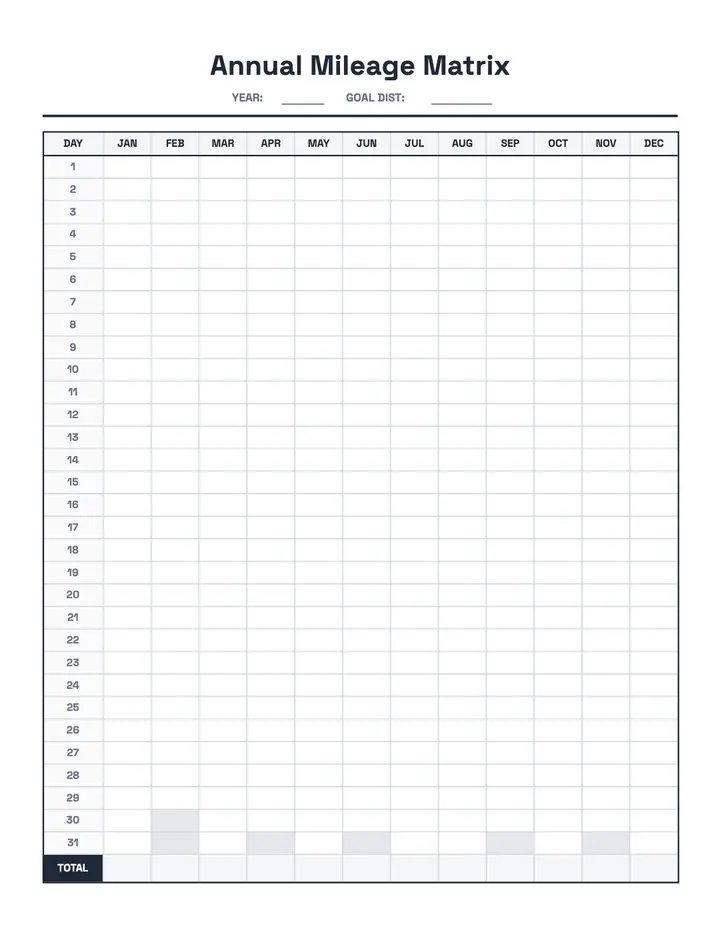
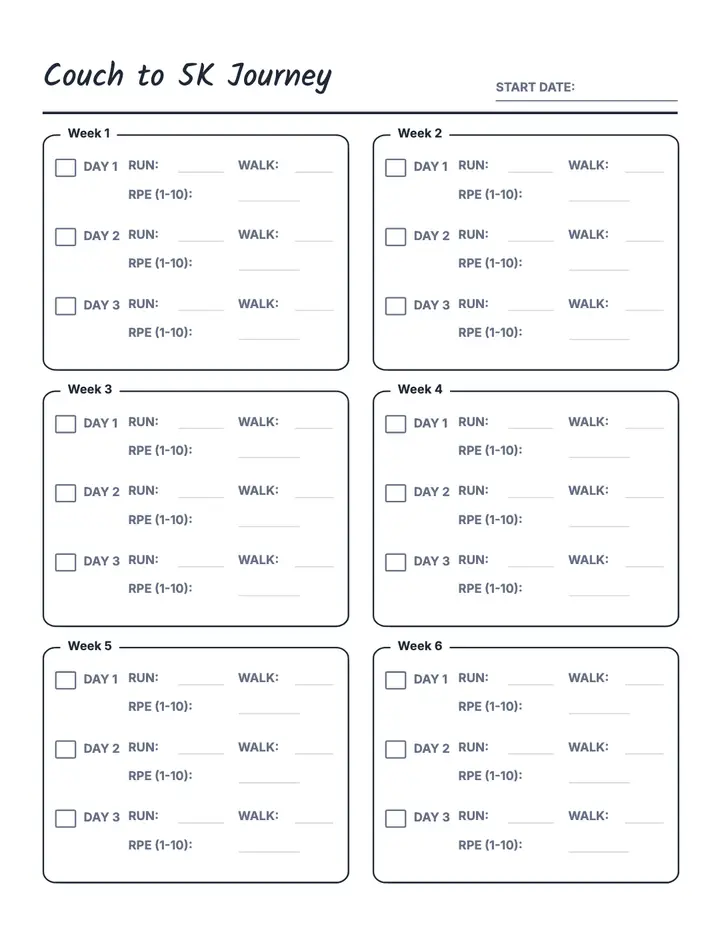
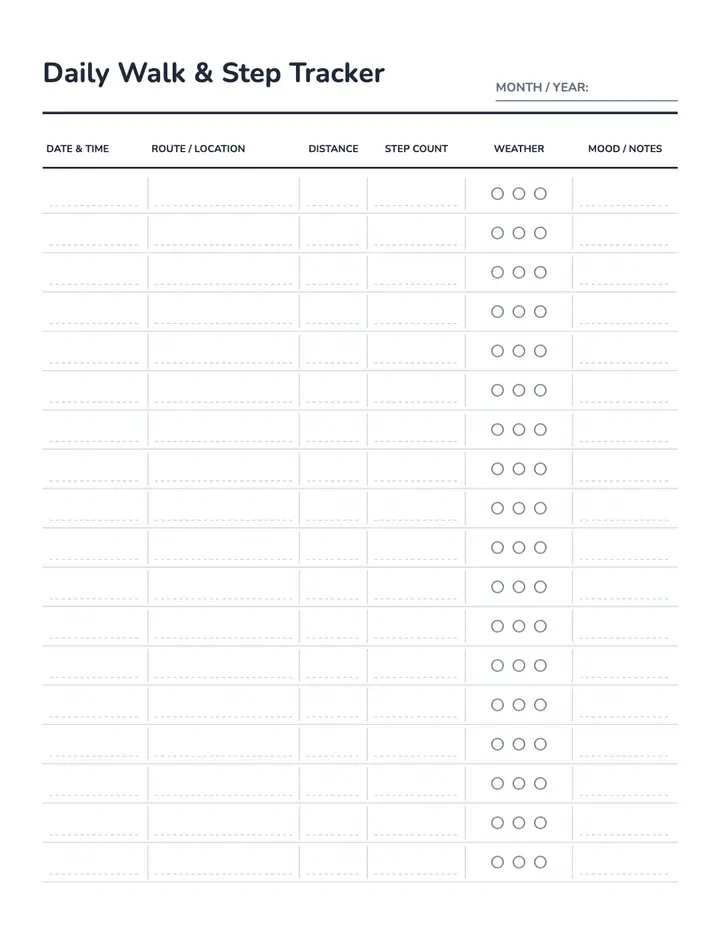
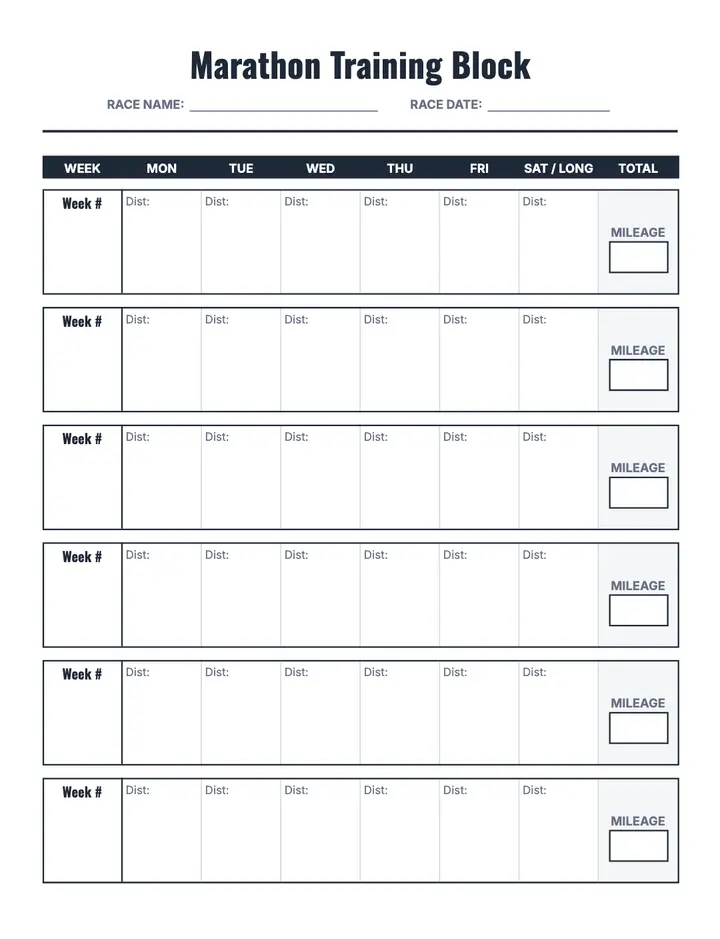
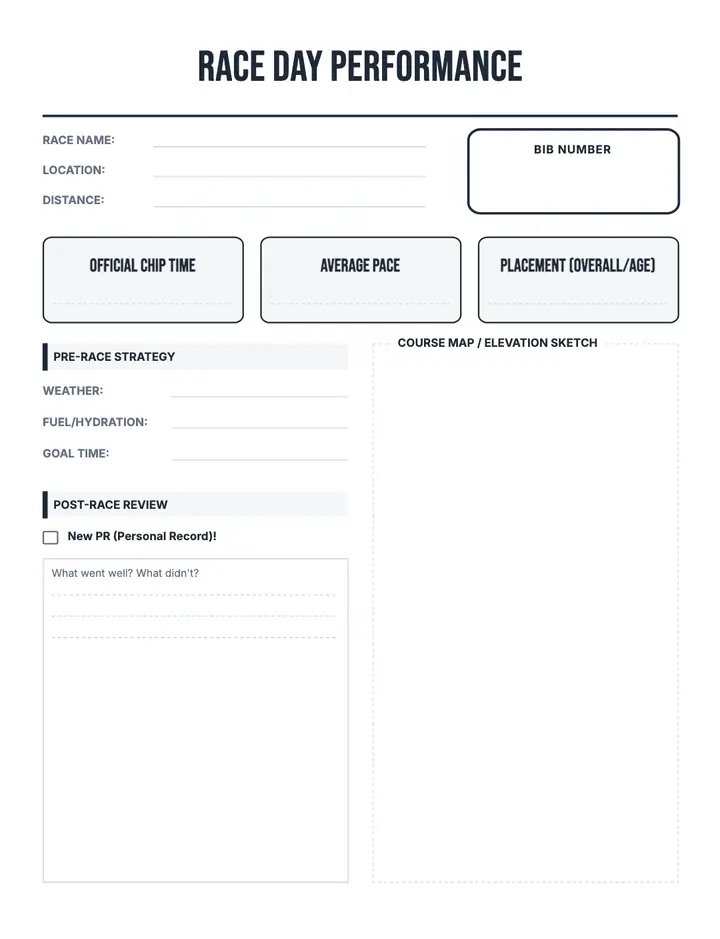
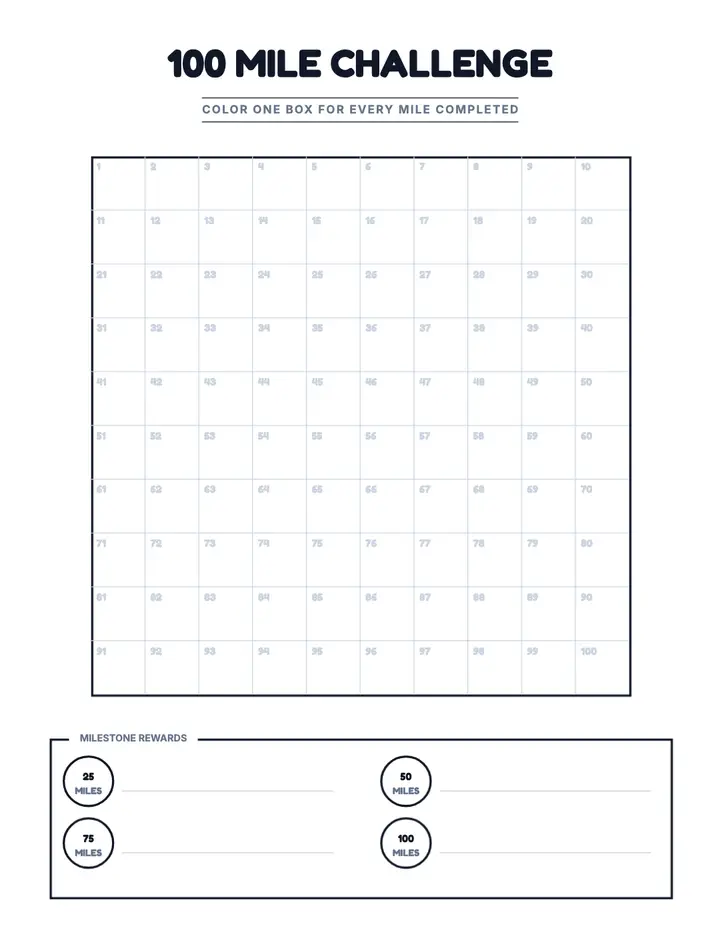
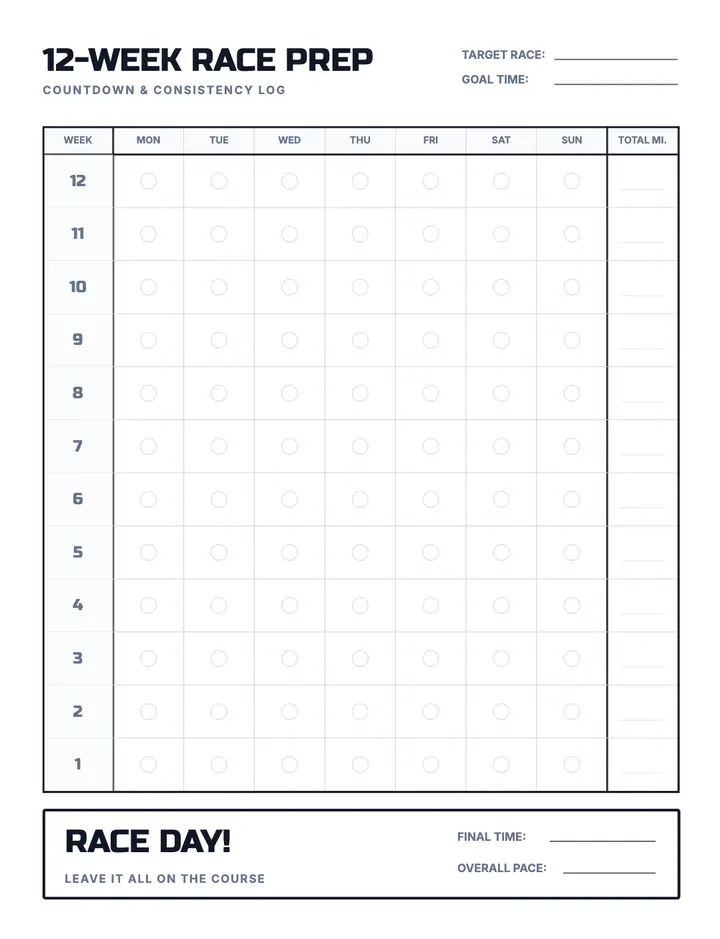
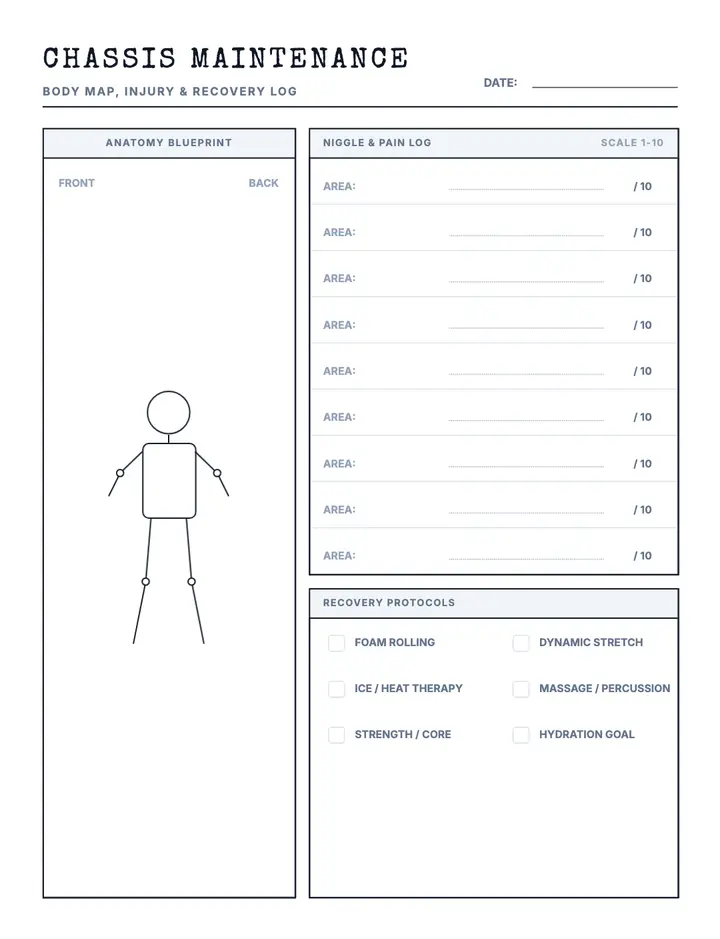
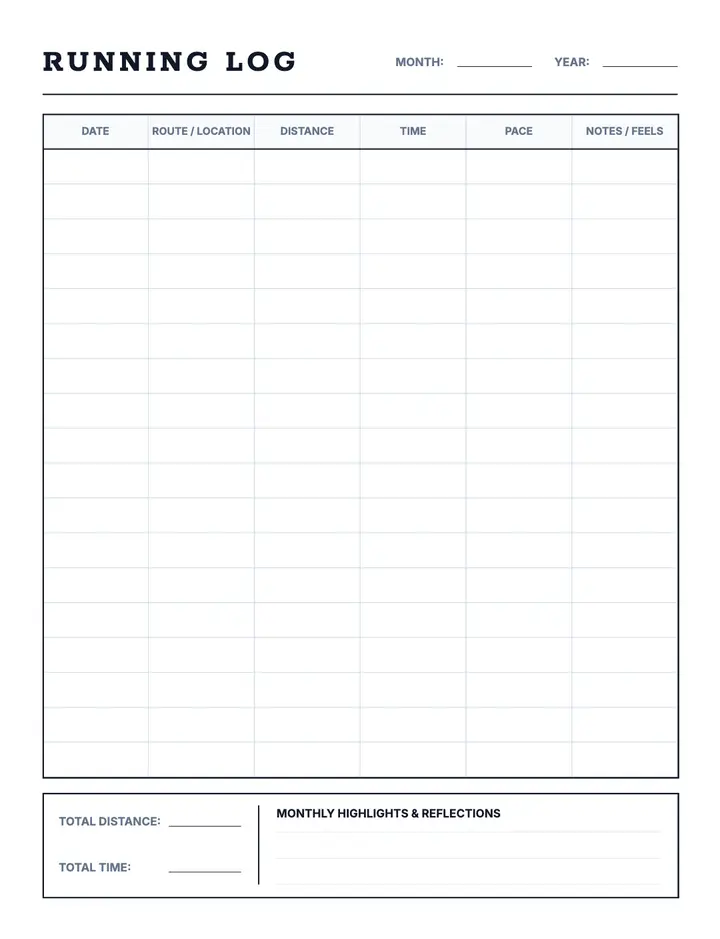
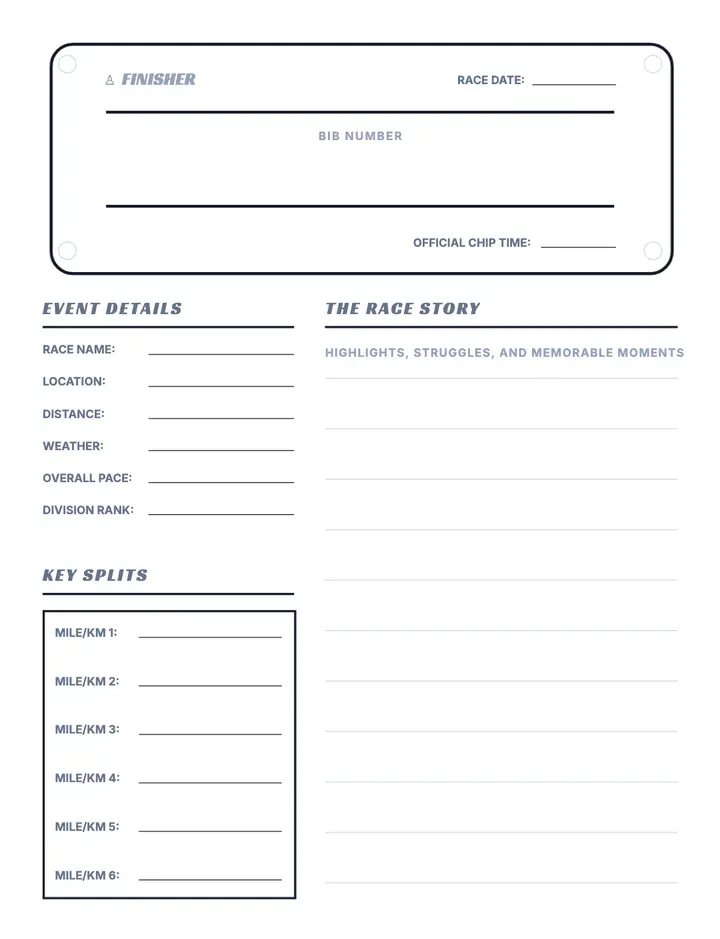
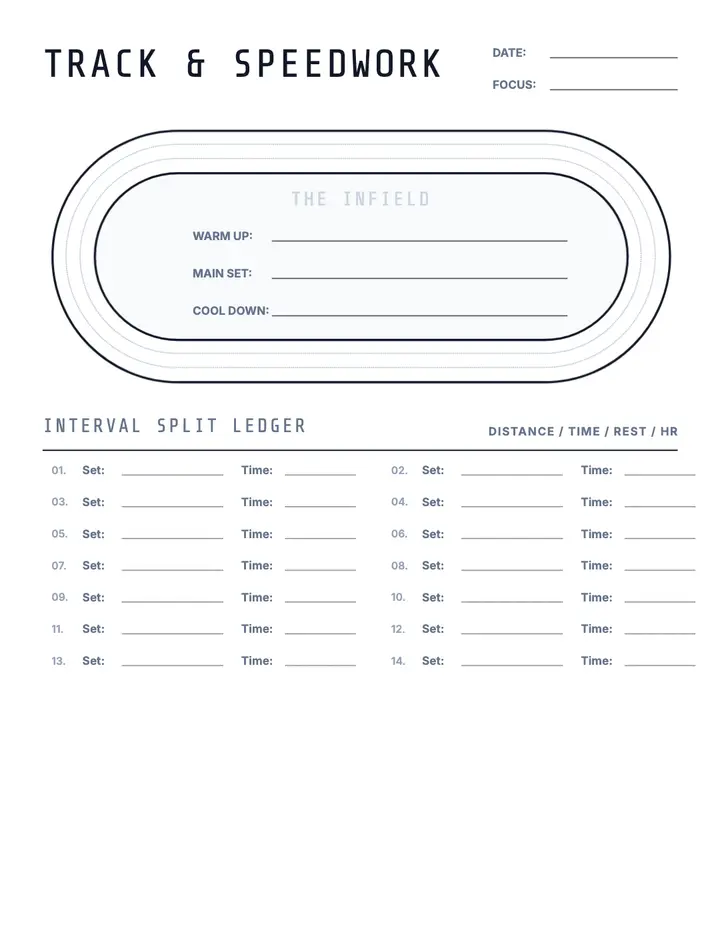
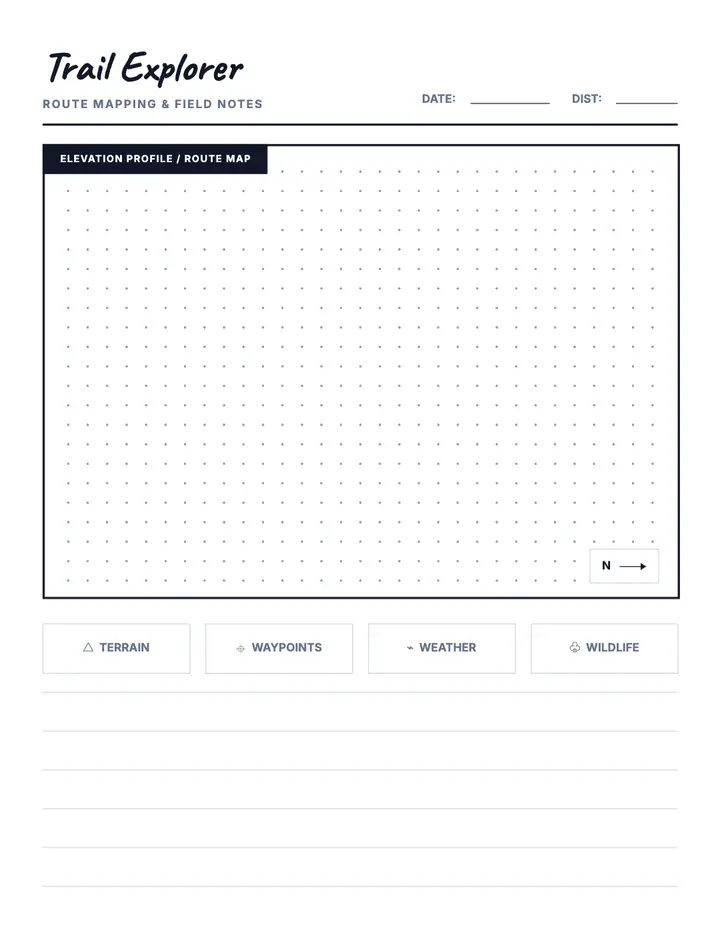
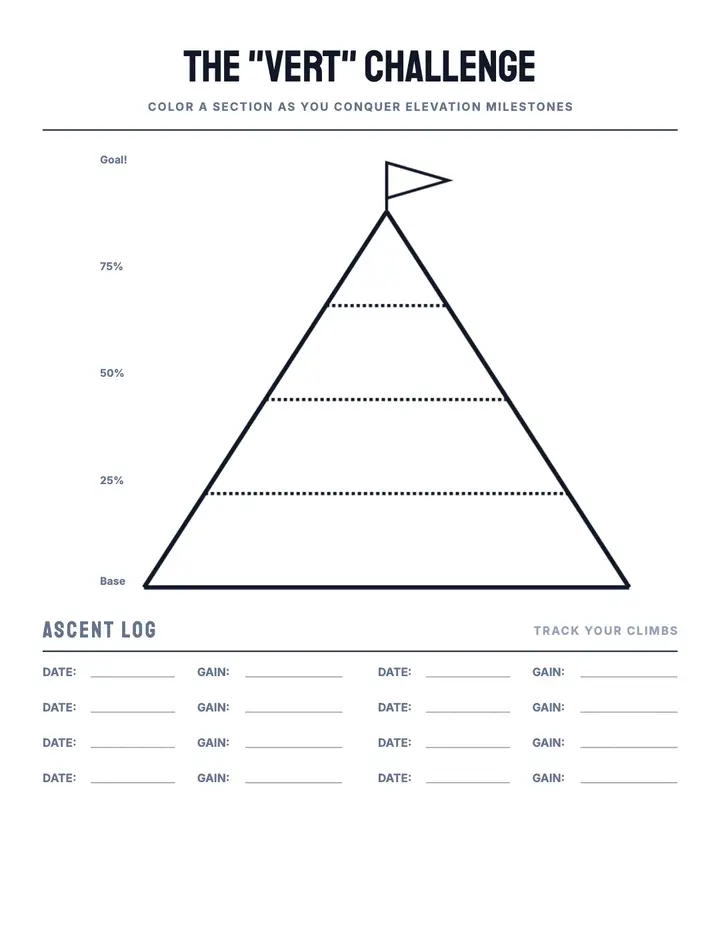
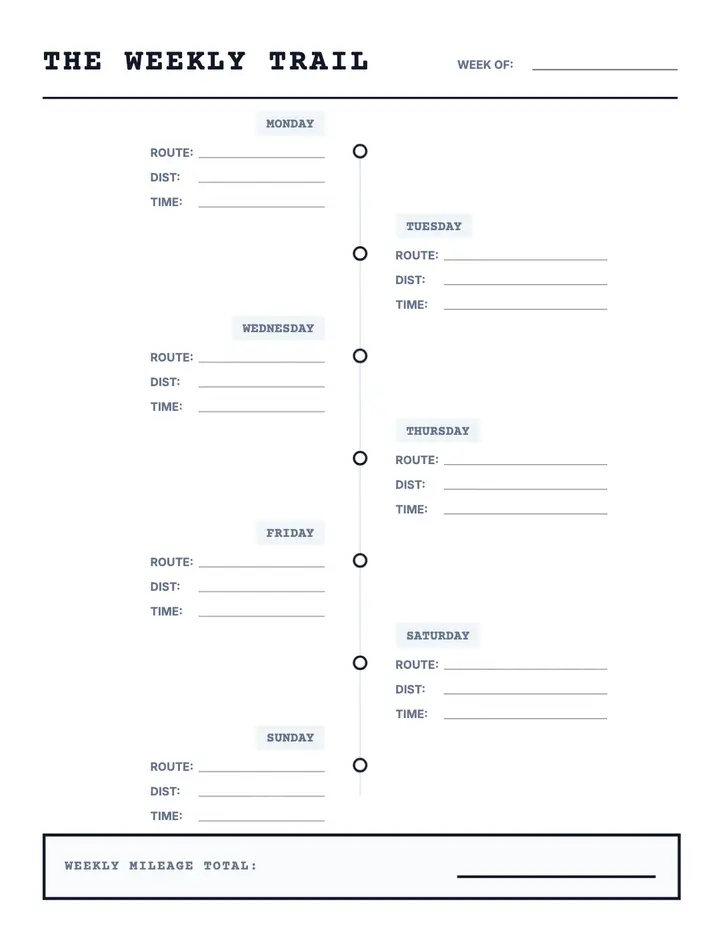
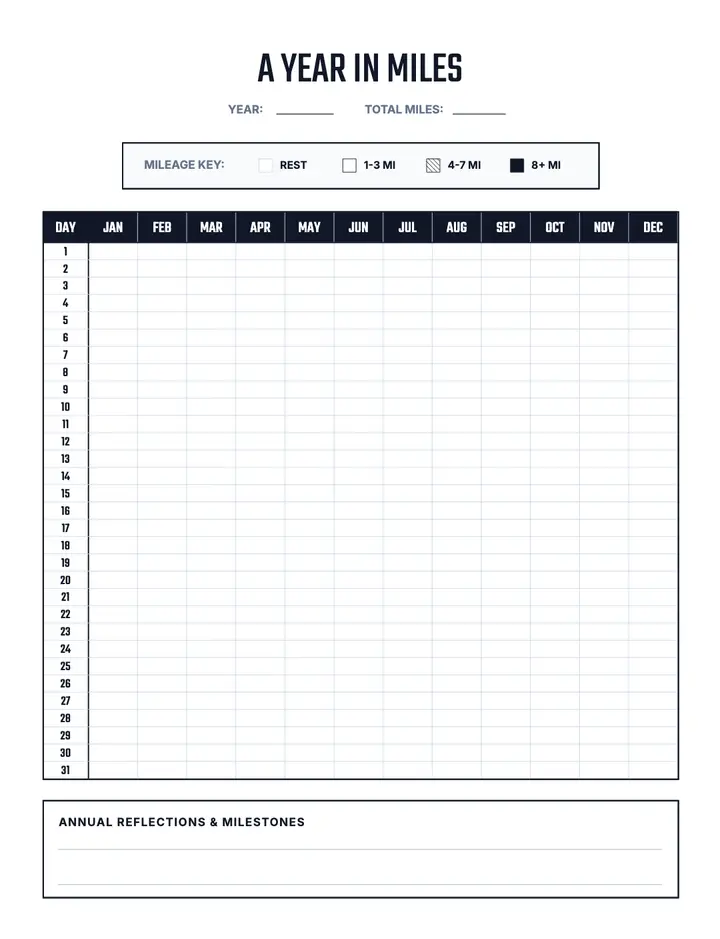
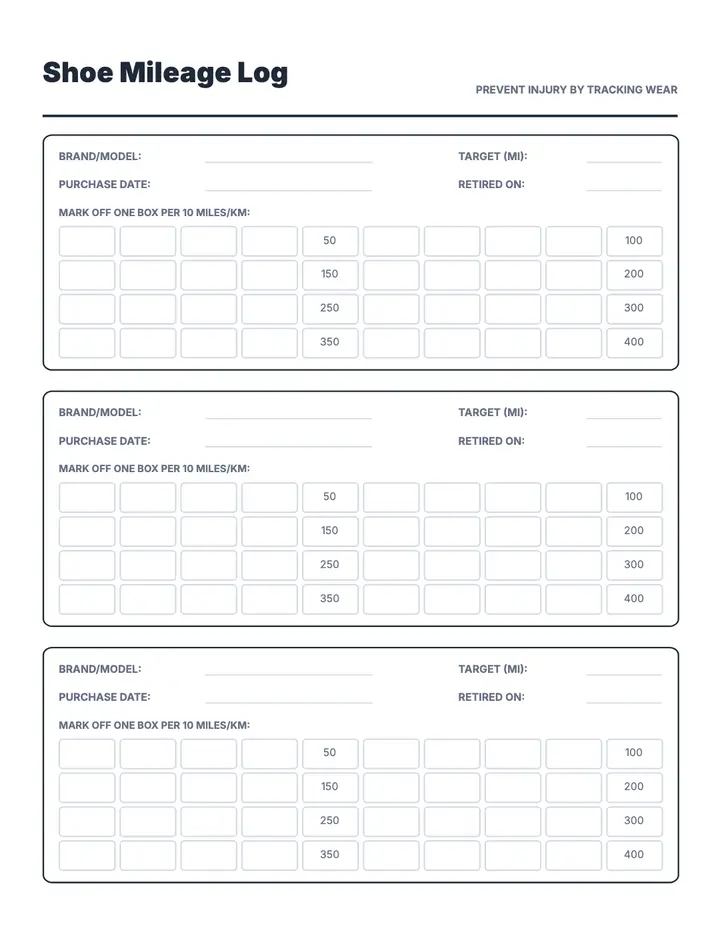
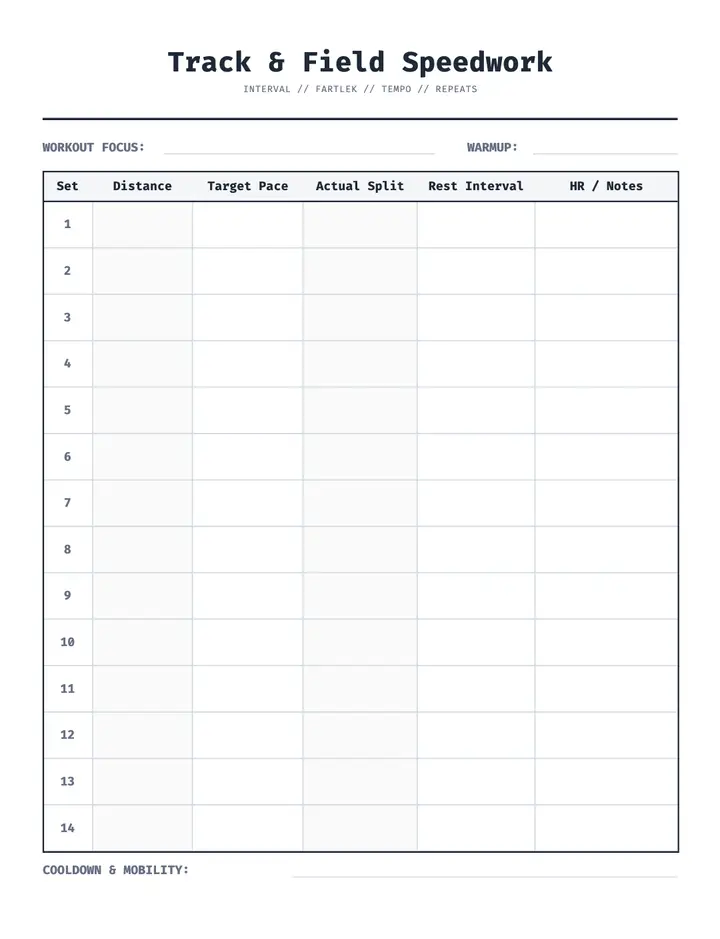
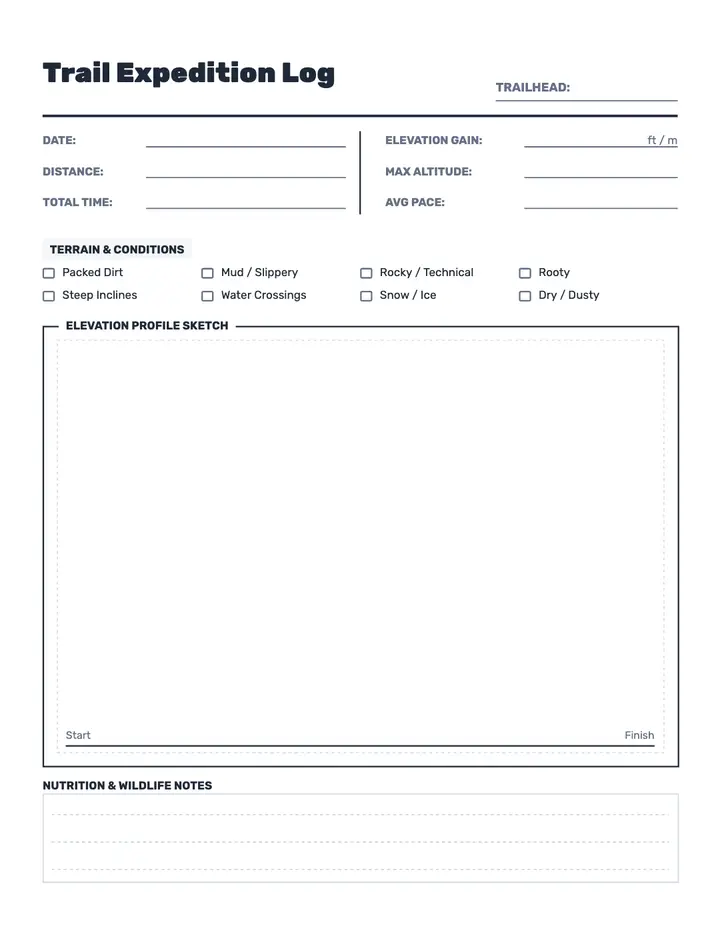
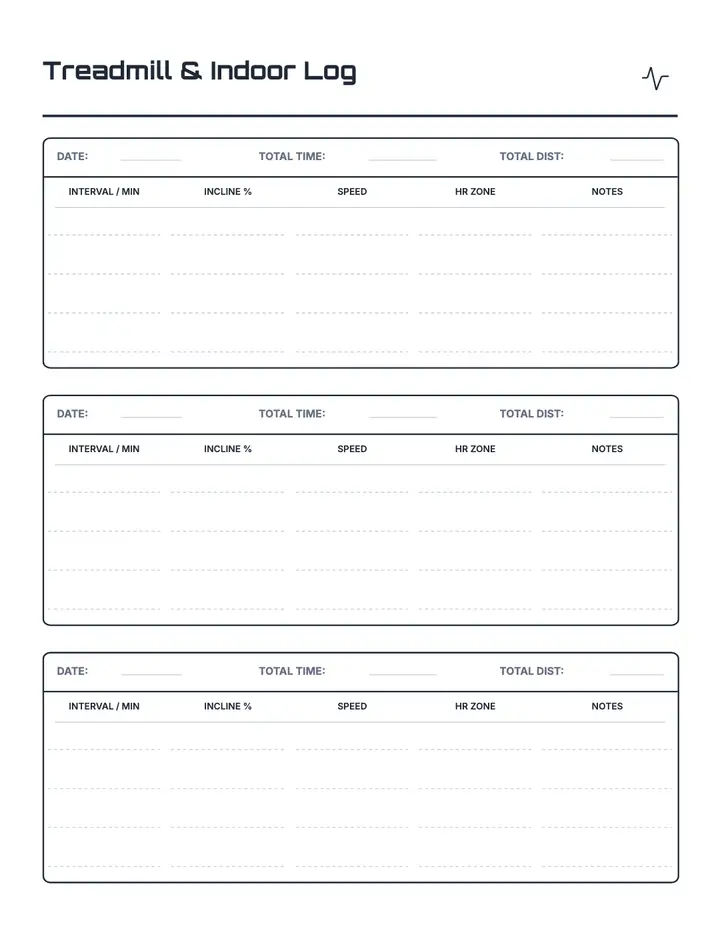
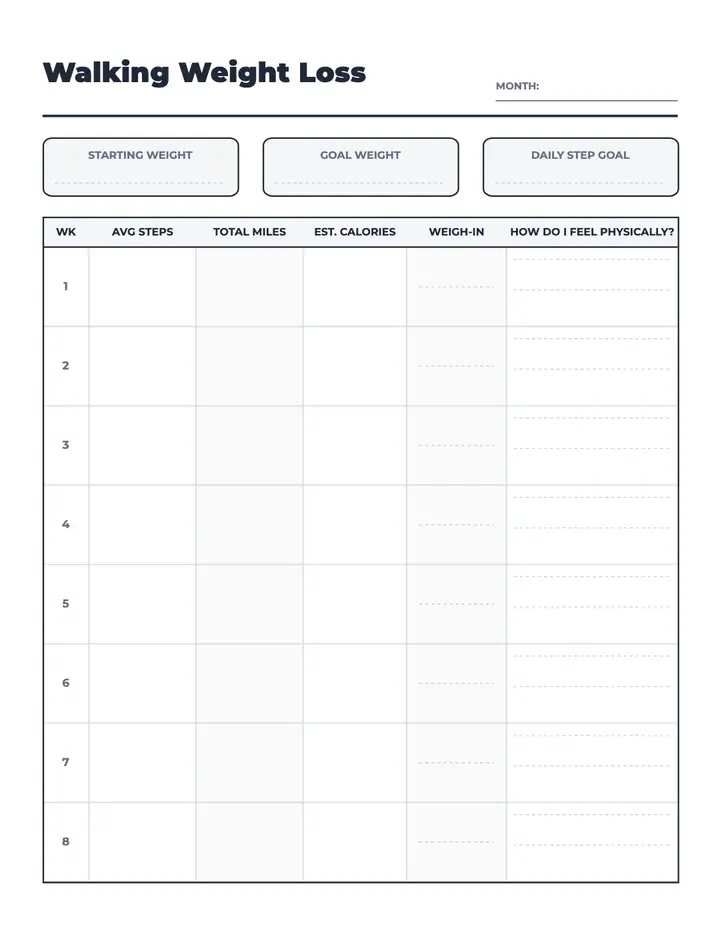
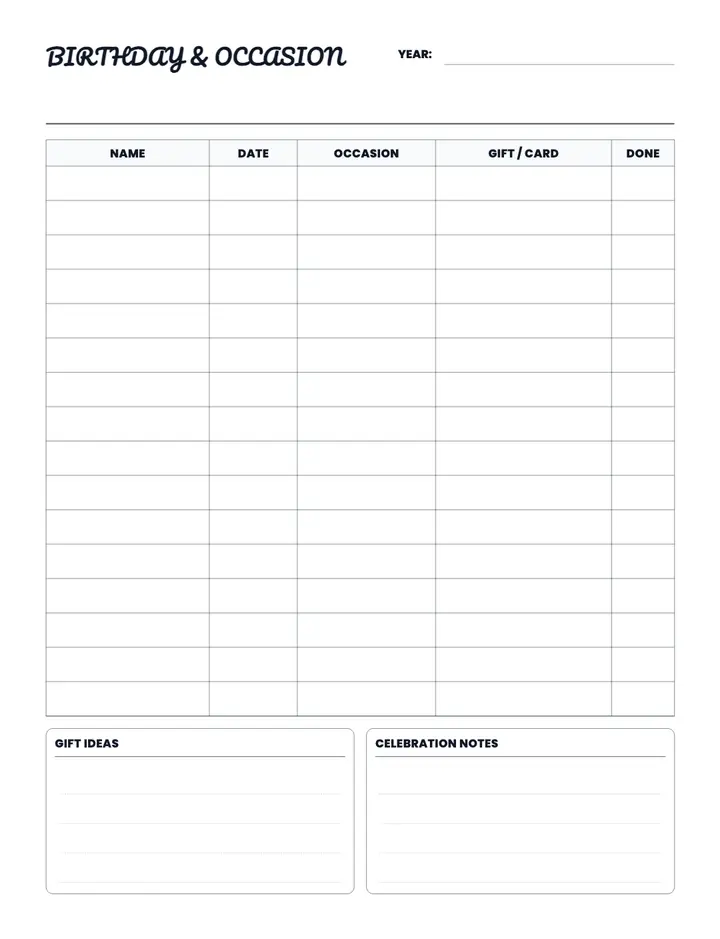
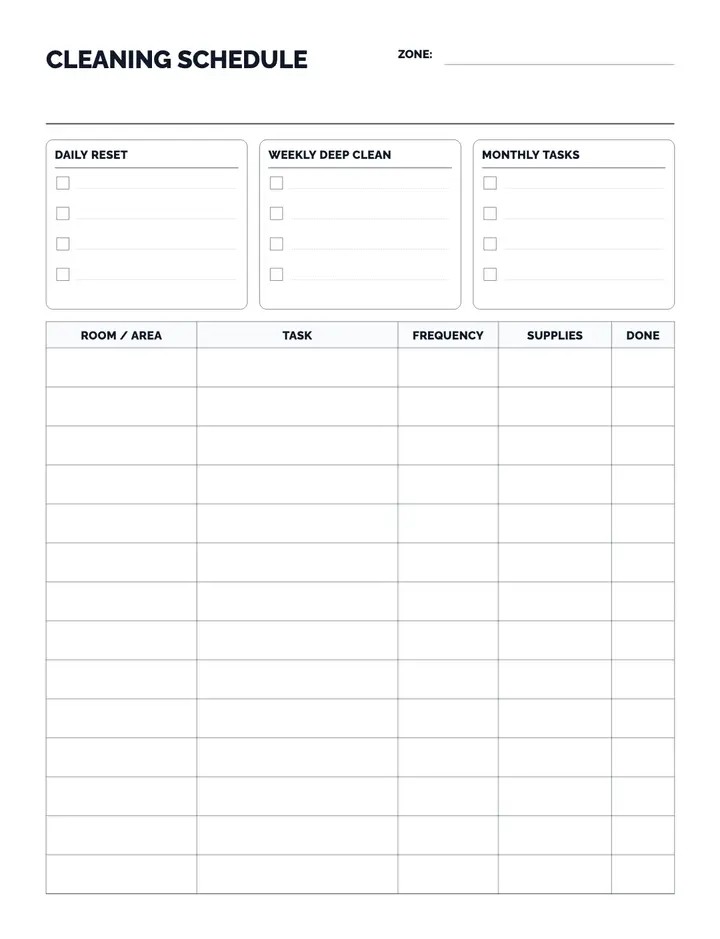
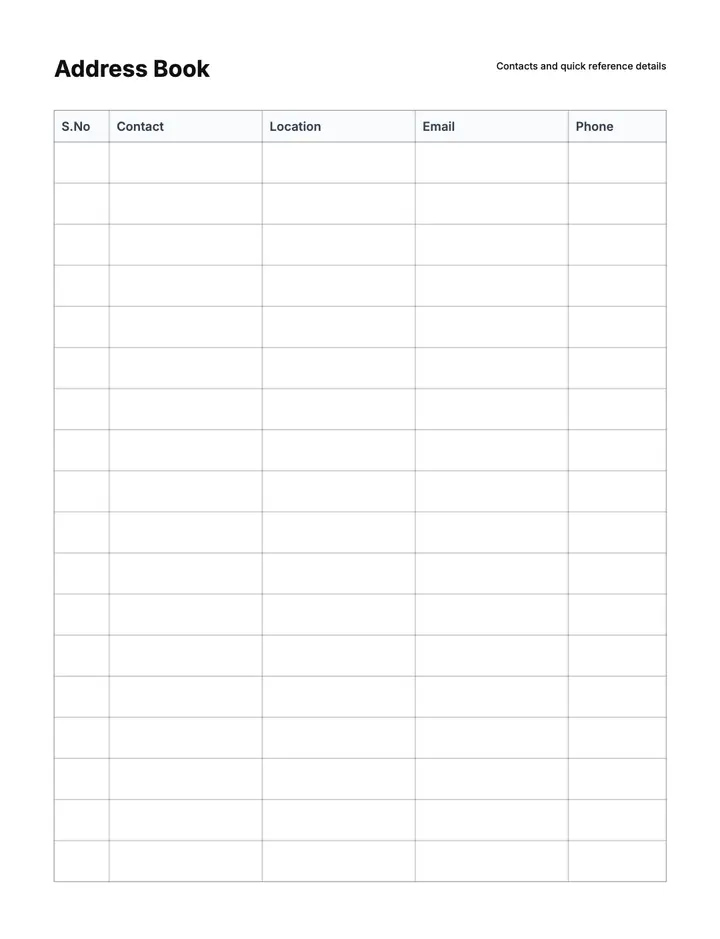
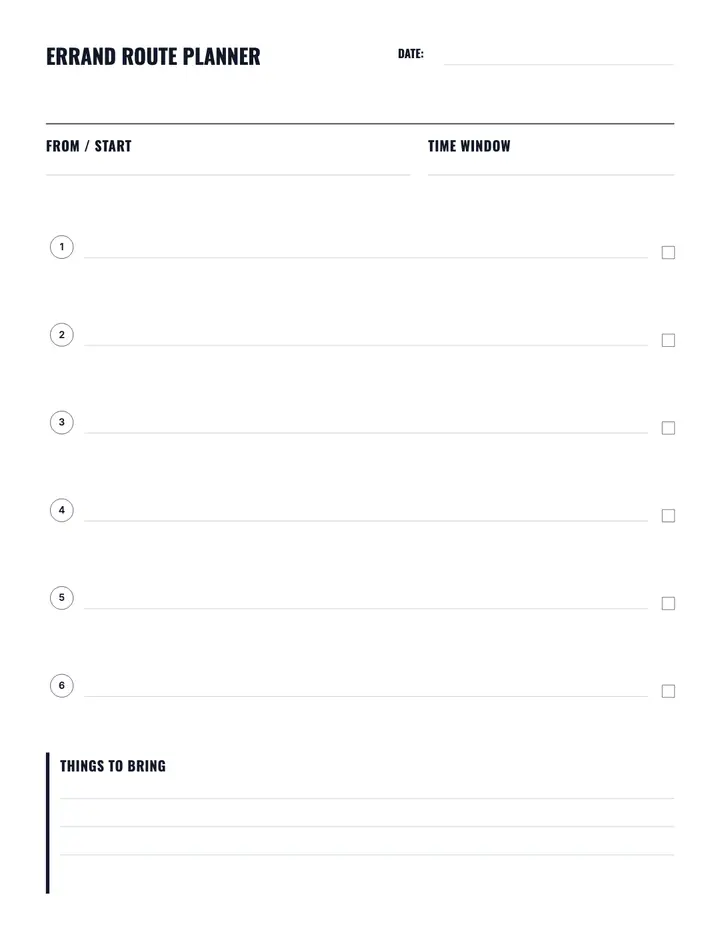
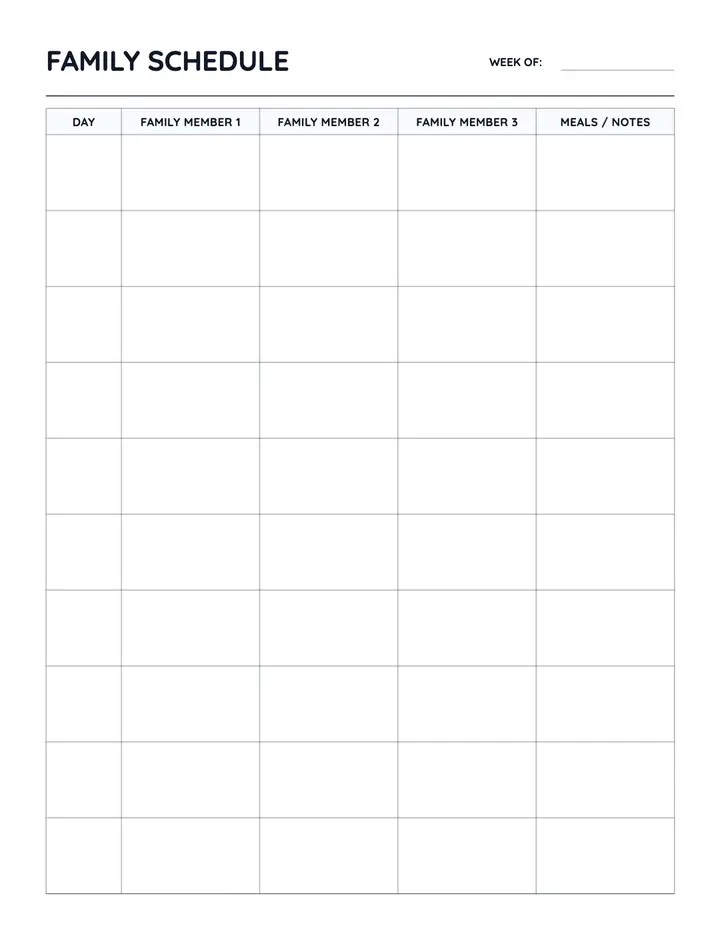
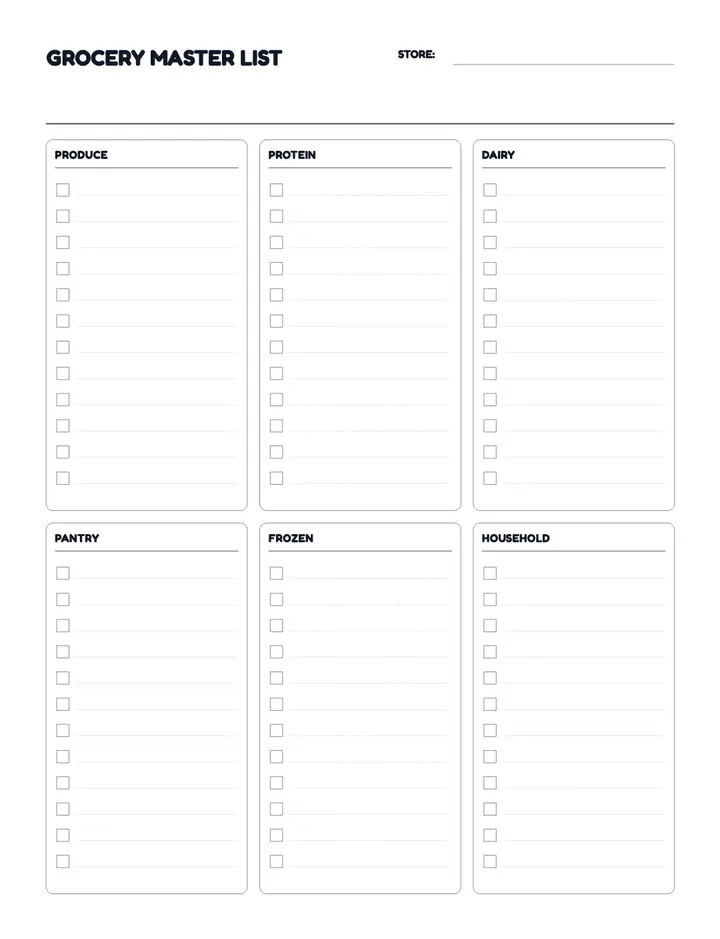
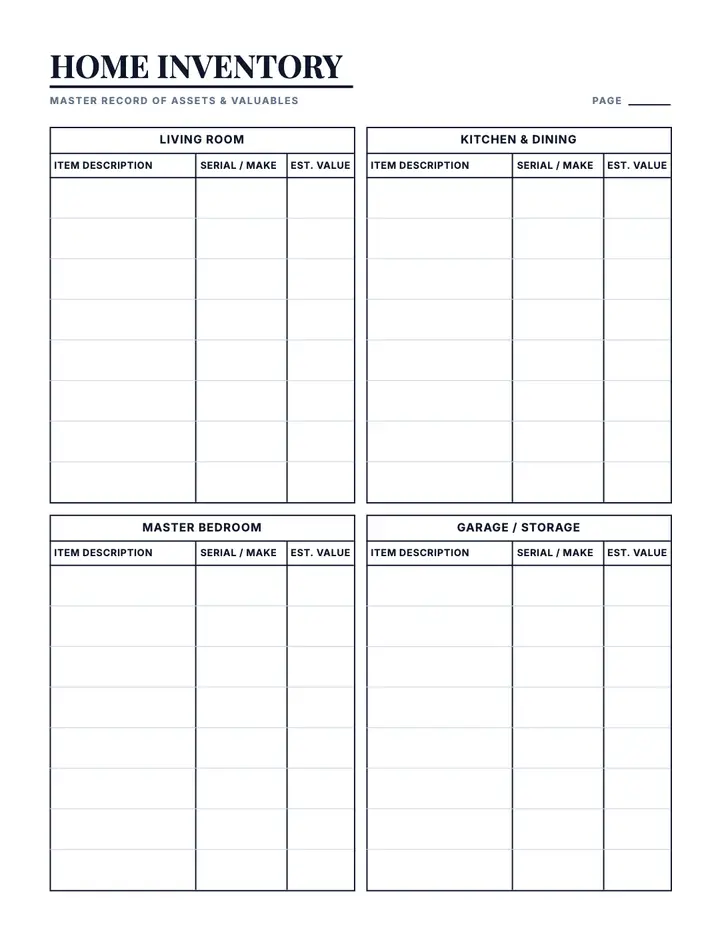
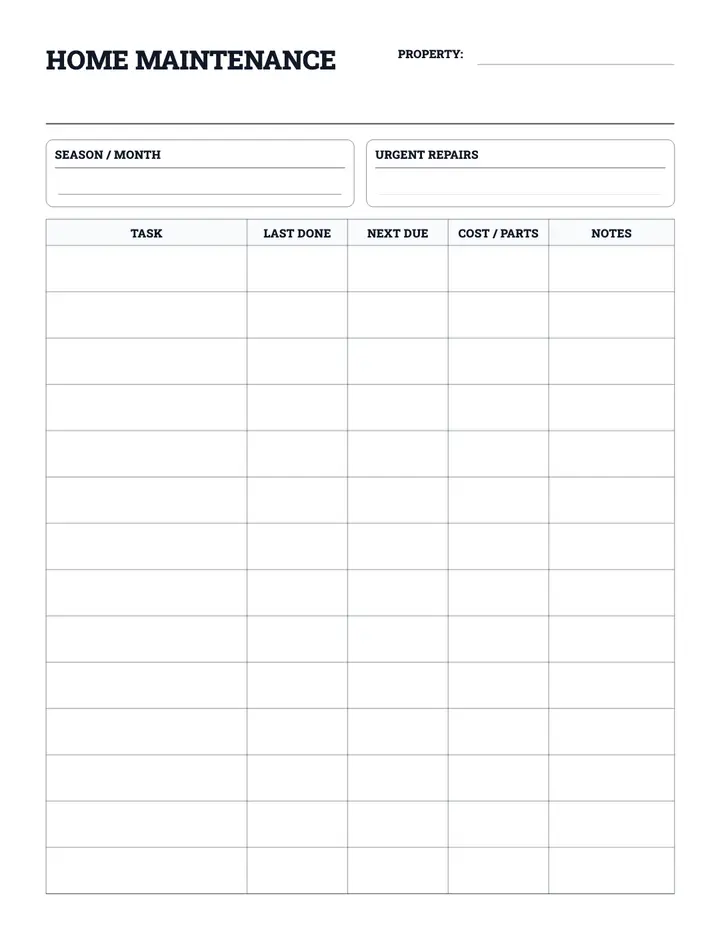
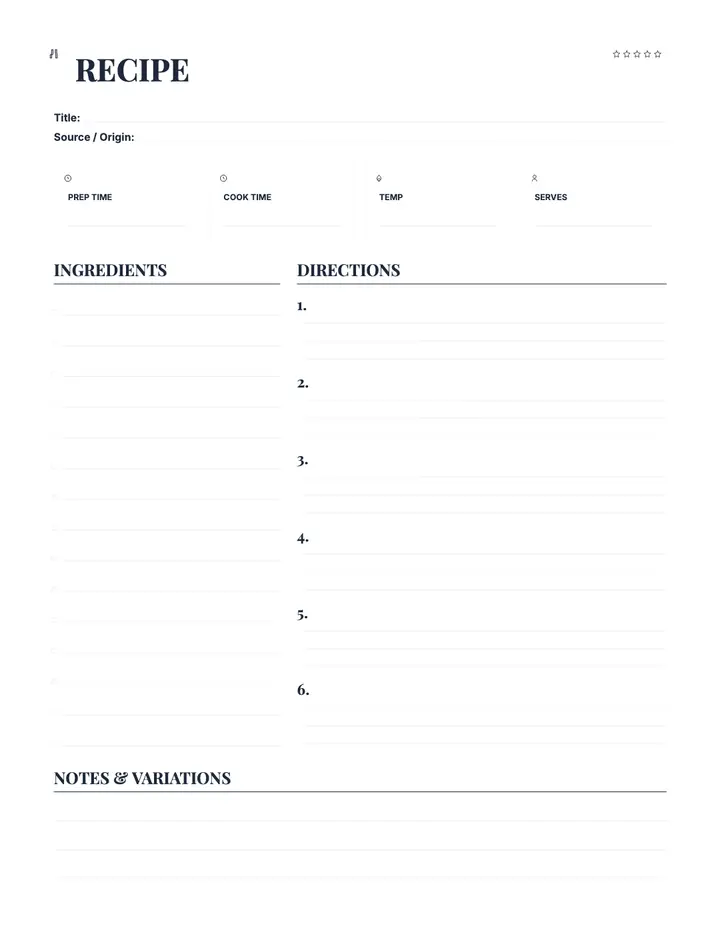
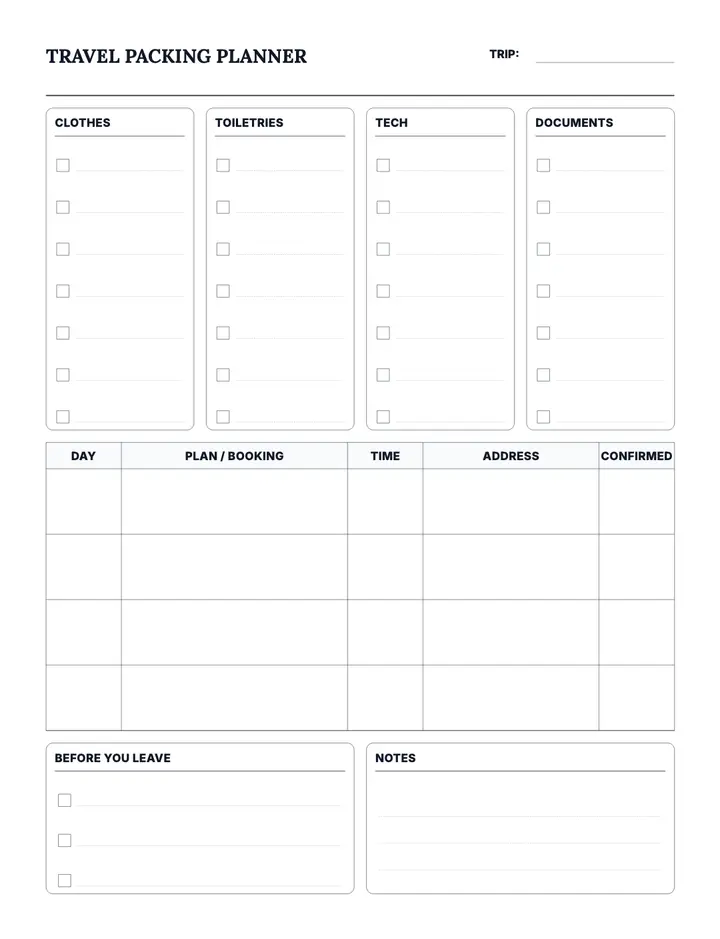
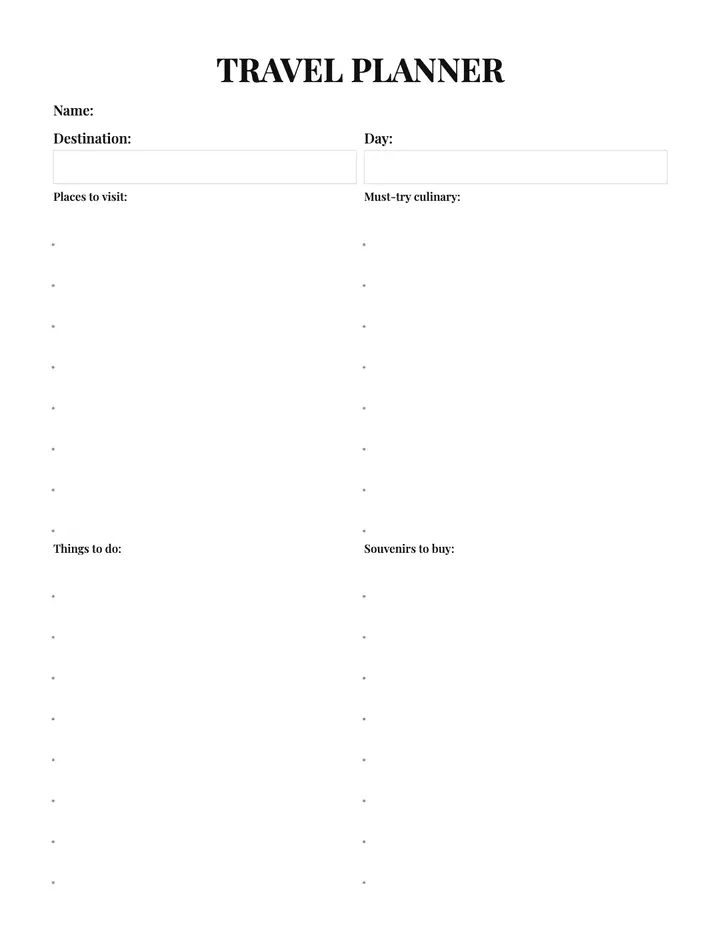
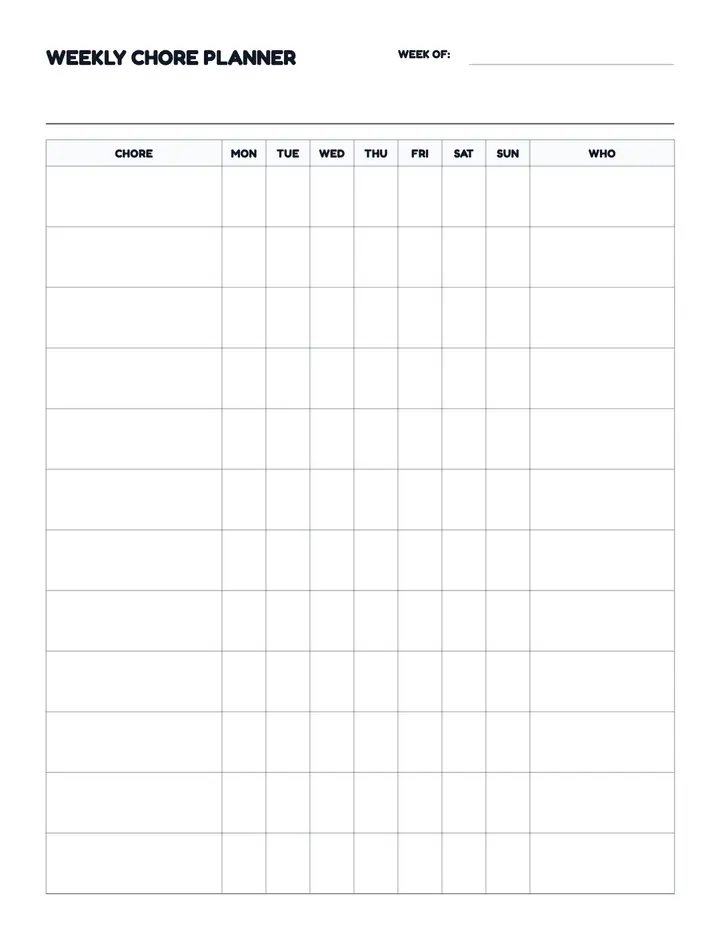
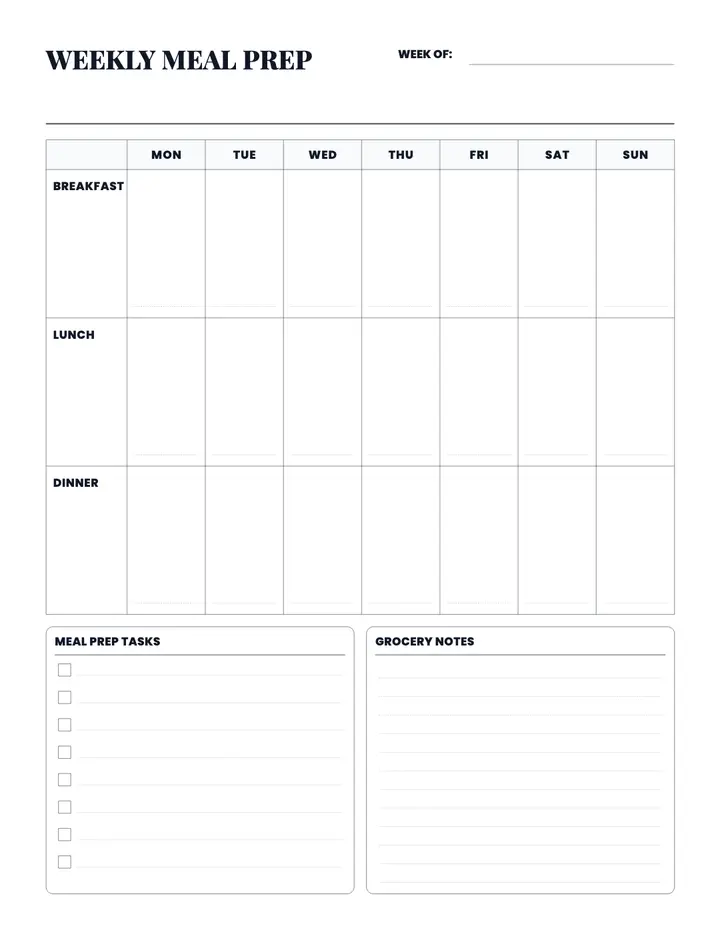
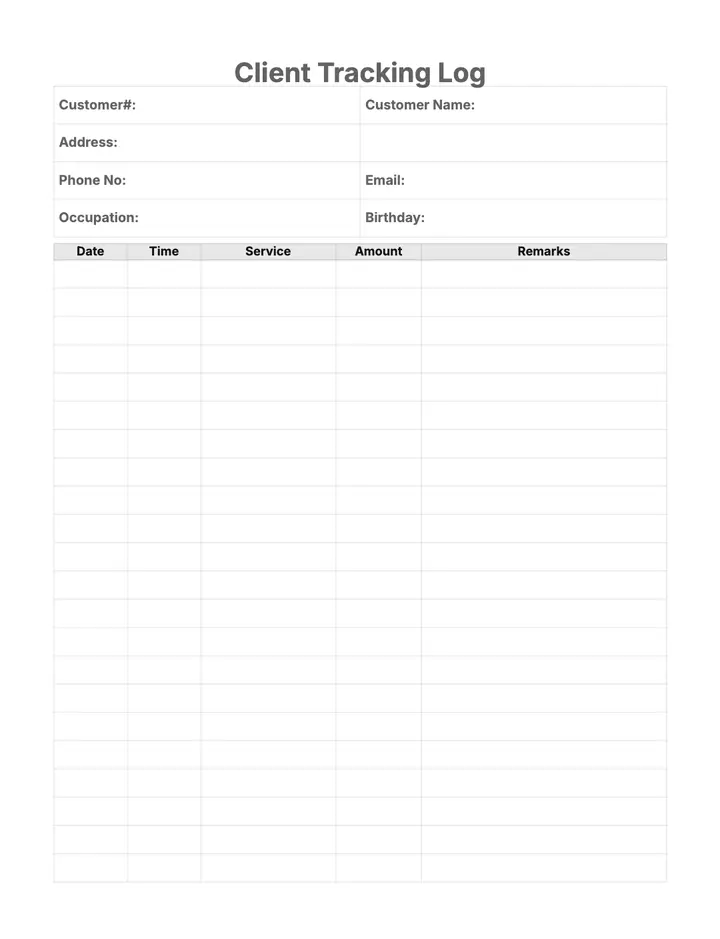
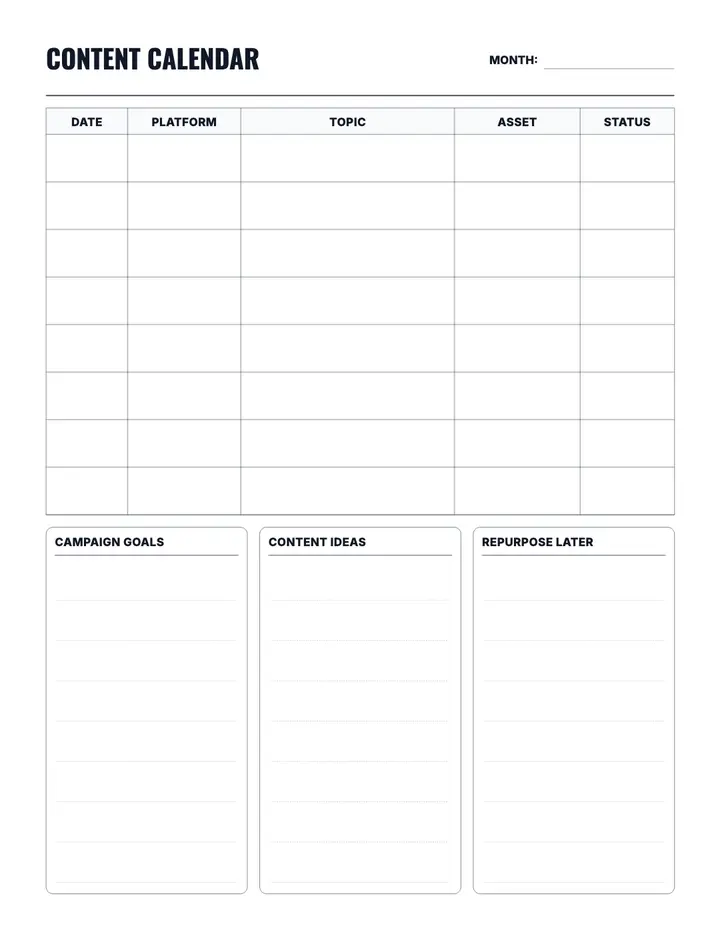
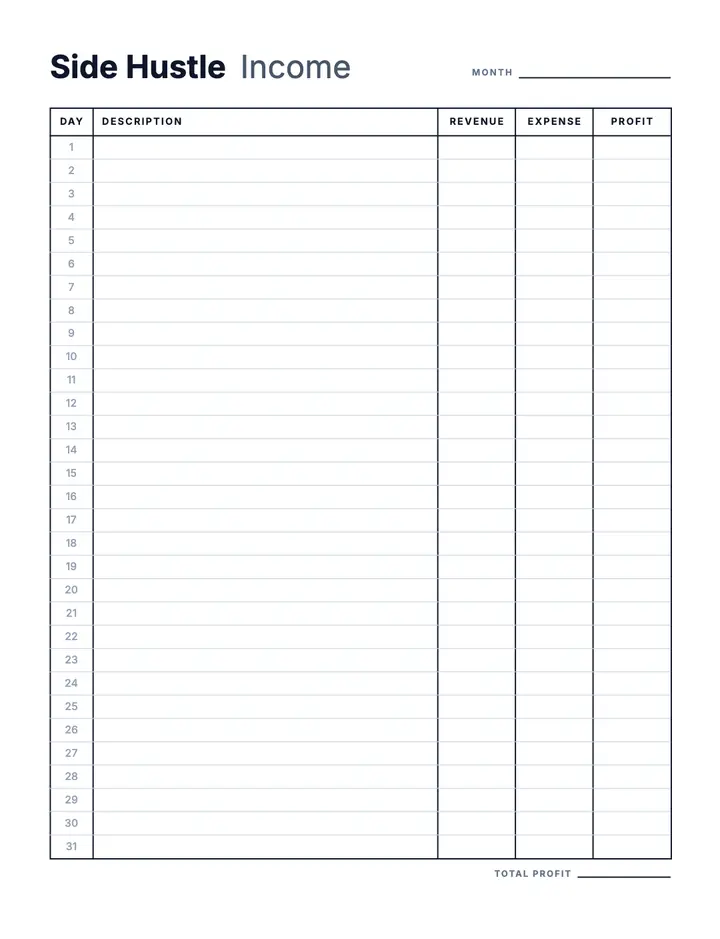
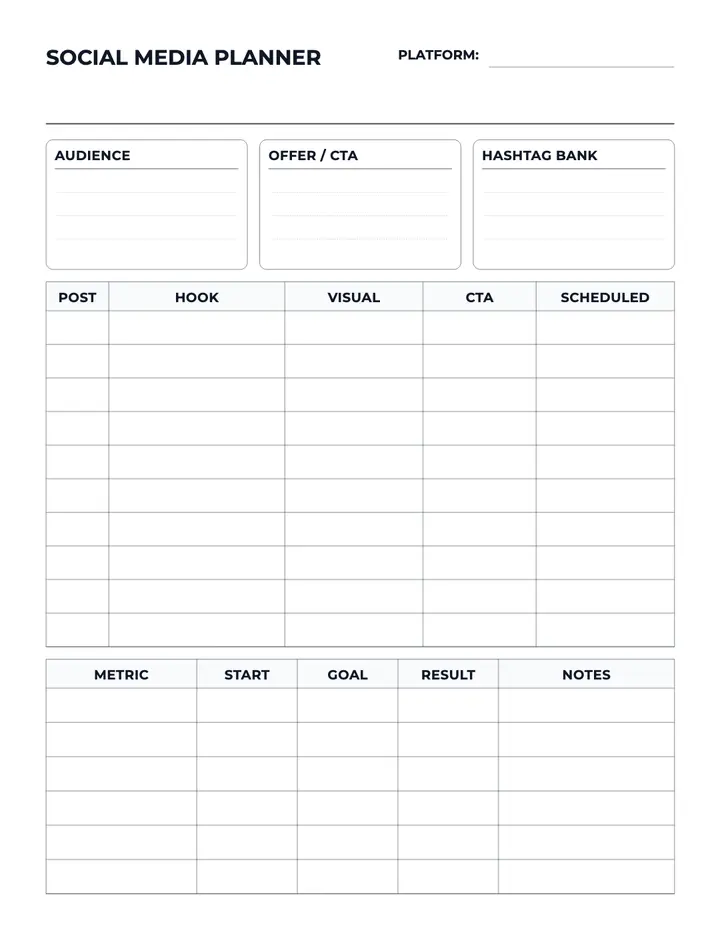
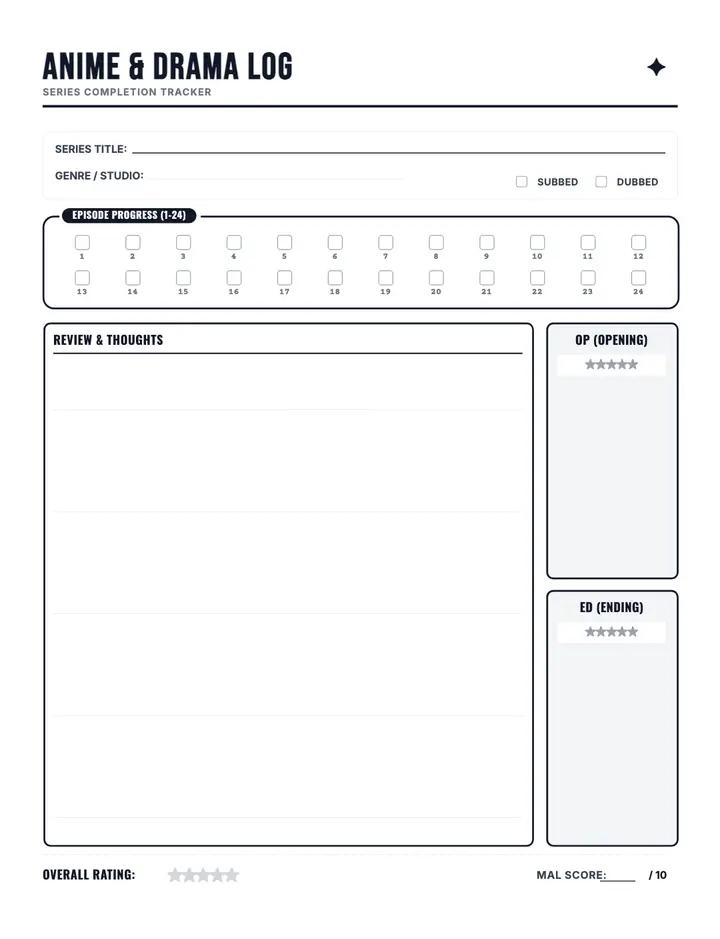
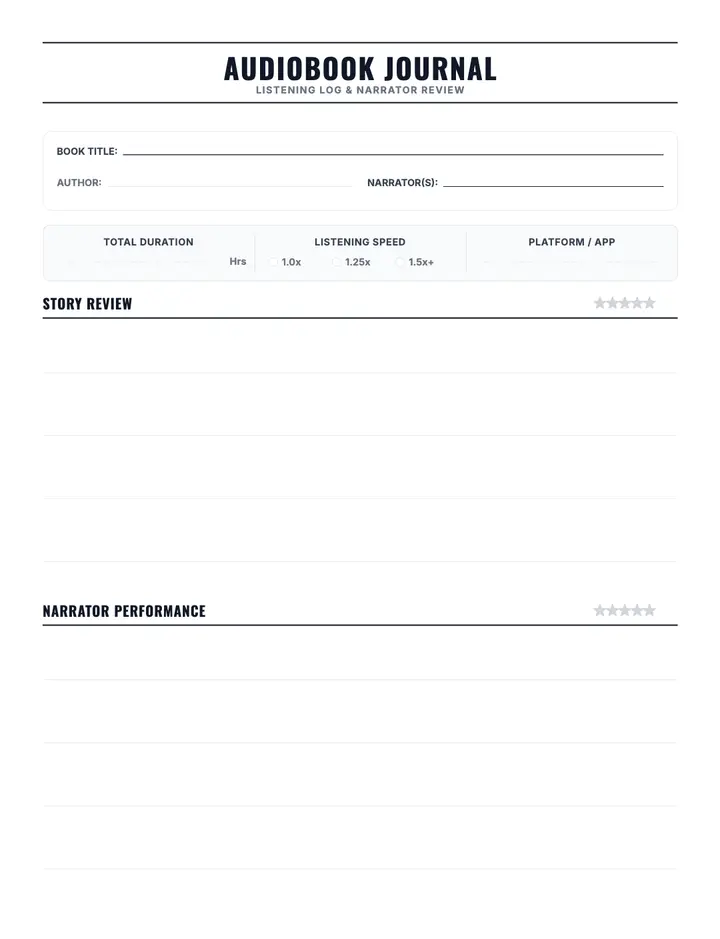
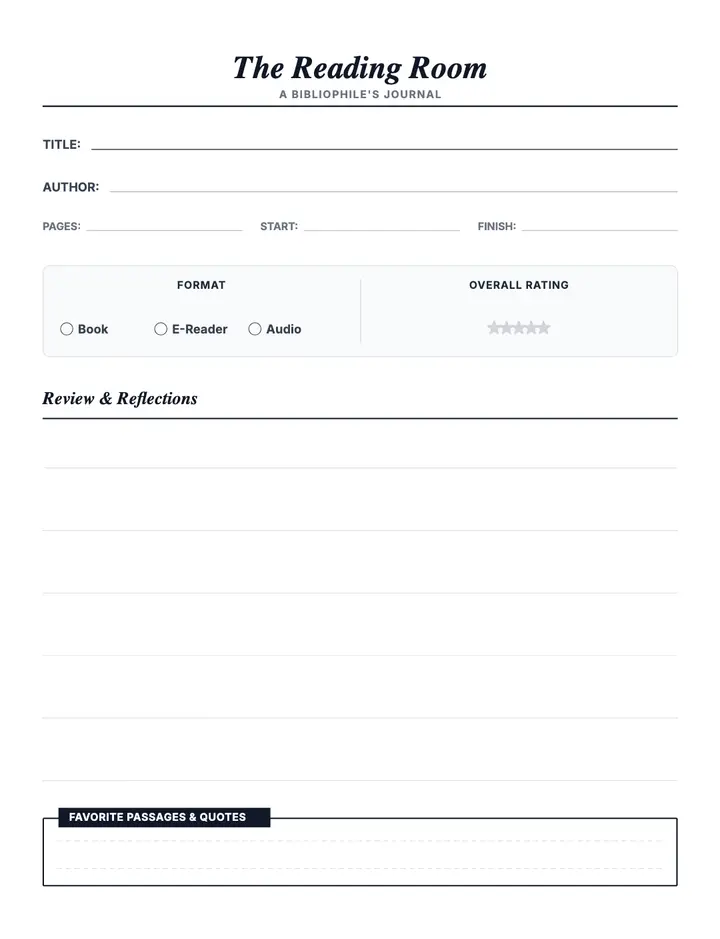
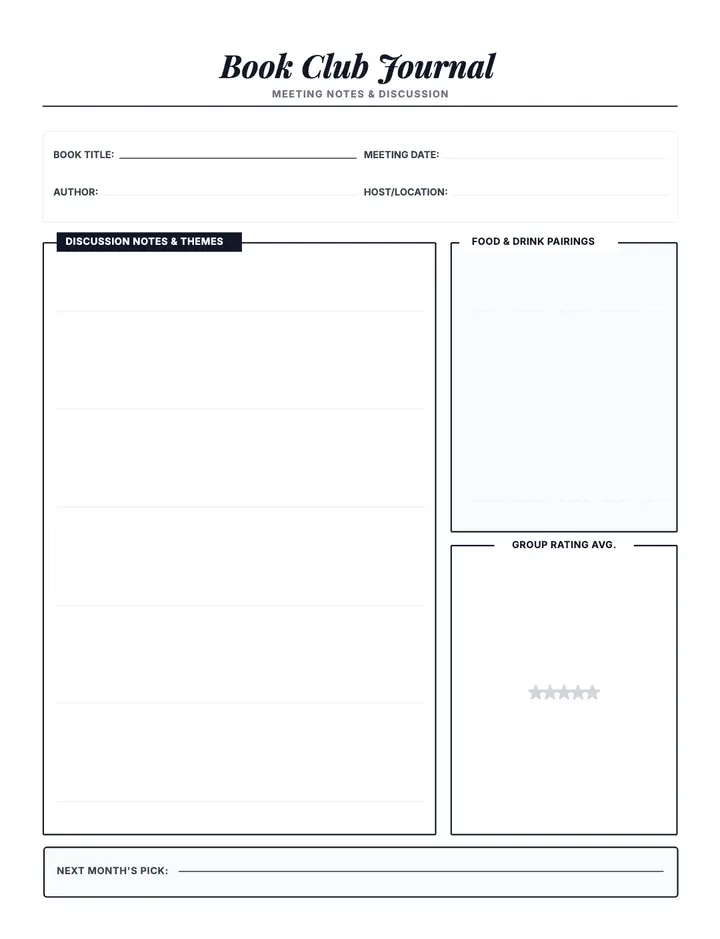
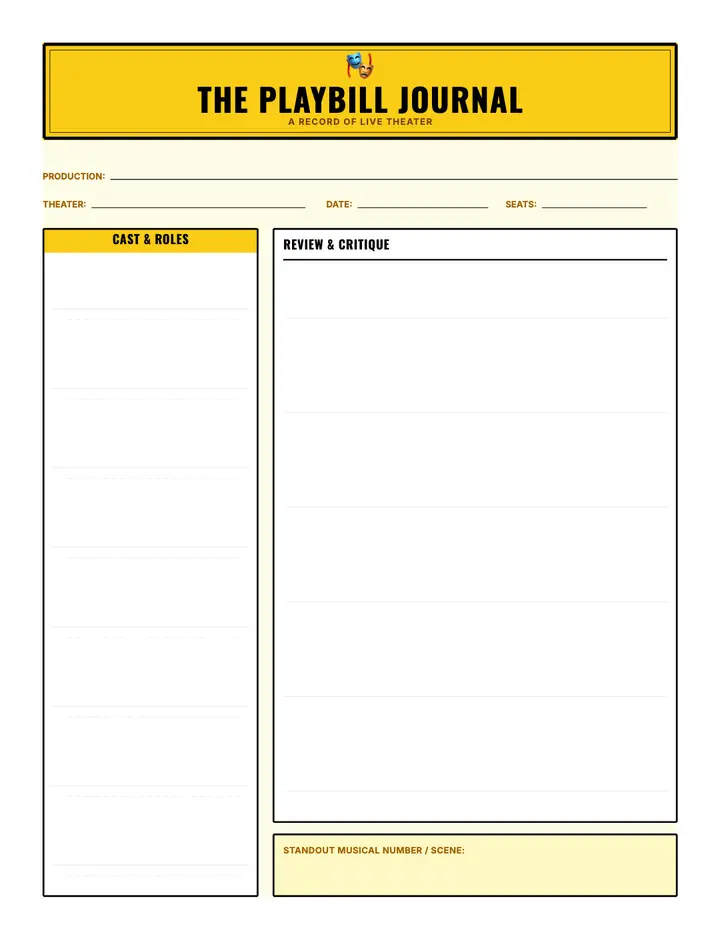
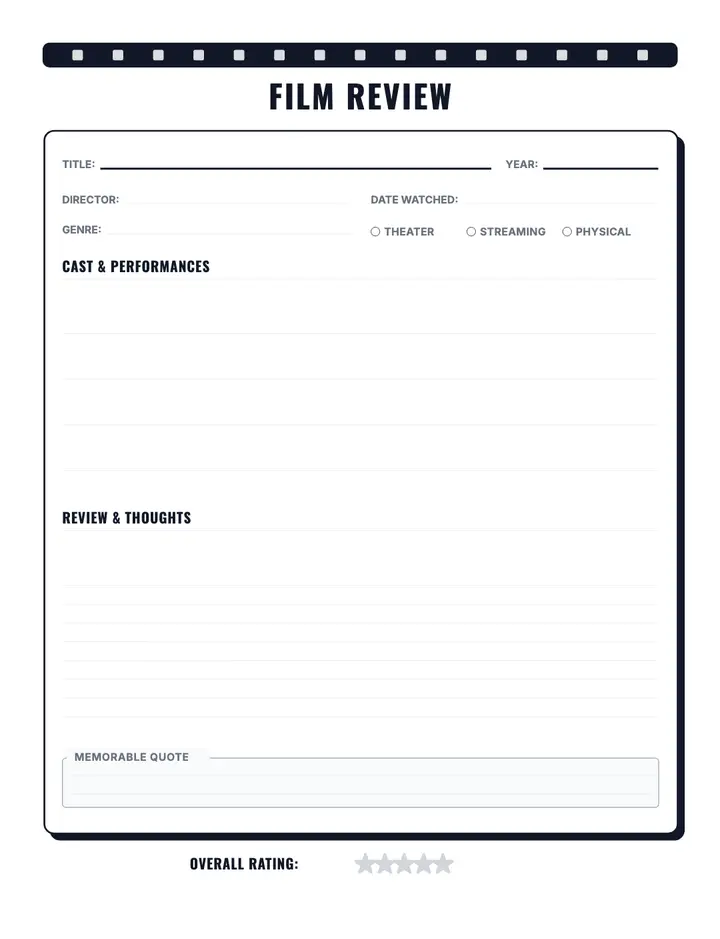
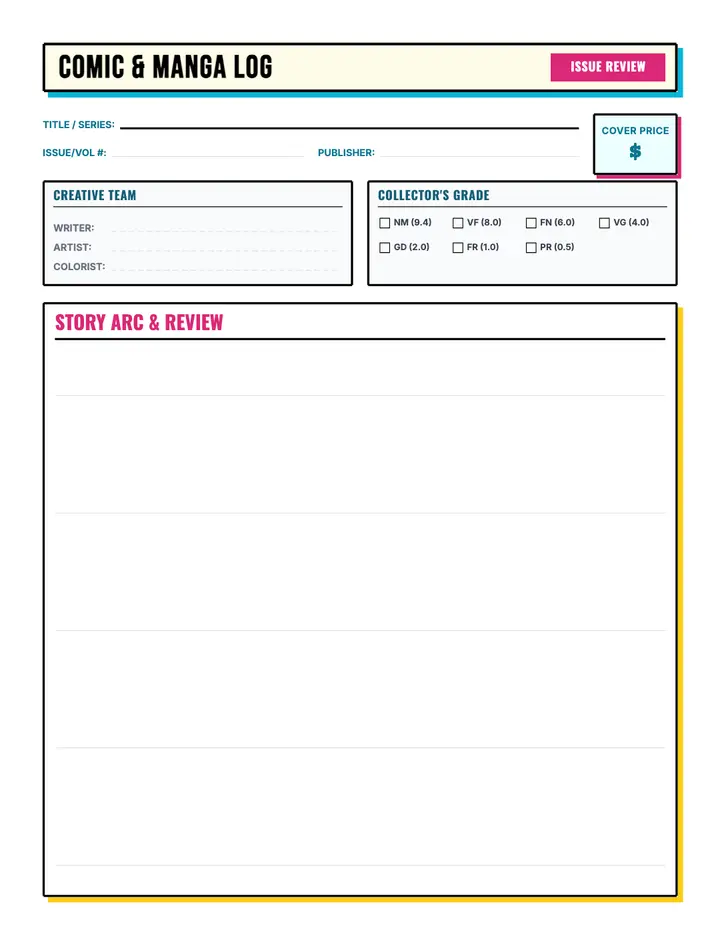
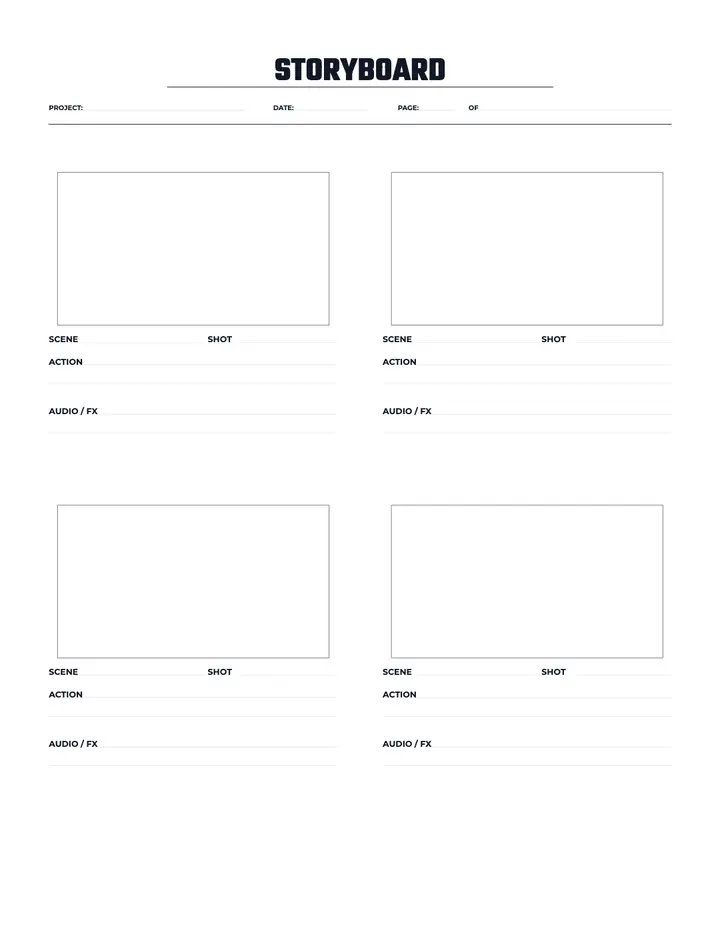
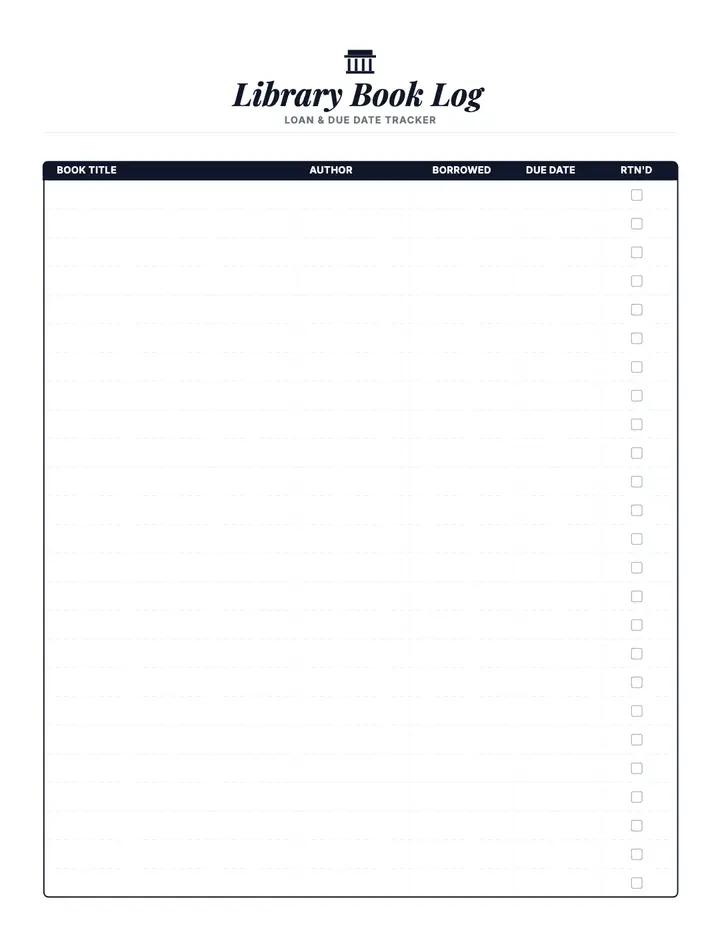
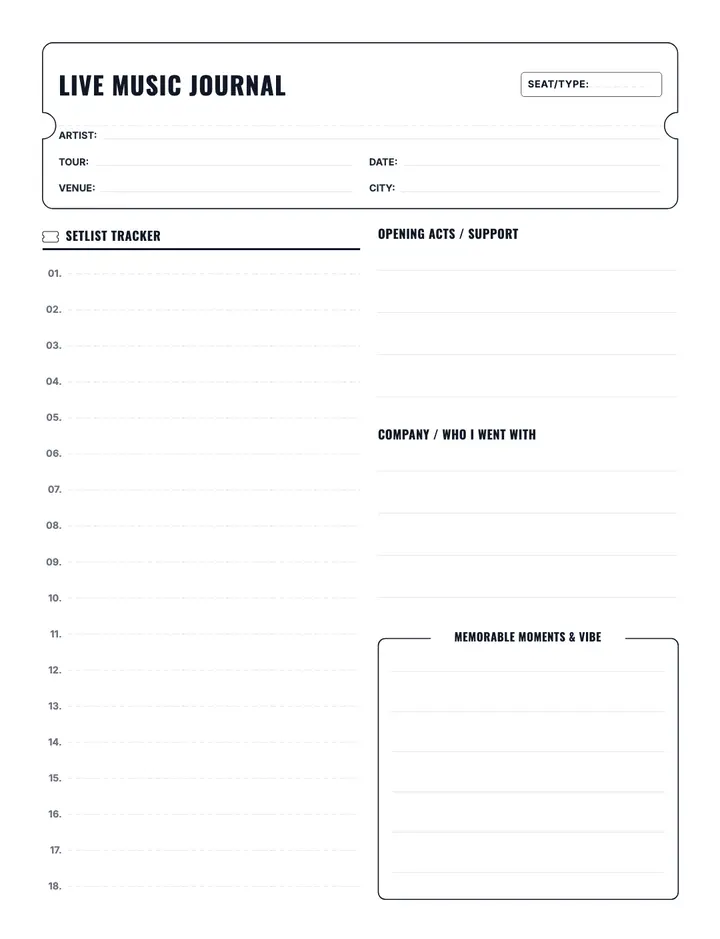
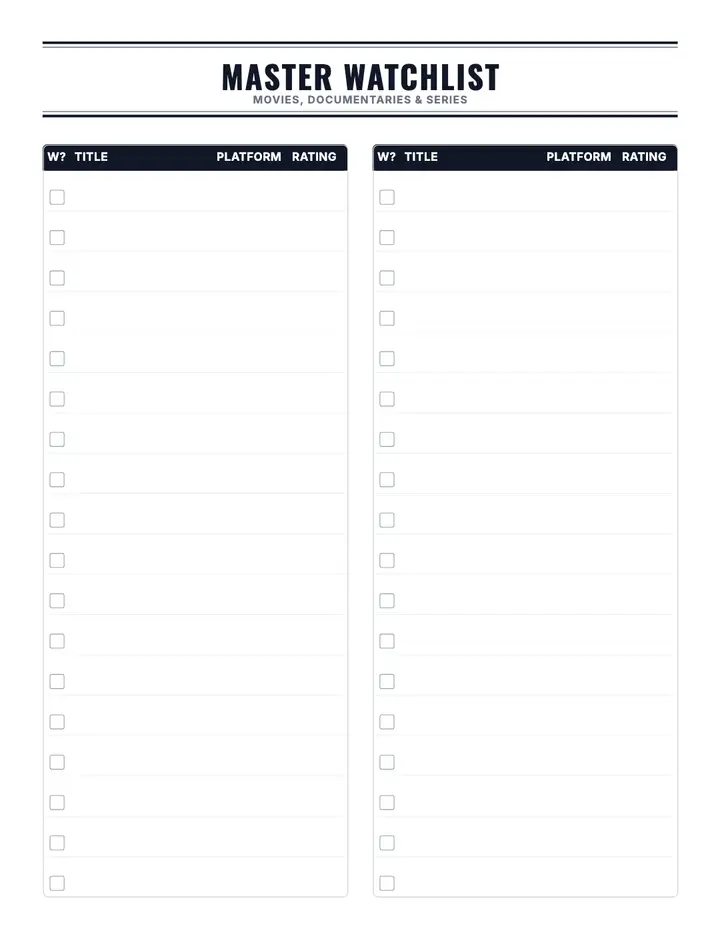
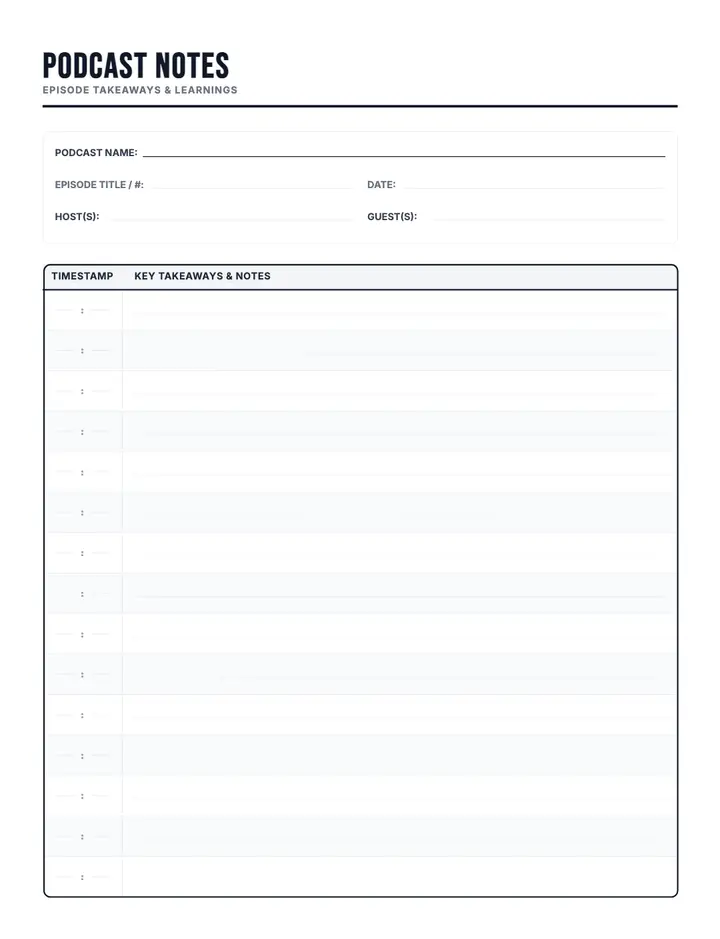
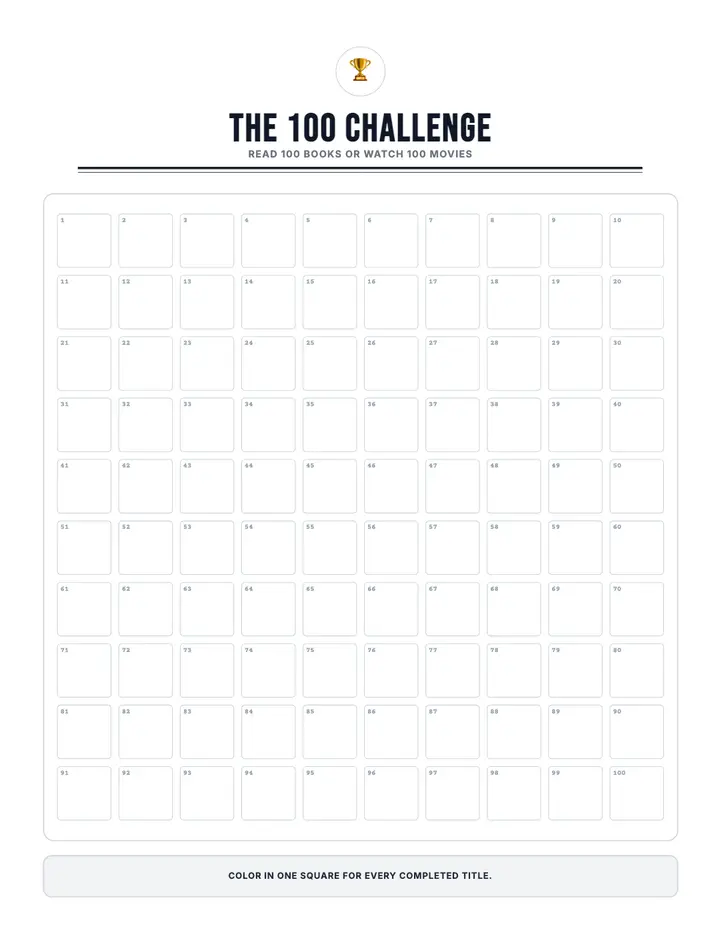
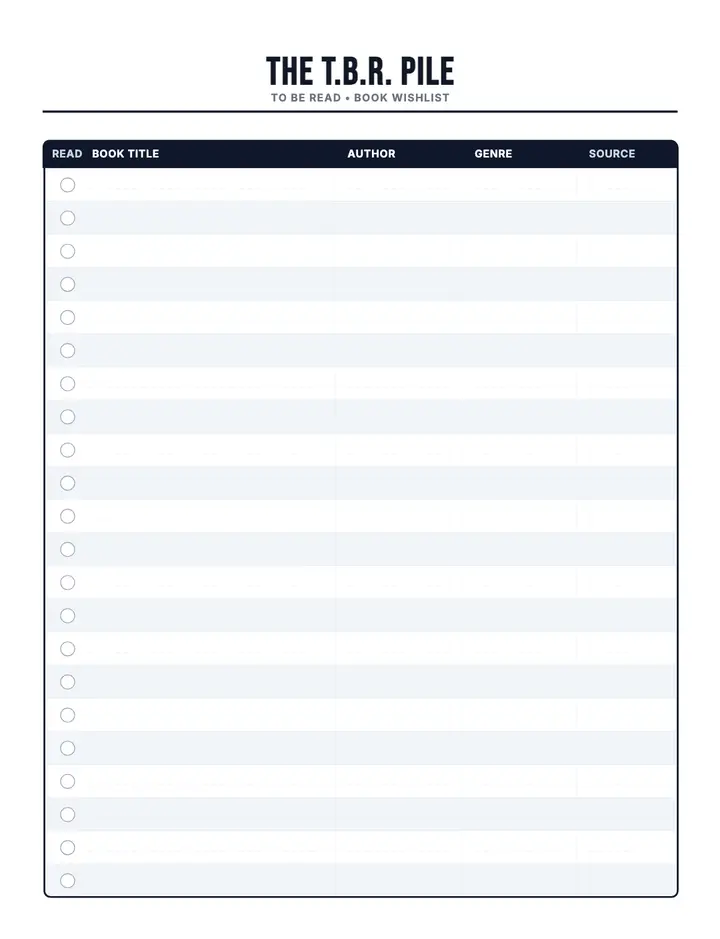
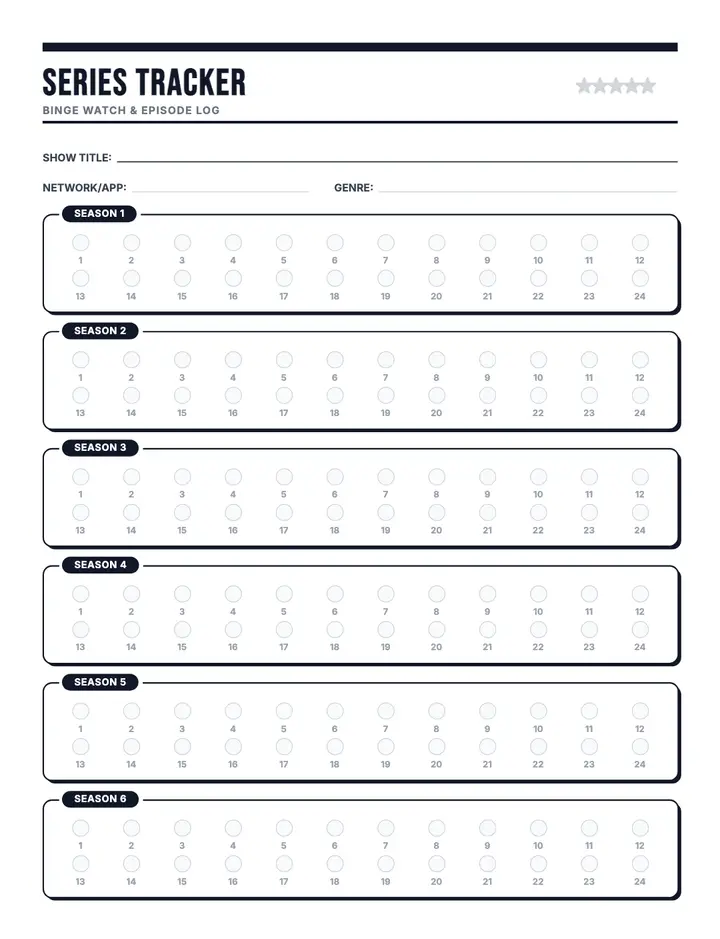
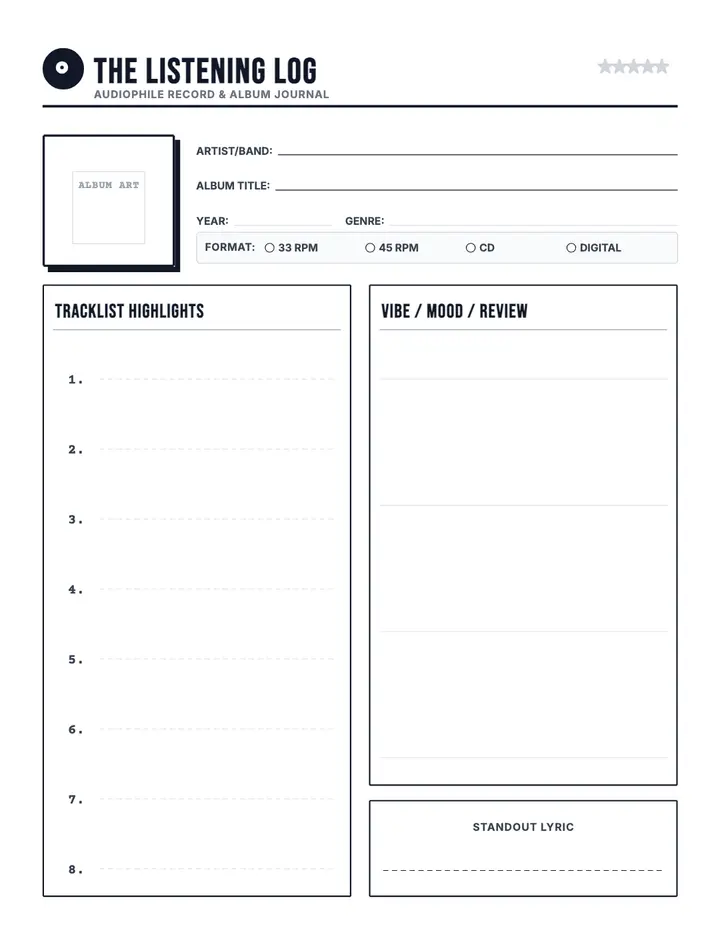
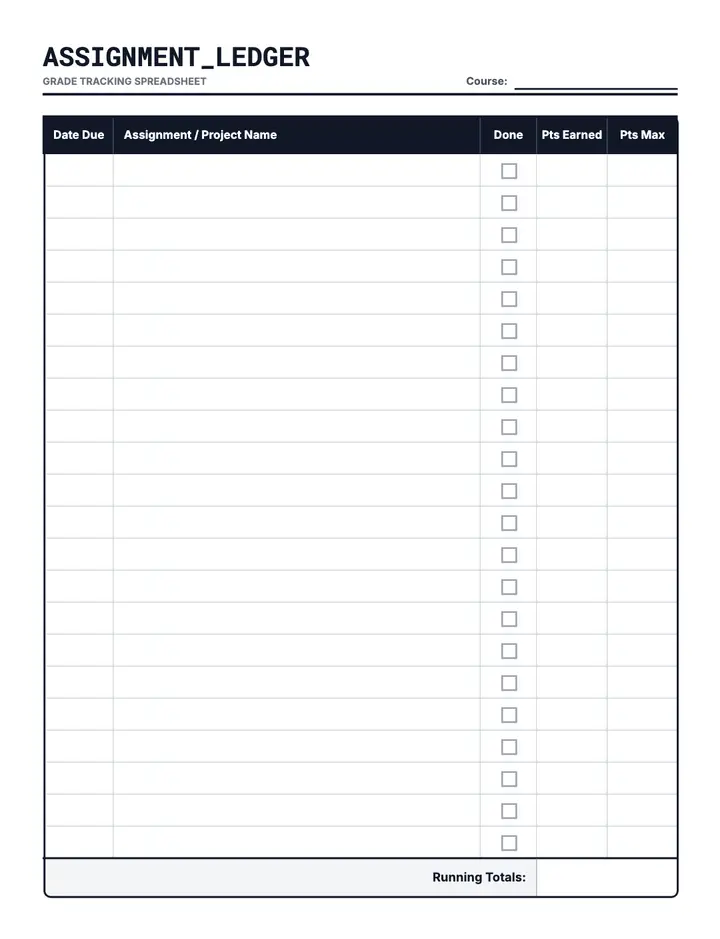
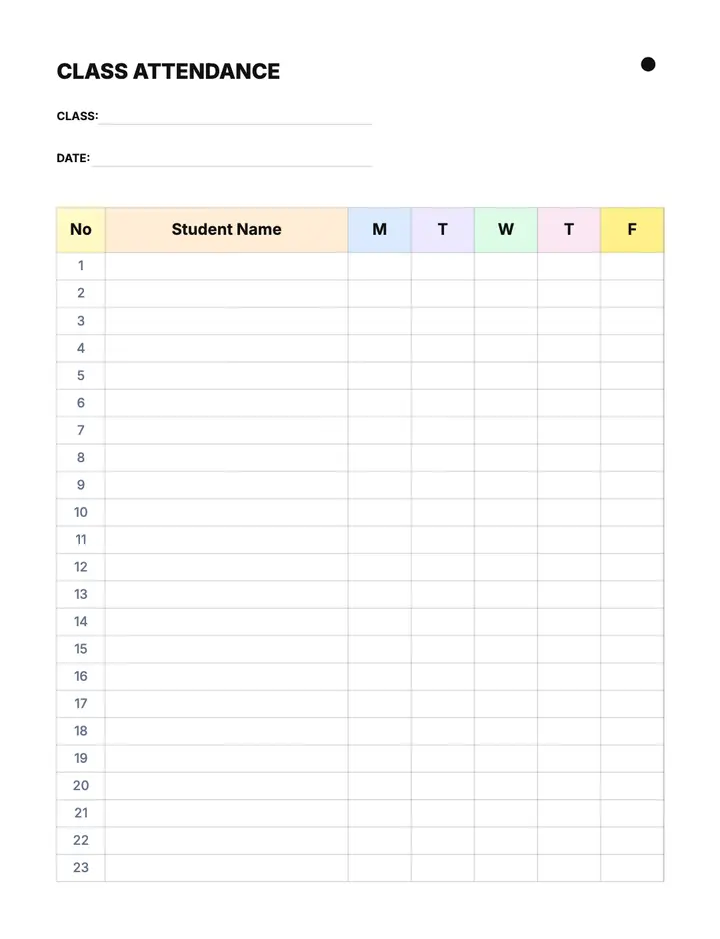
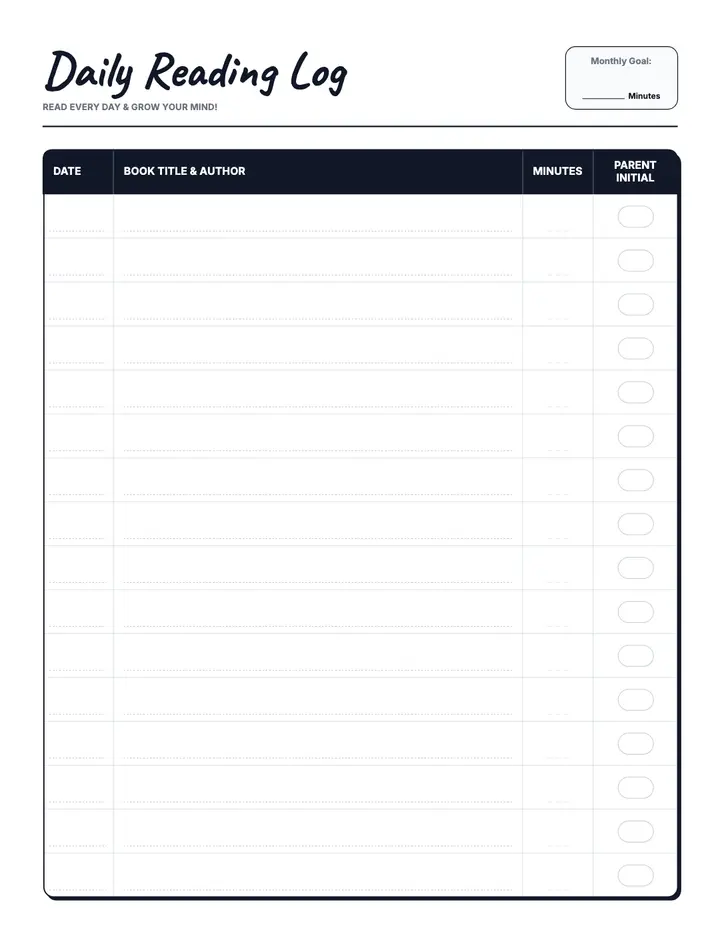
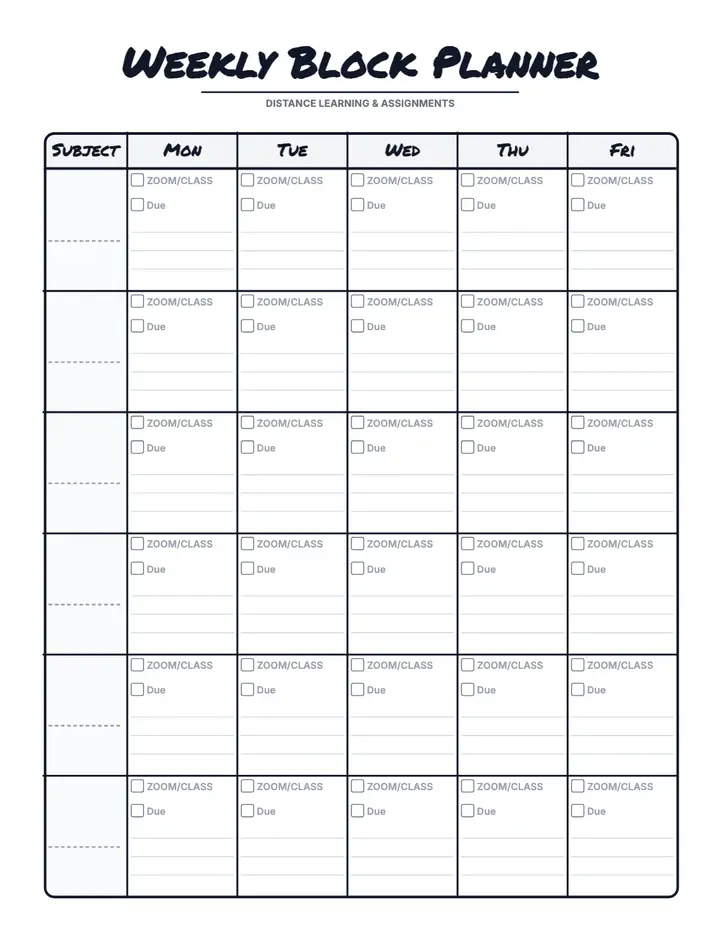
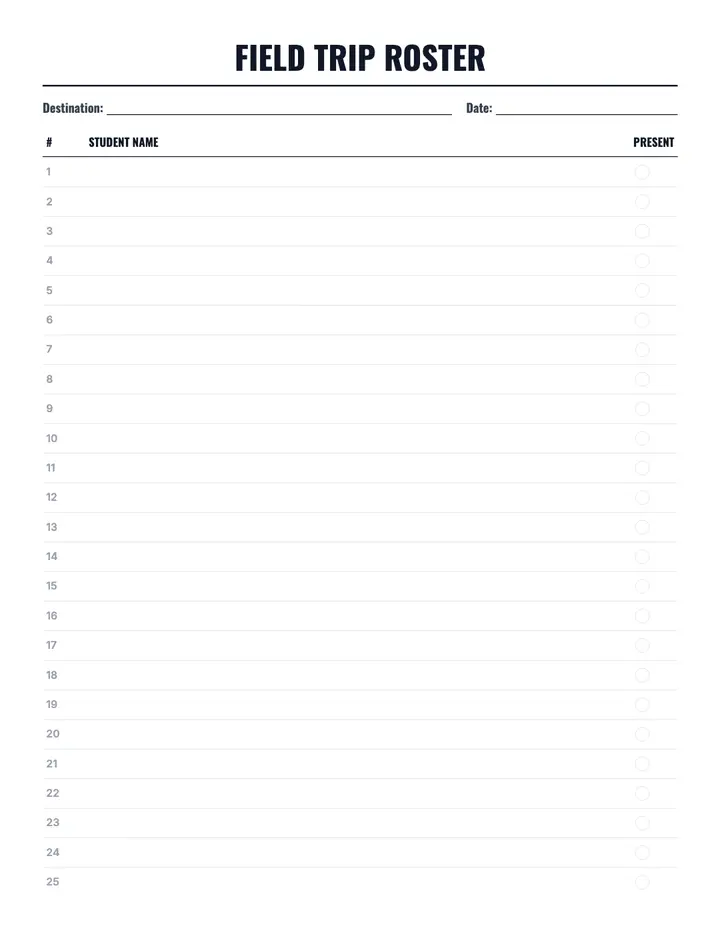

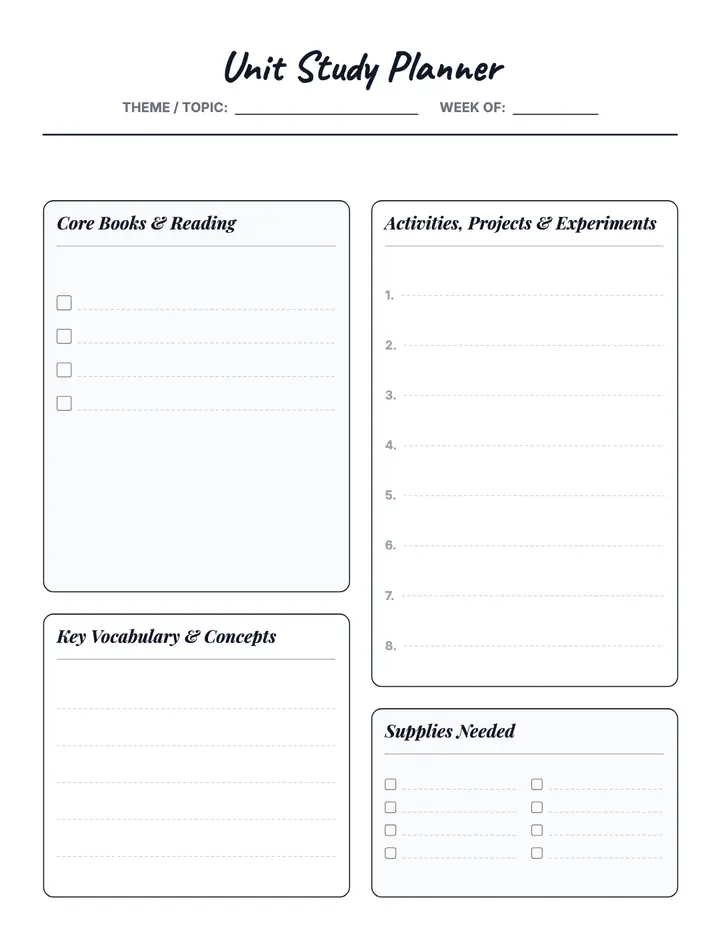
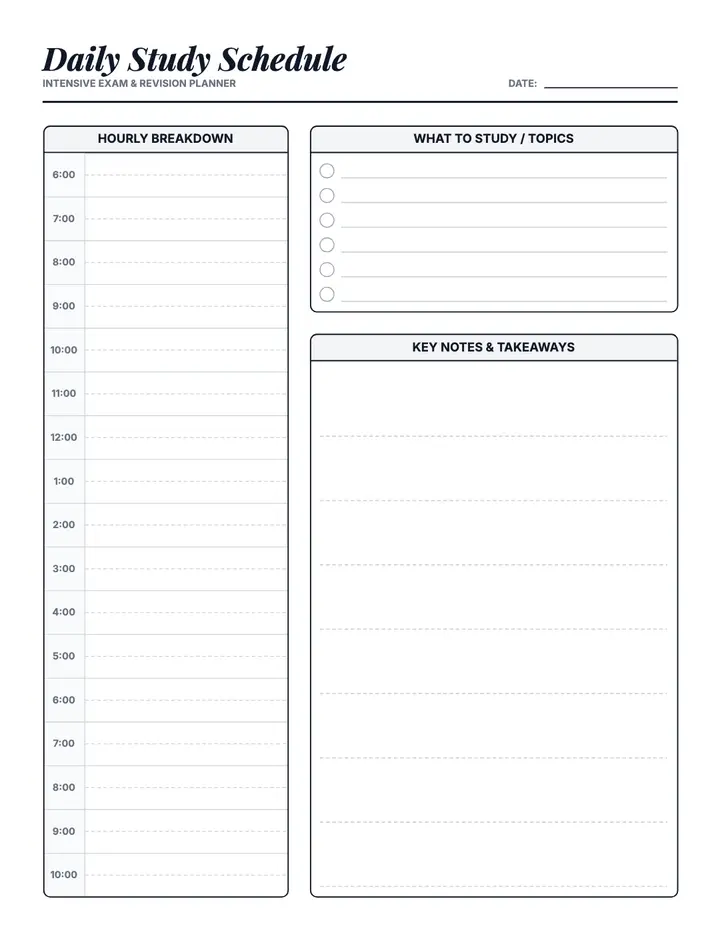
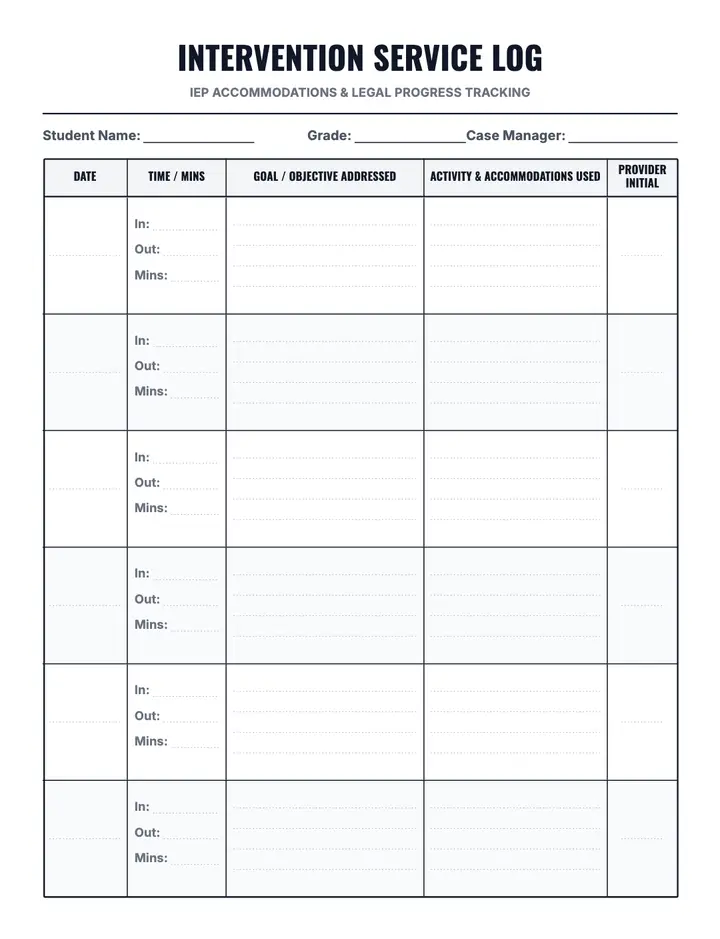
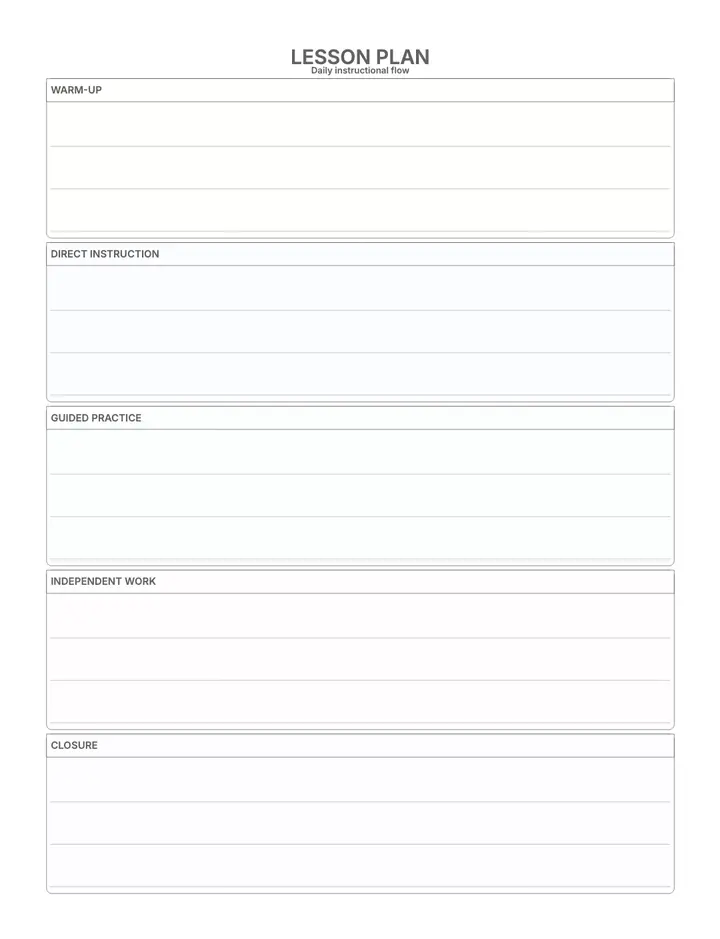
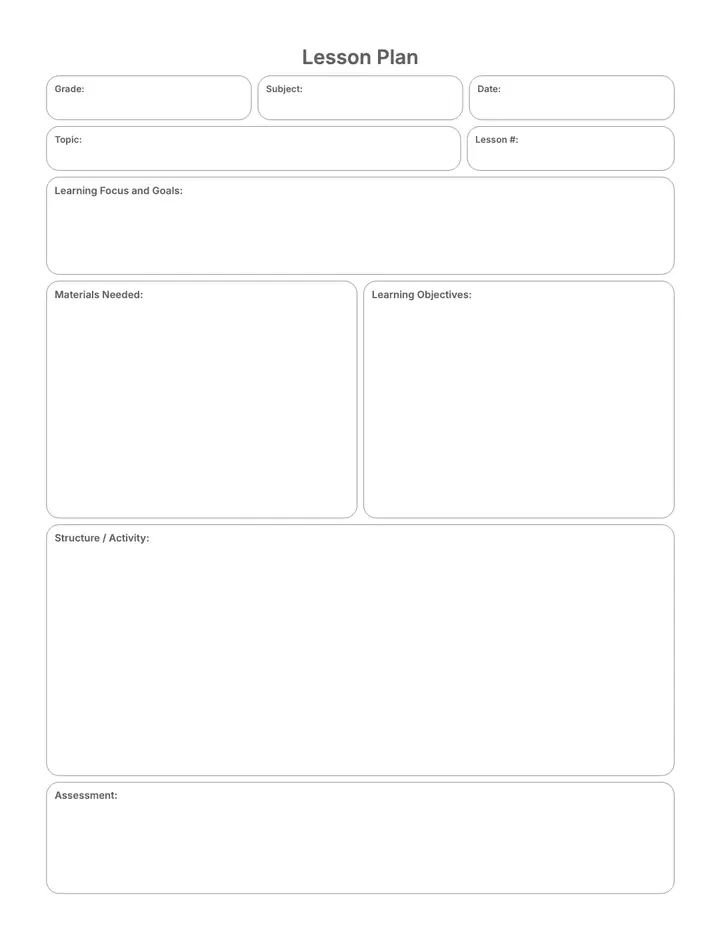
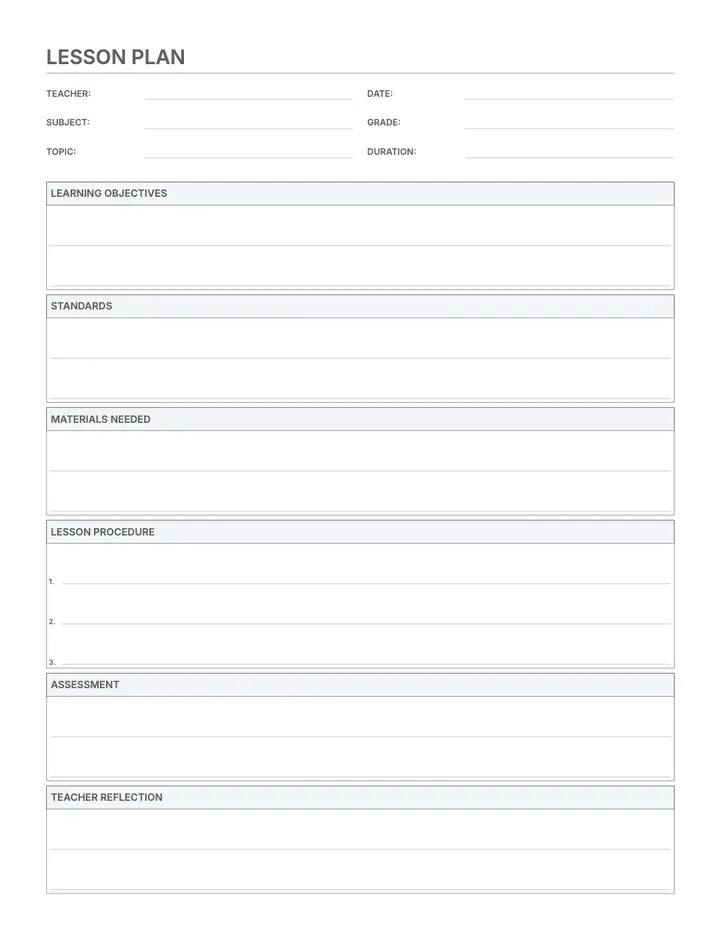
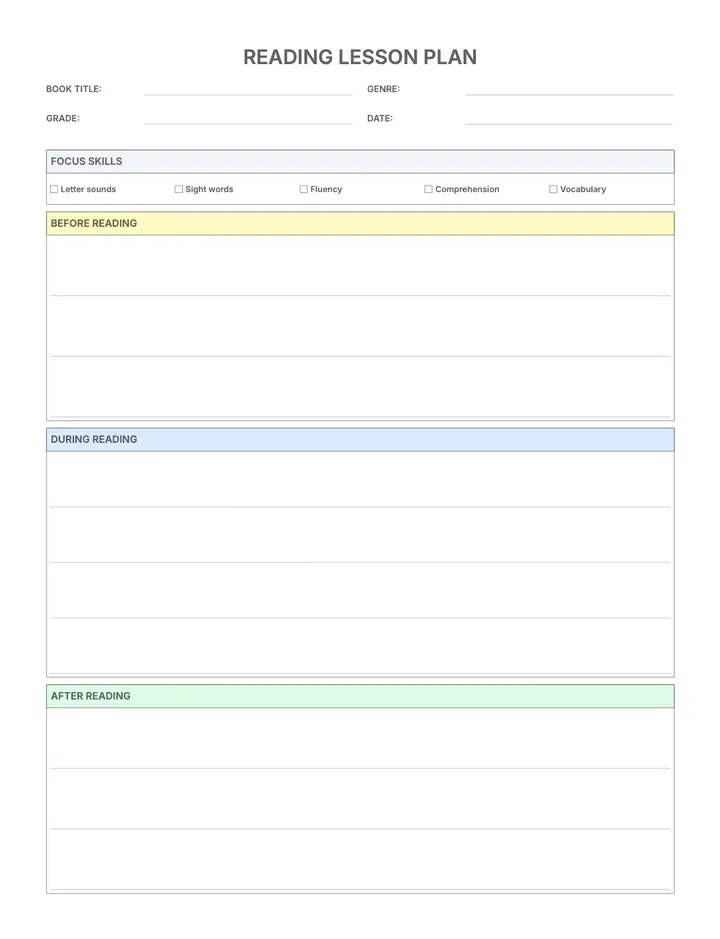
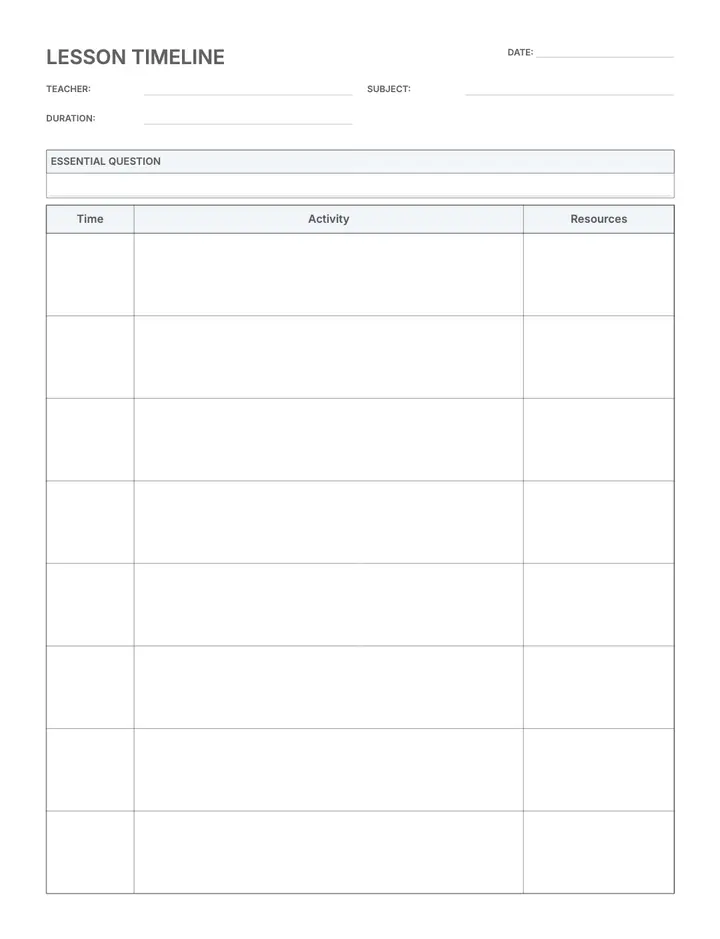
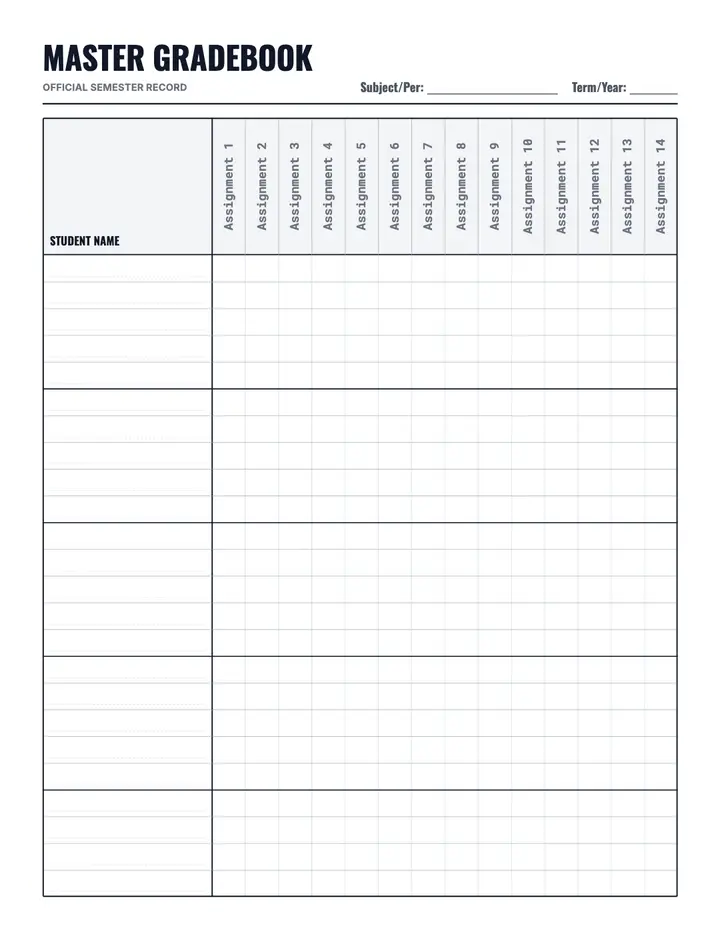
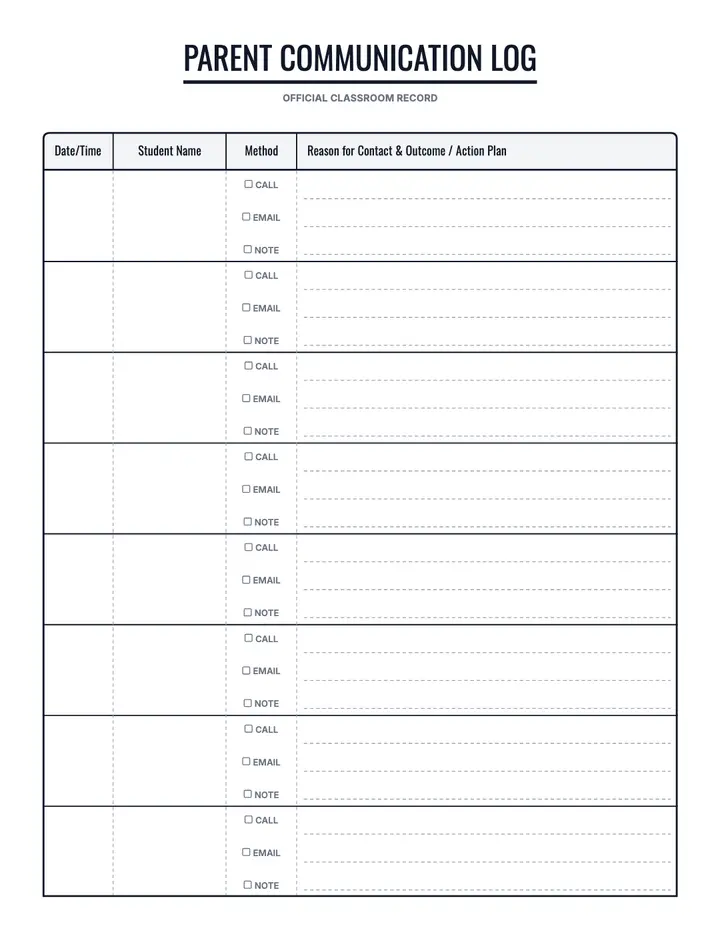
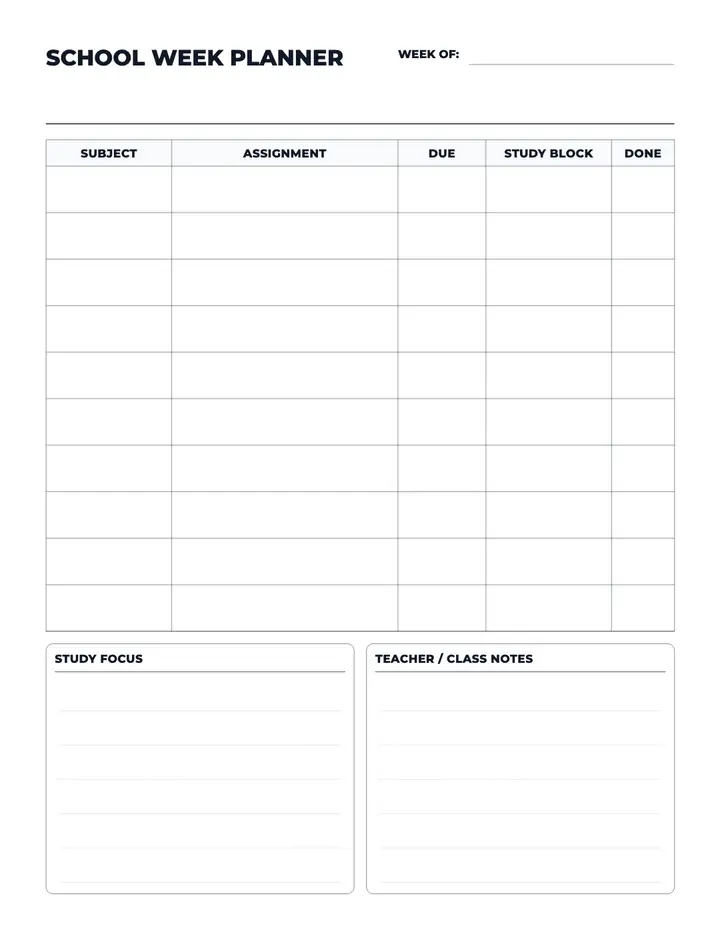
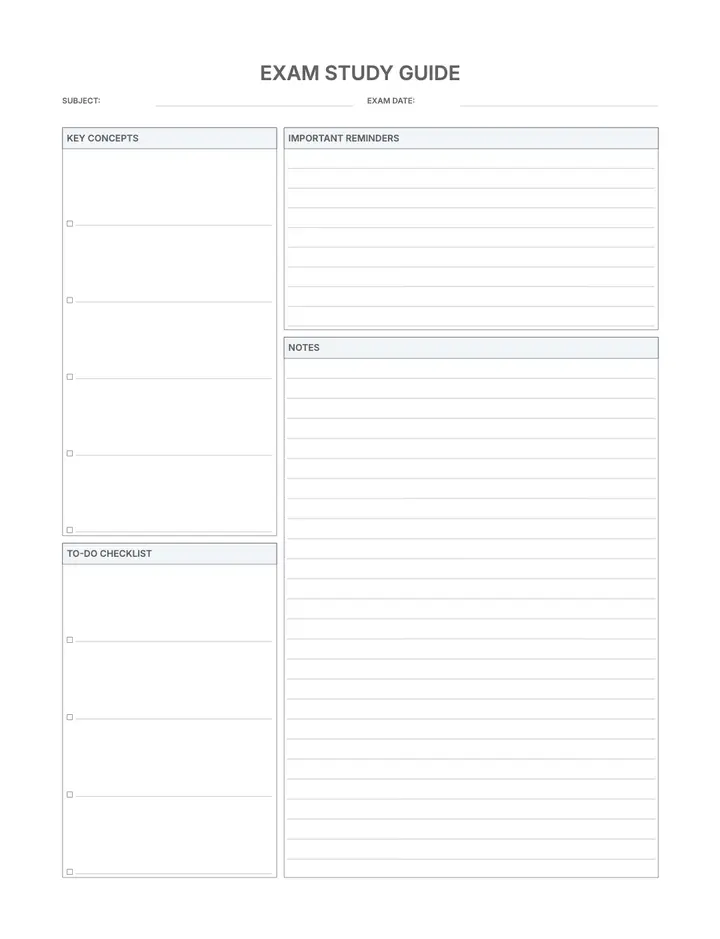
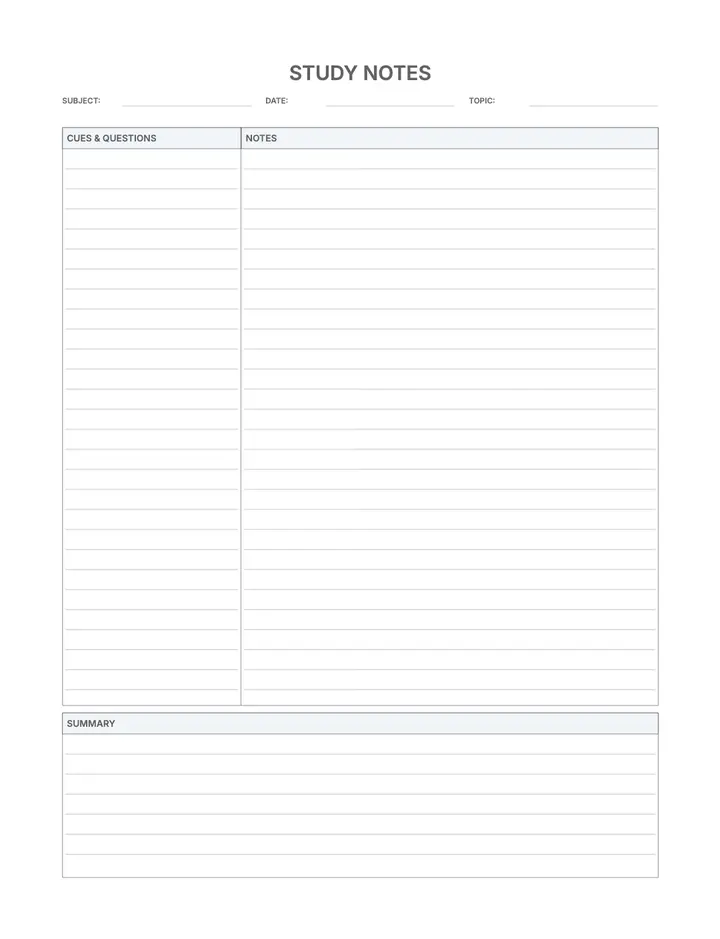
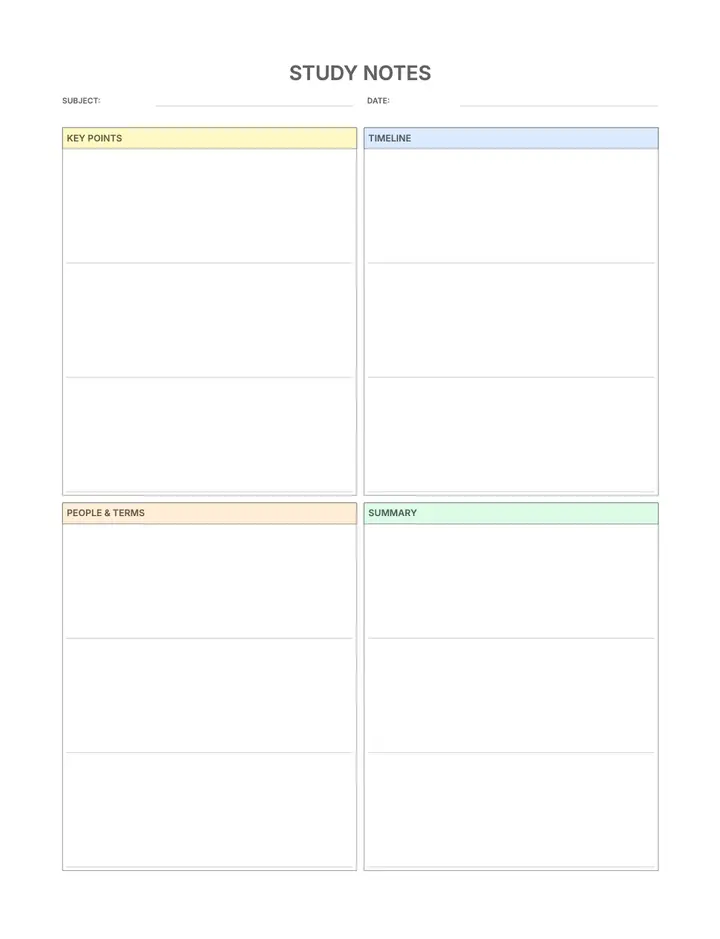
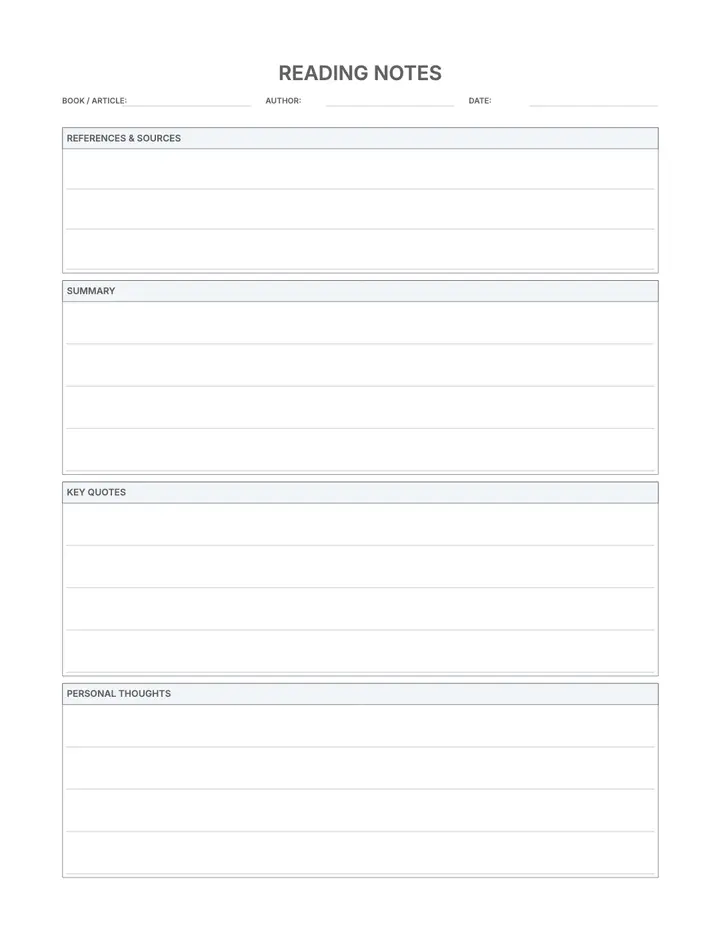
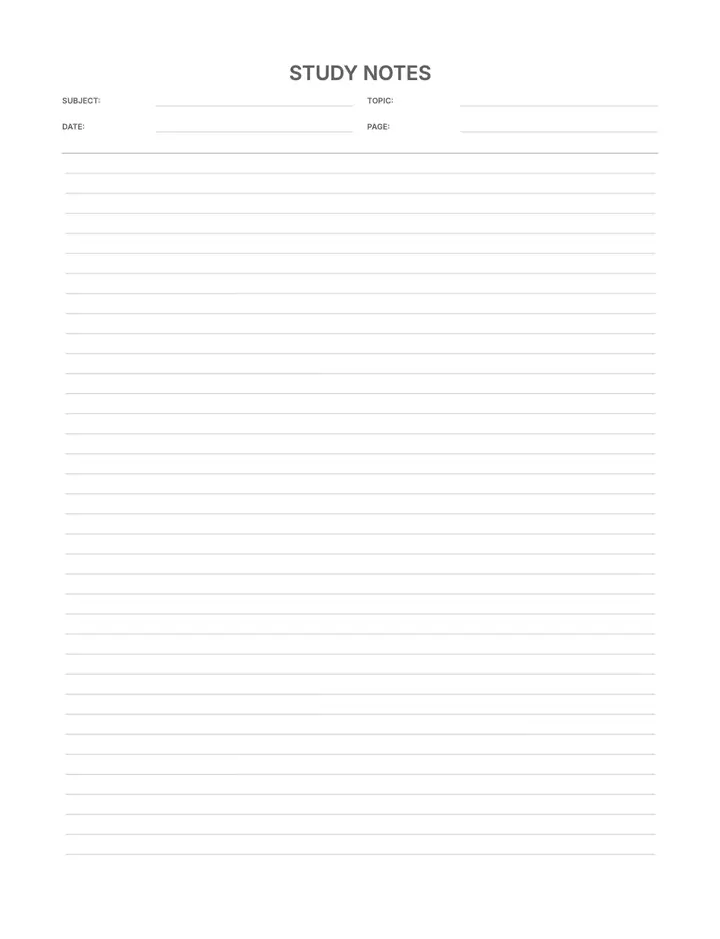
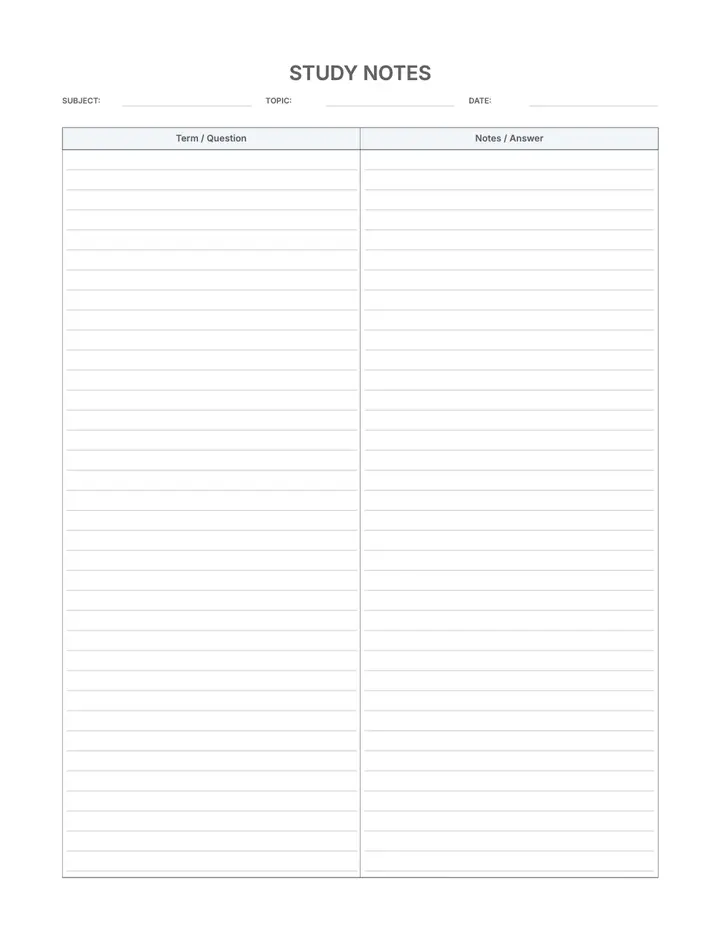
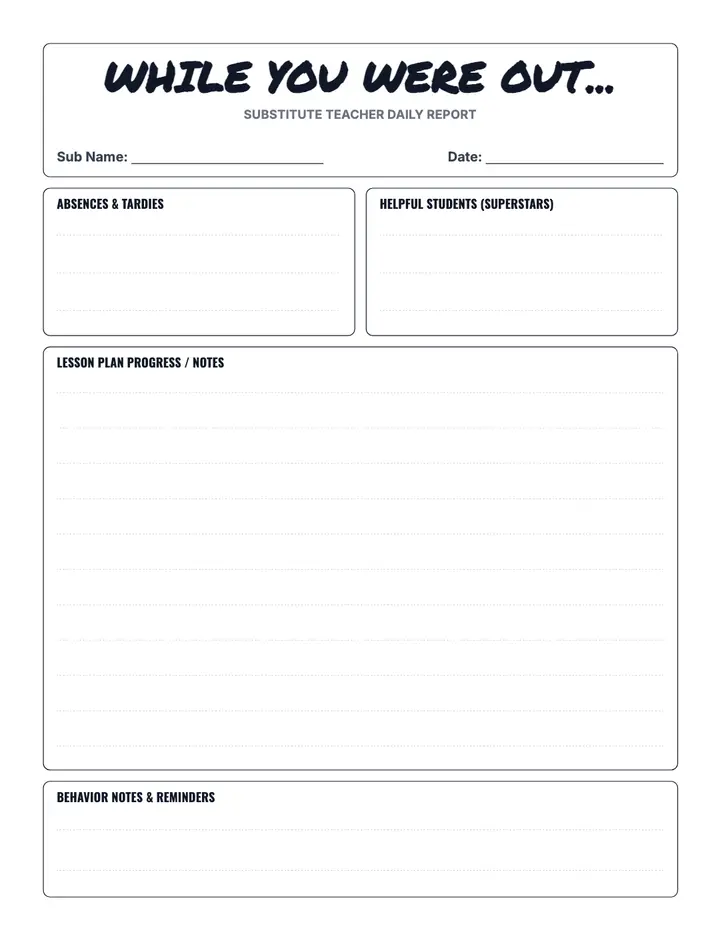
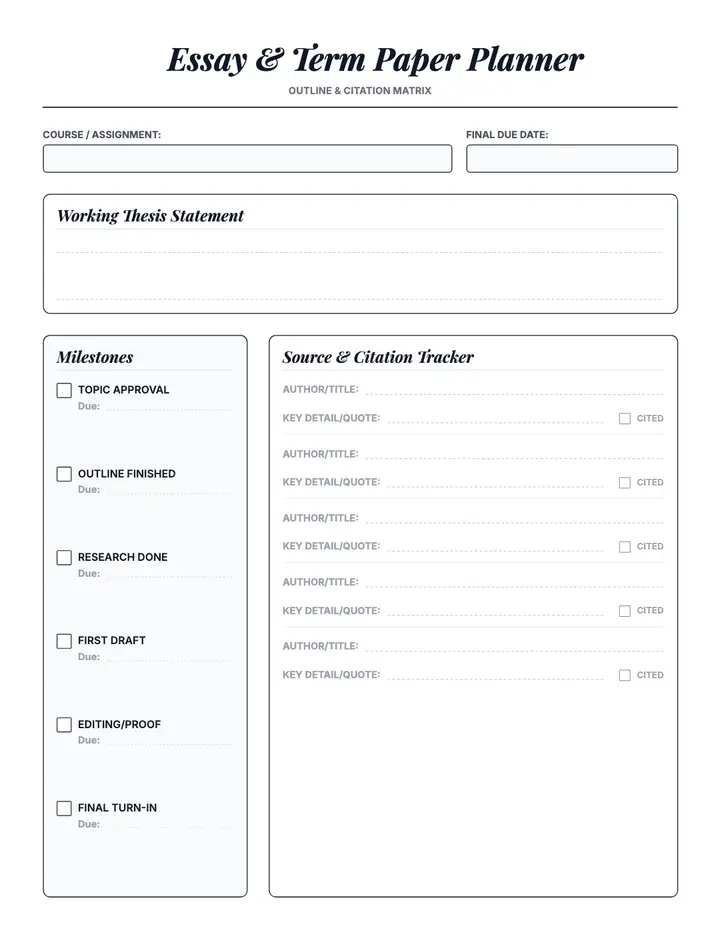
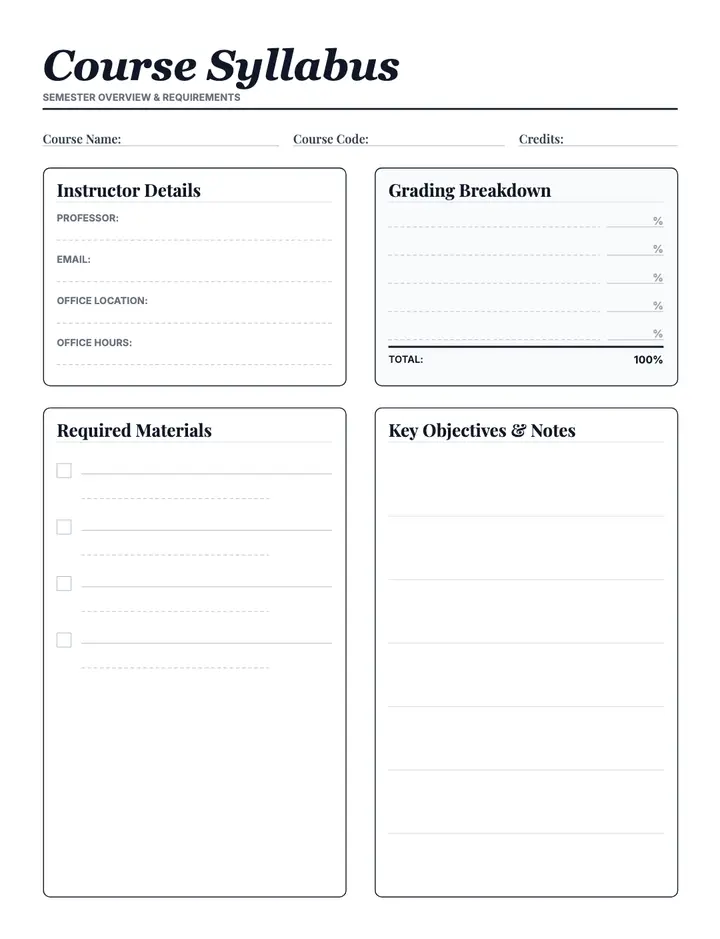
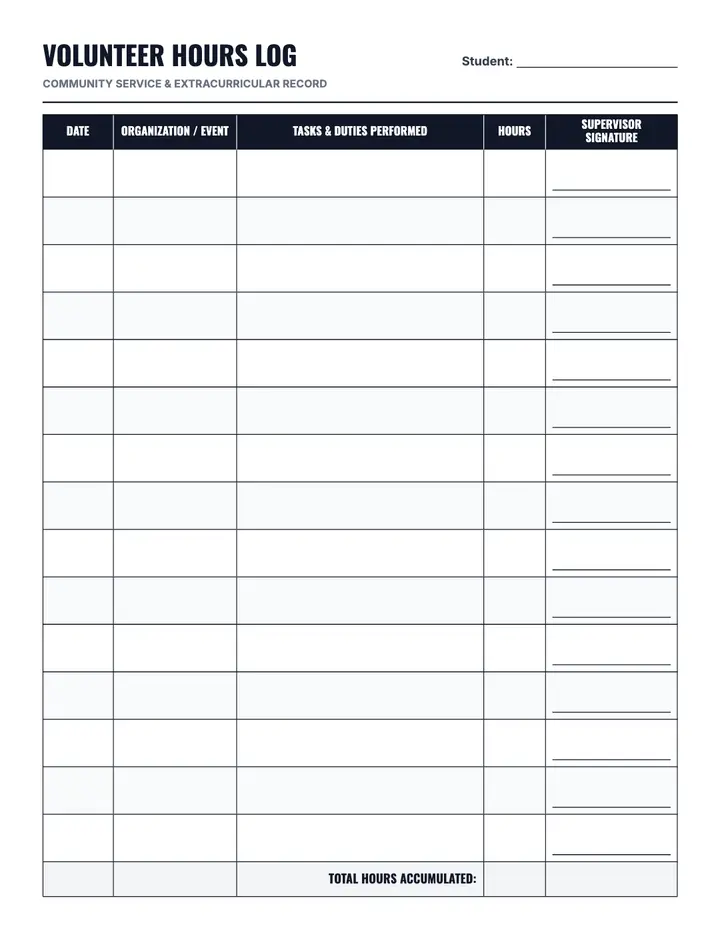
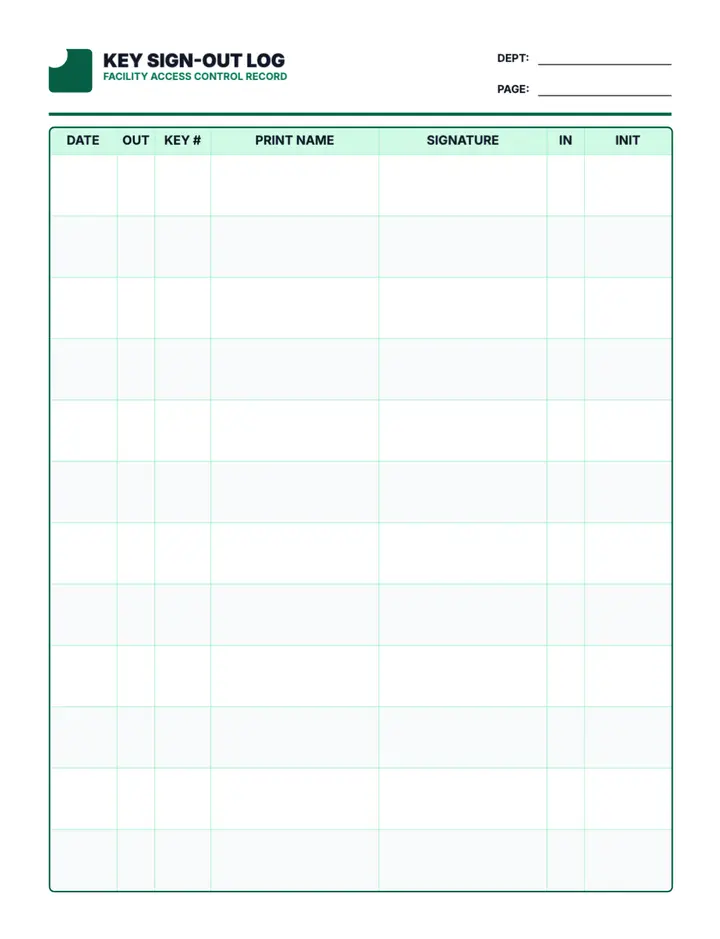
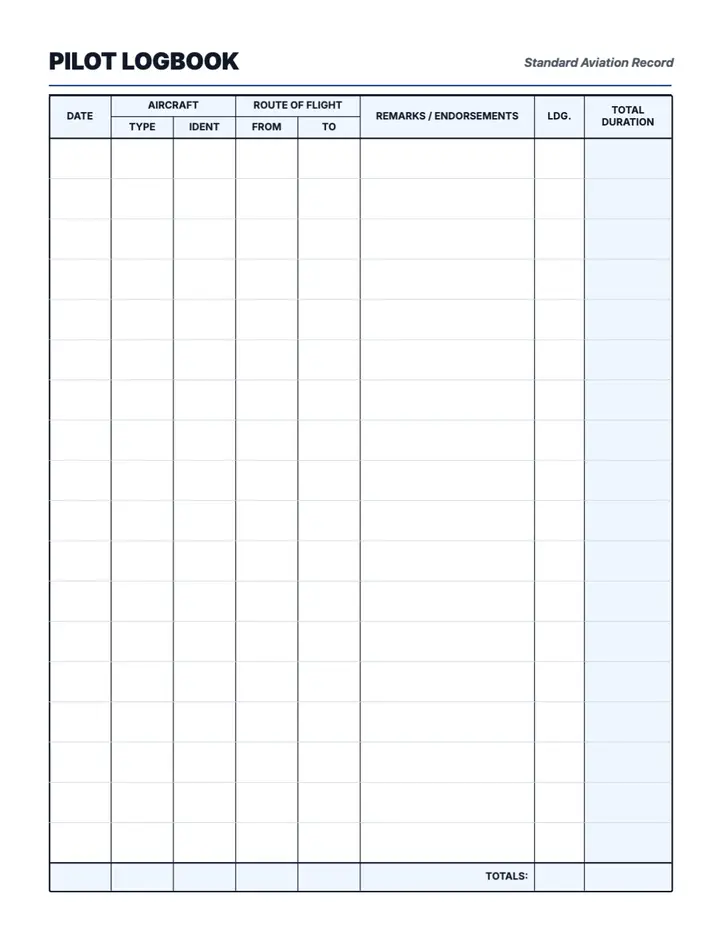
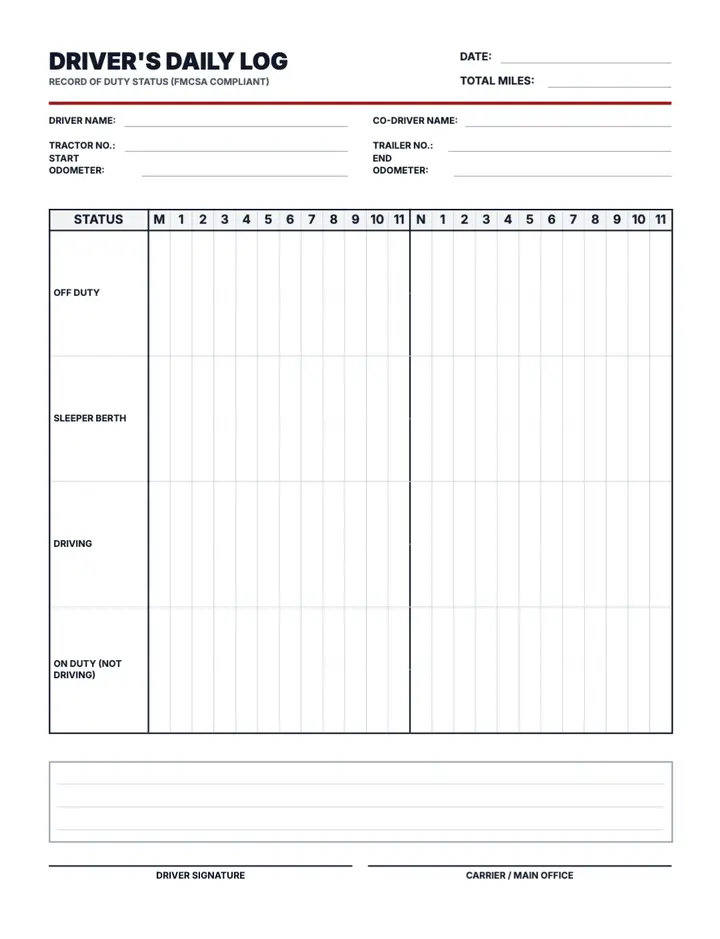
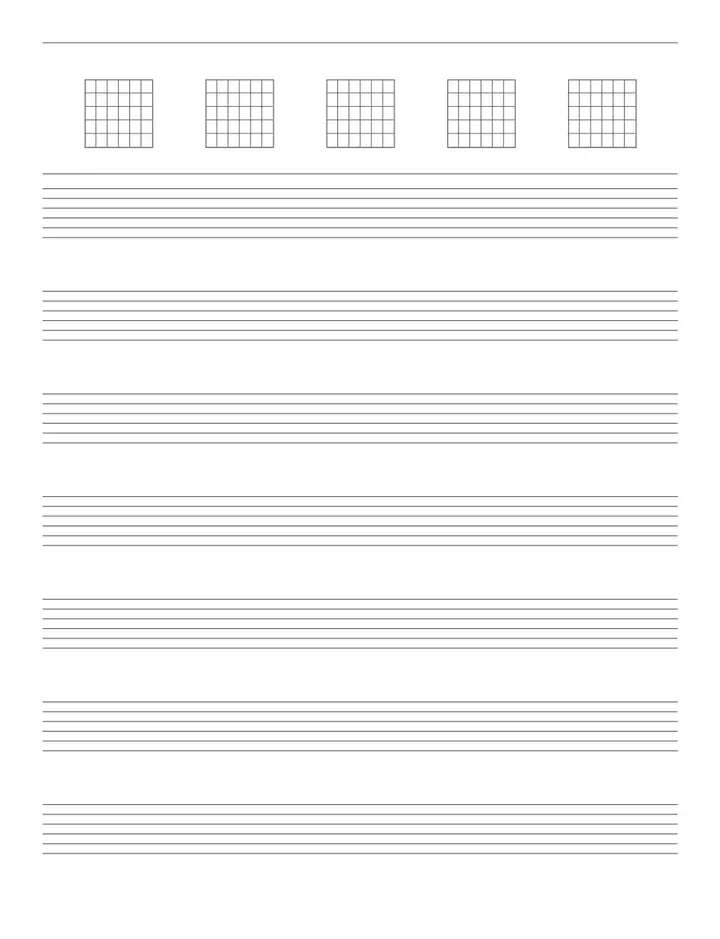
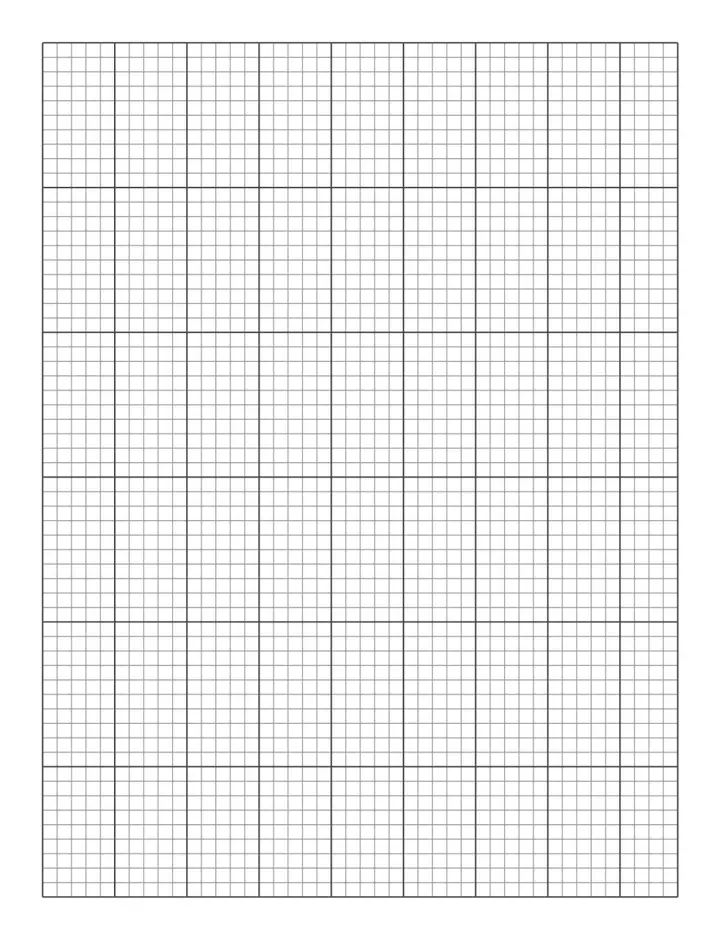

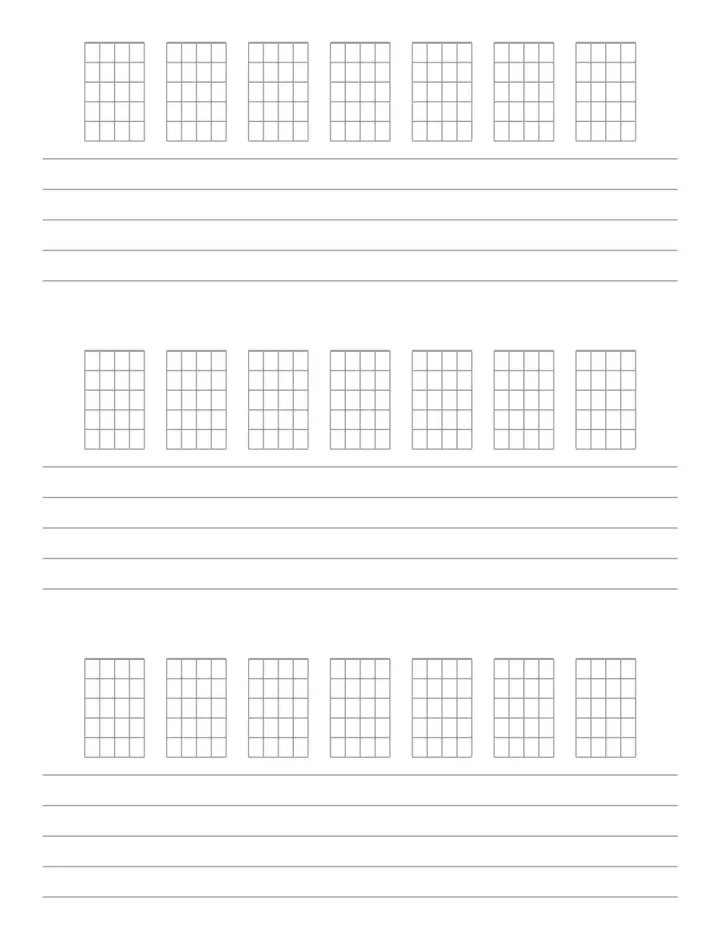
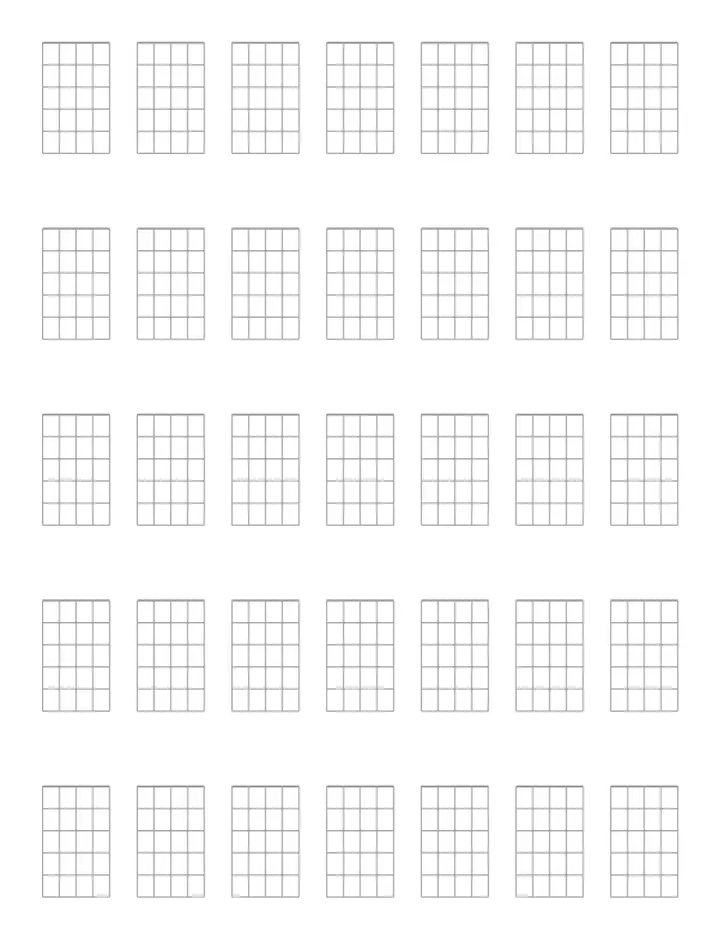
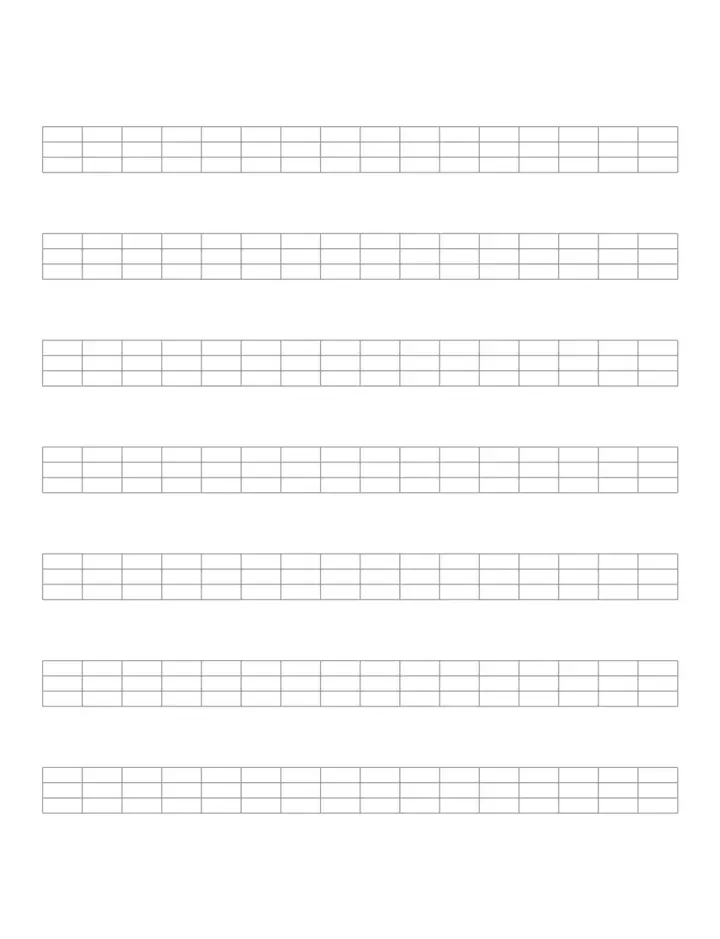
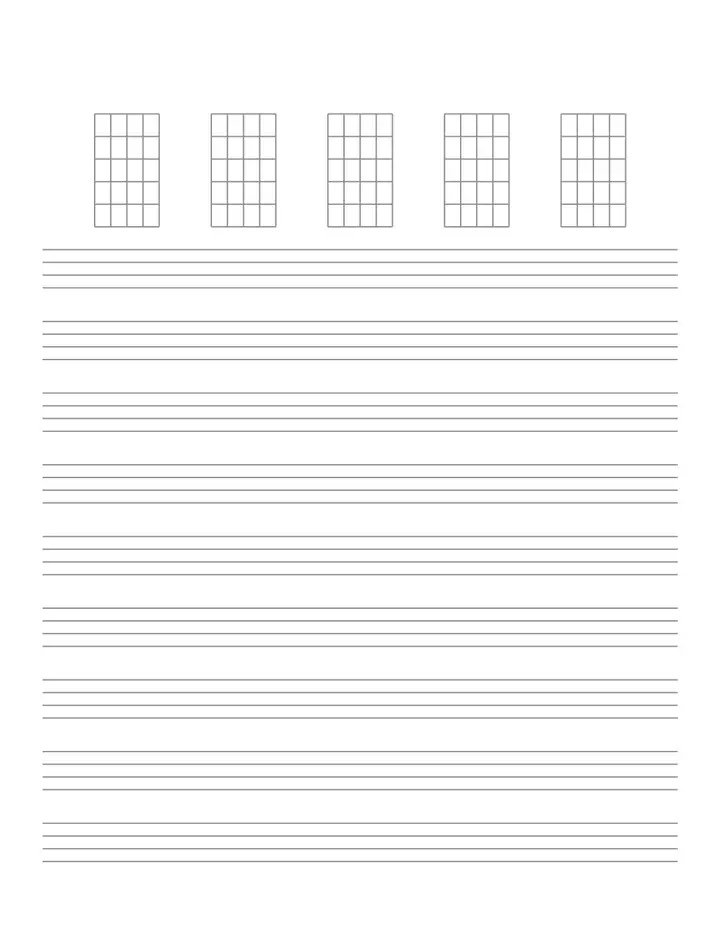
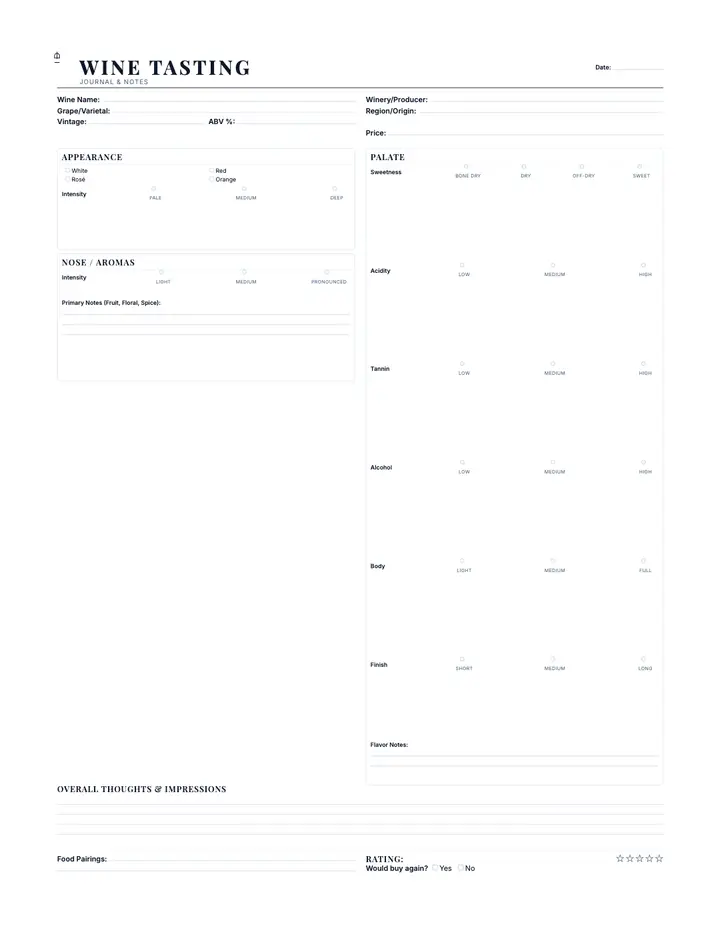
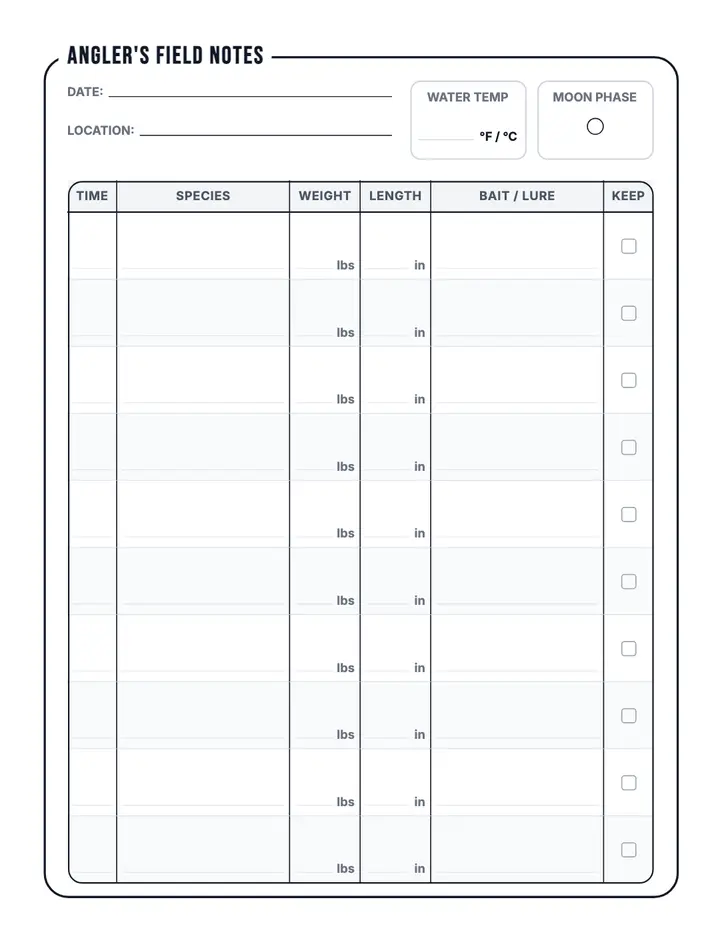
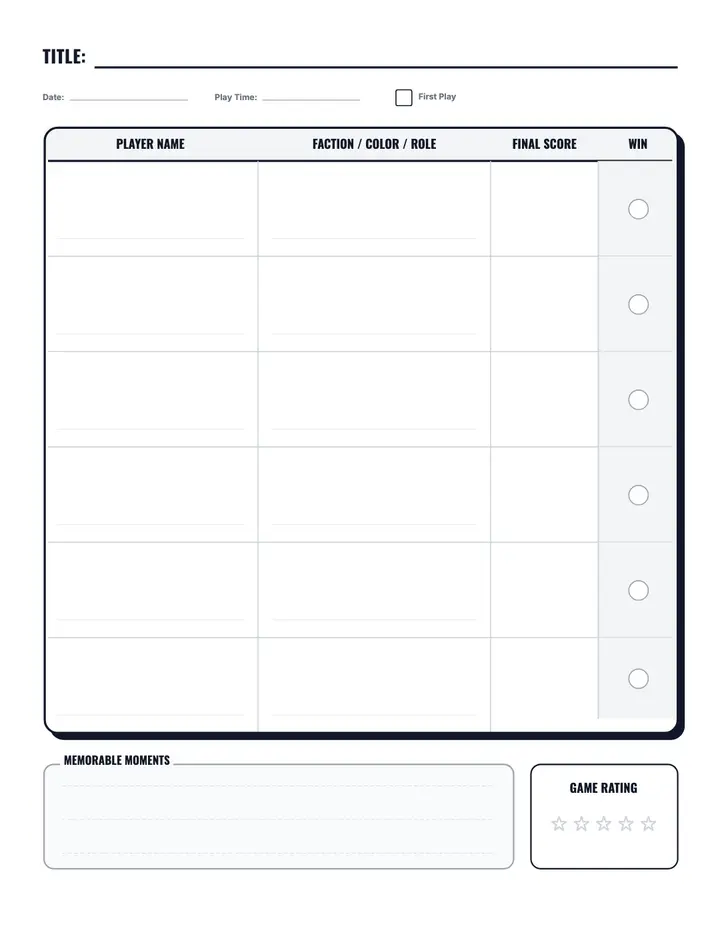
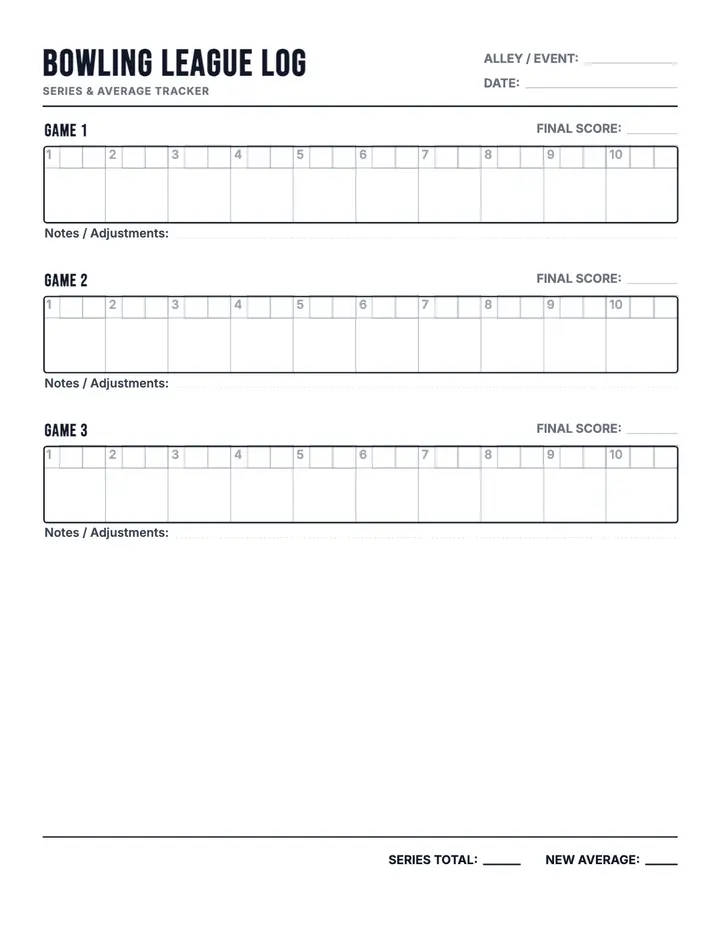
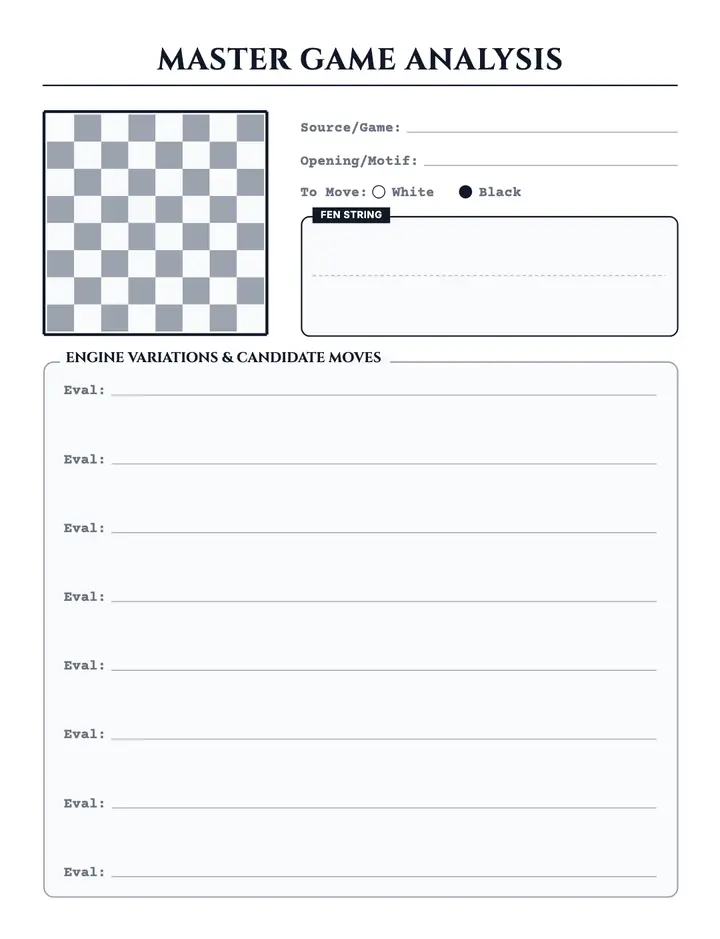
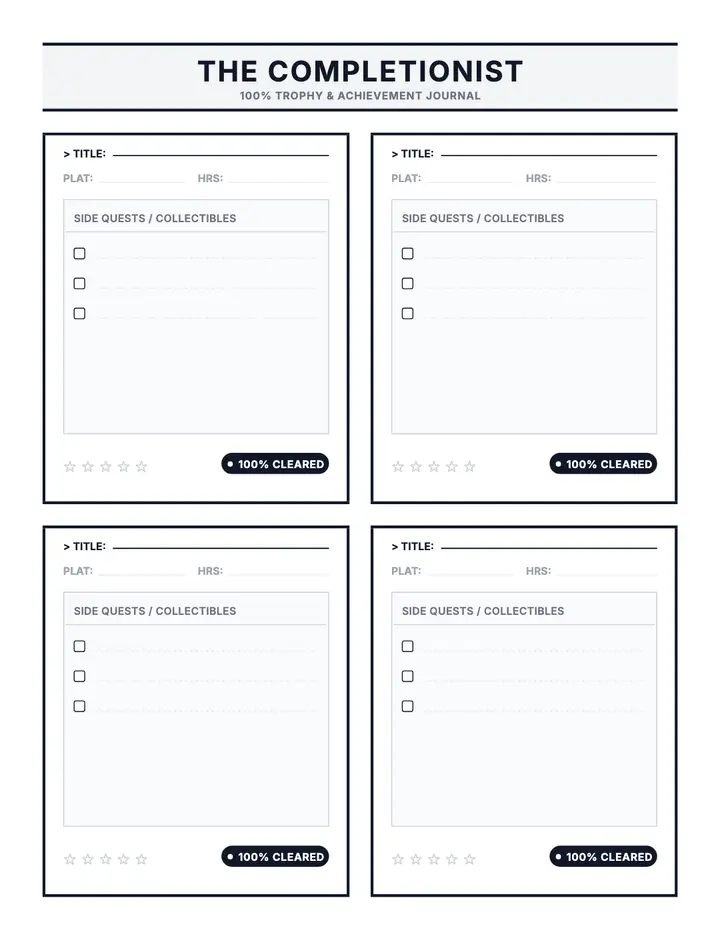
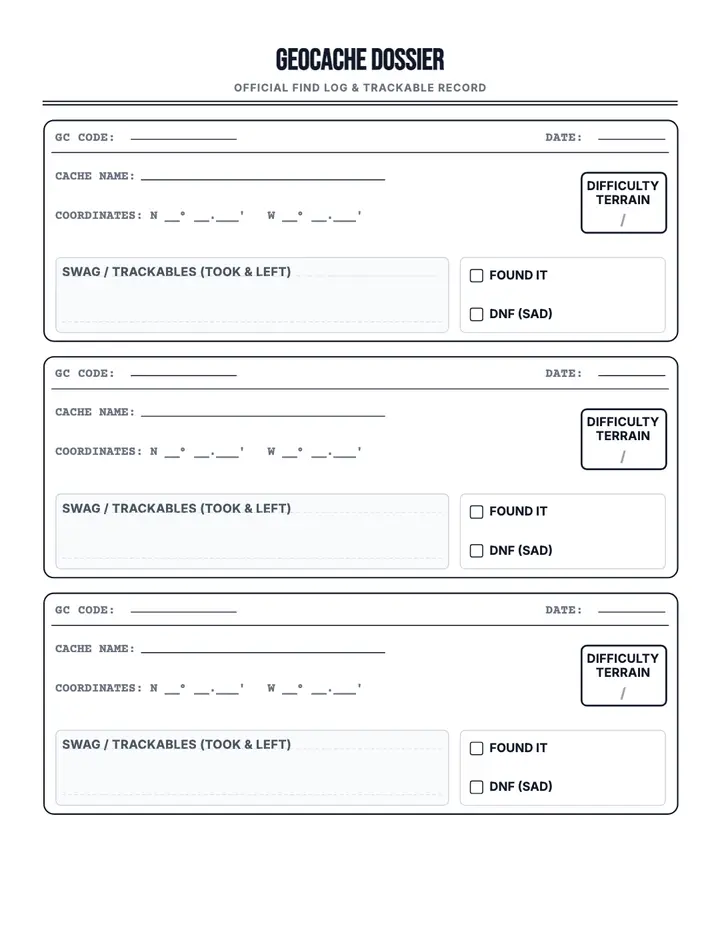
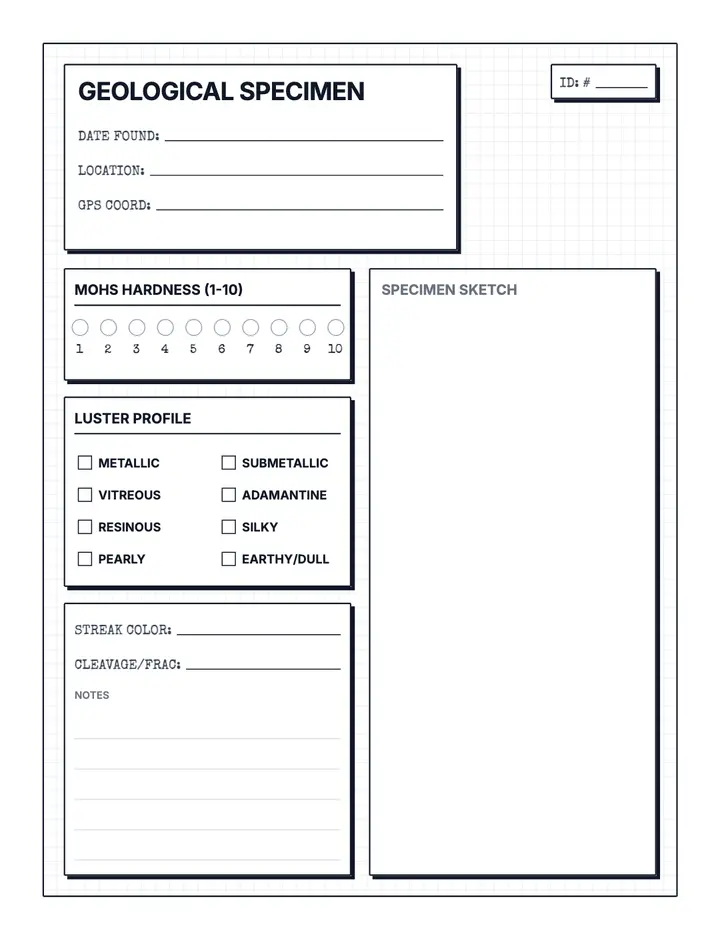
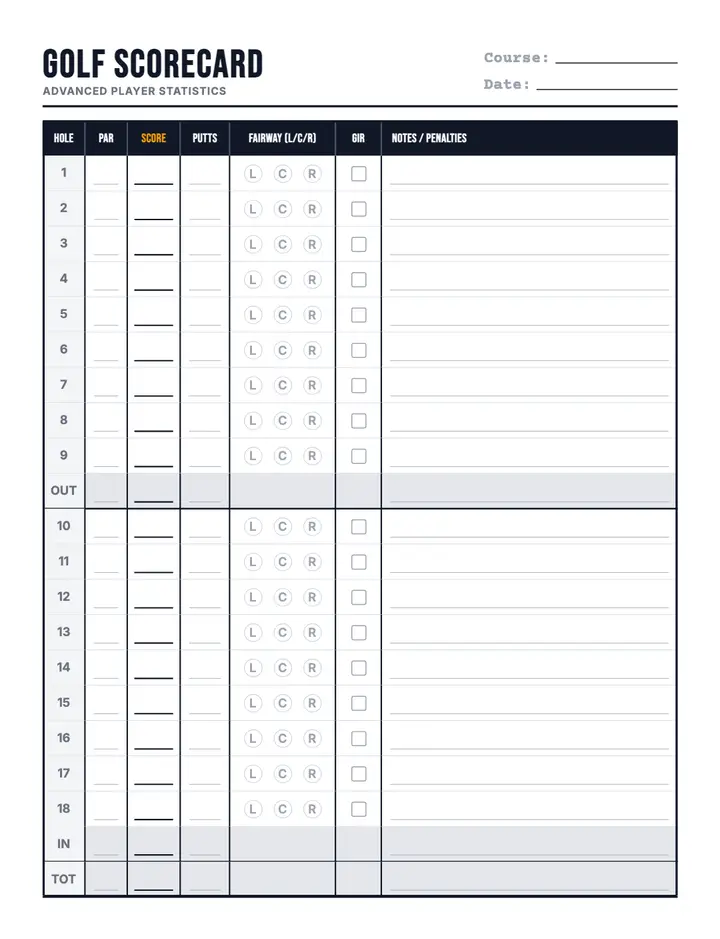
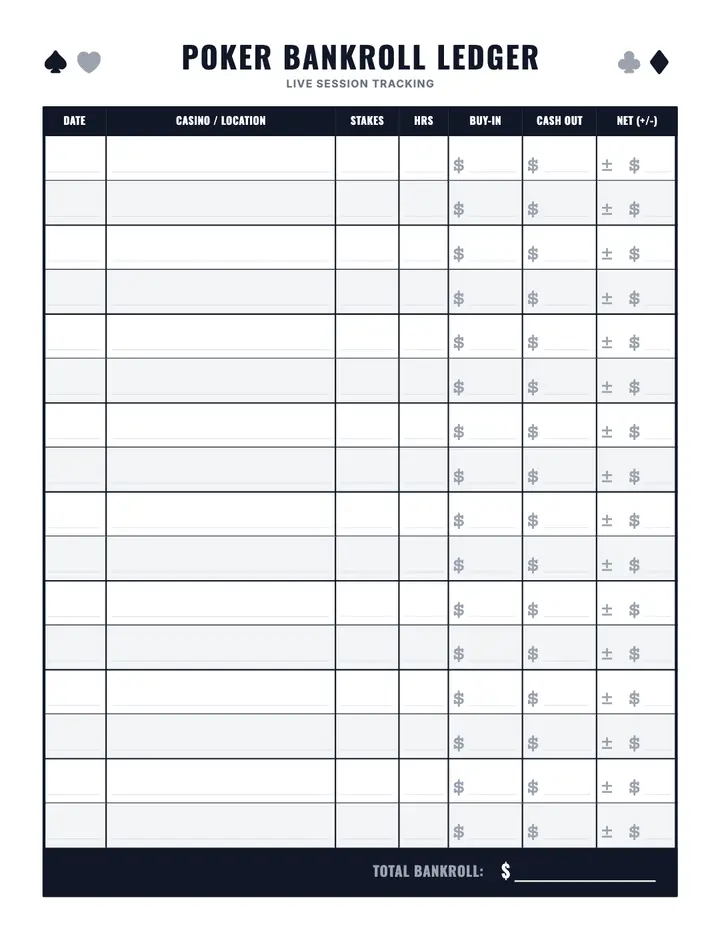
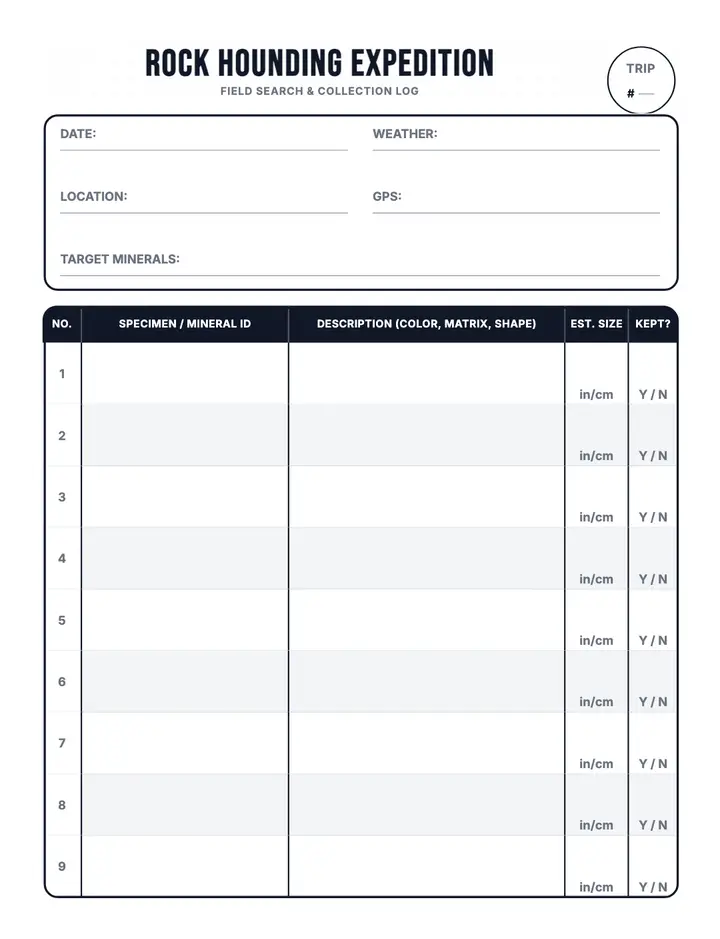
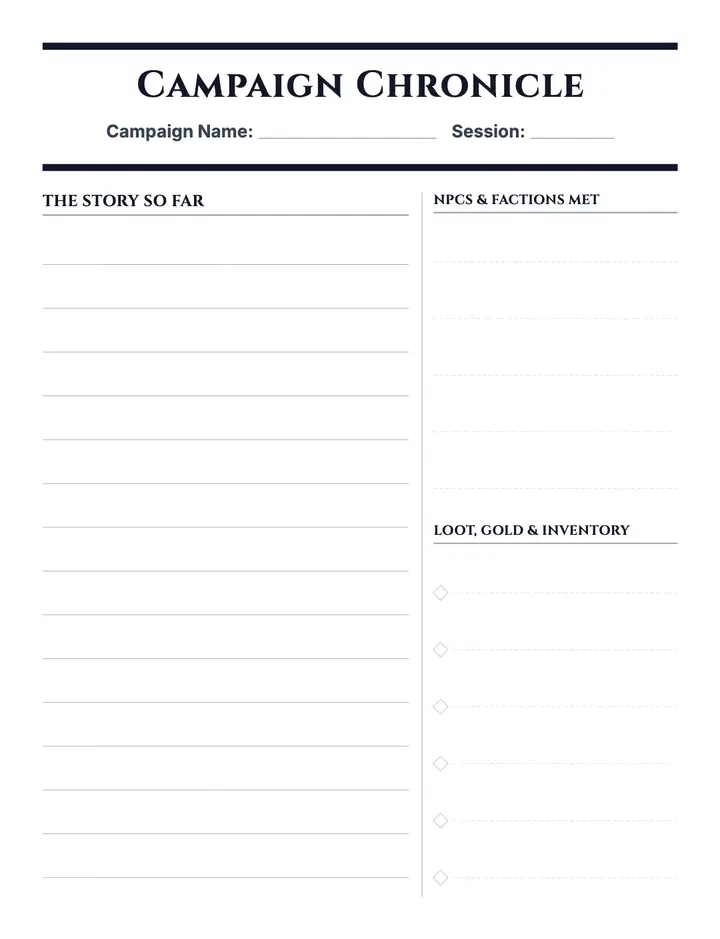
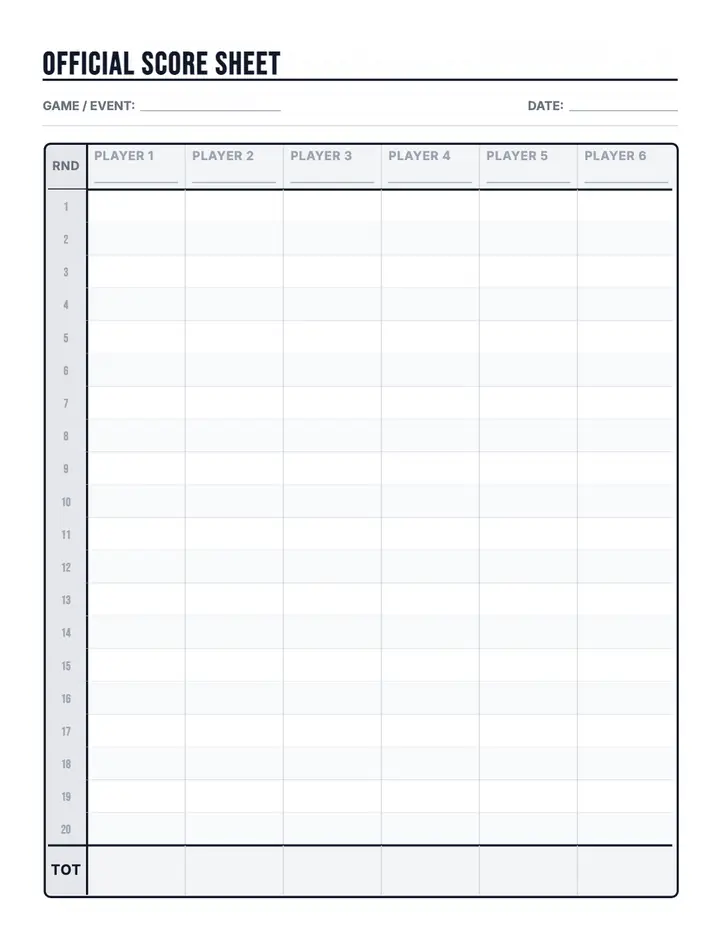
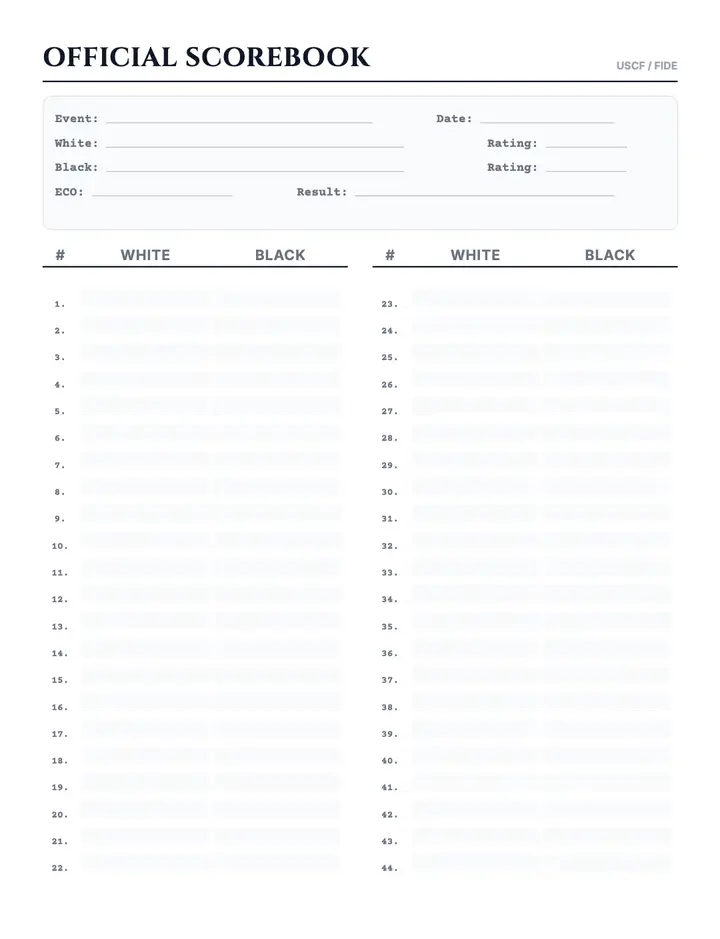
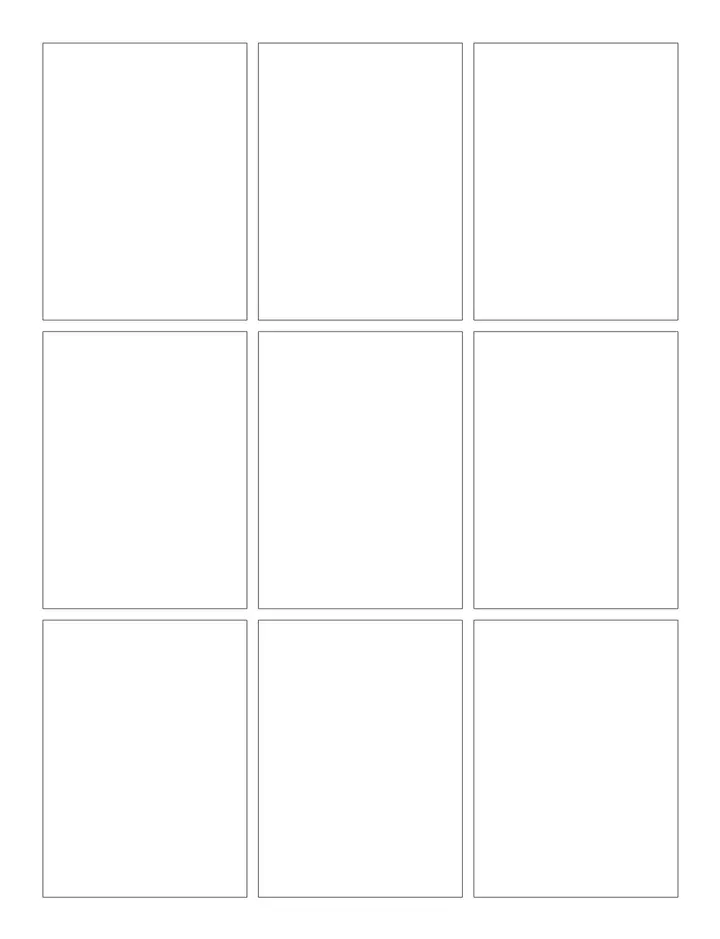
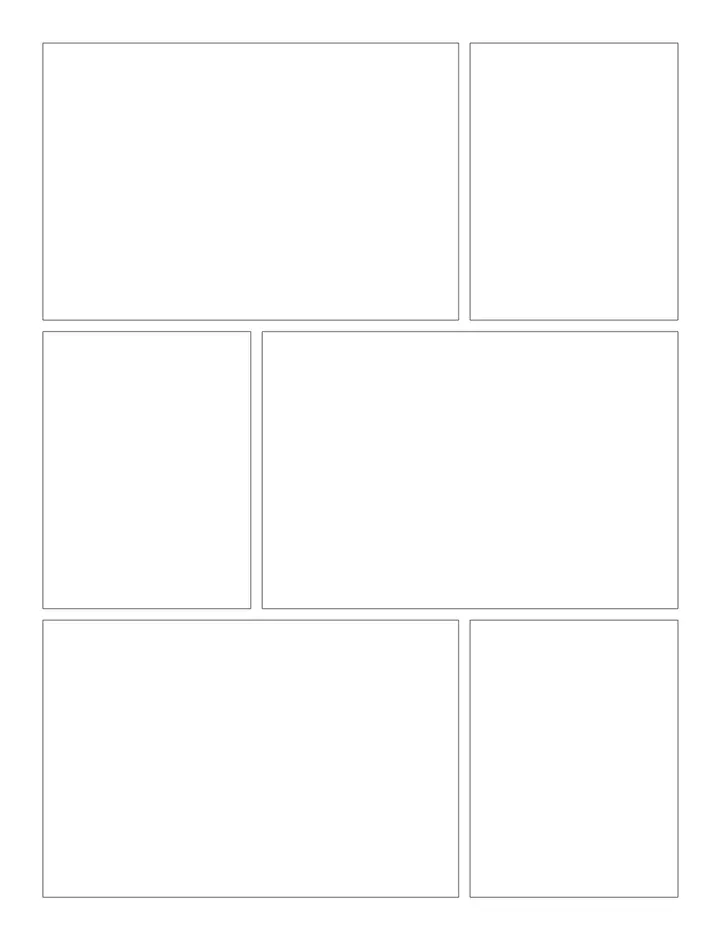
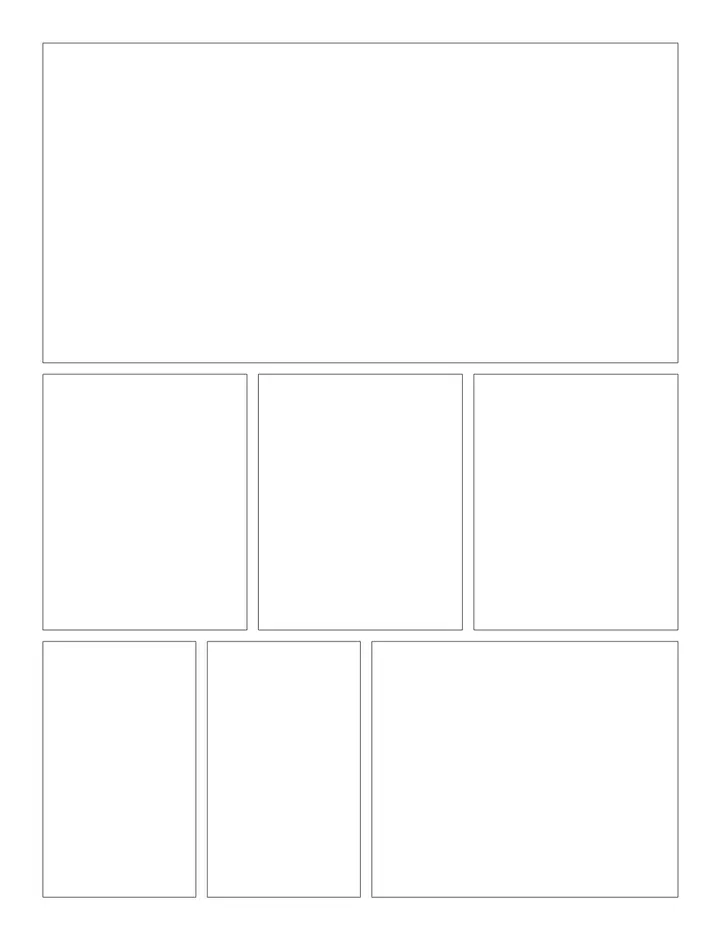
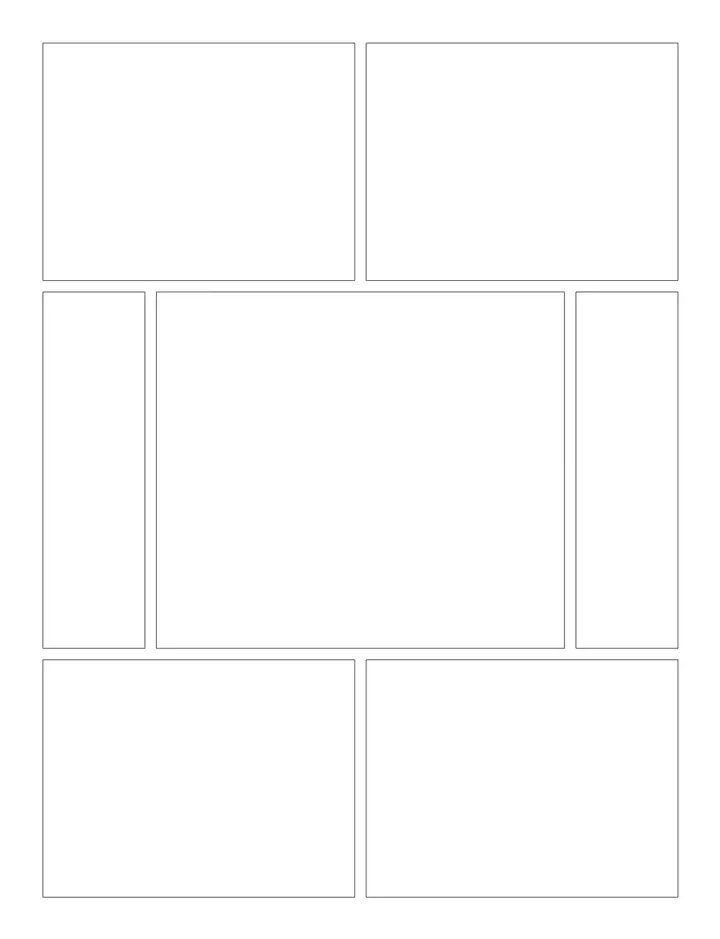
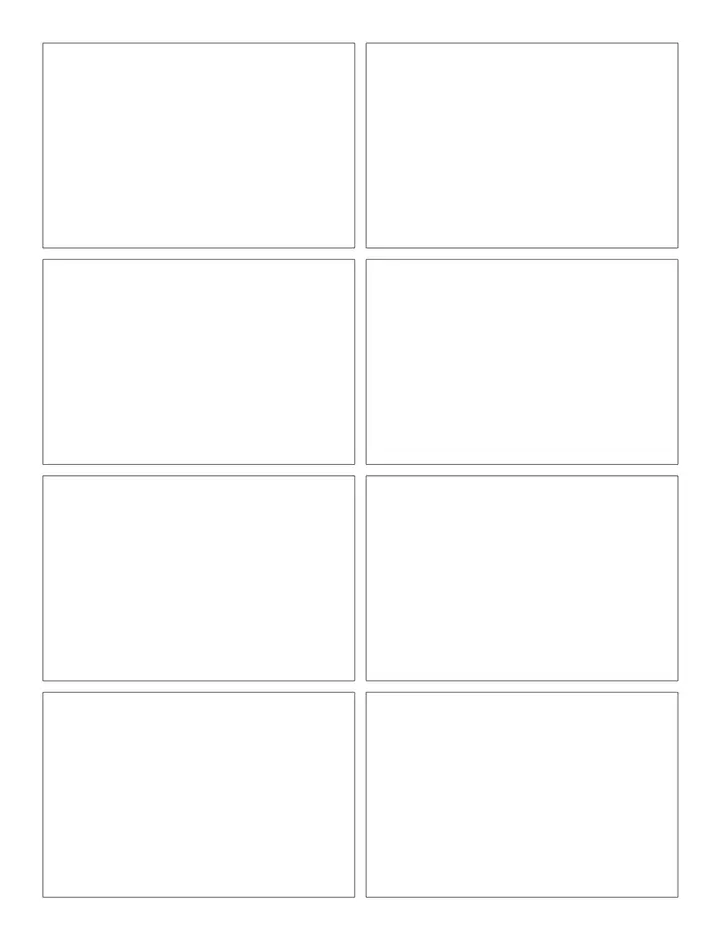
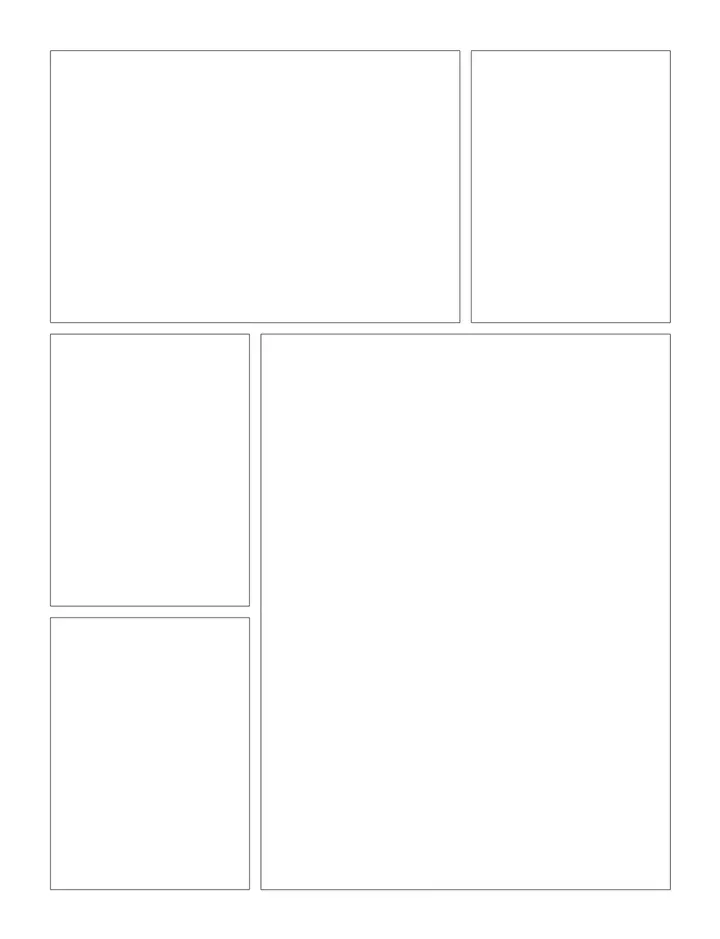
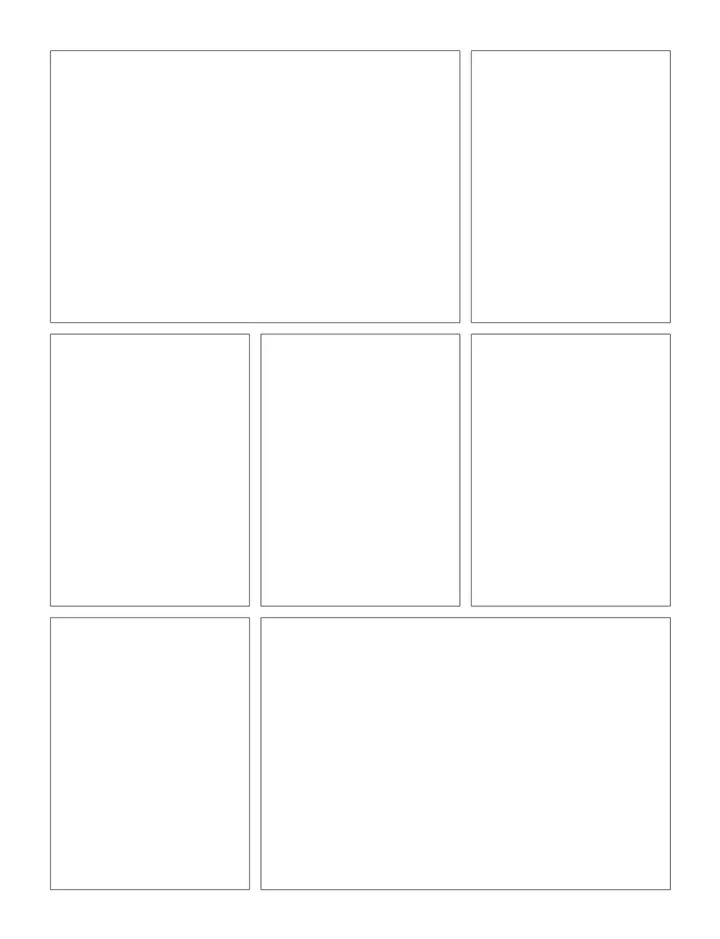
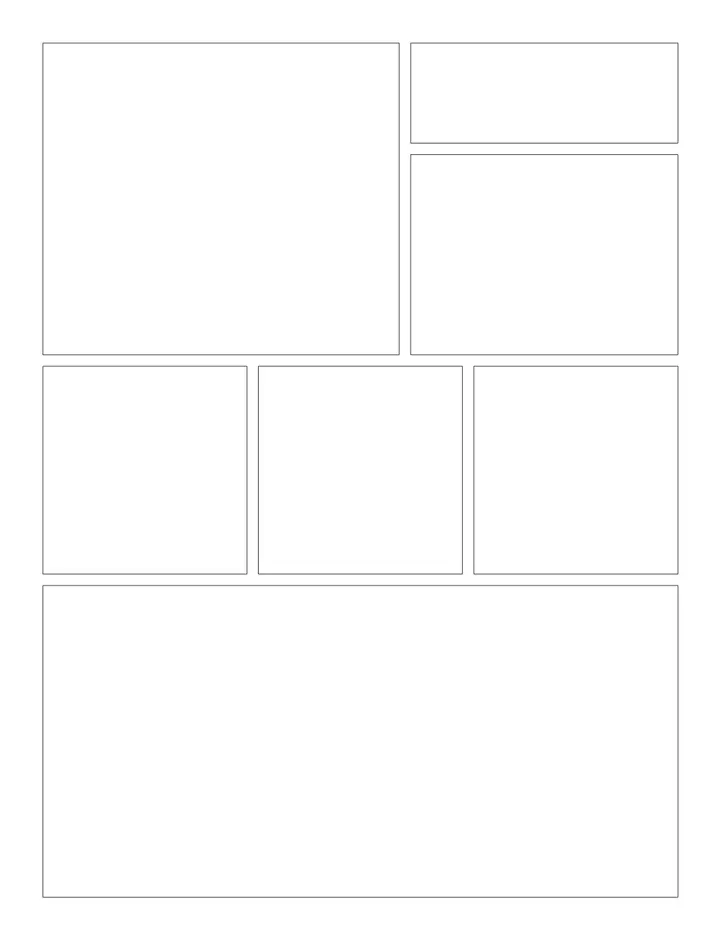
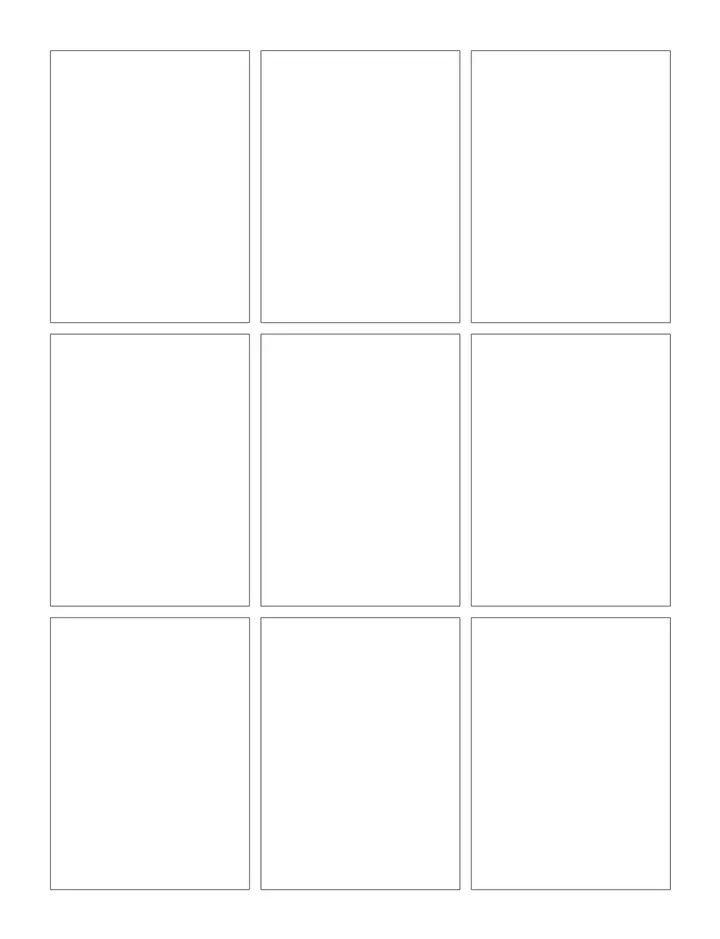
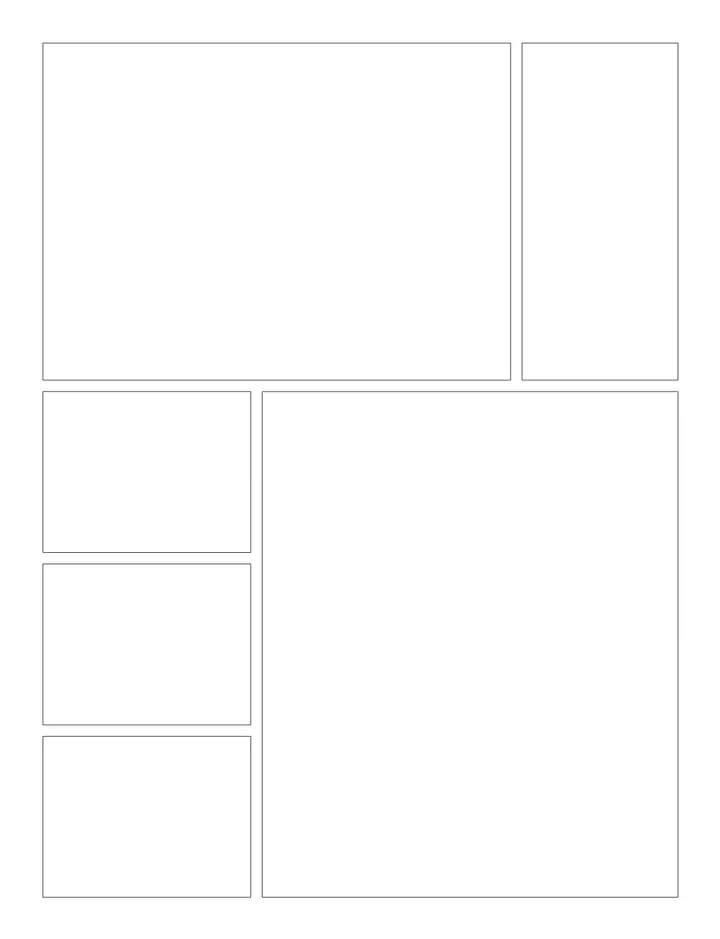
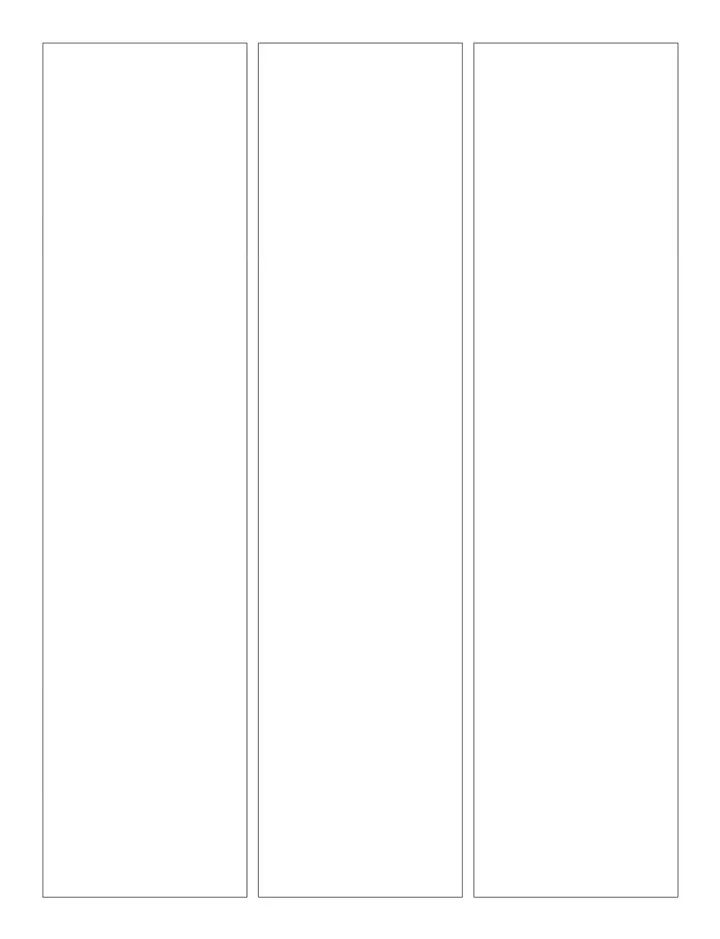
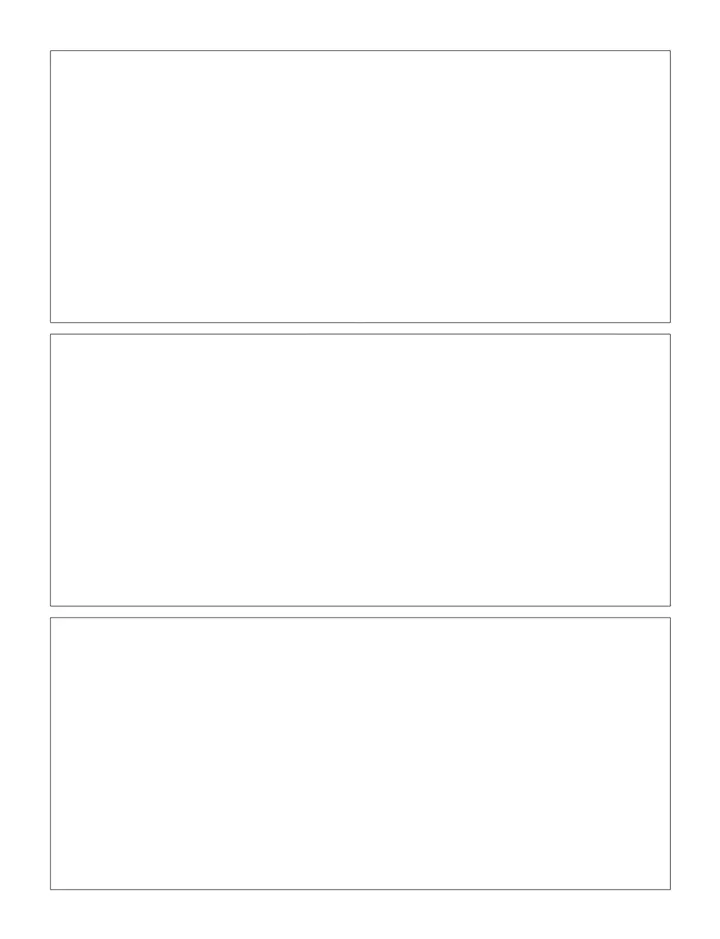
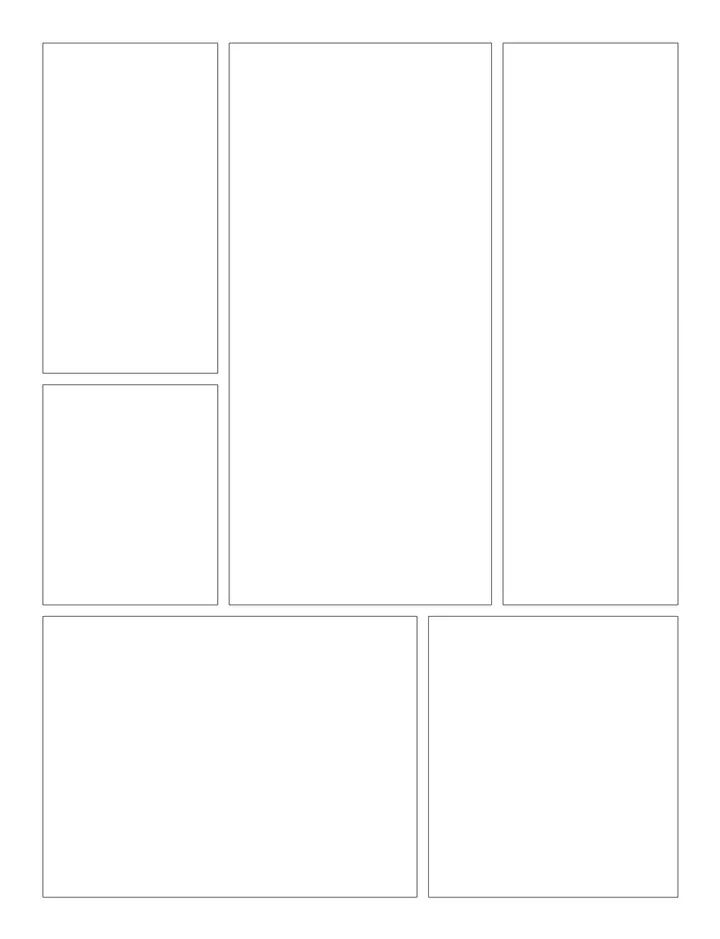





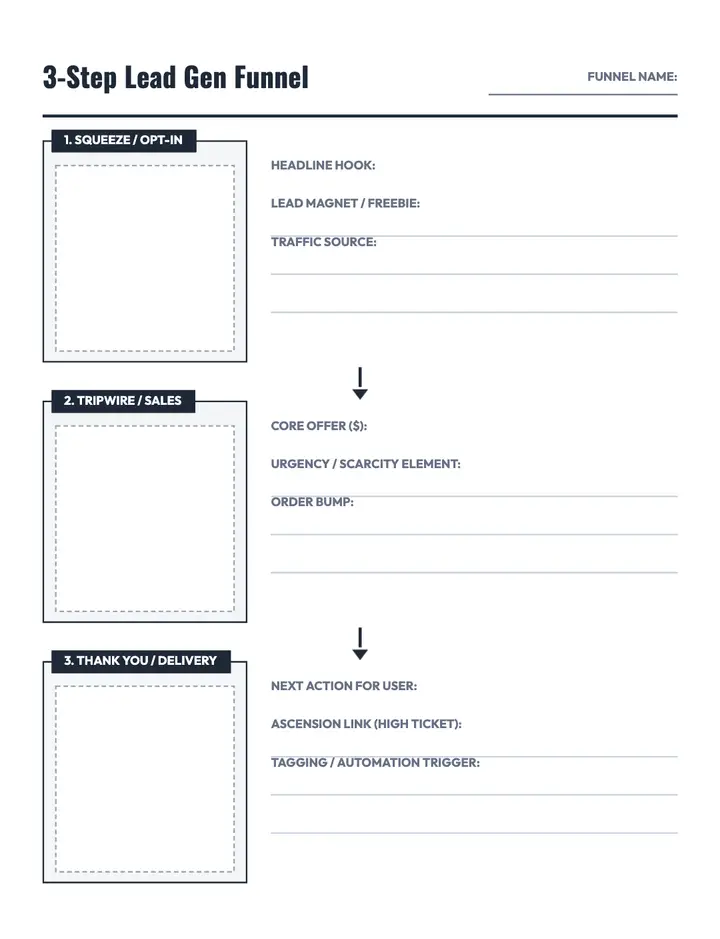
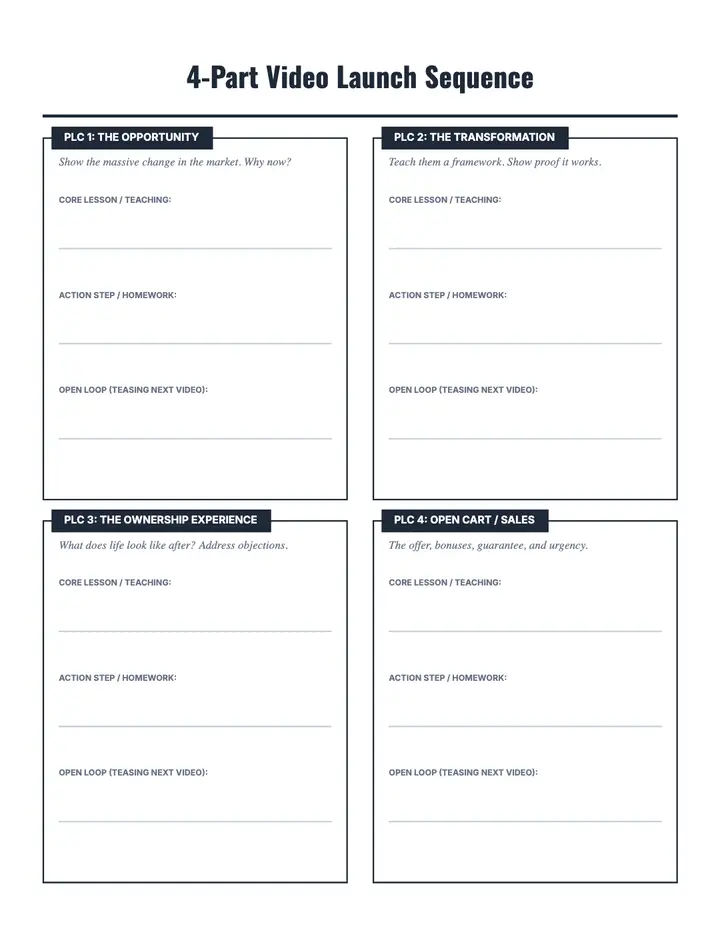
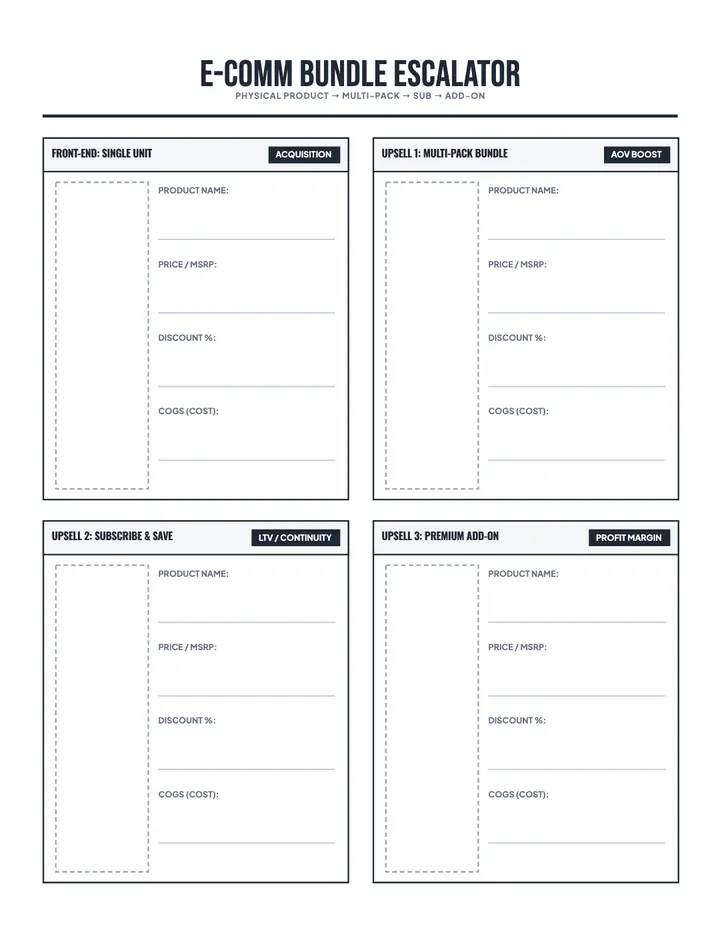
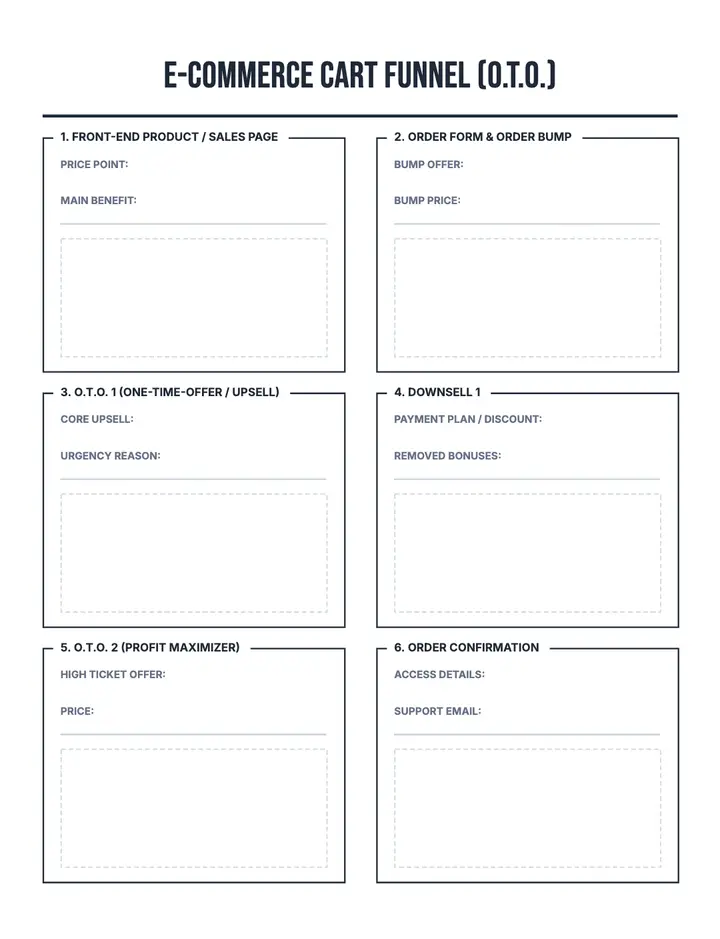
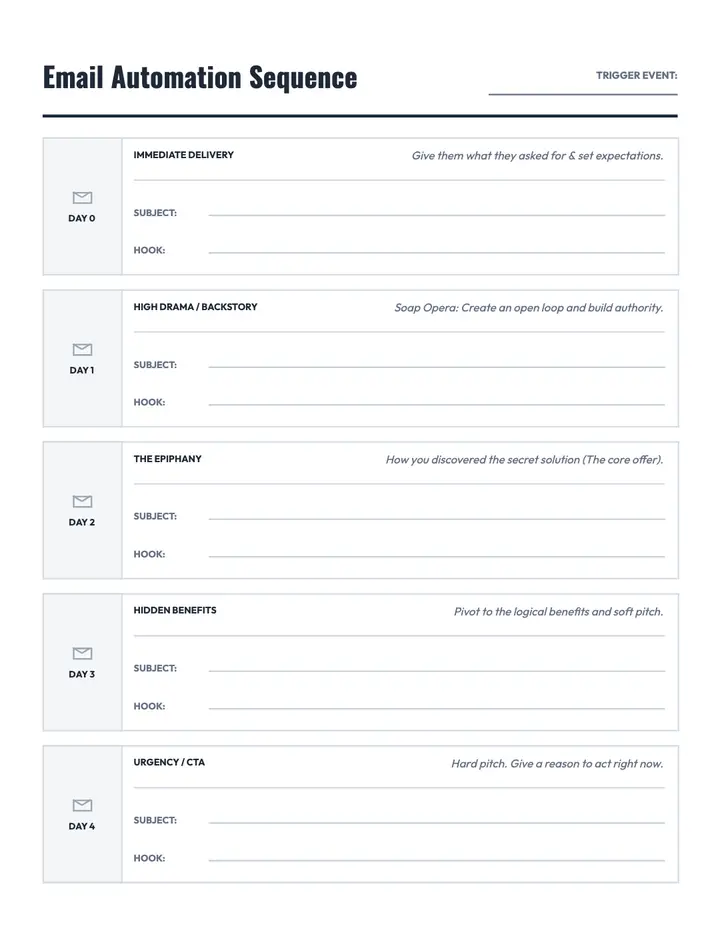
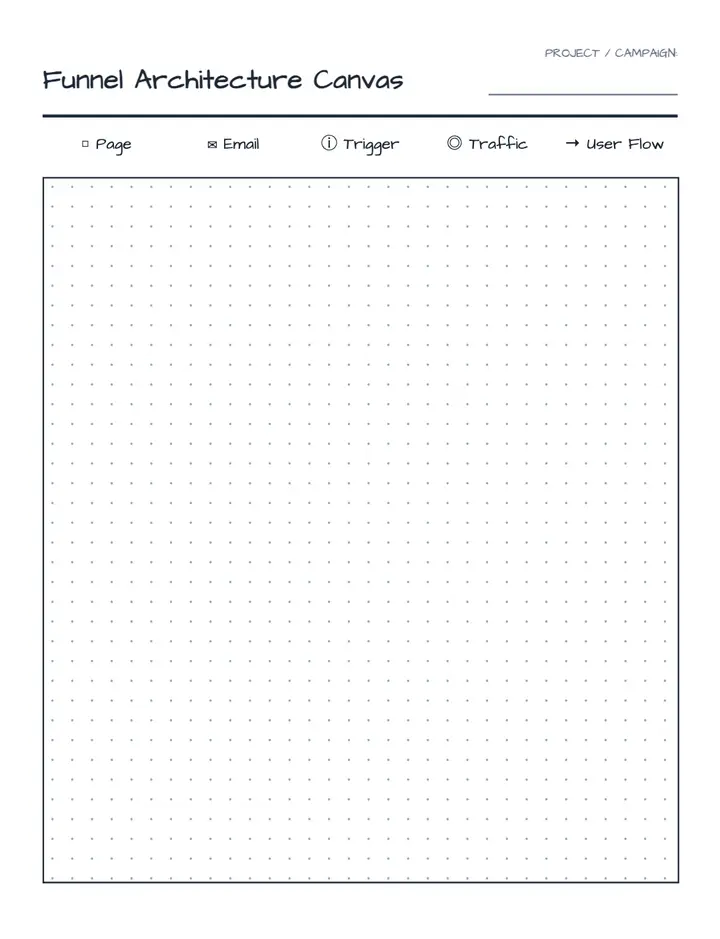
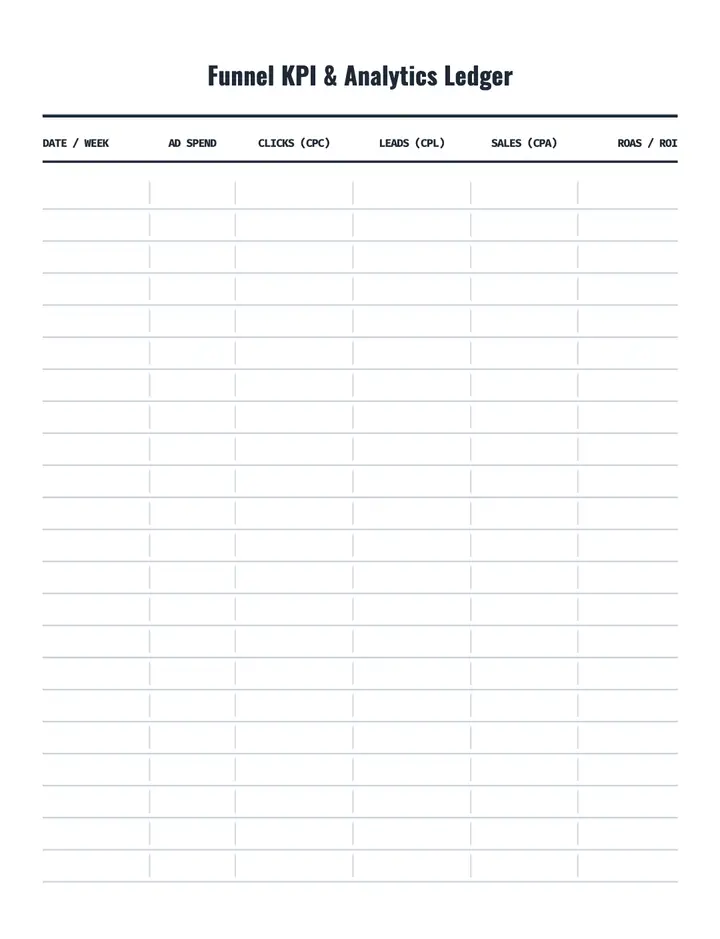
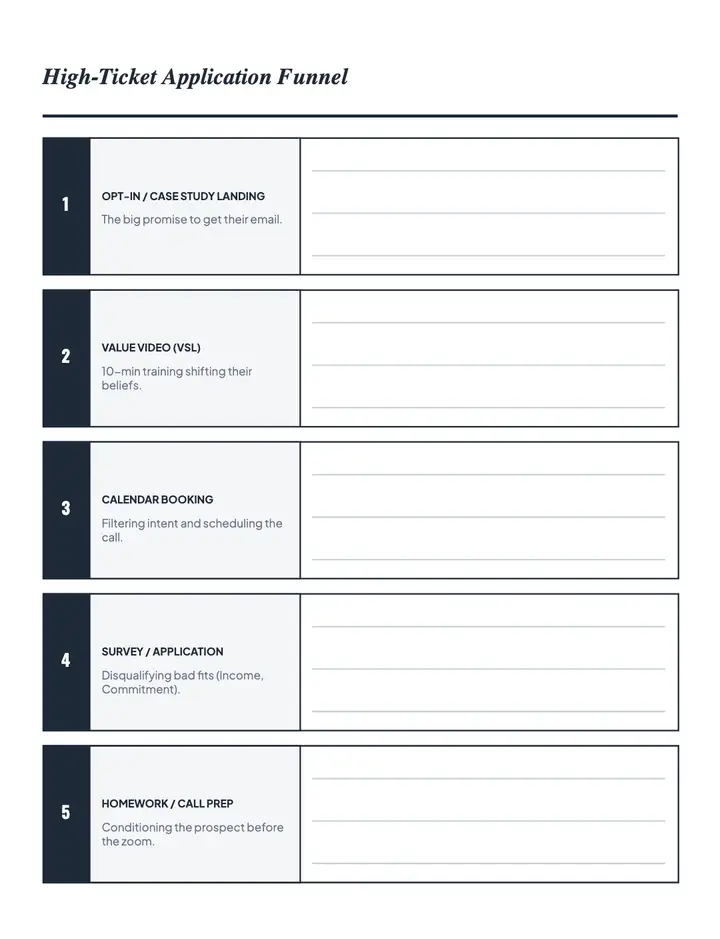
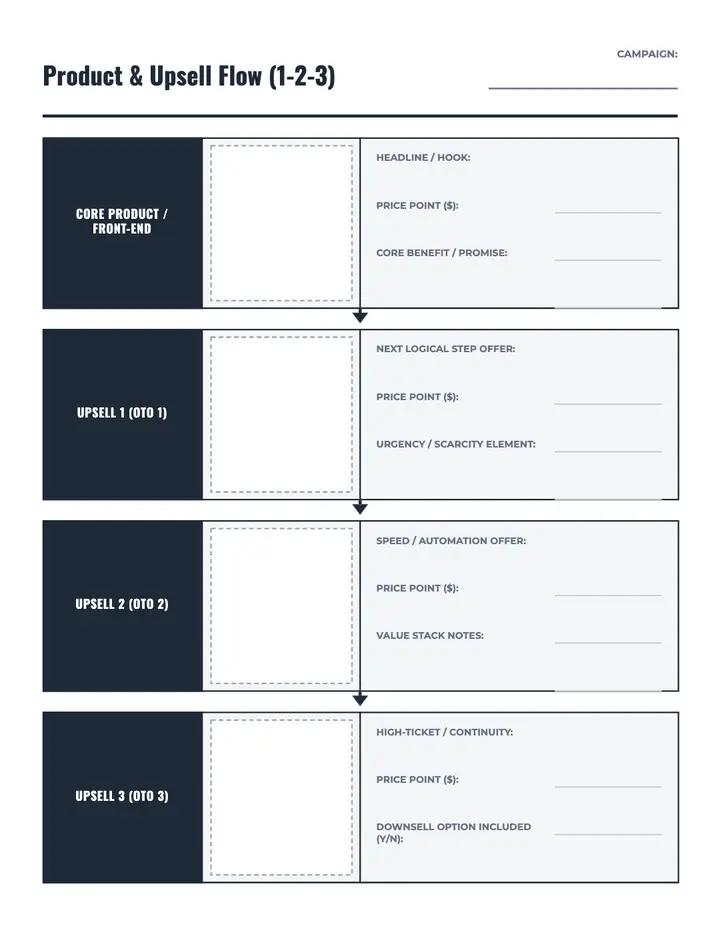
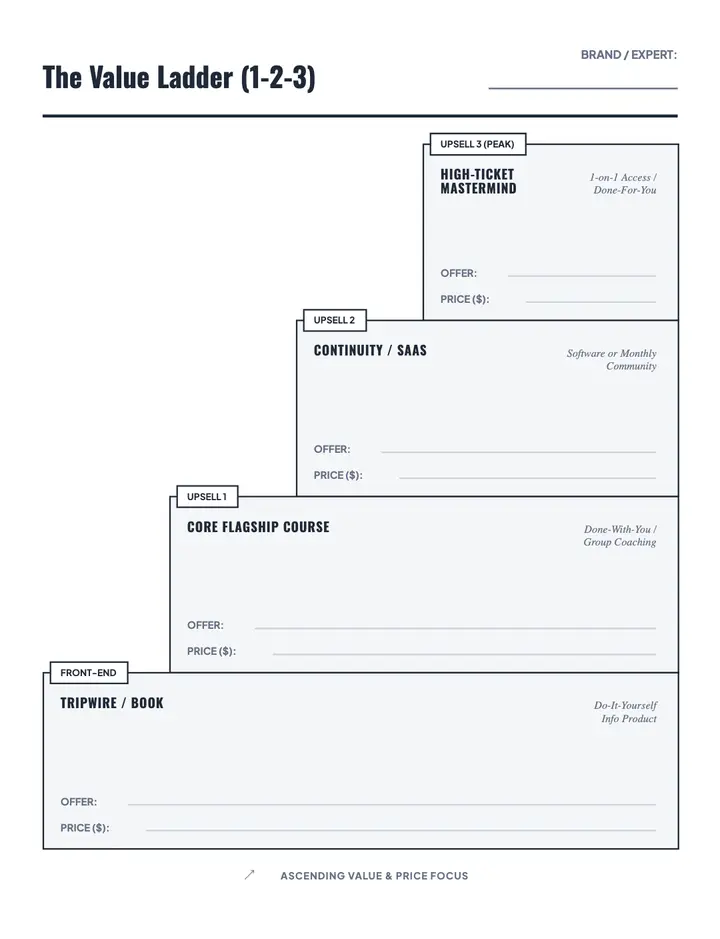
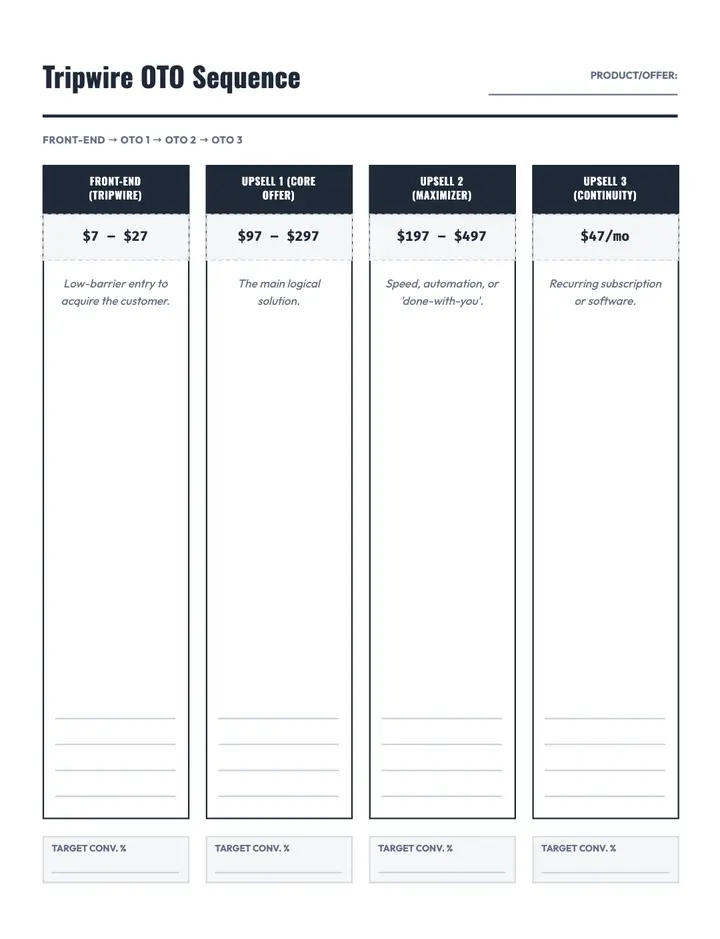
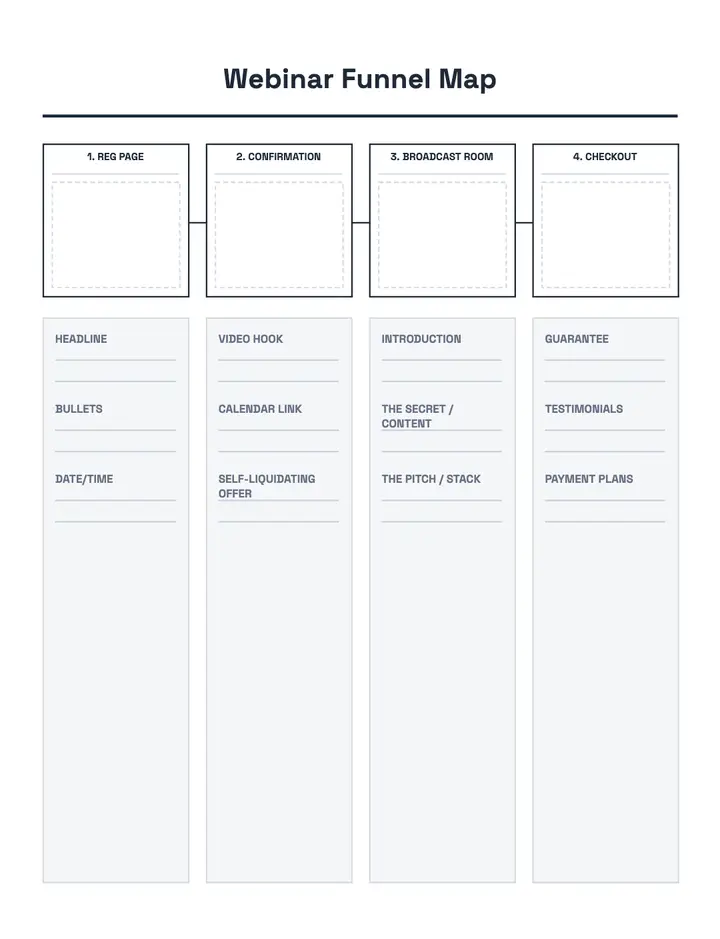
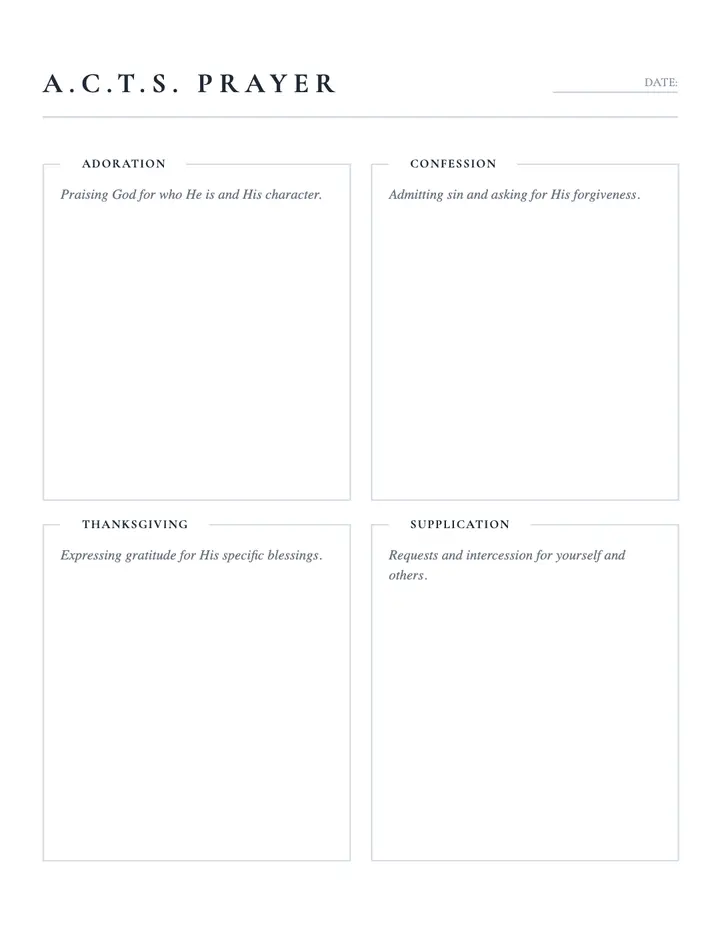
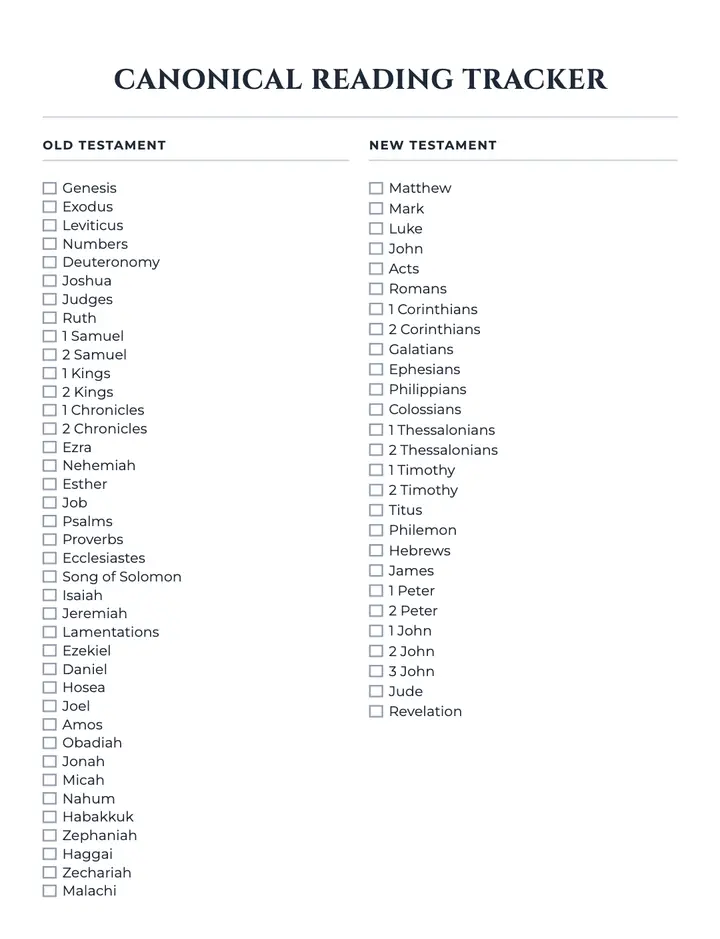
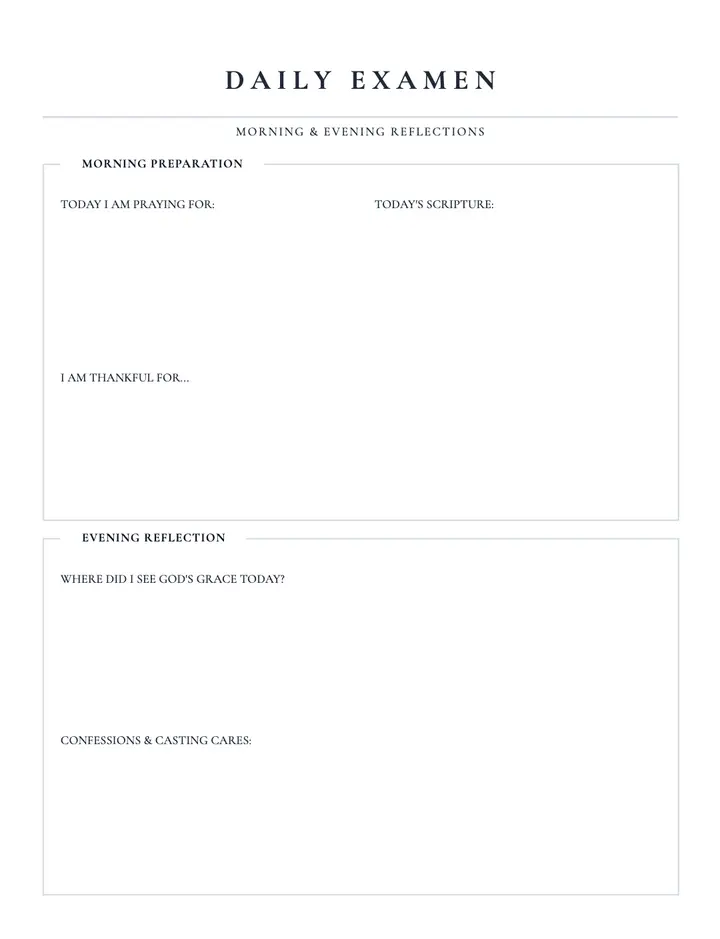
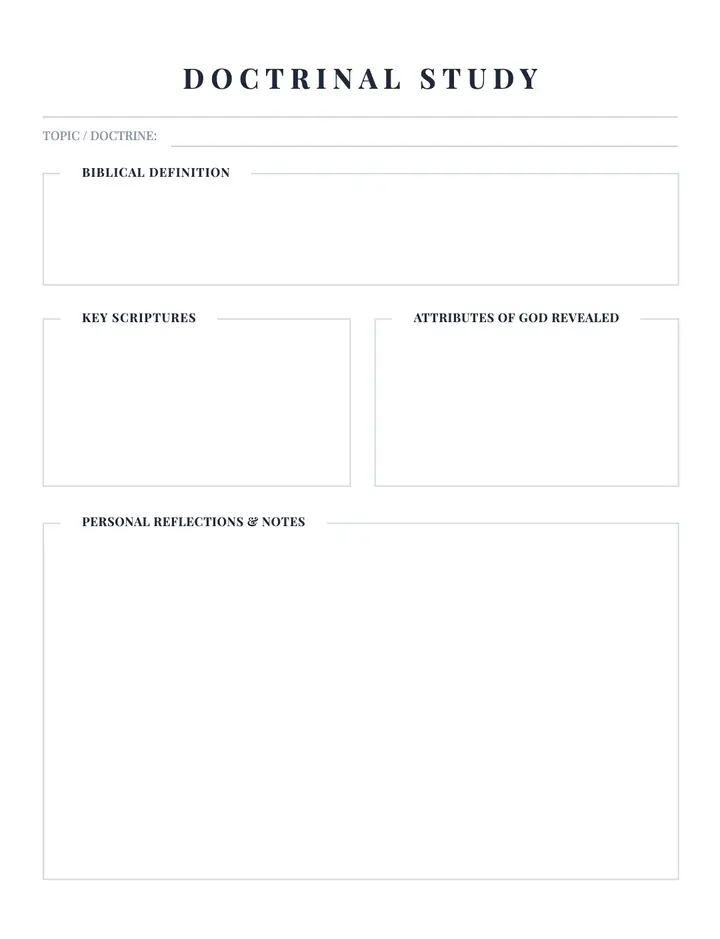
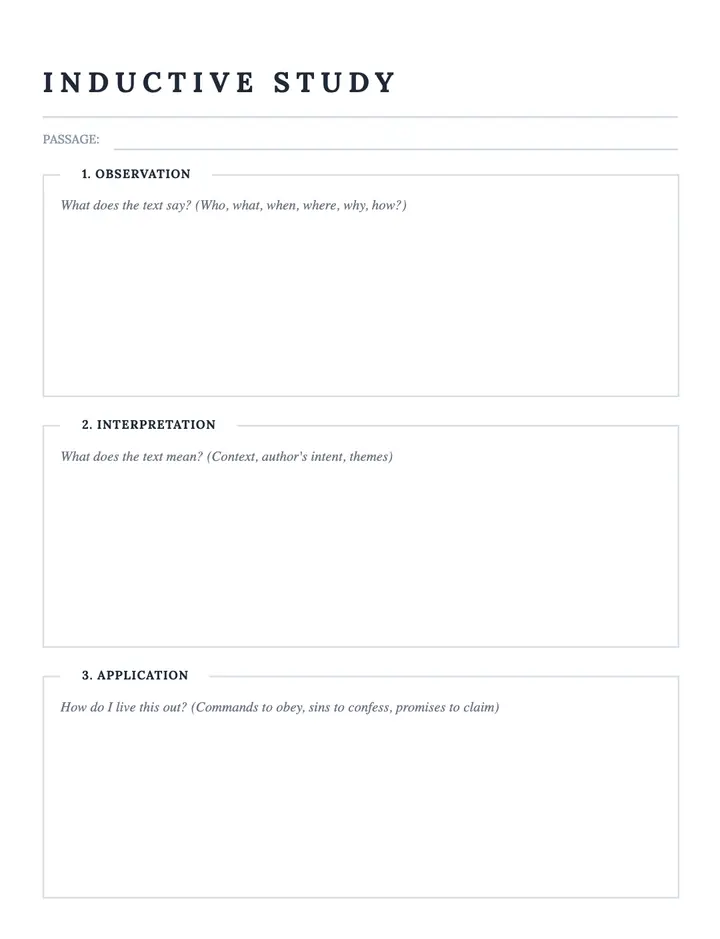
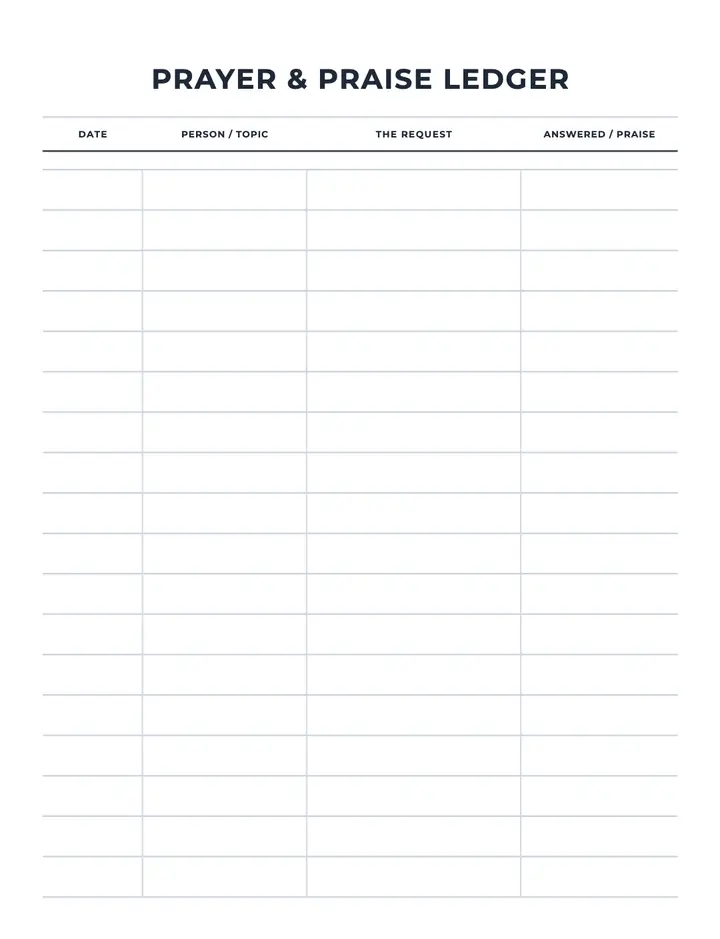
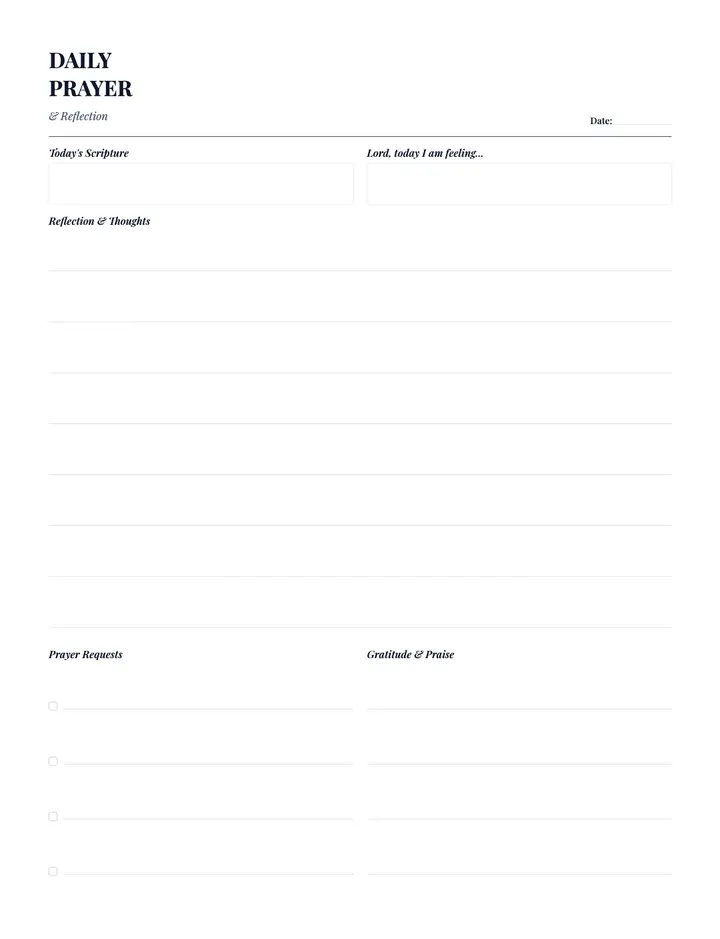
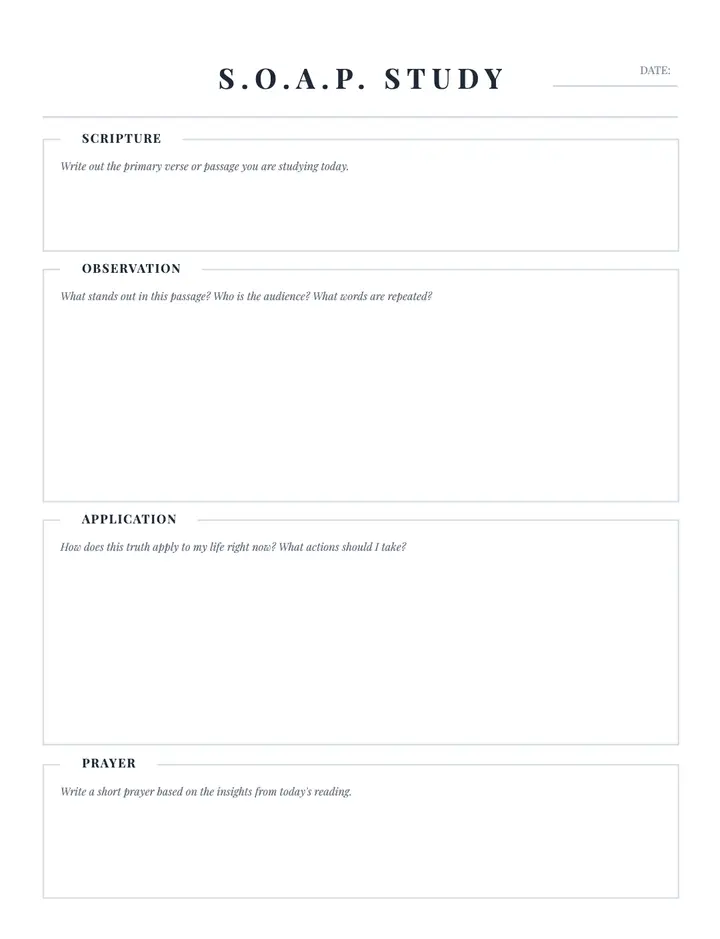
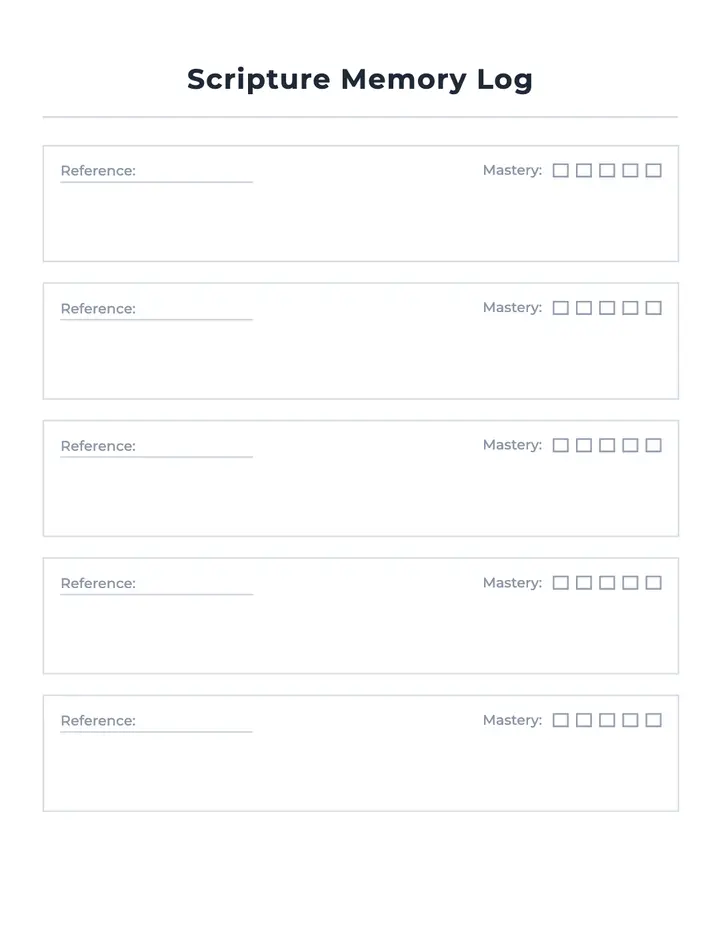
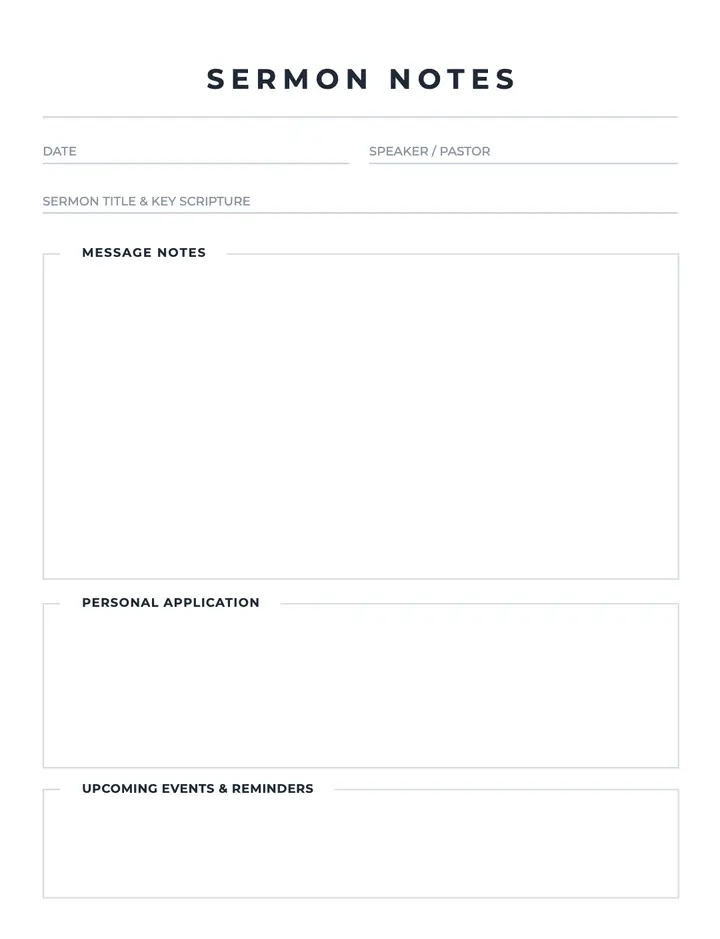
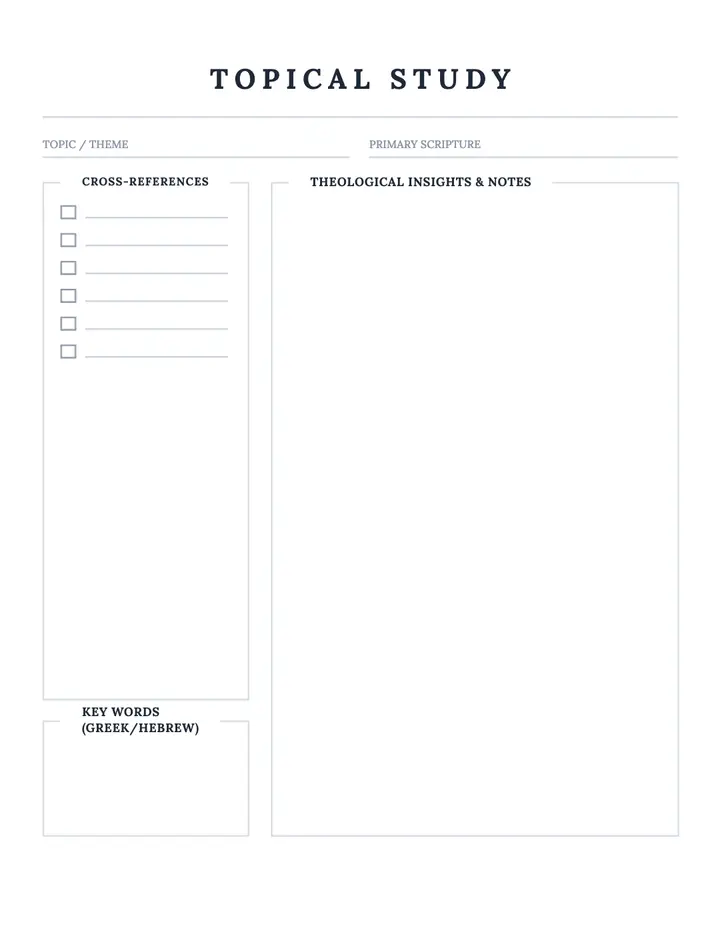
Printable interiors for Amazon KDP
These Low Content Pro templates help you design journals, planners, notebooks, trackers, and other low-content interiors for Amazon KDP. Open any template to preview the layout, then customize it in the Low Content Book Maker and export a print-ready PDF.
Every template page is built for KDP trim sizes with bleed and margin-safe printable areas, so you can move from idea to upload faster without starting from a blank page.
What you can create
One editor, every low-content interior your catalog needs.
- Planners and daily organizers
- Journals and guided notebooks
- Habit, health, and fitness trackers
- Budget and finance logbooks
- School and study interiors
- Blank and lined notebook pages
How it works
Four steps from template to published paperback.
- 1
Browse the template library
Filter by category to find the interior style that matches your book idea.
- 2
Open a template
Check the full-page preview, specs, and what the layout includes.
- 3
Customize your book
Start a project, set your trim size and page count, then restyle the layout.
- 4
Export and publish
Download a print-ready PDF and upload it to Amazon KDP.
What authors use these for
- Publish low-content books on Amazon KDP
- Build a passive income catalog of planners and journals
- Sell printable PDFs on Etsy or your own site
- Create branded interiors for a niche audience
- Make custom pages for clients, classrooms, or teams
Start your next low content book today
Start creating your low content bookWhy not build low content interiors by hand?
| What matters | Doing it manually | With this tool |
|---|---|---|
| Time to a finished interior | Hours of manual layout | Minutes in the editor |
| Design skills | Word or InDesign know-how | None — pick and customize |
| KDP margins & bleed | Set up by hand, easy to get wrong | Applied automatically per trim size |
| Scaling to more books | Rebuild every layout | Duplicate, restyle, publish again |
Frequently asked questions
What is a low content book?
A low content book has mostly repeating interior pages — like a journal, planner, notebook, or tracker — with little or no written content.
How many templates are available?
There are 337 printable low-content templates across planners, journals, trackers, notebooks, and more.
Can I sell these on Amazon KDP?
Yes. Every template exports as a print-ready PDF with KDP margins and bleed, so you can publish and sell the finished book.
Do I need design experience?
No. The templates handle page layout for you — pick one, set your size and page count, and export.
What sizes can I create?
All common KDP trim sizes, including 6×9 and 8.5×11, with correct interior margins applied automatically.
How do I start?
Open any template page and click the create button. The Low Content Book Maker opens with that layout applied to a new project.
Keep exploring
Template categories
Create your book
KDP resources
Ready to publish your first low content book?
Pick a template, customize the layout, and export a KDP-ready interior — no design software needed.
Start creating your low content bookNo design experience required · Print-ready PDF export