Comics Templates for Amazon KDP
Comics printable templates for Low Content Pro.
- 200,000+Authors Worldwide
- 300+Printable Templates
- KDP ReadyExport Formats
- ZeroDesign Skills Needed
Choose your template
Pick a category, then open any template to customize it and export a print-ready interior.
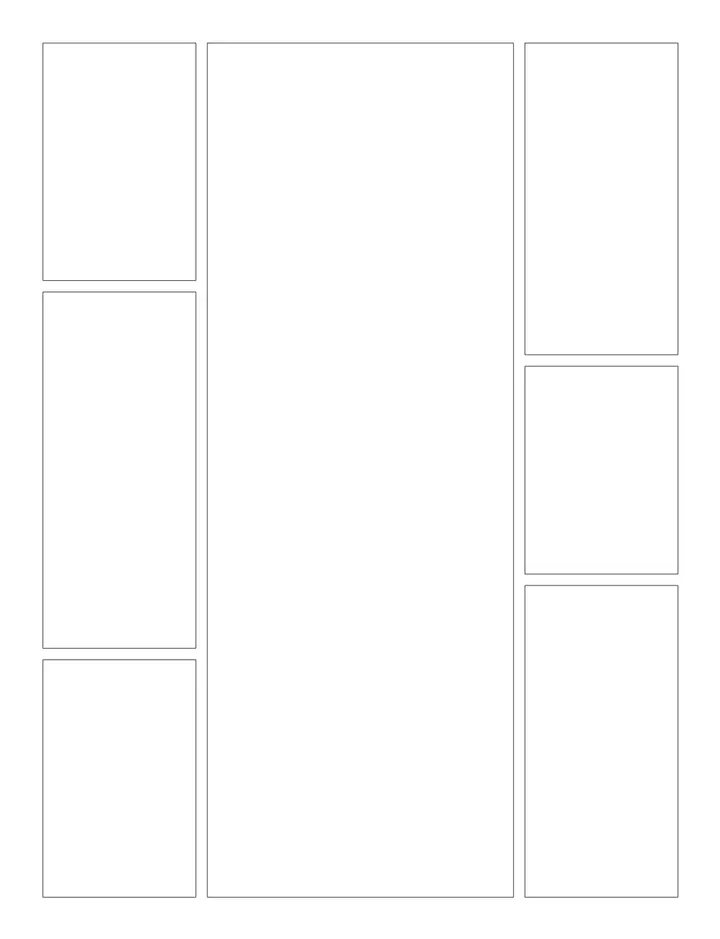
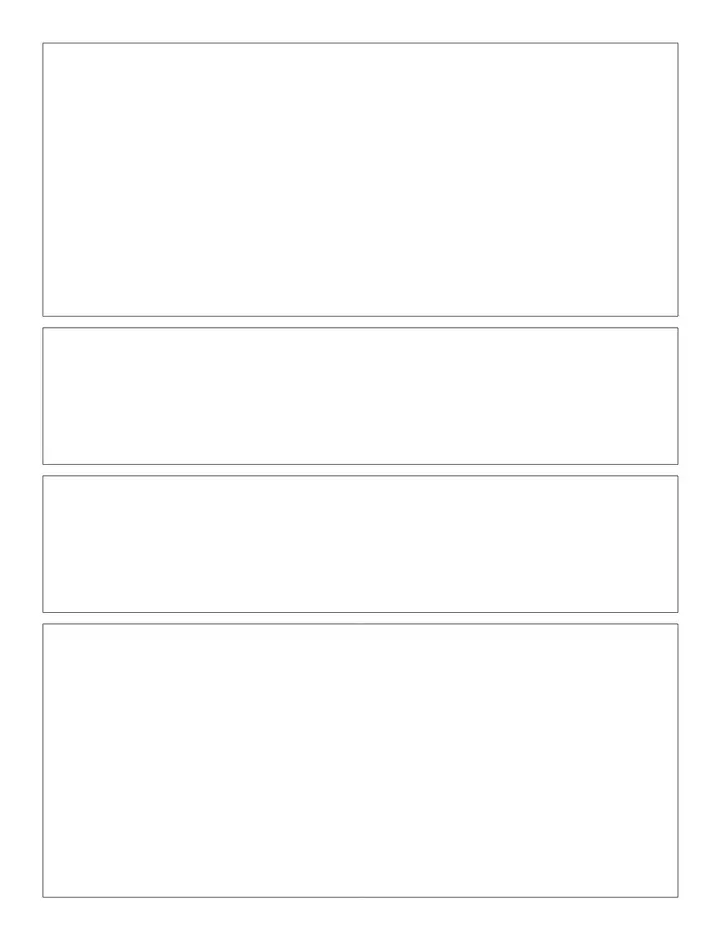
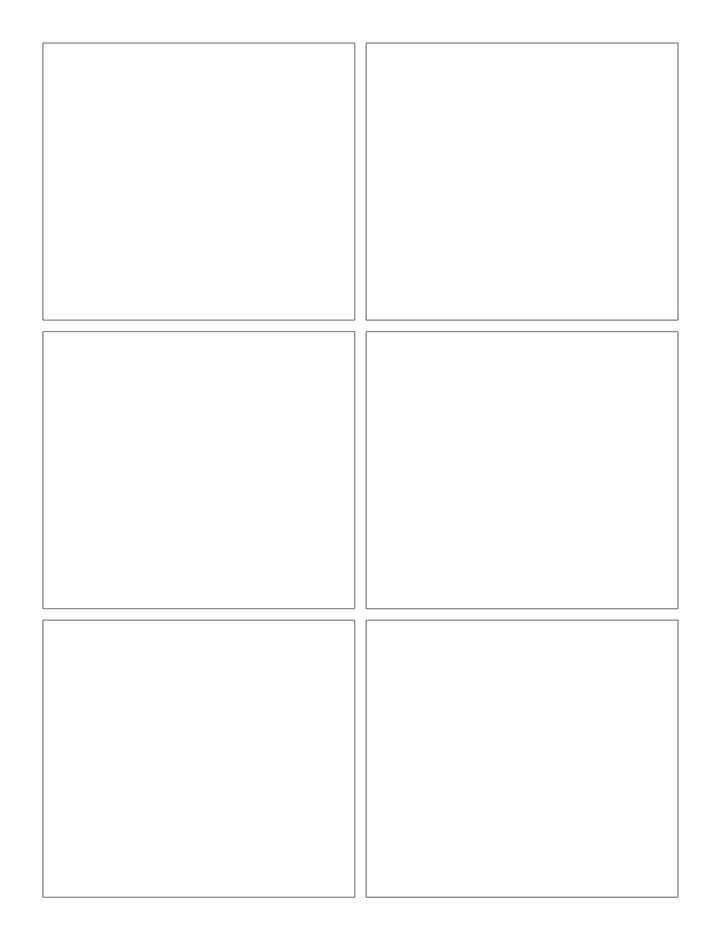
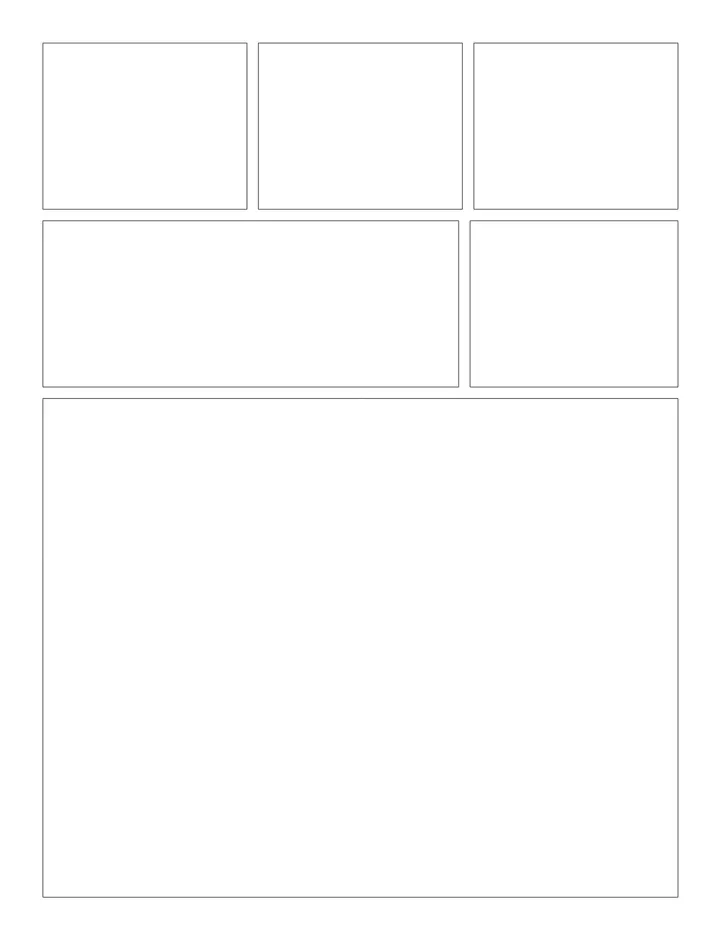
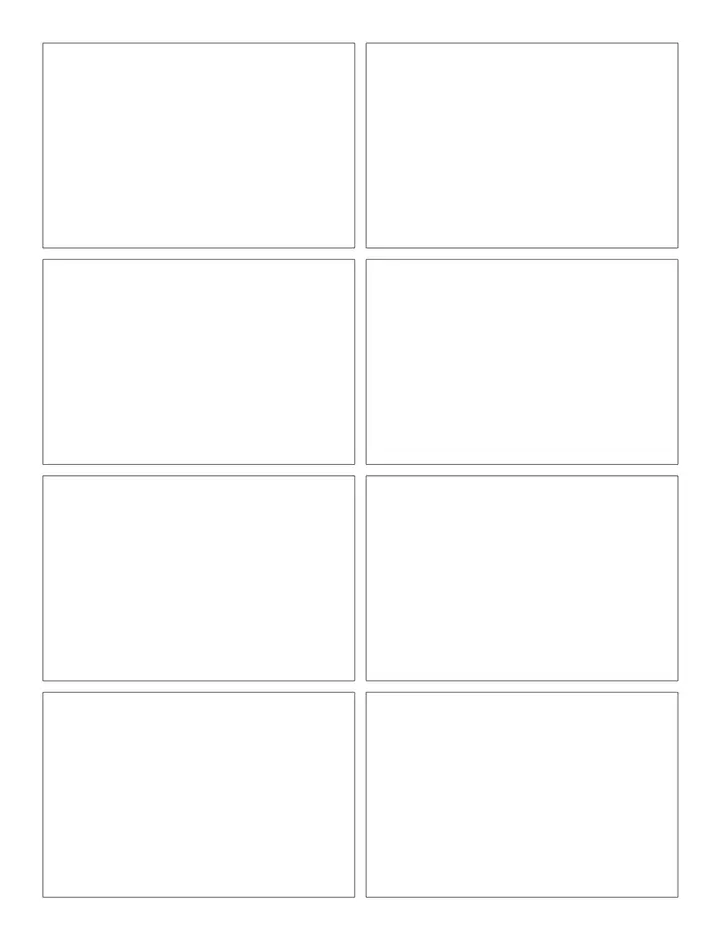
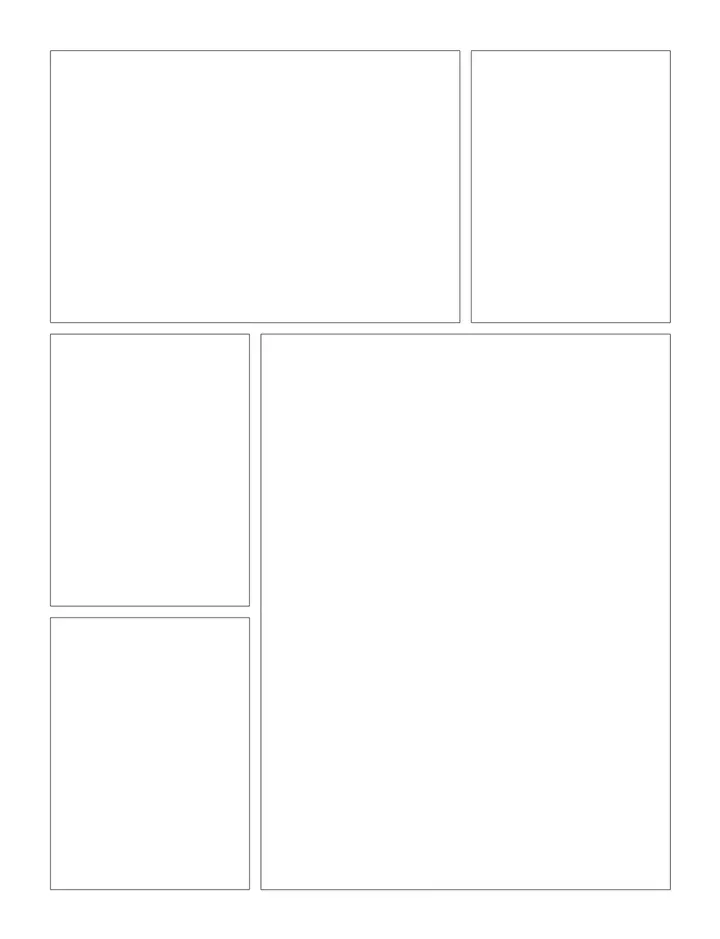
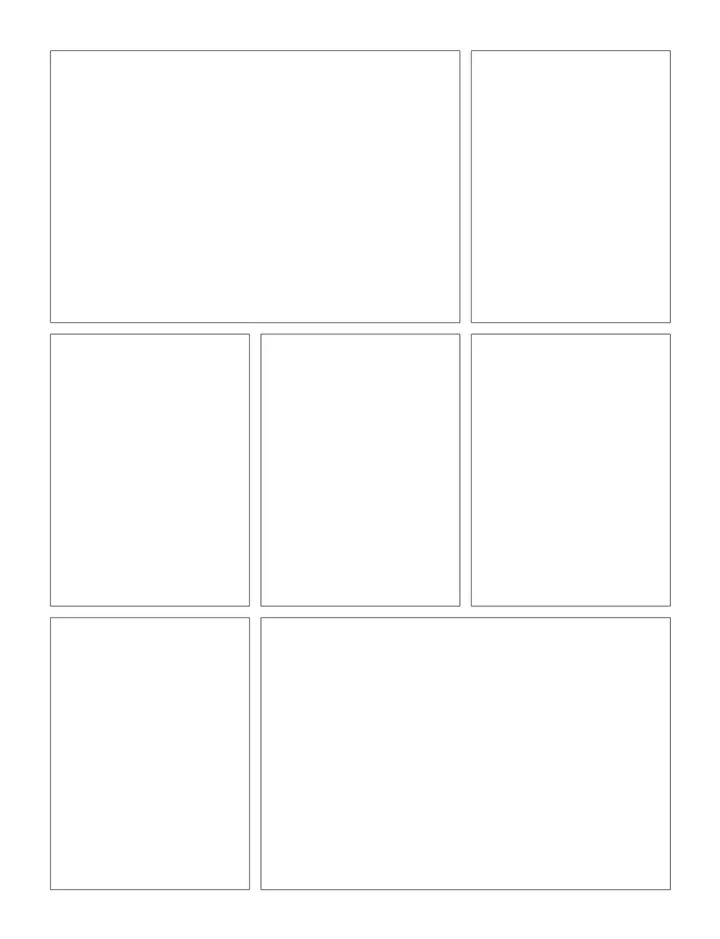
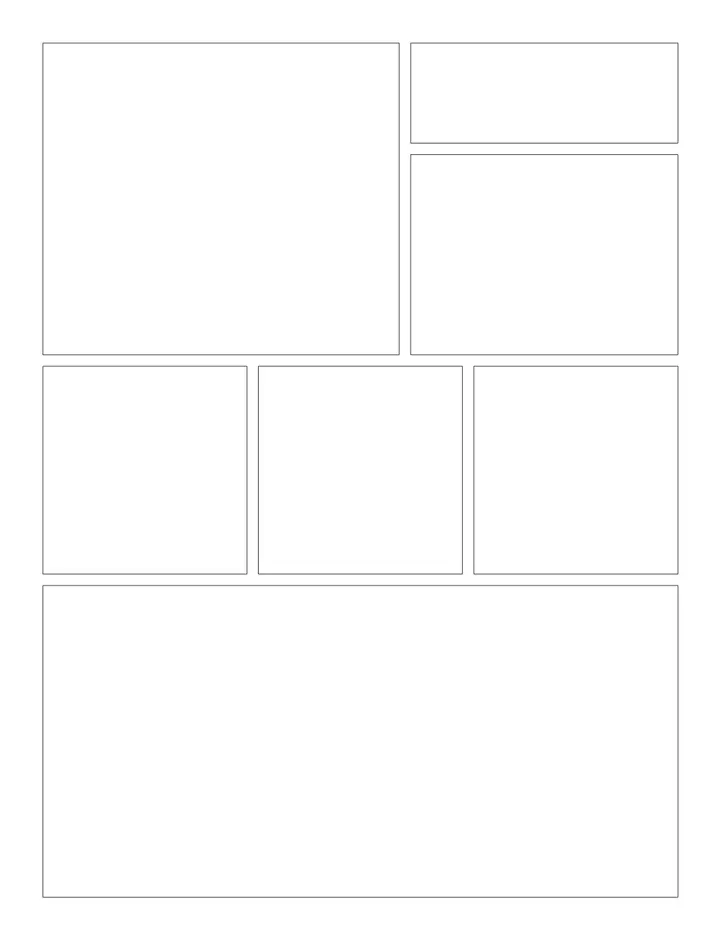
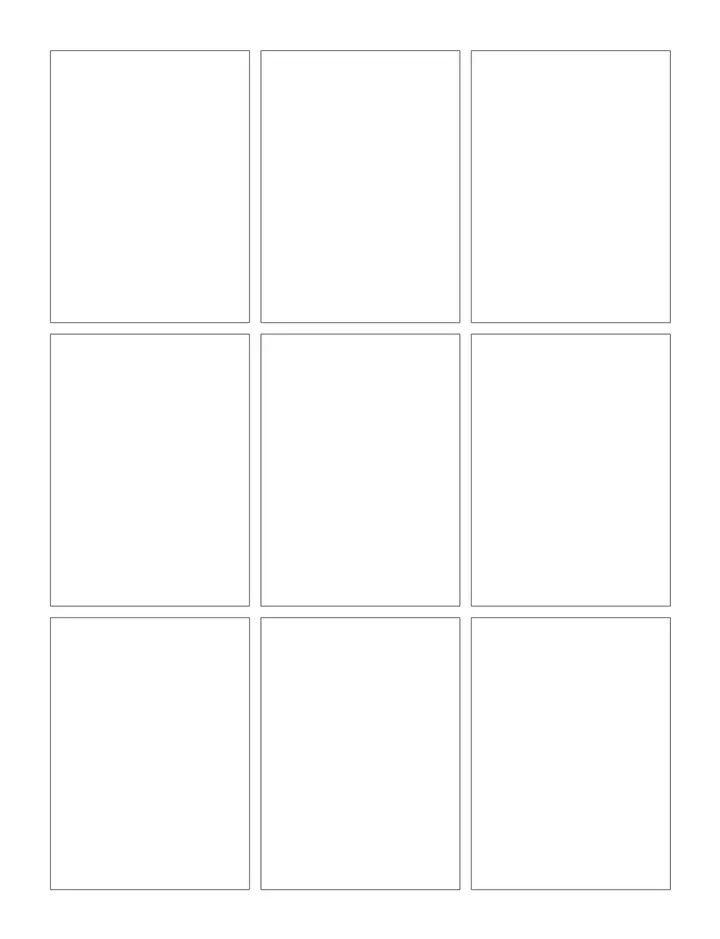
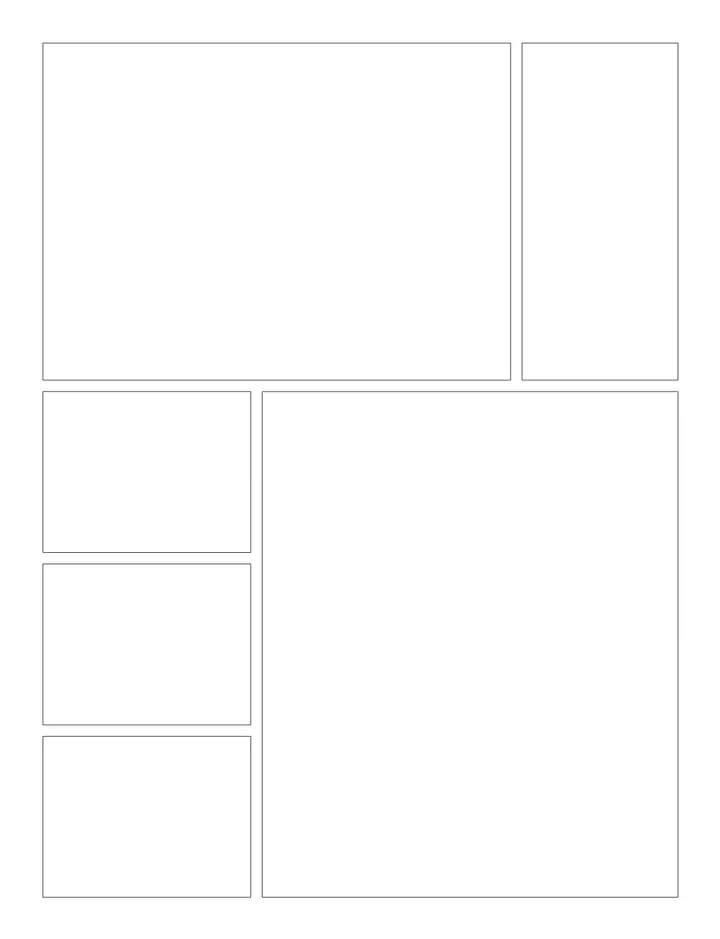
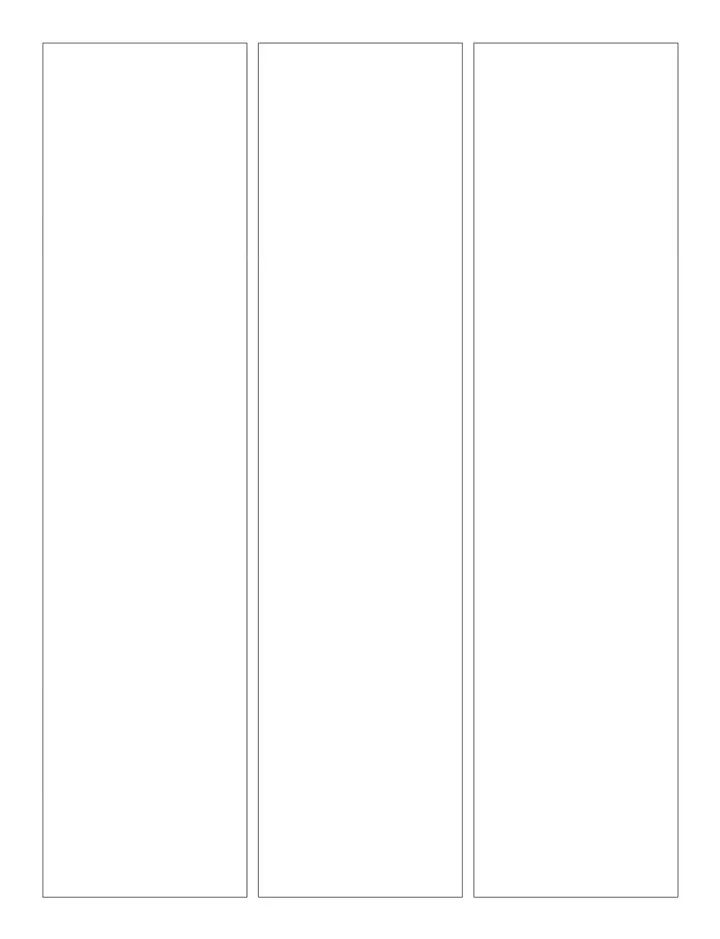
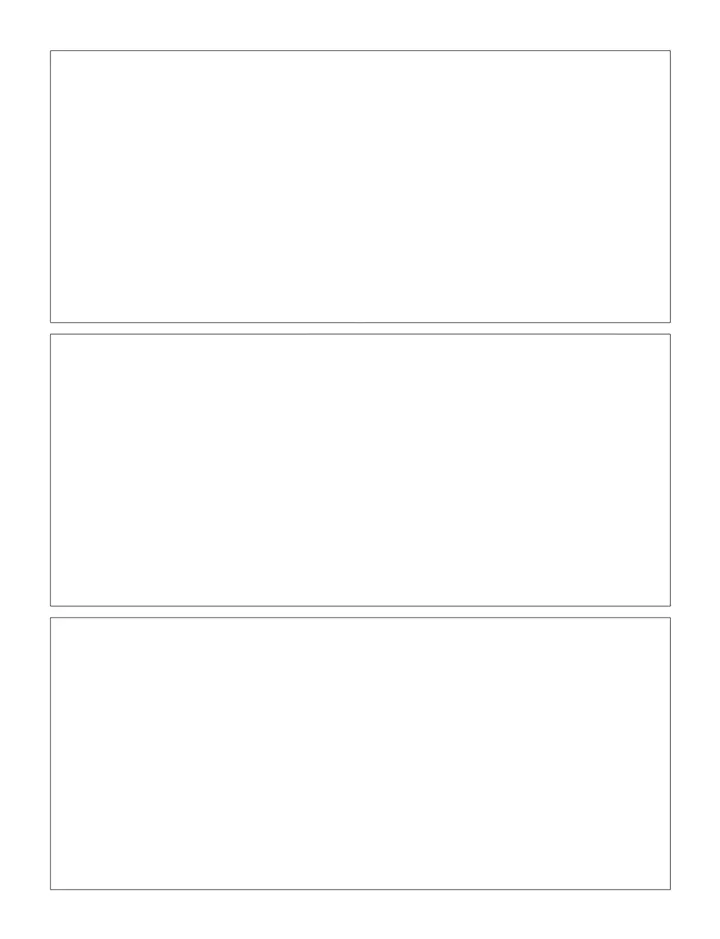
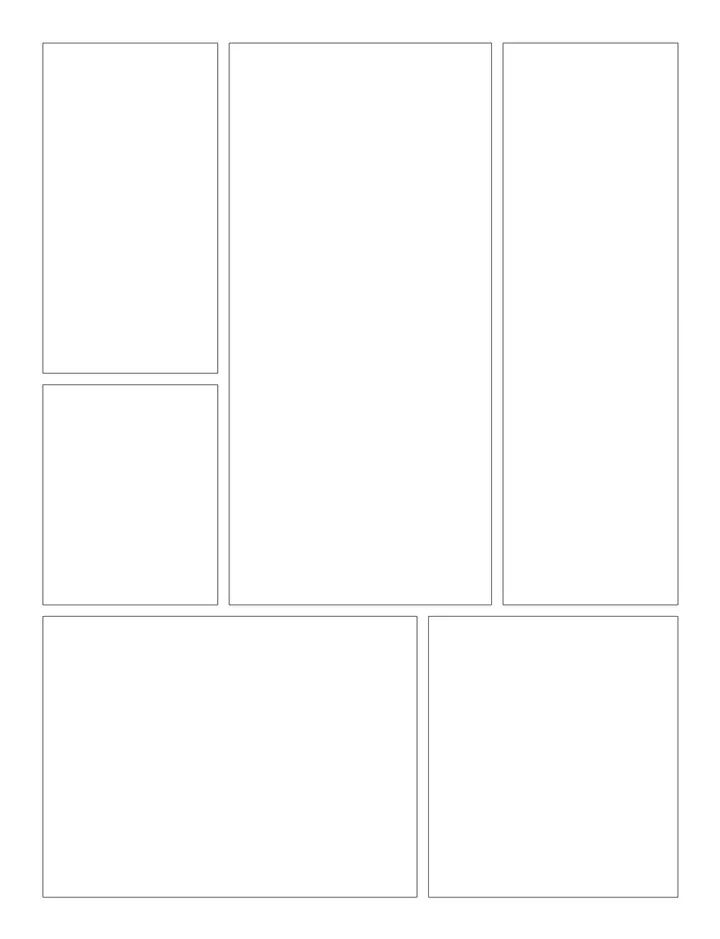
What you can create
One editor, every low-content interior your catalog needs.
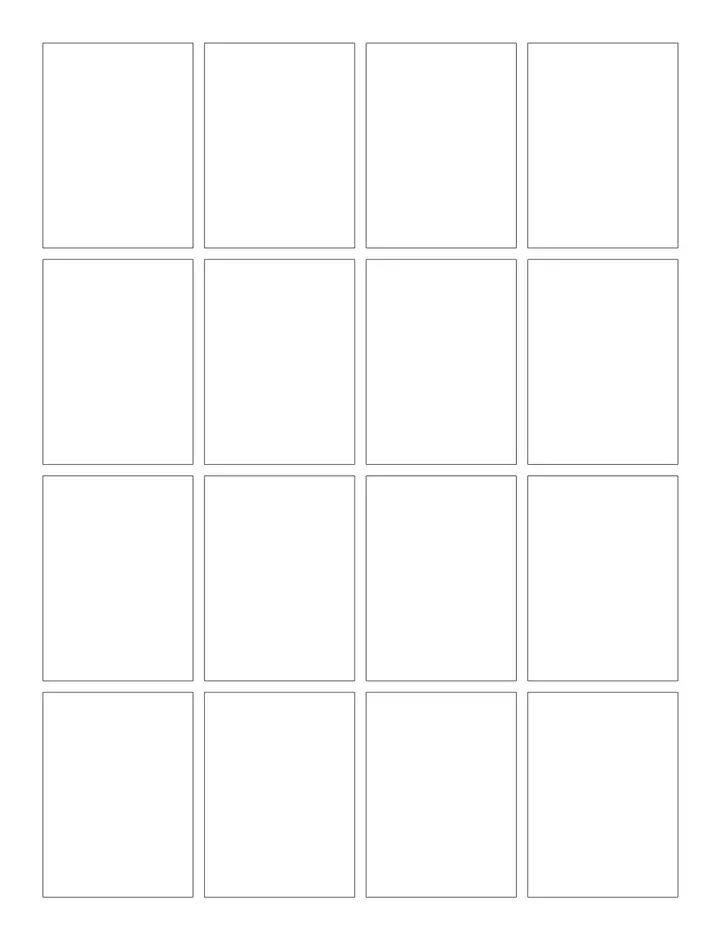
- 16-Panel Waffle Grid books
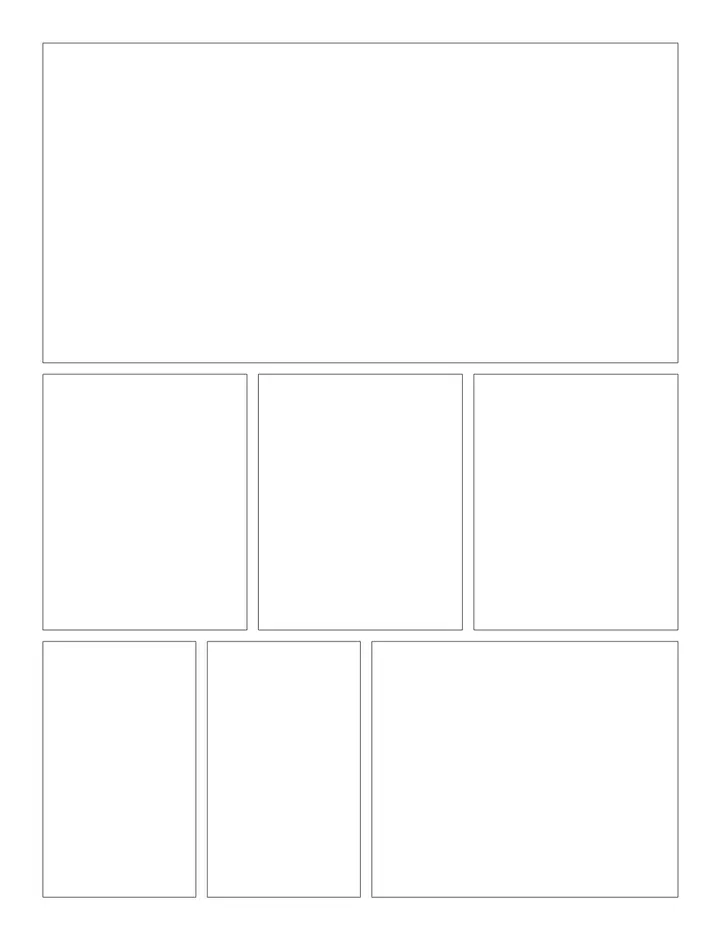
- Character Centerpiece books
- Cinematic Widescreen books
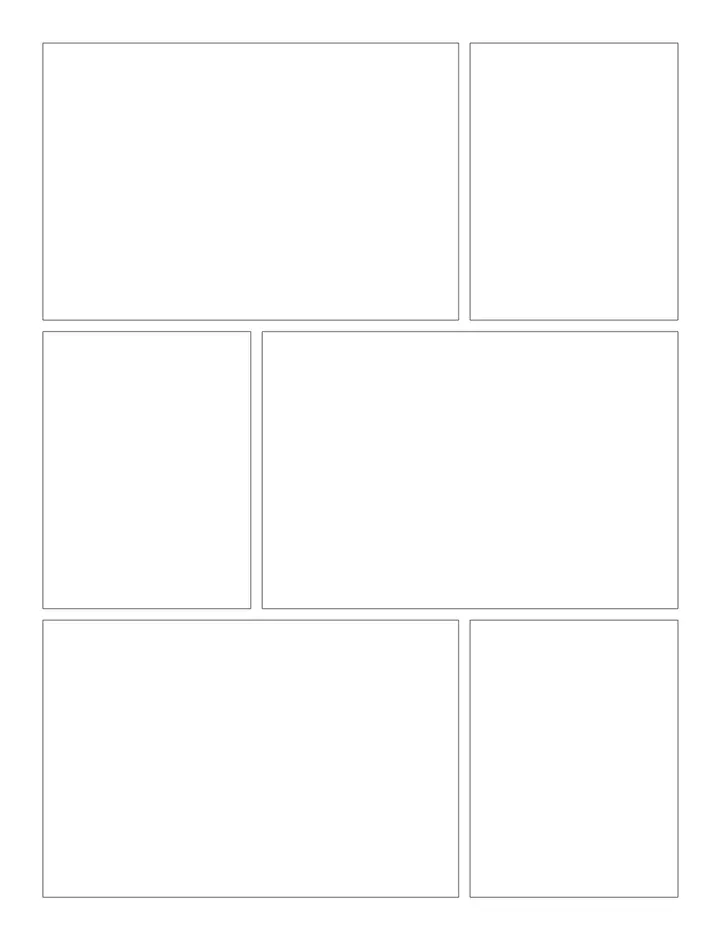
- Classic 6-Panel books
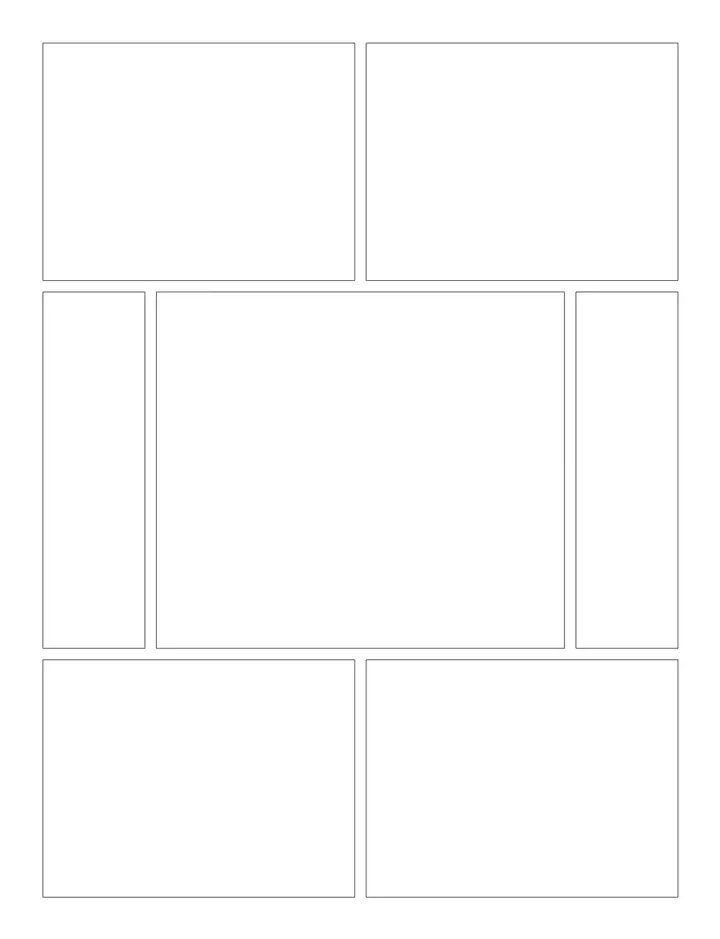
- Climax Reveal books
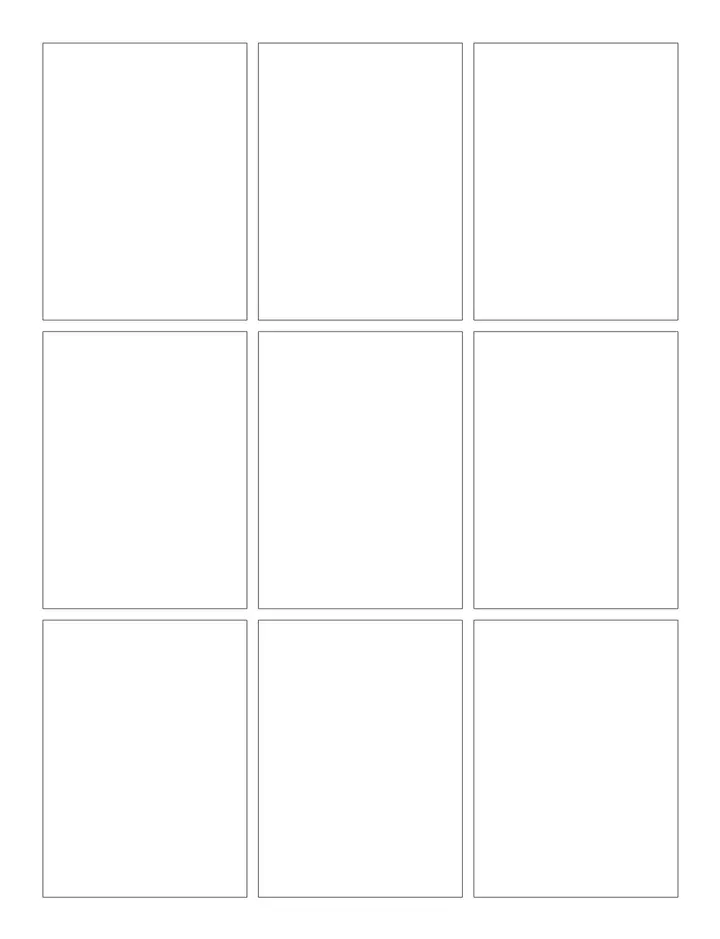
- Dense 9-Panel Grid books
- Comics interiors for Amazon KDP
- Branded printables for Etsy or your own store
How it works
Four steps from template to published paperback.
- 1
Pick a comics template
Open any template below to see the full page preview and details.
- 2
Start your book project
Launch the Low Content Book Maker with that layout already applied.
- 3
Customize and fill your pages
Set your trim size, page count, and styling, then apply the layout across the book.
- 4
Export and publish
Download a print-ready PDF and upload it straight to Amazon KDP.
What authors use these for
- Launch a comics book series on Amazon KDP
- Build a passive income catalog of printables
- Create comics pages for a specific niche or audience
- Design custom interiors for clients
Start your next low content book today
Start creating your comics bookWhy not build comics pages by hand?
| What matters | Doing it manually | With this tool |
|---|---|---|
| Time to a finished interior | Hours of manual layout | Minutes in the editor |
| Design skills | Word or InDesign know-how | None — pick and customize |
| KDP margins & bleed | Set up by hand, easy to get wrong | Applied automatically per trim size |
| Scaling to more books | Rebuild every layout | Duplicate, restyle, publish again |
Frequently asked questions
What are comics templates?
Comics printable templates for Low Content Pro.
How many comics templates are available?
There are 18 comics templates in this category, and new layouts are added regularly.
Can I sell books made with these templates on Amazon KDP?
Yes. Every export is a print-ready PDF sized for KDP paperback interiors, so you can publish and sell what you create.
Do I need design software?
No. Everything happens in the browser — pick a template, customize it, and export your interior.
What trim sizes are supported?
All common KDP sizes including 6×9 and 8.5×11, with margins and bleed applied automatically.
Keep exploring
Related categories
Create your book
KDP resources
Ready to create your comics book?
Pick a comics template, customize the layout, and export a KDP-ready interior in minutes.
Start creating your comics bookNo design experience required · Print-ready PDF export