OODA Decision Loop
Brain dump / productivity worksheet: OODA Decision Loop. Capture ideas, prioritize tasks, and clear mental clutter. Customize it in the Low Content Book Maker and export a print-ready productivity interior for Amazon KDP.
- 200,000+Authors Worldwide
- 300+Printable Templates
- KDP ReadyExport Formats
- ZeroDesign Skills Needed
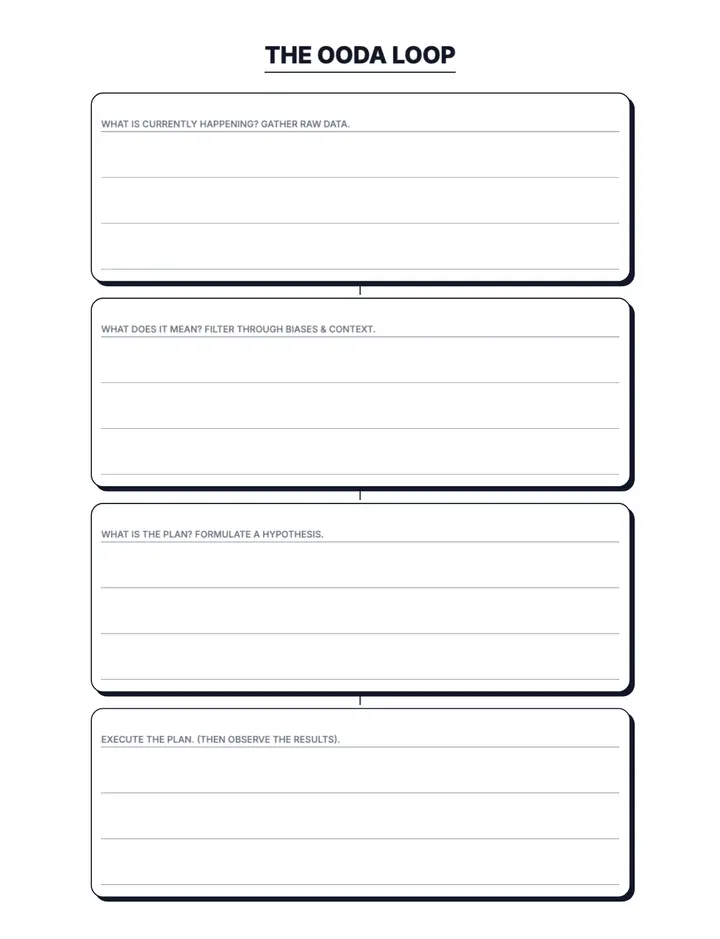
Low Content Template • 8.5" × 11"
OODA Decision Loop
Brain dump / productivity worksheet: OODA Decision Loop. Capture ideas, prioritize tasks, and clear mental clutter. Customize it in the Low Content Book Maker and export a print-ready productivity interior for Amazon KDP.
- 100% fully customizable
- Edit and export print-ready PDFs
- Commercial-use license included
- Apply the layout to every page in one click
Referencia rápida
Comprobaciones importantes antes de publicar un interior de OODA Decision Loop.
| Personalización | Ajusta el contenido de la plantilla, la tipografía y la configuración de página para el libro que tienes en mente. |
|---|---|
| Resultado | Exporta el interior terminado en PDF e inspecciona cada página antes de subirlo. |
| Número de páginas | Confirma que el número final de páginas funciona con el formato seleccionado y las dimensiones de la portada. |
| Comprobación de KDP | Confirma los requisitos actuales de tamaño de corte, márgenes, sangrado y manuscrito para el formato de libro seleccionado. |
What the OODA Decision Loop template does
The OODA Decision Loop template gives you a ready-made productivity page layout you can drop into any book project. Set your trim size and page count, adjust the design, then export the whole interior as a KDP-ready PDF.
Perfect for
- Amazon KDP publishers building low-content books
- Creators who want productivity interiors without design software
- Sellers growing a passive income catalog
- Beginners publishing their first paperback
OODA Decision Loop es una plantilla imprimible de interior (productivity) creada para libros de bajo contenido de Amazon KDP. Personaliza OODA Decision Loop en Low Content Pro (ajusta el diseño, la tipografía y la configuración de página) y exporta un PDF listo para imprimir para tu libro de tapa blanda. Usos populares: brain dump, ooda, decision, productivity, worksheet, planner.
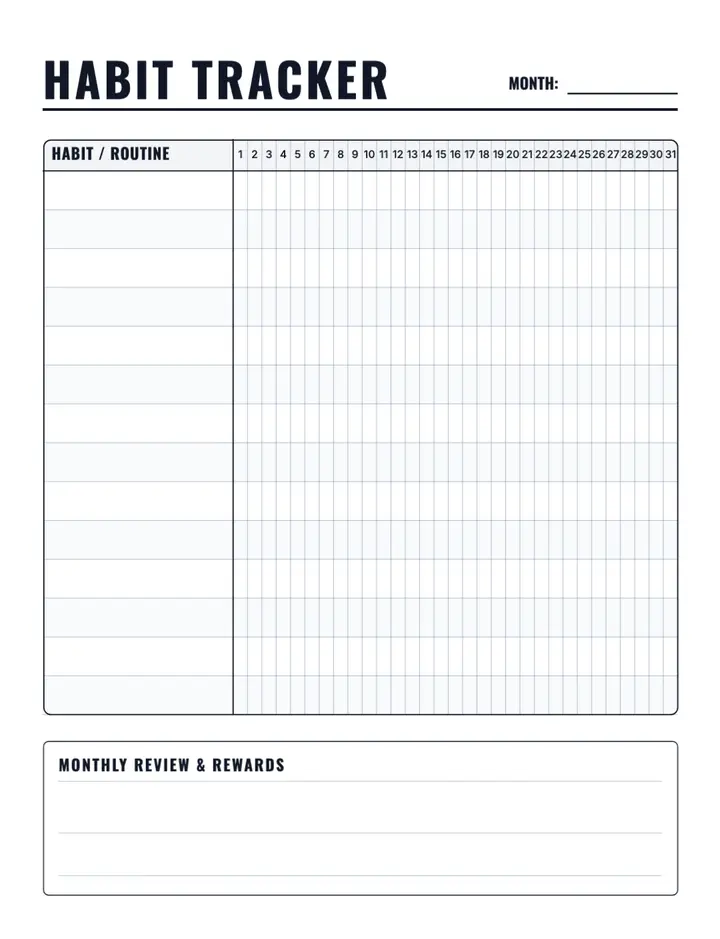
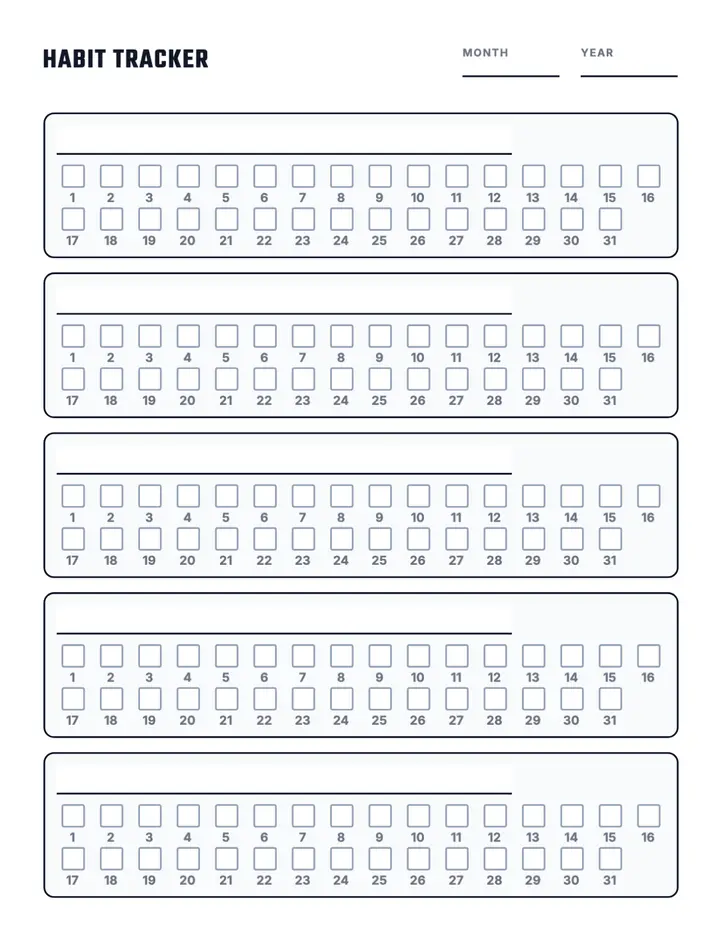
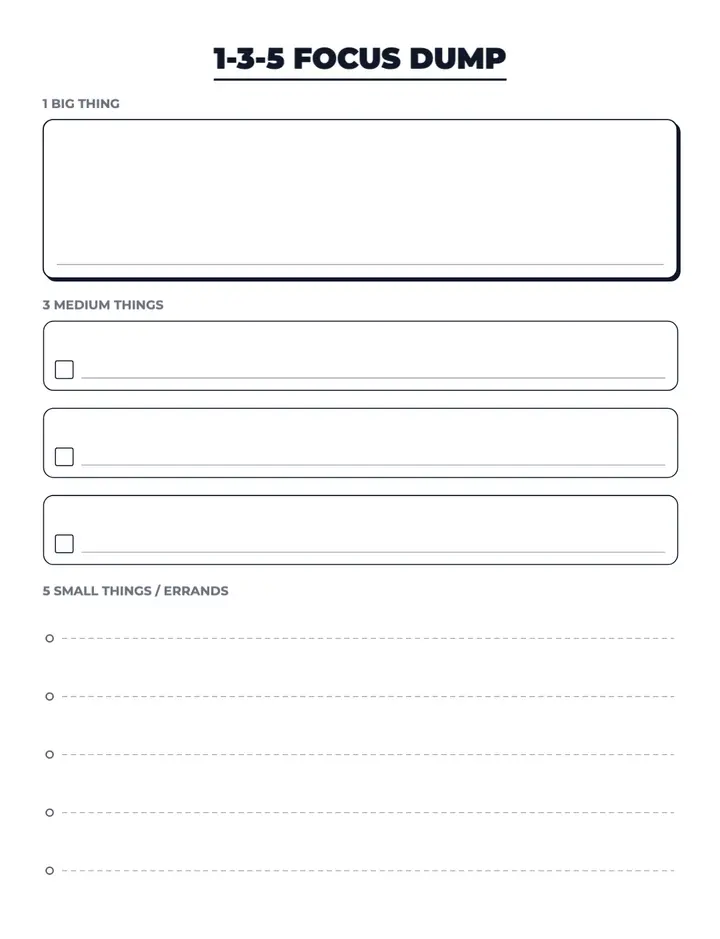
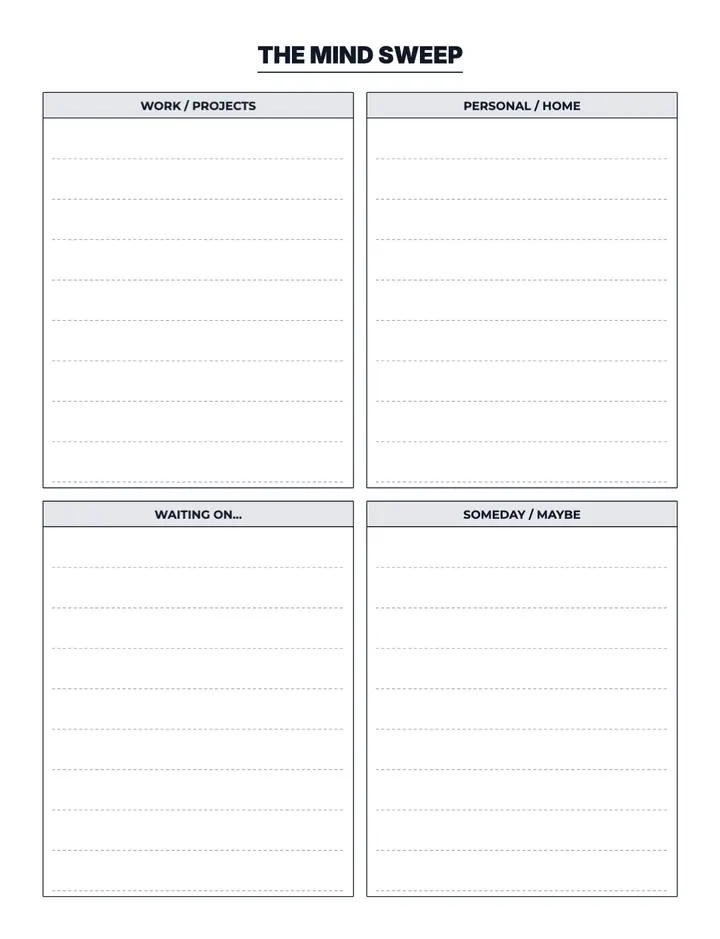
Example pages from this collection
See how productivity interiors look before you start. Every preview below is a real page exported from the editor.
How to make a OODA Decision Loop book
Four steps from template to published paperback.
- 1
Open the OODA Decision Loop template
Click the button above to start a new book project with this layout already applied.
- 2
Choose your size and page count
Pick a KDP trim size such as 6×9 or 8.5×11 and set how many pages your book needs.
- 3
Customize the layout
Adjust spacing, typography, labels, and section settings until the page matches your brand.
- 4
Export and publish
Download a print-ready PDF with correct margins and bleed, then upload it to Amazon KDP.
What you get
Everything below ships with the template — no extra setup.
- 100% fully customizable
- Edit and export print-ready PDFs
- Commercial-use license included
- Apply the layout to every page in one click
- KDP trim sizes with automatic margins and bleed
- Editable text, spacing, and line settings
What you can use it for
Sell OODA Decision Loop books on Amazon KDP
Publish brain dump books for a specific niche
Publish ooda books for a specific niche
Publish decision books for a specific niche
Build a branded productivity series
Create printables to sell on Etsy or your own site
Errores comunes que debes evitar
Subirlo sin revisarlo
Revisa las indicaciones, las etiquetas, el orden de las páginas, las fechas y el contenido repetido en el PDF final exportado.
Tratar todos los tamaños de corte por igual
Los márgenes, el espacio de escritura y la densidad visual deben revisarse de nuevo cada vez que cambie el tamaño de corte.
Olvidar la dependencia de la portada
Si cambia el número de páginas del interior, puede cambiar el ancho de lomo necesario, así que vuelve a generar o redimensiona la portada cuando el interior esté terminado.
Casos especiales que conviene revisar
Con sangrado o sin sangrado
Las ilustraciones que llegan al borde de la página necesitan una configuración distinta a la del contenido que permanece dentro del área segura.
Texto de derecha a izquierda o multilingüe
Confirma la compatibilidad de fuentes, la dirección de lectura, los saltos de línea y los glifos exportados para cada idioma utilizado.
Interiores muy cortos
Consulta el número mínimo de páginas vigente y los requisitos de encuadernación del formato exacto de KDP en el que piensas publicar.
Start your OODA Decision Loop book now
Customize this templateRecursos y orientación
¿Quieres más ayuda práctica con KDP?
Explora nuestros recursos de publicación, listas de verificación y guías de herramientas gratuitos antes de empezar tu próximo libro.
Explorar recursos gratuitosWhy not build OODA Decision Loop pages by hand?
| Lo que importa | Hacerlo manualmente | Con esta herramienta |
|---|---|---|
| Time to a finished interior | Hours or days of hand layout | Minutes of setup |
| Design skills | Word, Illustrator, or InDesign | None — pick and customize |
| Print-safe margins | Checked manually, easy to get wrong | Handled by the editor |
| Scaling to more books | Start from scratch each time | Reuse and re-export |
Frequently asked questions
What is the OODA Decision Loop template?
Brain dump / productivity worksheet: OODA Decision Loop. Capture ideas, prioritize tasks, and clear mental clutter.
Can I publish OODA Decision Loop books on Amazon KDP?
Yes. Exports are print-ready PDFs with the margins, bleed, and resolution Amazon KDP expects for paperback interiors.
Can I customize the OODA Decision Loop layout?
Yes. You can change text, spacing, line styles, and section options, then apply your version to every page in the book.
What book size should I use?
This template is set up for Low Content Template • 8.5" × 11", and you can switch to any other KDP trim size before you export.
Do I need design experience?
No. The template handles the layout — you only pick your size, page count, and any styling tweaks you want.
How many pages can I create at once?
You can apply the template across the whole book, from a short 20-page interior up to hundreds of pages.
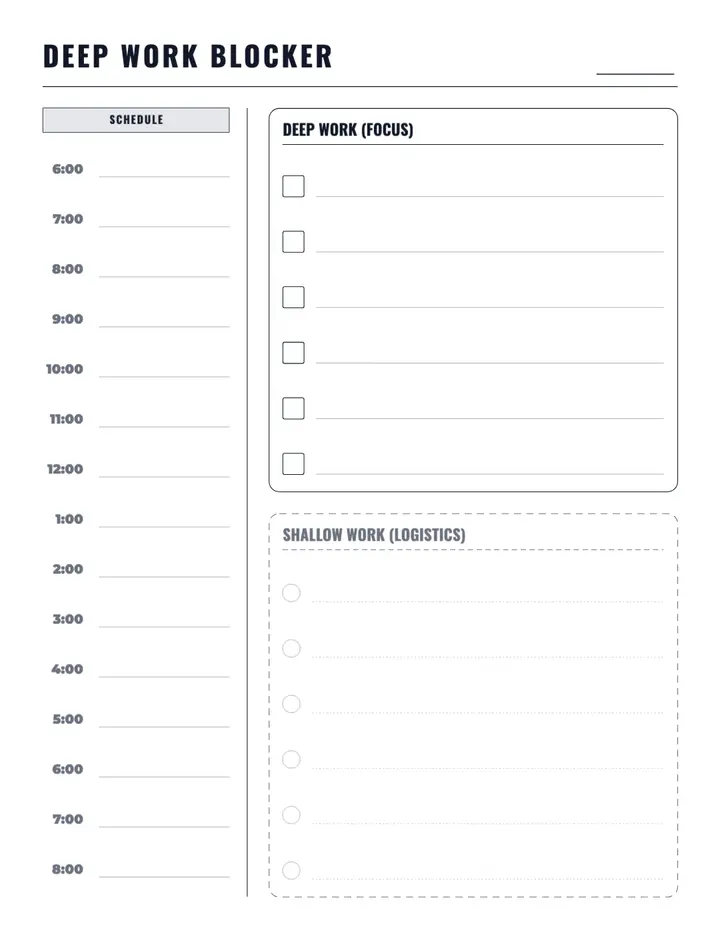
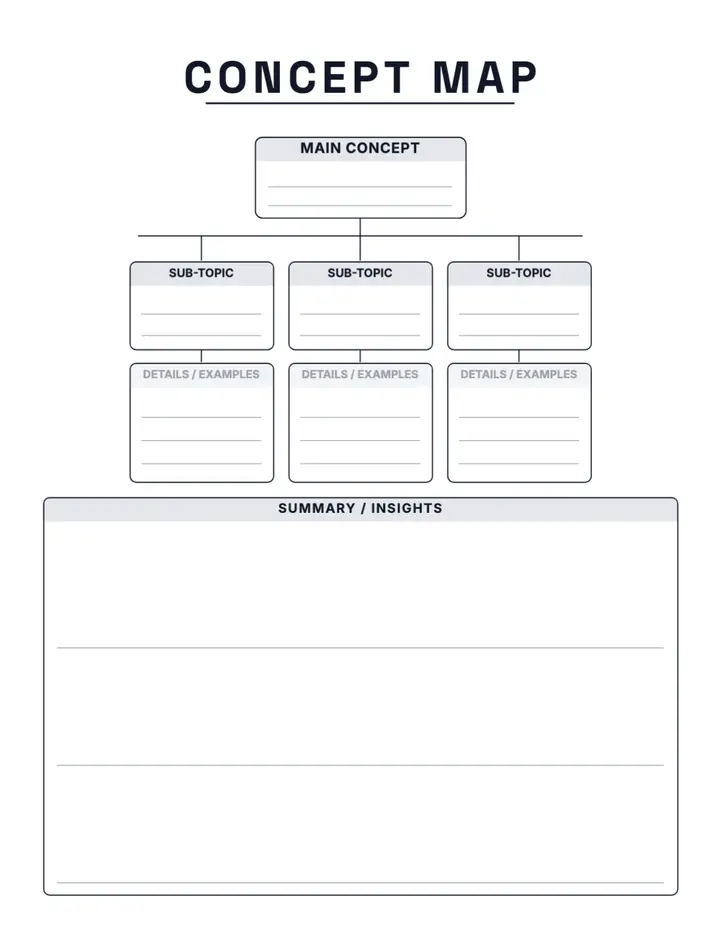
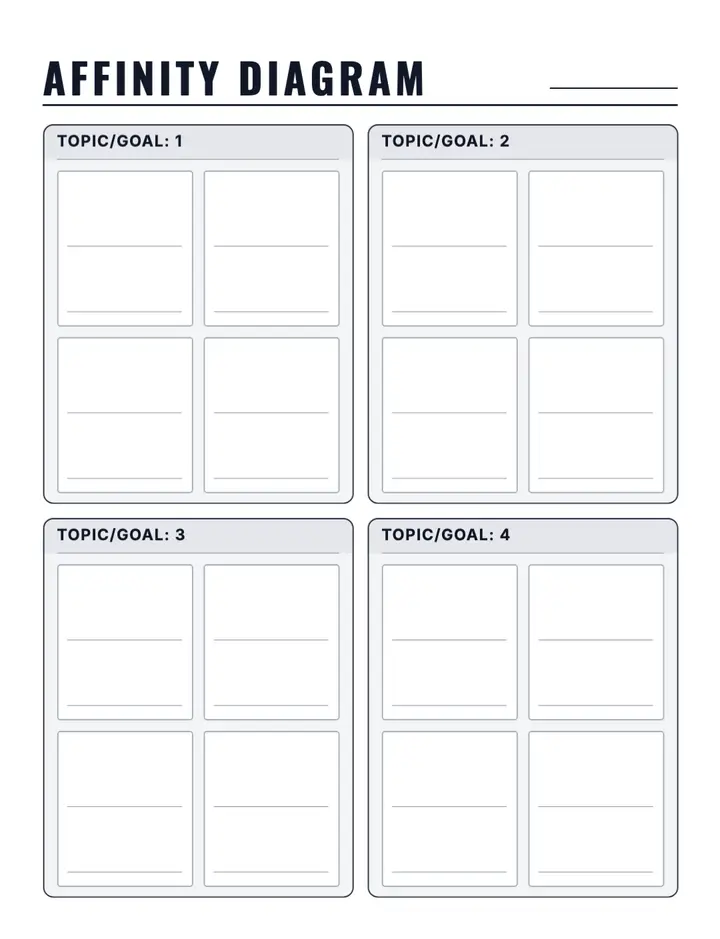
More productivity templates
Mix these into the same book, or start a second title in the same niche.
Keep exploring
Explorar plantillas
Crea tu libro
Más herramientas para KDP
Ready to create your OODA Decision Loop book?
Open the template in Low Content Pro, customize it to your niche, and export a KDP-ready interior.
Customize this templateNo necesitas experiencia en diseño · Exportación en PDF lista para imprimir